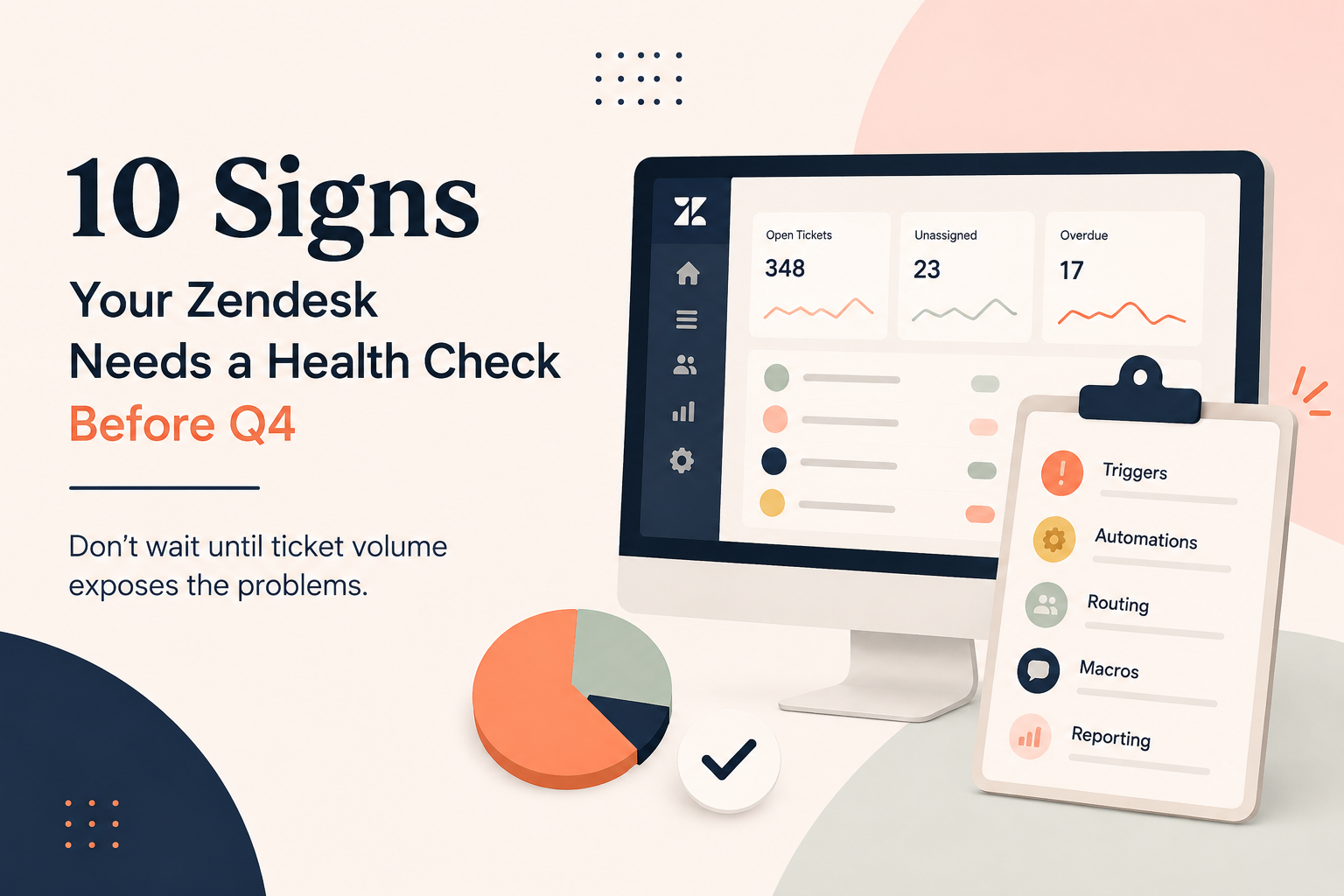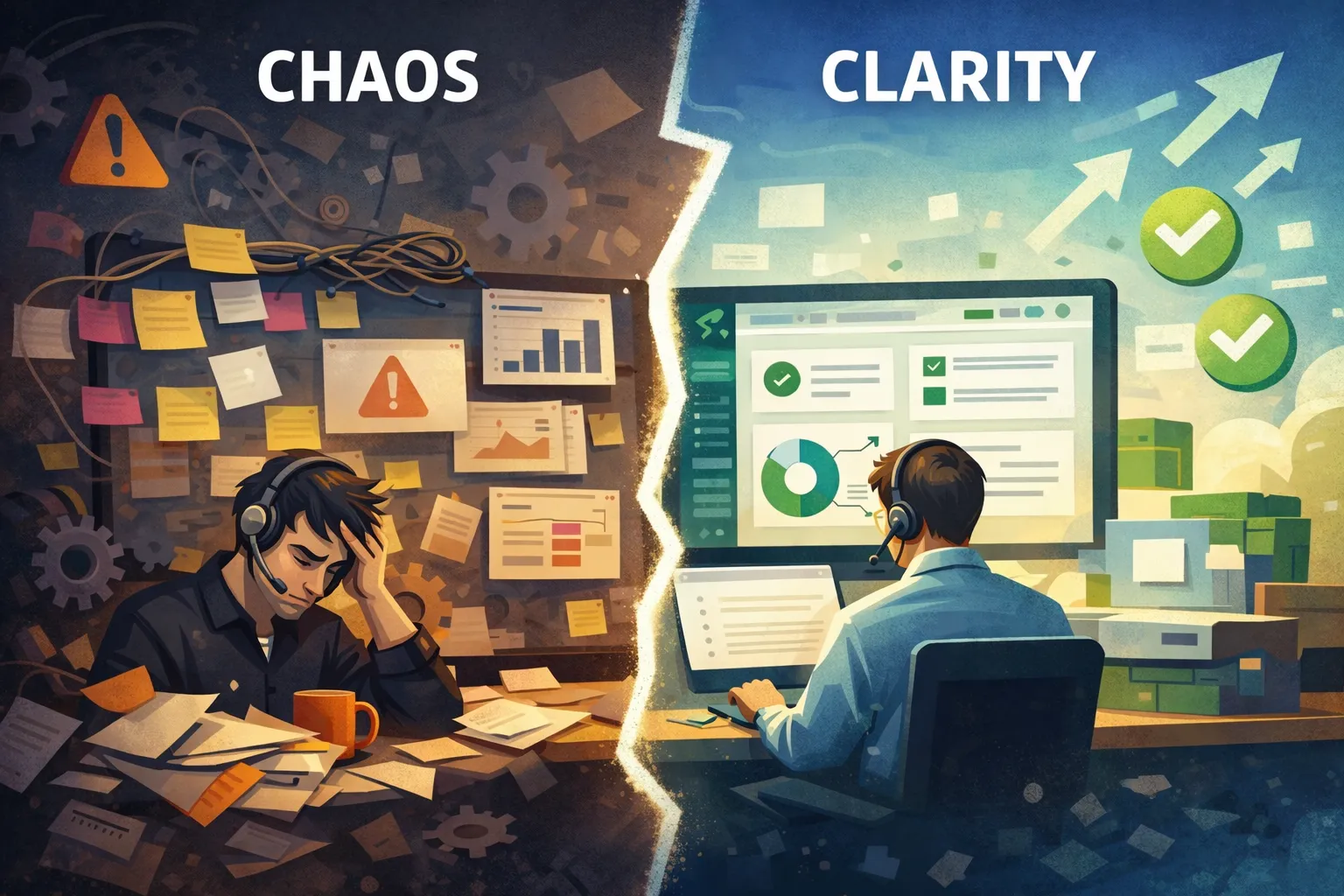
When companies invest in Zendesk, they expect faster support, happier agents, and better customer experiences. But simply having Zendesk isn't enough.
A poorly configured Zendesk instance can quietly drain your team's productivity every single day. The problems aren't always obvious at first. They show up as slower response times, frustrated agents, unreliable reports, and customers who don't stick around.
The good news? Most of these issues are completely fixable.
Let's look at the hidden costs of an under-optimized Zendesk environment, and how you can avoid them.
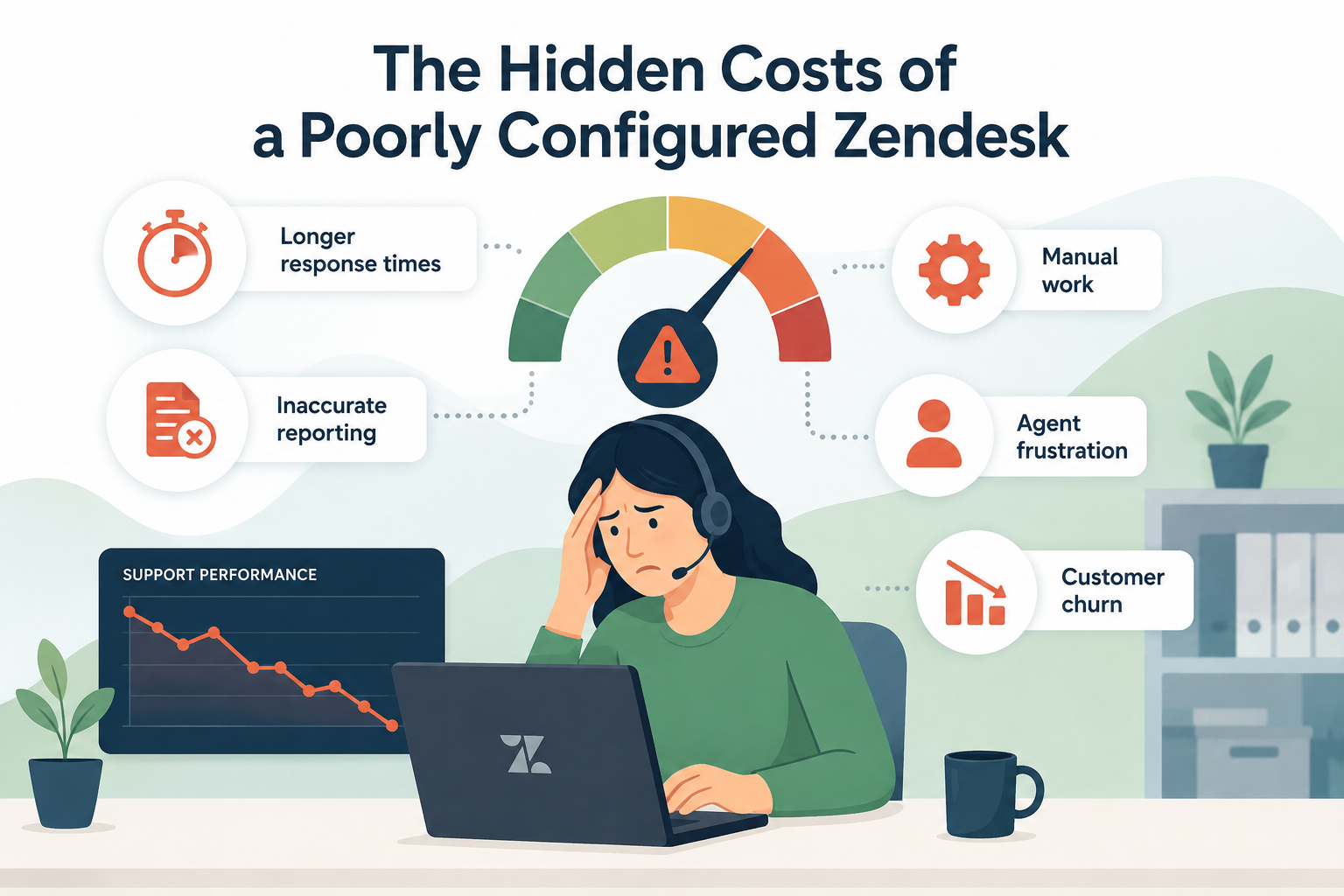
1. Longer Response Times
Your customers don't care how many tickets your team handles each day. They care how quickly they receive helpful answers.
When Zendesk isn't configured correctly, agents spend unnecessary time:
- Searching for the right tickets
- Manually assigning conversations
- Looking for information
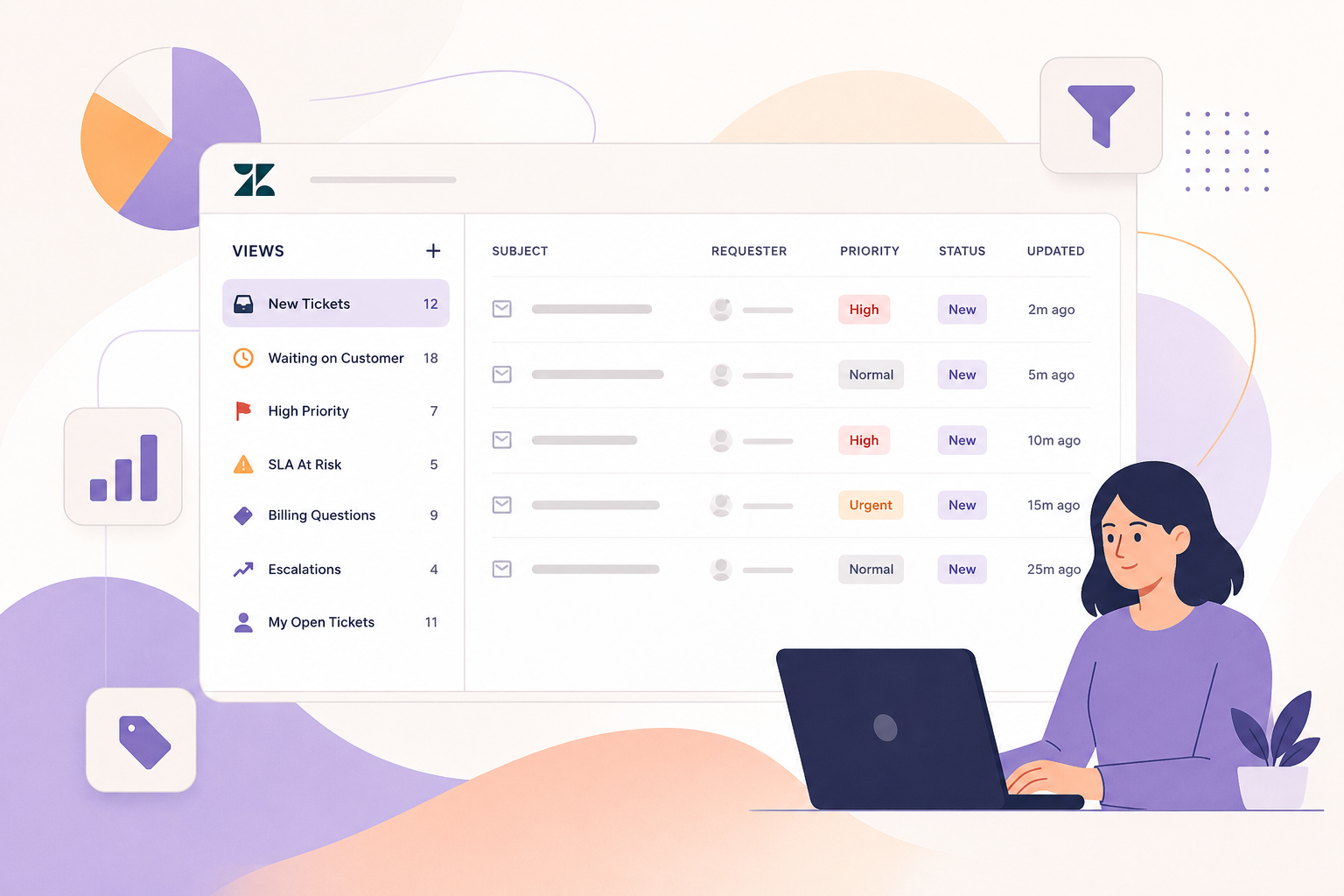
- Navigating cluttered views
- Correcting routing mistakes
Even small inefficiencies add up. If every ticket takes just one extra minute to process, a team handling 300 tickets per day loses five hours of productivity every single day.
Common causes
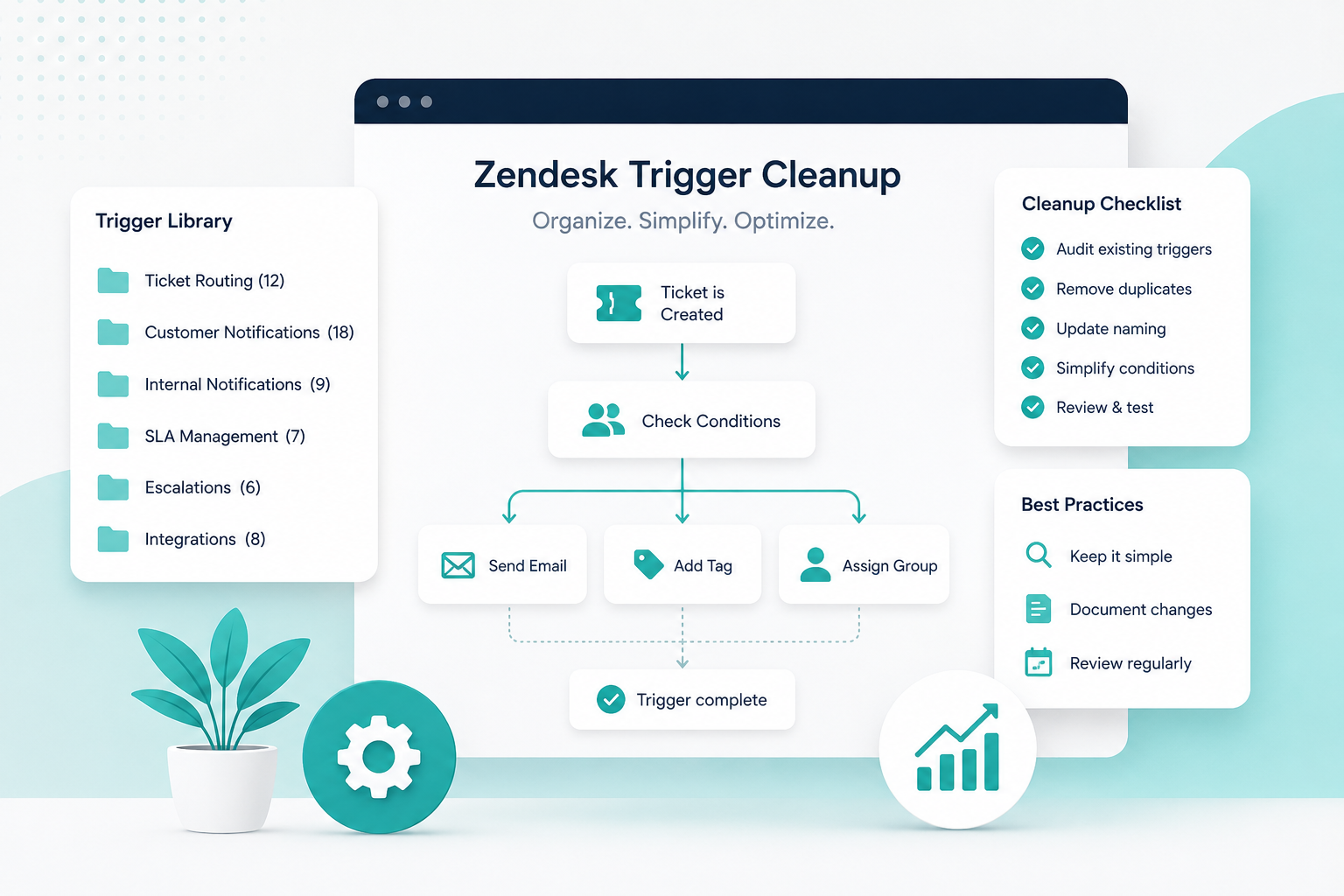
- Too many outdated triggers
- Poor ticket routing
- Ineffective views
- Missing automations
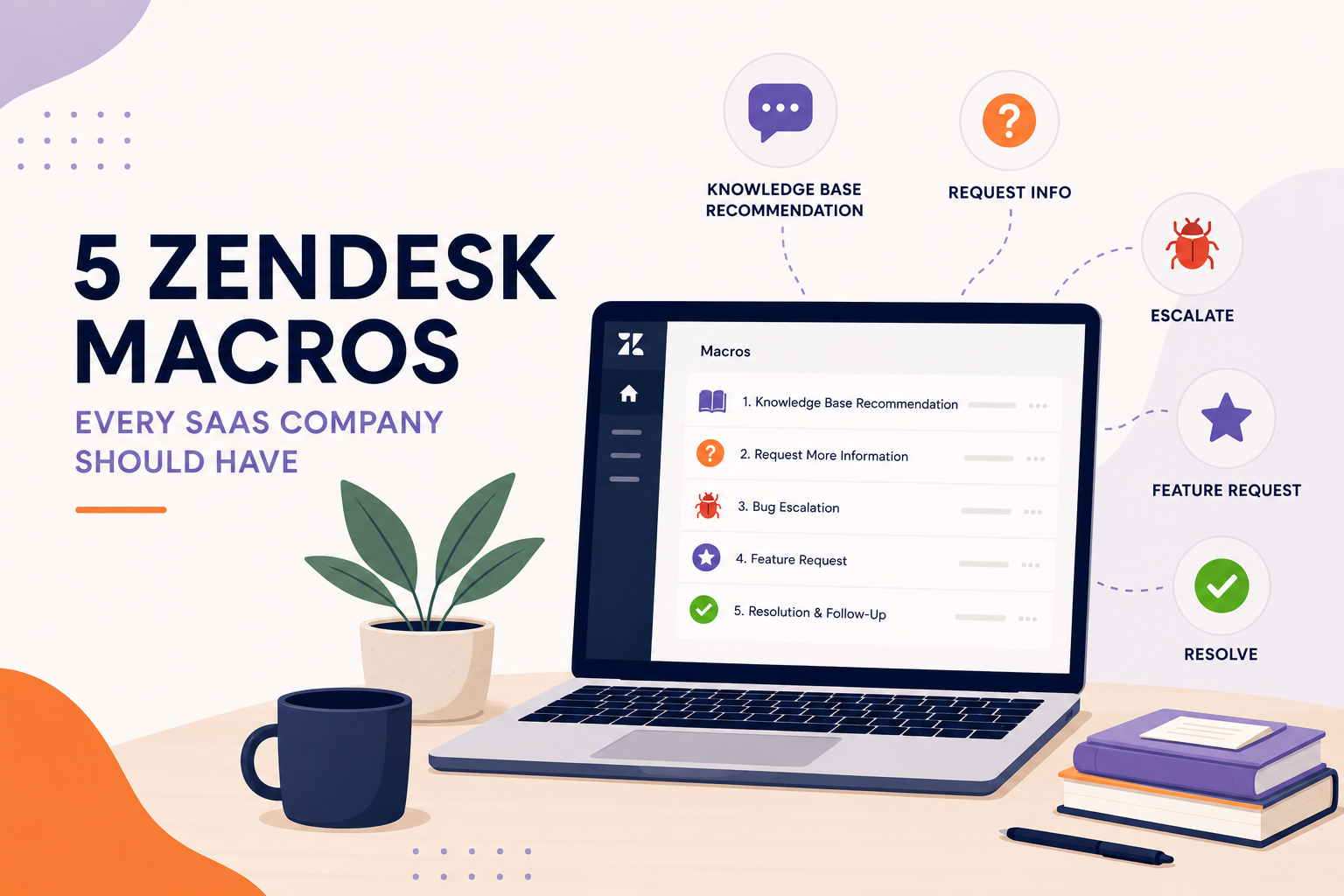
- No standardized macros
How to improve it
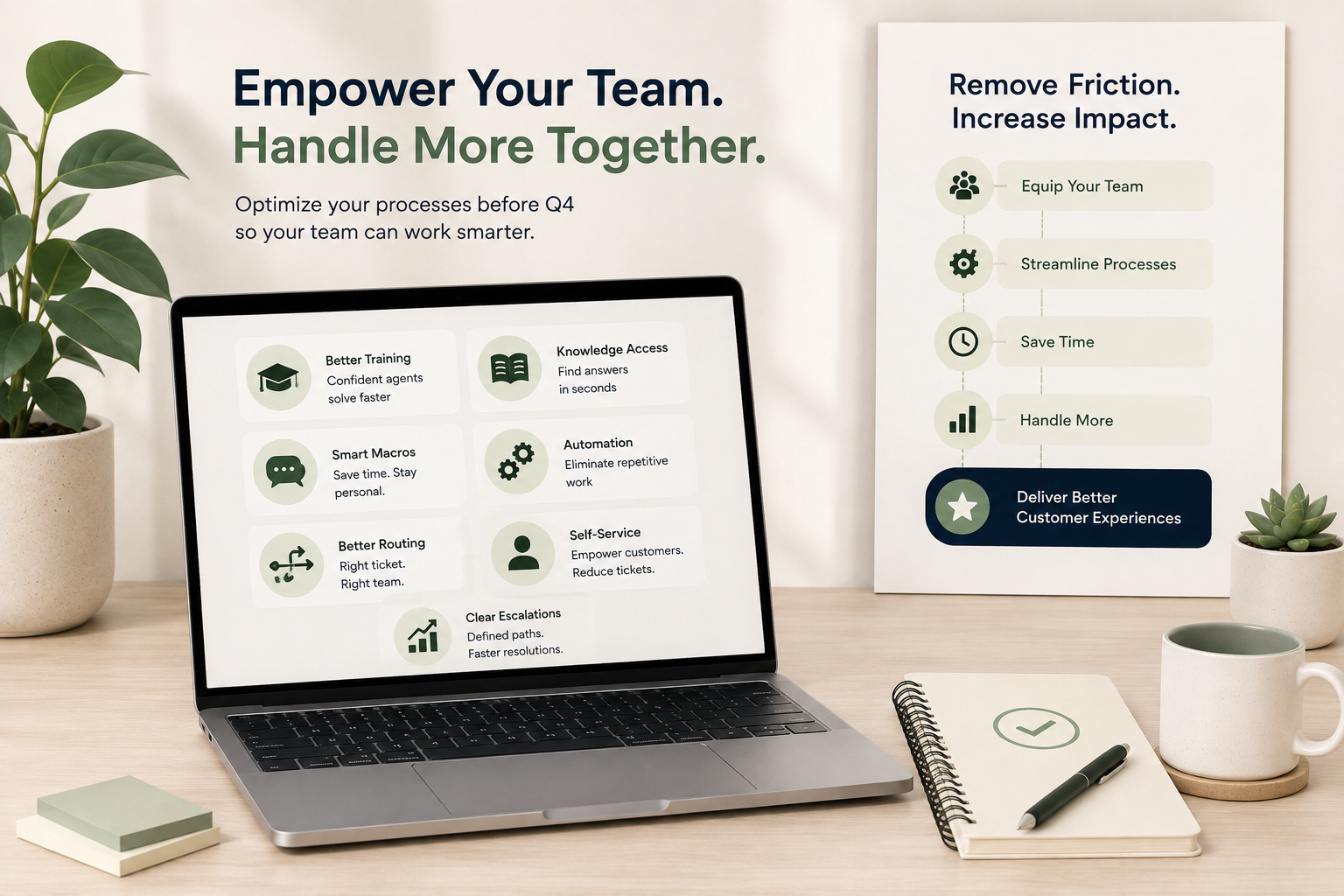
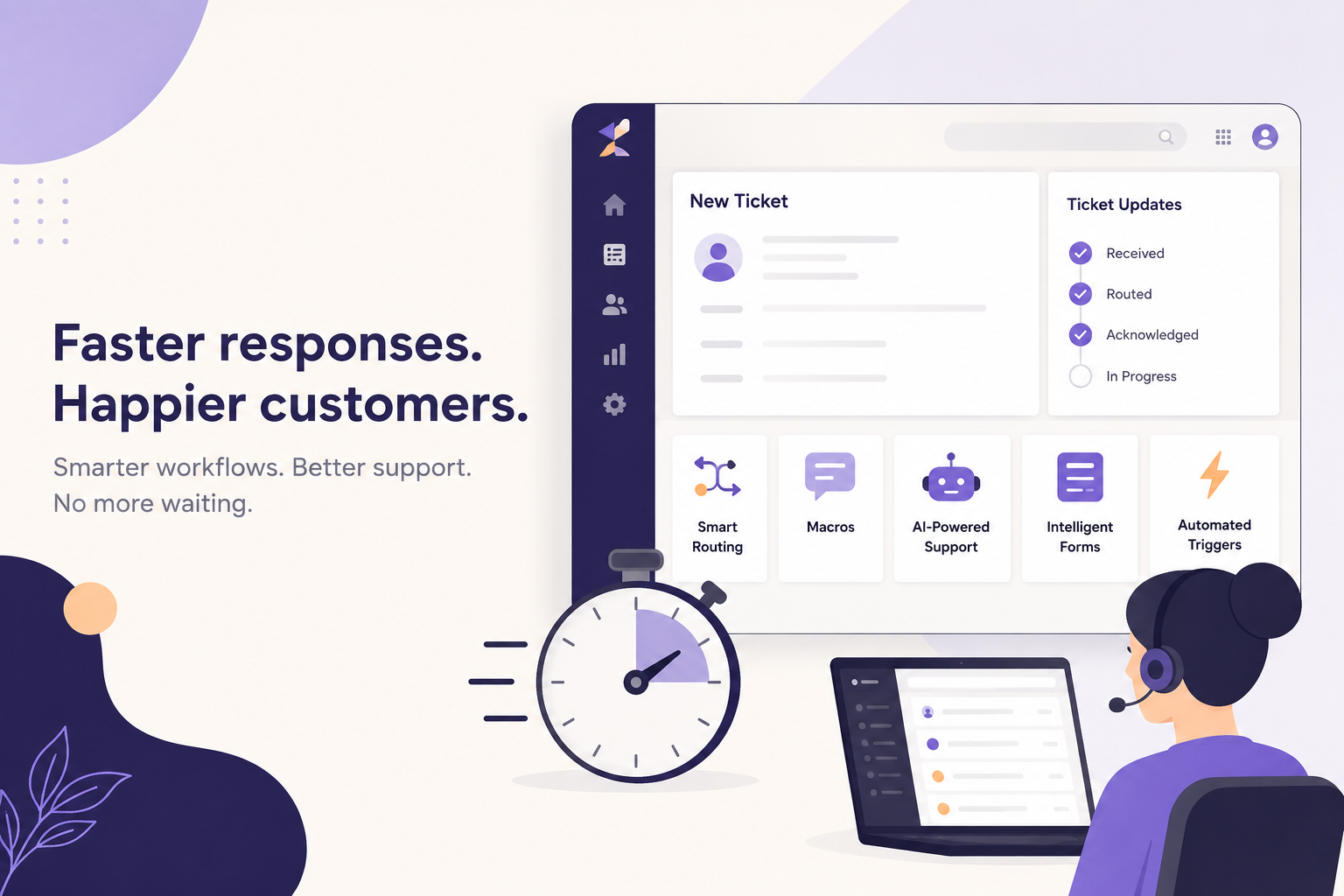
Review your routing logic regularly, simplify agent views, and automate repetitive tasks whenever possible. Your goal should be to get the right ticket to the right person as quickly as possible.
2. Manual Work Steals Time From Real Customer Support
Zendesk is designed to automate repetitive work, yet many organizations still rely heavily on manual processes.
Agents often find themselves:
- Updating statuses manually
- Assigning groups themselves
- Sending the same responses repeatedly
- Following up on aging tickets manually
Every repetitive task increases handle time while reducing the amount of time agents can spend actually solving customer problems.
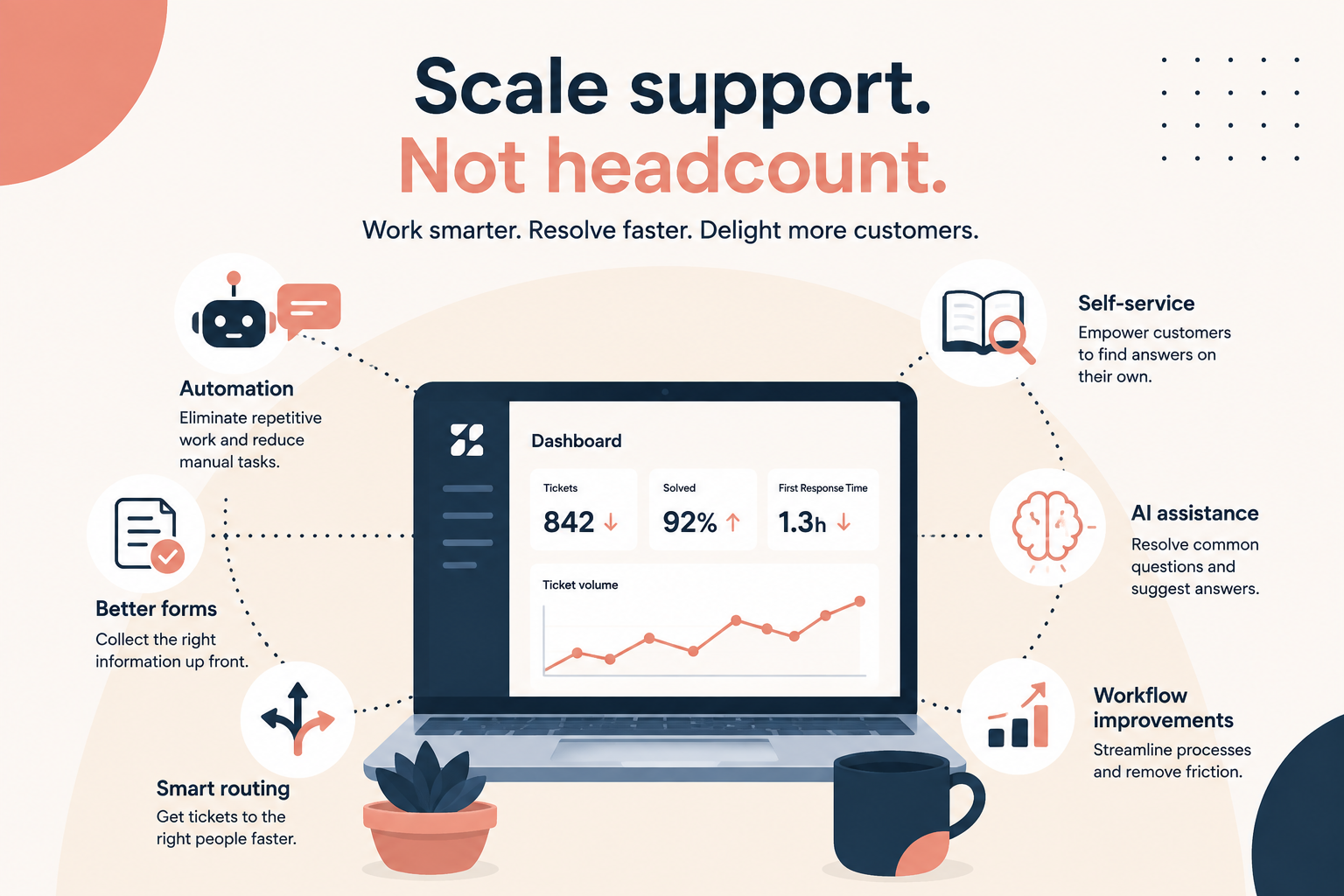
Instead of hiring more agents to keep up with ticket volume, many companies can simply automate work they're already doing manually.
Automation opportunities include:
- Automatic ticket routing
- SLA reminders
- Customer follow-ups
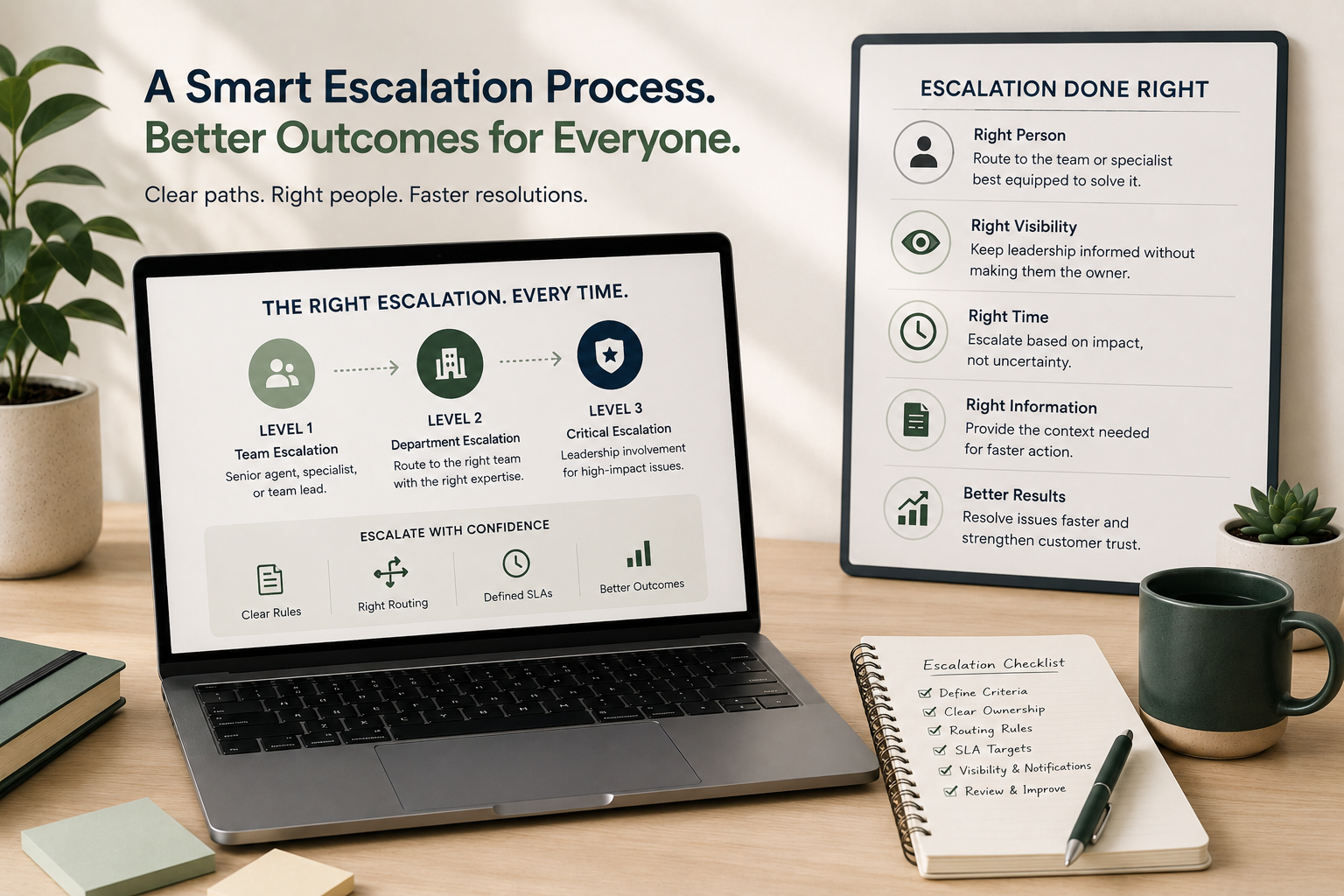
- Escalation workflows
- AI-powered ticket classification
- Macro-driven responses
The less time agents spend clicking buttons, the more time they spend helping customers.
3. Inaccurate Reporting Leads to Poor Business Decisions
Your Zendesk reports are only as good as the data feeding them.
If tickets aren't categorized consistently, or automations aren't working correctly, your reporting becomes unreliable.
You might think:
- Response times are improving when they aren't.
- One product has more issues than another.
- Certain teams are overloaded.
- Customer satisfaction is declining for the wrong reasons.
Without trustworthy reporting, leadership is forced to make decisions based on incomplete or misleading data.
Signs your reporting needs attention
- Too many unused tags
- Missing ticket fields
- Inconsistent forms
- Duplicate reporting categories
- Dashboards nobody trusts
Clean, standardized data allows Zendesk Explore to provide insights you can actually act on.
4. Agent Frustration Increases Turnover
Support teams already work in fast-paced environments. Zendesk should make their jobs easier, not harder.
Unfortunately, poorly configured instances often create unnecessary friction.
Agents may have to:
- Click through multiple screens
- Search for outdated macros
- Ignore irrelevant triggers
- Work from cluttered ticket views
- Memorize inconsistent processes
Over time, these small frustrations compound into slower performance, lower morale, and higher turnover.
When your best agents spend more time fighting the system than helping customers, everyone loses.
A clean Zendesk environment gives agents confidence, consistency, and the tools they need to succeed.
5. Customer Churn Often Starts Behind the Scenes
Customers rarely leave because of one bad interaction.
More often, they experience a series of small frustrations:
- Slow replies
- Inconsistent answers
- Repeated requests for information
- Tickets bouncing between departments
- Missed follow-ups
Many of these problems originate from Zendesk configuration, not agent performance.
Improving your support operations doesn't just make your team more efficient. It creates a more consistent customer experience that builds trust and loyalty.
When support feels effortless, customers notice.
Is Your Zendesk Helping or Holding You Back?
Many organizations assume their Zendesk instance is "good enough" because it's functioning.
But functioning isn't the same as optimized.
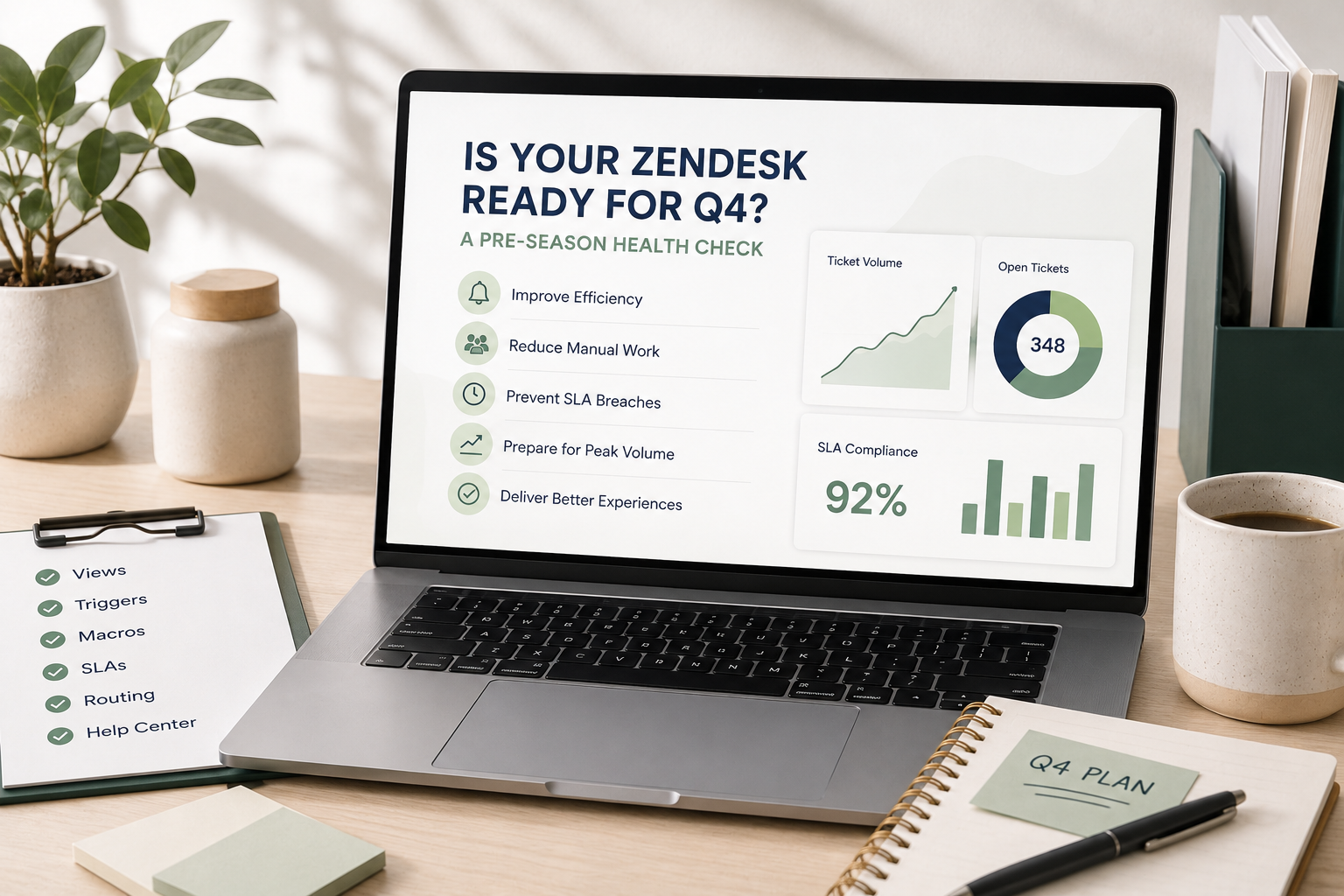
Regular audits can uncover outdated triggers, unnecessary automations, inefficient workflows, and reporting gaps that quietly impact your team's performance every day.
Even small improvements can reduce response times, improve reporting accuracy, increase agent satisfaction, and create a better experience for your customers.
At SupportPie, we help organizations get the most out of Zendesk through configuration reviews, workflow optimization, automation design, and ongoing administration. Whether your instance has grown organically over the years or simply hasn't been reviewed recently, a fresh set of expert eyes can uncover opportunities to save time and improve your support operation.
If your team spends more time working around Zendesk than working with it, it may be time for a Zendesk health check.