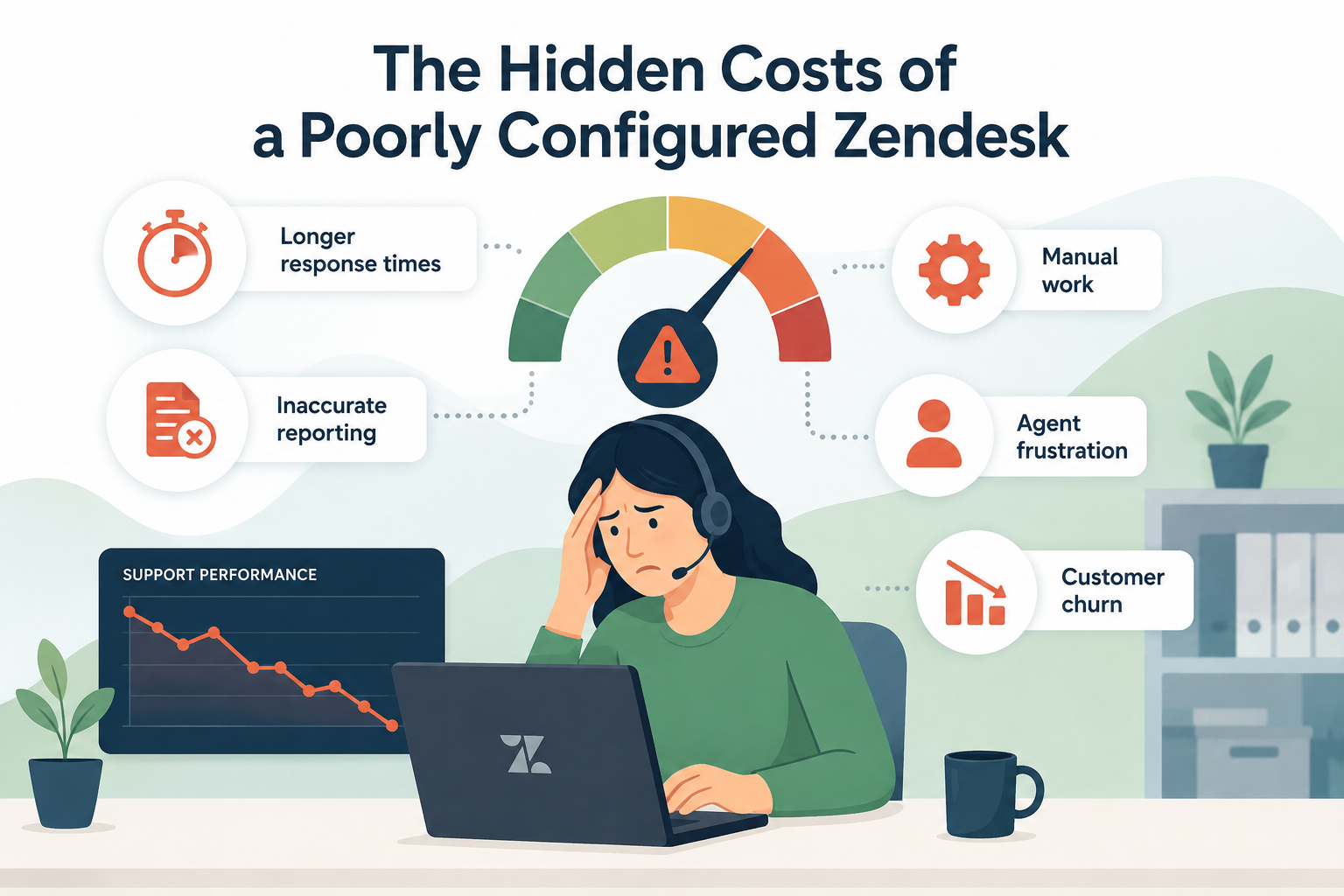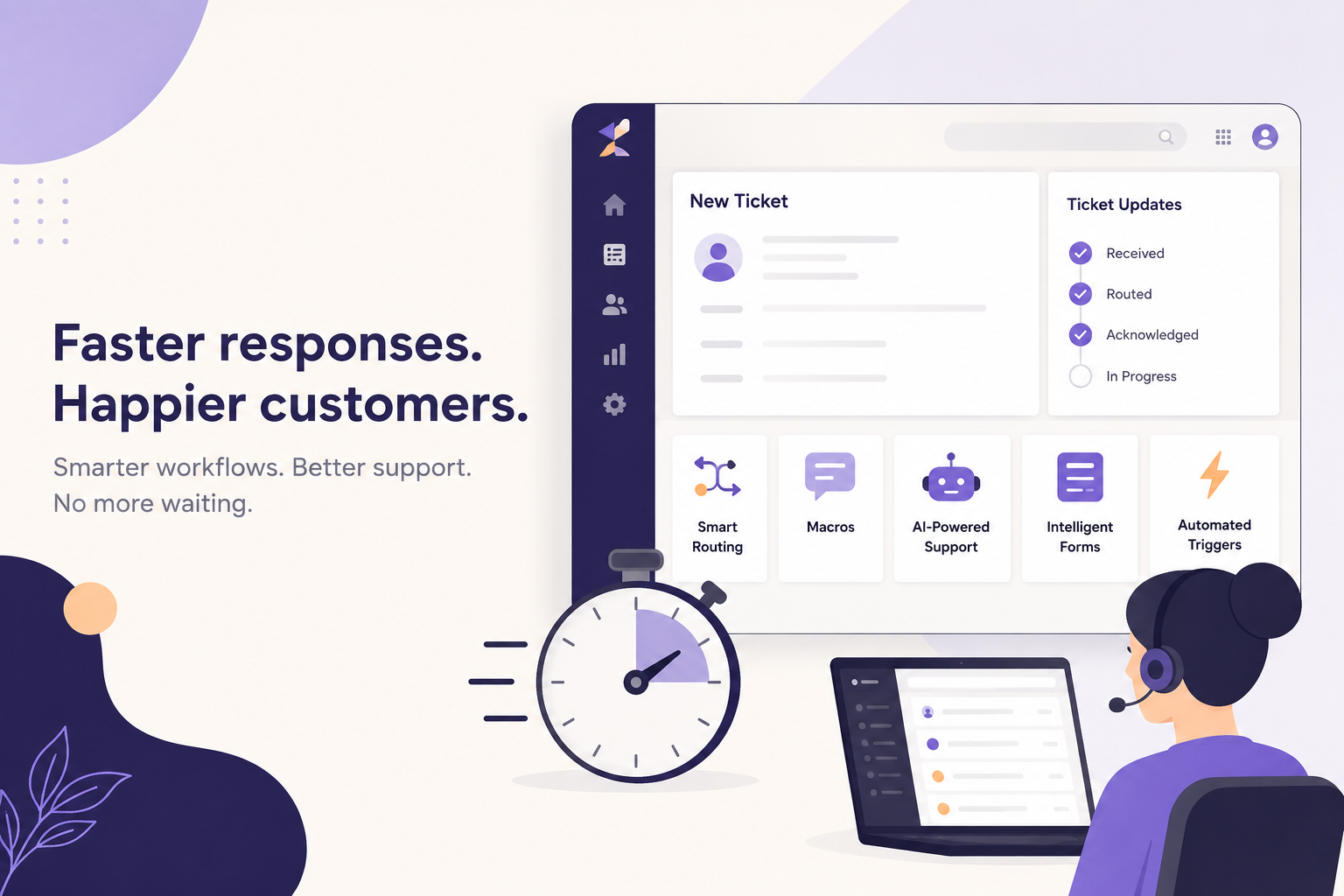
Customers don't care how busy your support team is, they care how quickly they hear back.
First Response Time (FRT) is one of the most visible support metrics. A fast first response reassures customers that their issue is being addressed, while long wait times can quickly erode trust and increase ticket escalations.
The good news? Improving your first response time doesn't always require hiring more agents. In many cases, the biggest gains come from optimizing your Zendesk setup so your existing team can work more efficiently.
Here are five ways to reduce first response time using the tools you may already have.
1. Route Tickets to the Right Team Automatically
Every minute a ticket spends sitting in the wrong queue is a minute your customer is waiting.
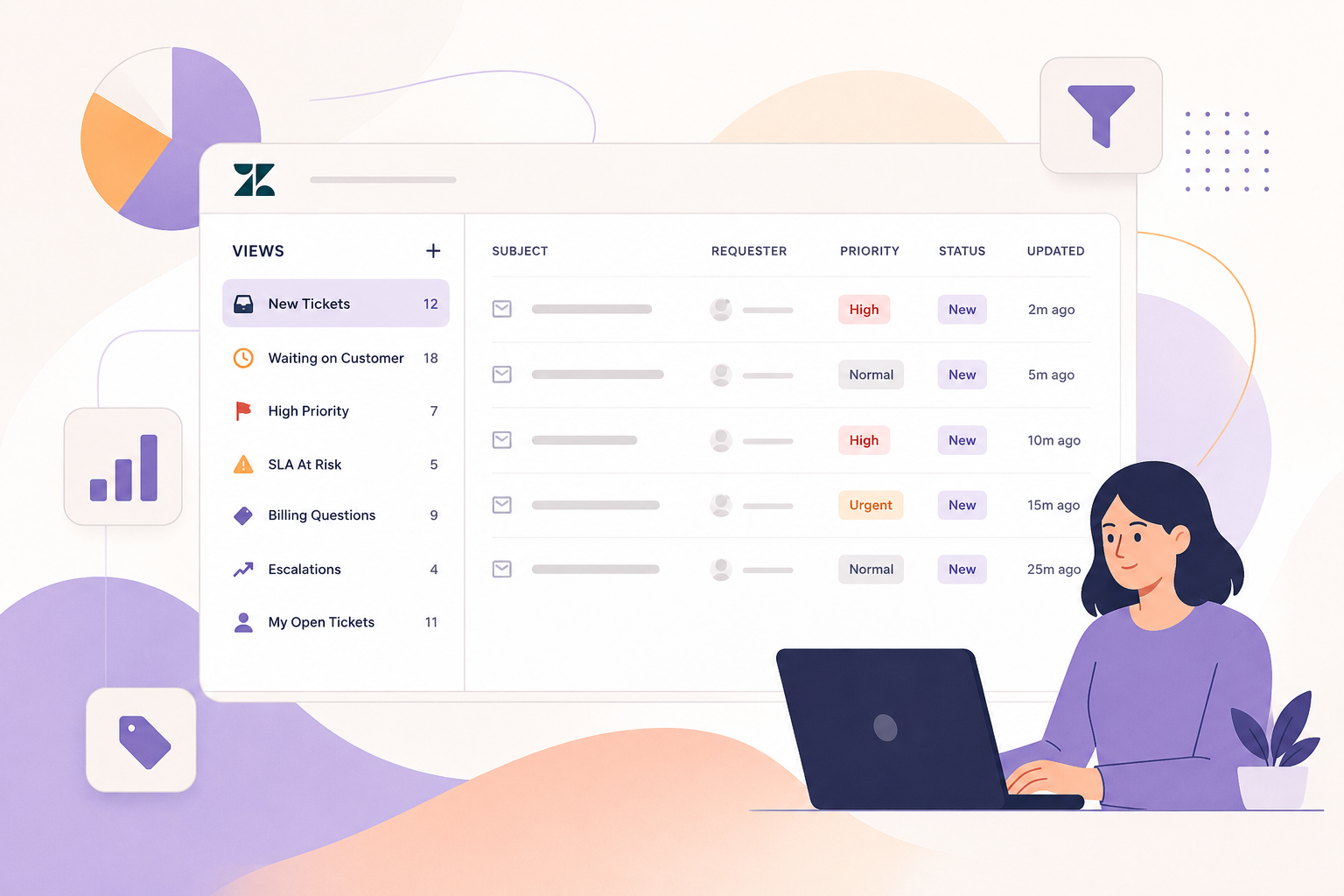
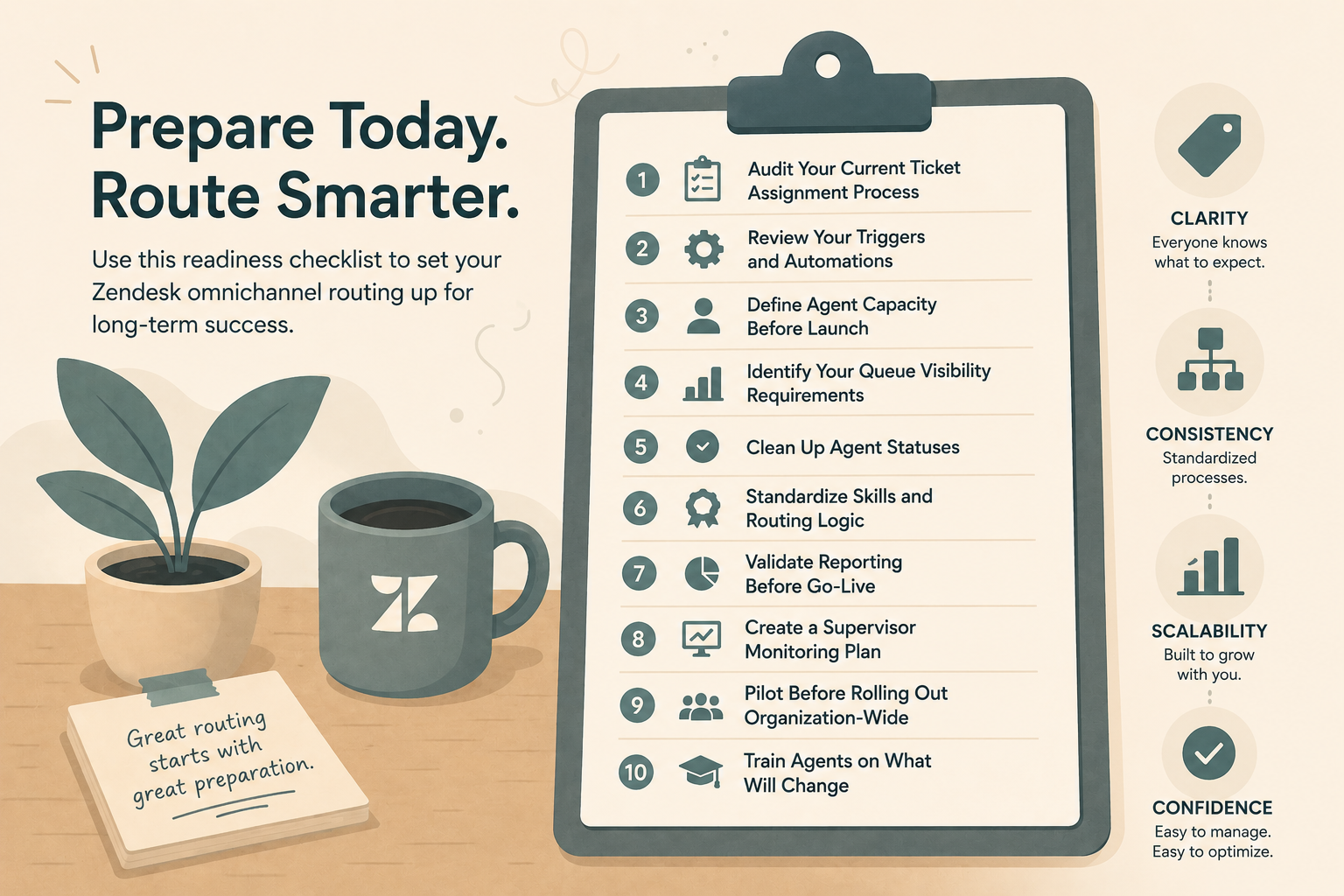
One of the easiest ways to improve response times is by automating ticket routing. Instead of having agents manually sort or transfer incoming requests, use Zendesk to send tickets directly to the team or individual best equipped to handle them.
You can route tickets based on:
- Email address or channel
- Request type
- Customer organization
- Language
- Product or service
- Keywords in the ticket
When tickets land in the correct queue from the start, agents can begin working immediately instead of spending time reassigning requests.
(Tip: Review tickets that are frequently reassigned. These often reveal routing opportunities that can eliminate unnecessary delays.)
2. Let Macros Handle the Repetitive Work
If your agents answer the same questions dozens of times every week, they're wasting valuable time typing responses they've already written.
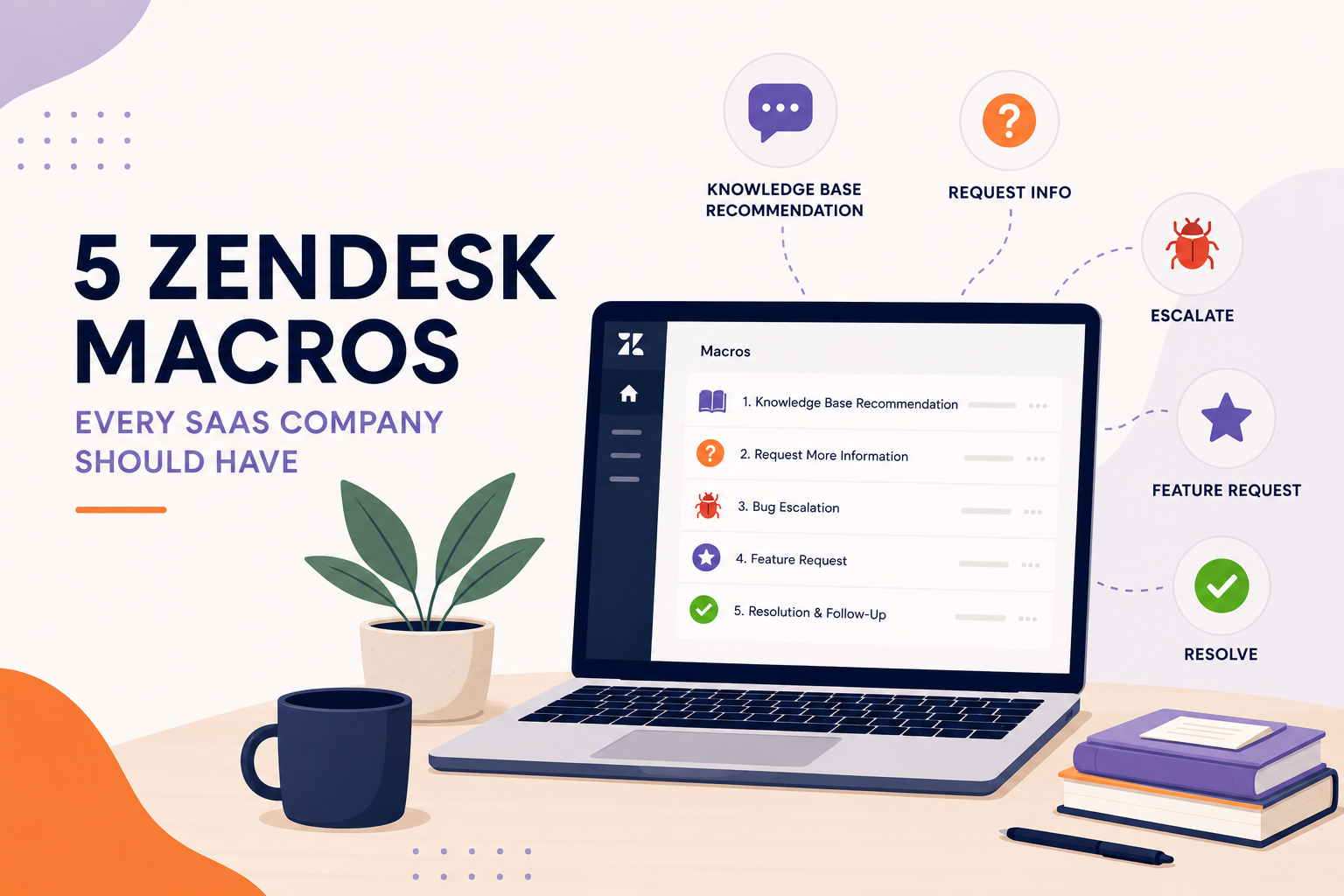
Macros allow agents to insert pre-written replies, update ticket fields, assign tickets, and perform multiple actions with a single click.
Common macro candidates include:
- Password reset instructions
- Shipping questions
- Subscription updates
- Return policies
- Basic troubleshooting steps
Beyond saving time, macros also help maintain consistent messaging across your support team.
The result is faster responses, fewer typing errors, and more time spent solving complex customer issues.
3. Use AI to Handle the First Interaction
Artificial intelligence has become one of the most effective ways to reduce first response time.
Zendesk AI can:
- Instantly answer common questions using your knowledge base
- Suggest responses for agents
- Summarize long conversations
- Automatically classify incoming tickets
- Gather information before a human agent joins the conversation
This means customers often receive immediate assistance, even outside business hours.
AI isn't about replacing your support team. It's about allowing agents to spend their time where human expertise adds the most value while automation handles routine requests.
Even if AI only resolves a portion of your ticket volume, that's fewer tickets waiting for an agent's first response.
4. Collect Better Information with Ticket Forms
One of the biggest causes of delayed responses is incomplete information.
If an agent has to ask follow-up questions before they can even begin troubleshooting, your first response becomes little more than "Can you provide more details?"
Instead, use Zendesk ticket forms to collect the information agents need upfront.
Depending on your business, forms can capture details like:
- Product name
- Order number
- Account ID
- Device or browser
- Priority
- Issue category
The more relevant information you gather during ticket creation, the faster your team can provide meaningful assistance.
Customers also appreciate getting real solutions sooner instead of being asked multiple clarification questions.
5. Use Triggers to Keep Tickets Moving
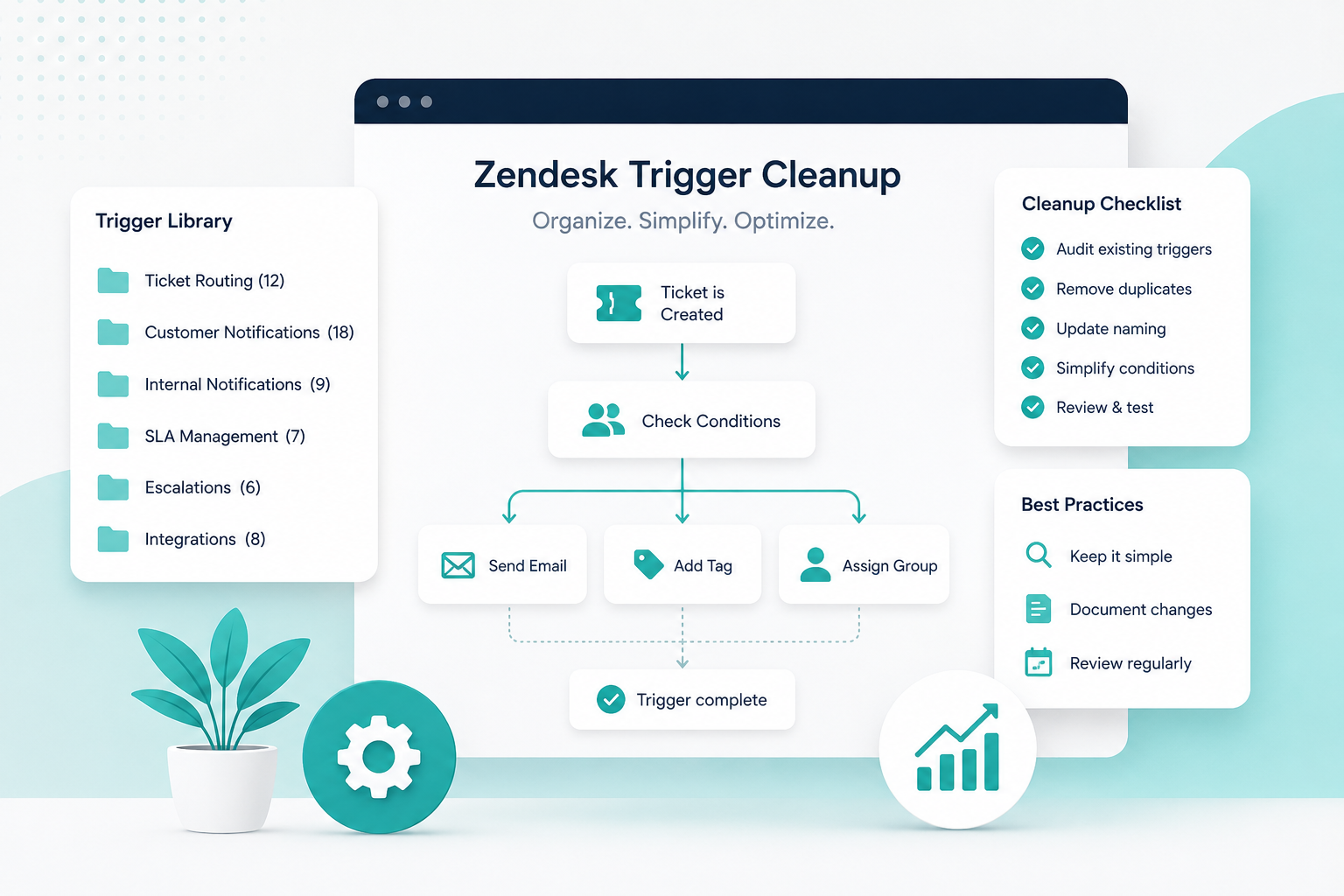
Triggers are one of Zendesk's most powerful automation tools, yet many support teams only scratch the surface of what they can do.
Well-designed triggers can:
- Automatically assign new tickets
- Set priority levels
- Notify the correct team
- Send immediate acknowledgment emails
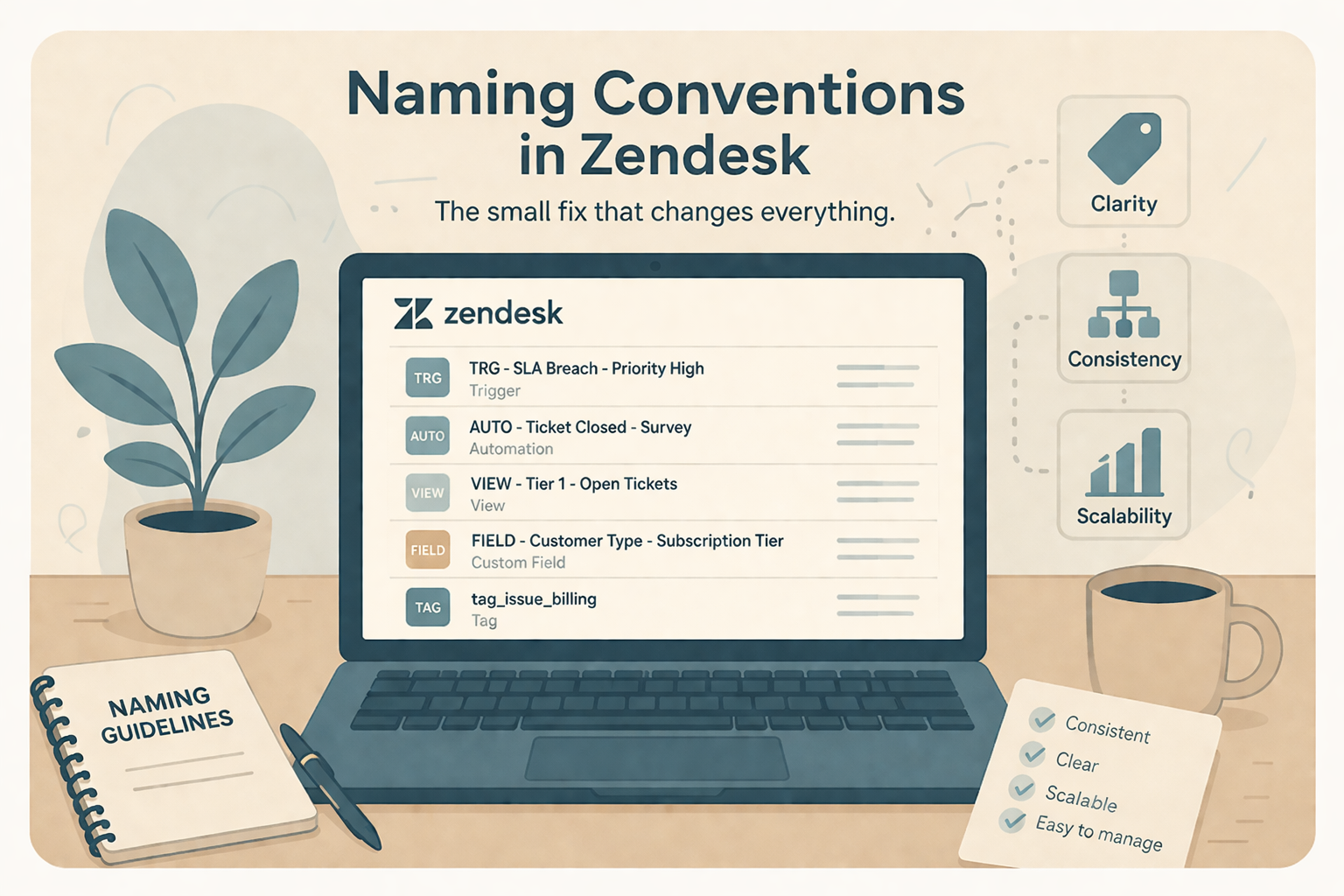
- Apply tags for reporting
- Escalate urgent requests
These automations ensure every ticket follows a consistent workflow without requiring manual intervention.
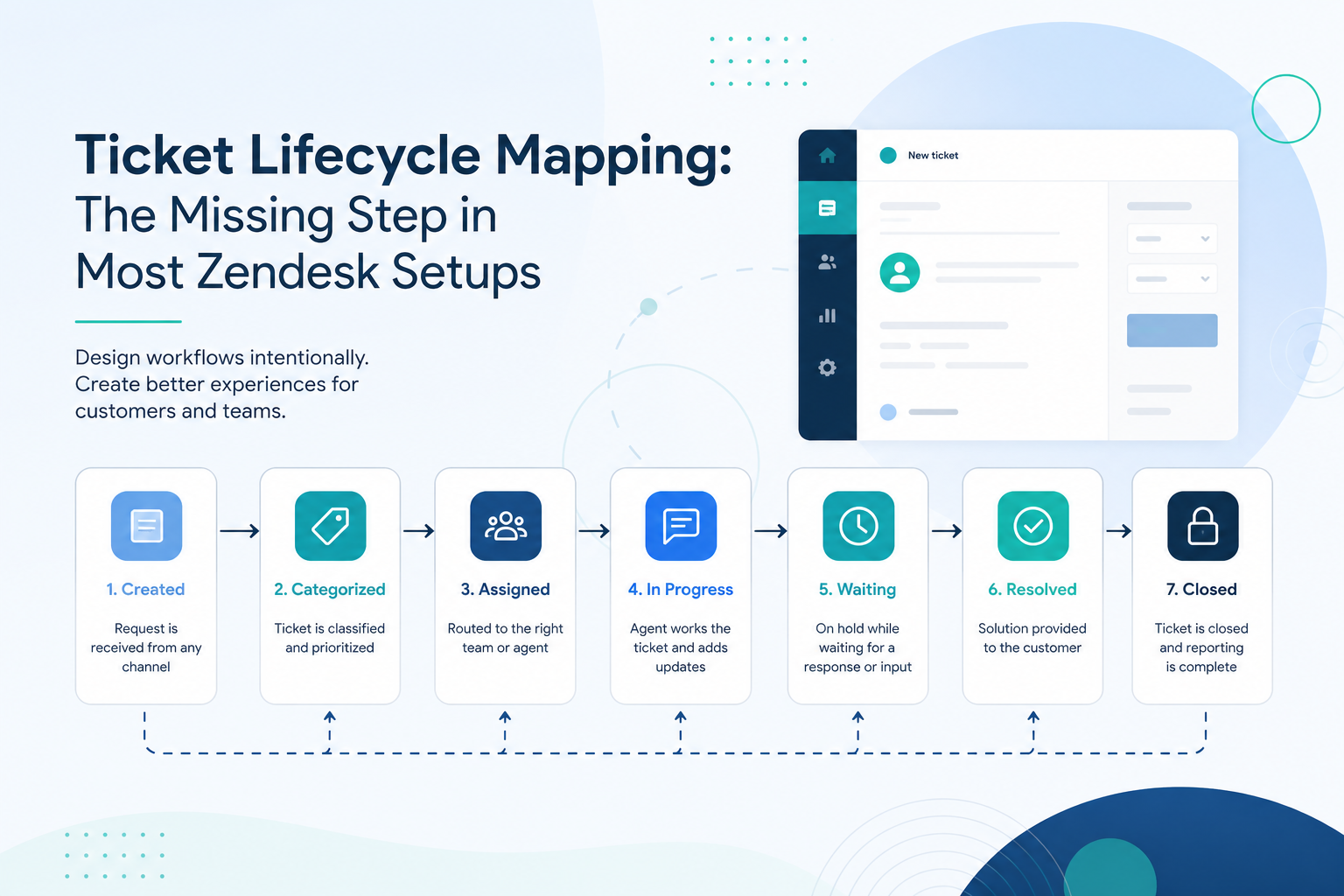
Even saving 30 to 60 seconds on every ticket adds up to hours of agent time each week.
Small Improvements Add Up
Reducing first response time isn't about making agents work faster, it's about removing unnecessary work.
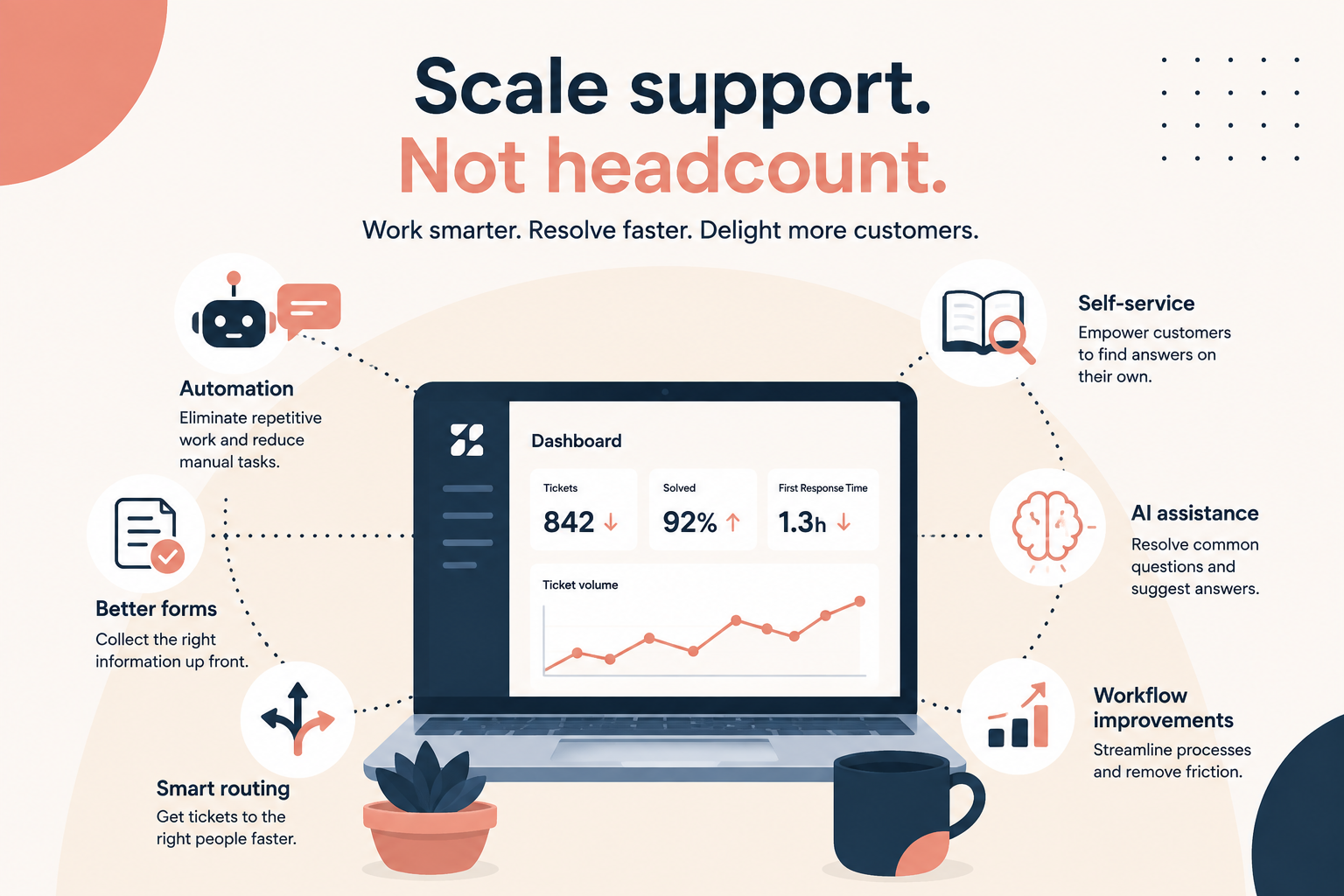
By combining intelligent routing, reusable macros, AI-powered assistance, structured ticket forms, and automated triggers, you can significantly improve response times while giving your support team more capacity to focus on customers who need them most.
In many cases, these workflow improvements deliver better results than simply adding more headcount.
Need Help Optimizing Your Zendesk Instance?
If your team is struggling with slow response times, there's a good chance your workflows, not your staffing levels, are the bottleneck.
At SupportPie, we help organizations optimize Zendesk with smarter automations, AI implementation, ticket routing, reporting, and workflow design that helps support teams accomplish more with the resources they already have.
Whether you're just getting started or looking to fine-tune an existing Zendesk environment, our consultants can help you build a faster, more efficient support operation.