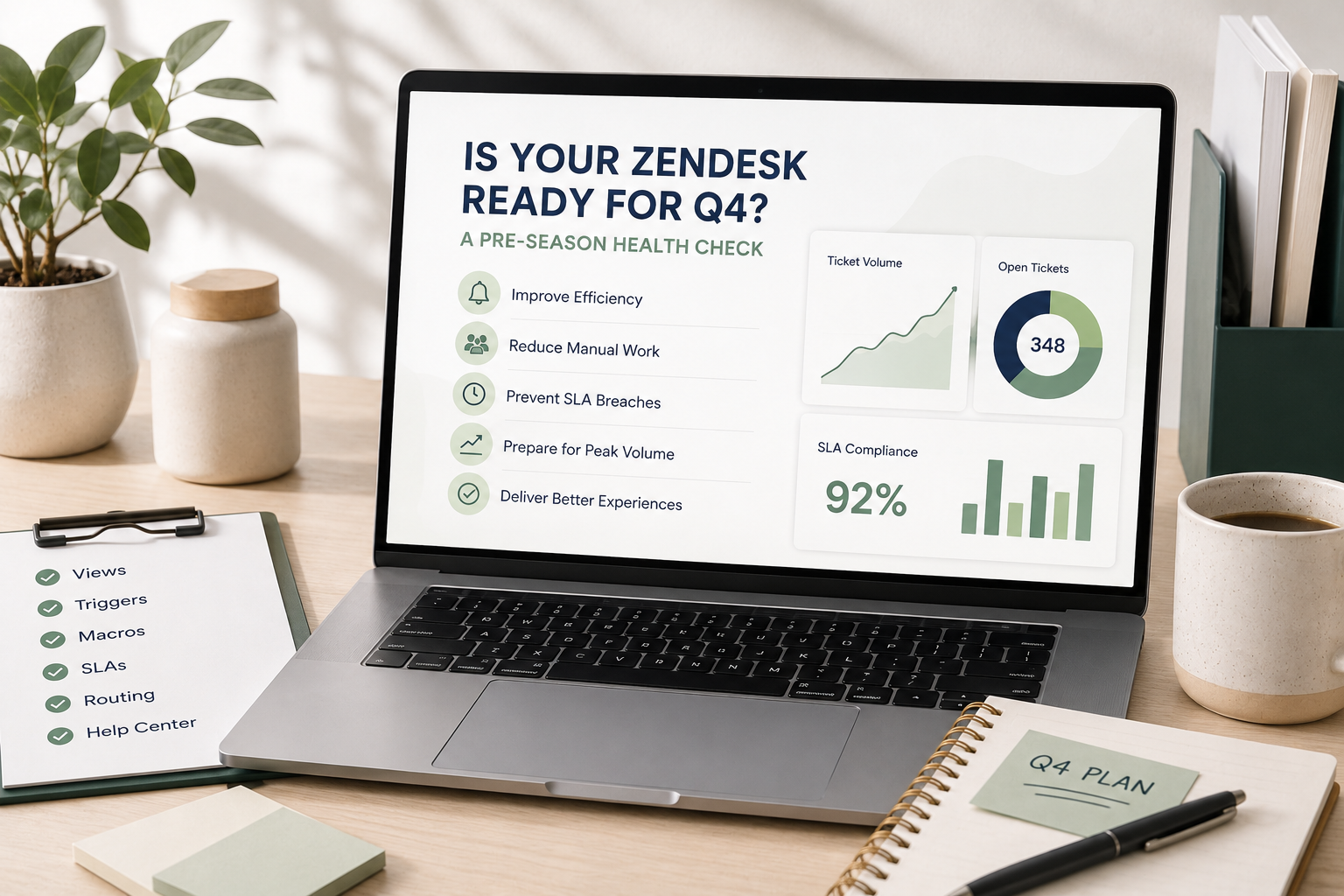
Q4 has a way of exposing problems you didn't know you had.
Ticket volume increases. Customers expect faster responses. Agents are juggling more conversations. Leadership starts watching support metrics more closely.
And suddenly, the Zendesk setup that worked perfectly well in July starts feeling like it's fighting against your team.
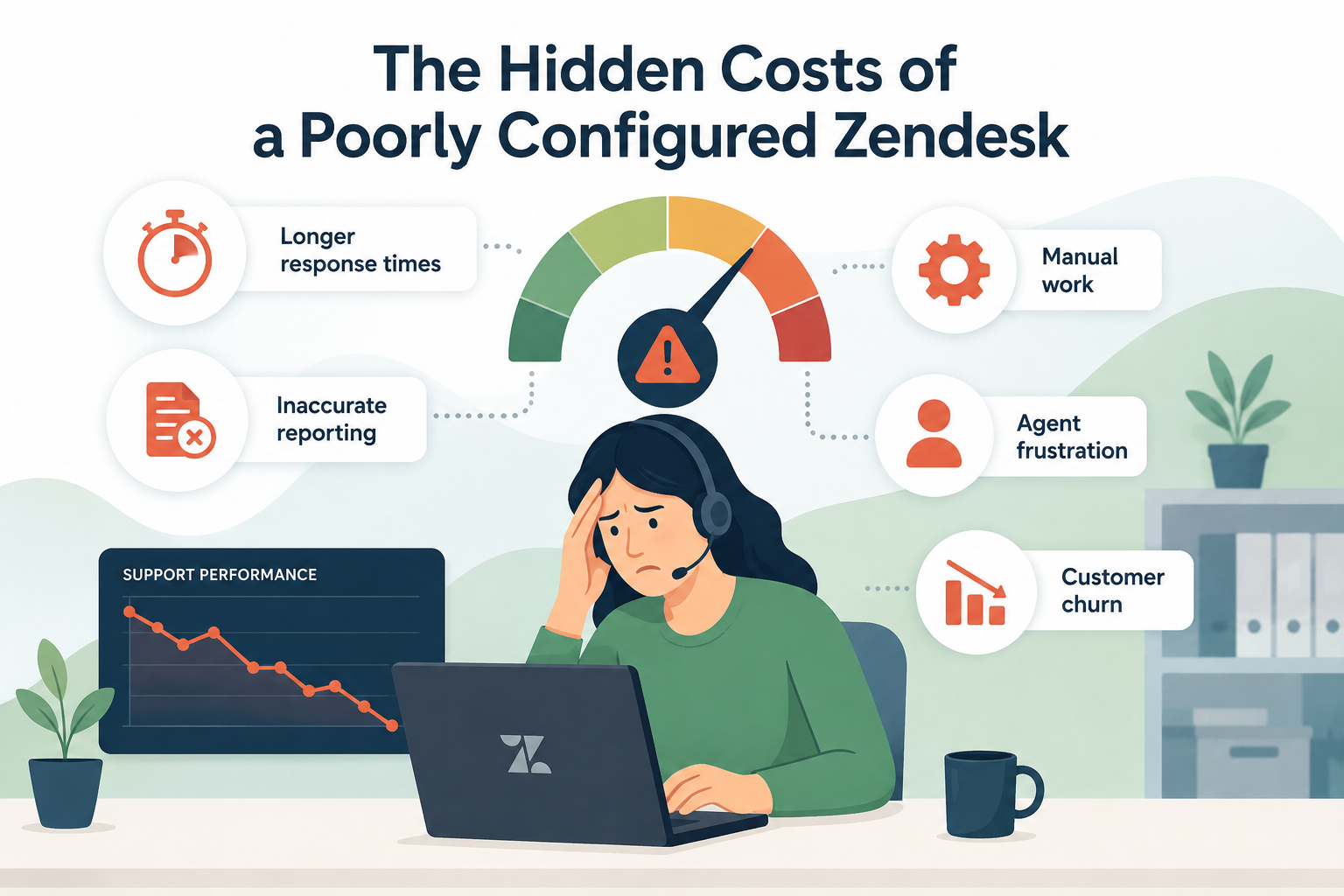
The problem isn't always that you need more agents. Sometimes, your Zendesk configuration is creating unnecessary work, slowing down your team, or allowing tickets to fall through the cracks.
The best time to find those problems is before Q4, not when your ticket volume is already at its peak.
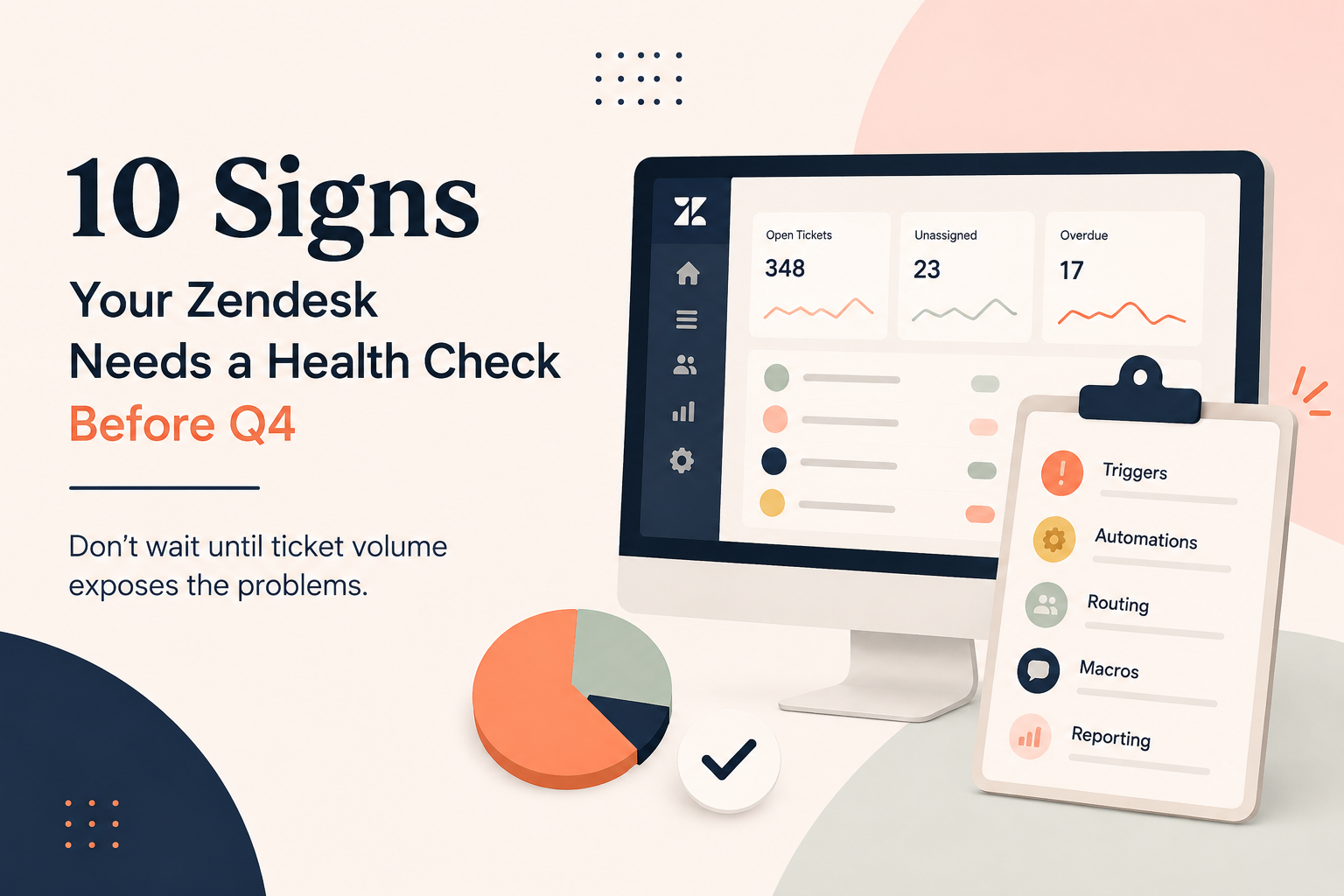
Here are 10 signs your Zendesk could benefit from a health check before the busy season arrives.
1. Your agents are manually doing things Zendesk should be doing
If agents are repeatedly assigning tickets, adding tags, sending the same responses, changing fields, or notifying other teams manually, there's a good chance the process could be automated.
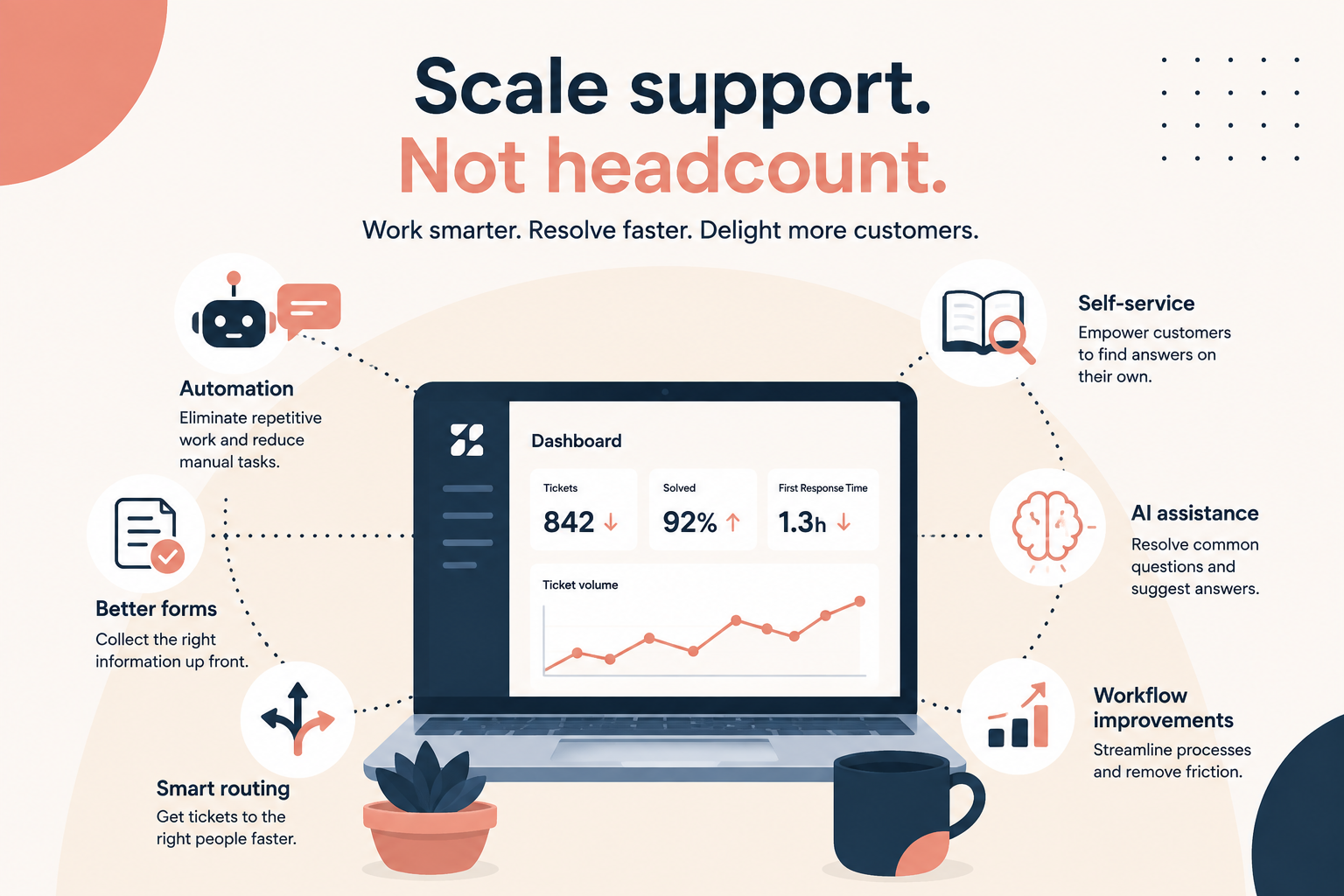
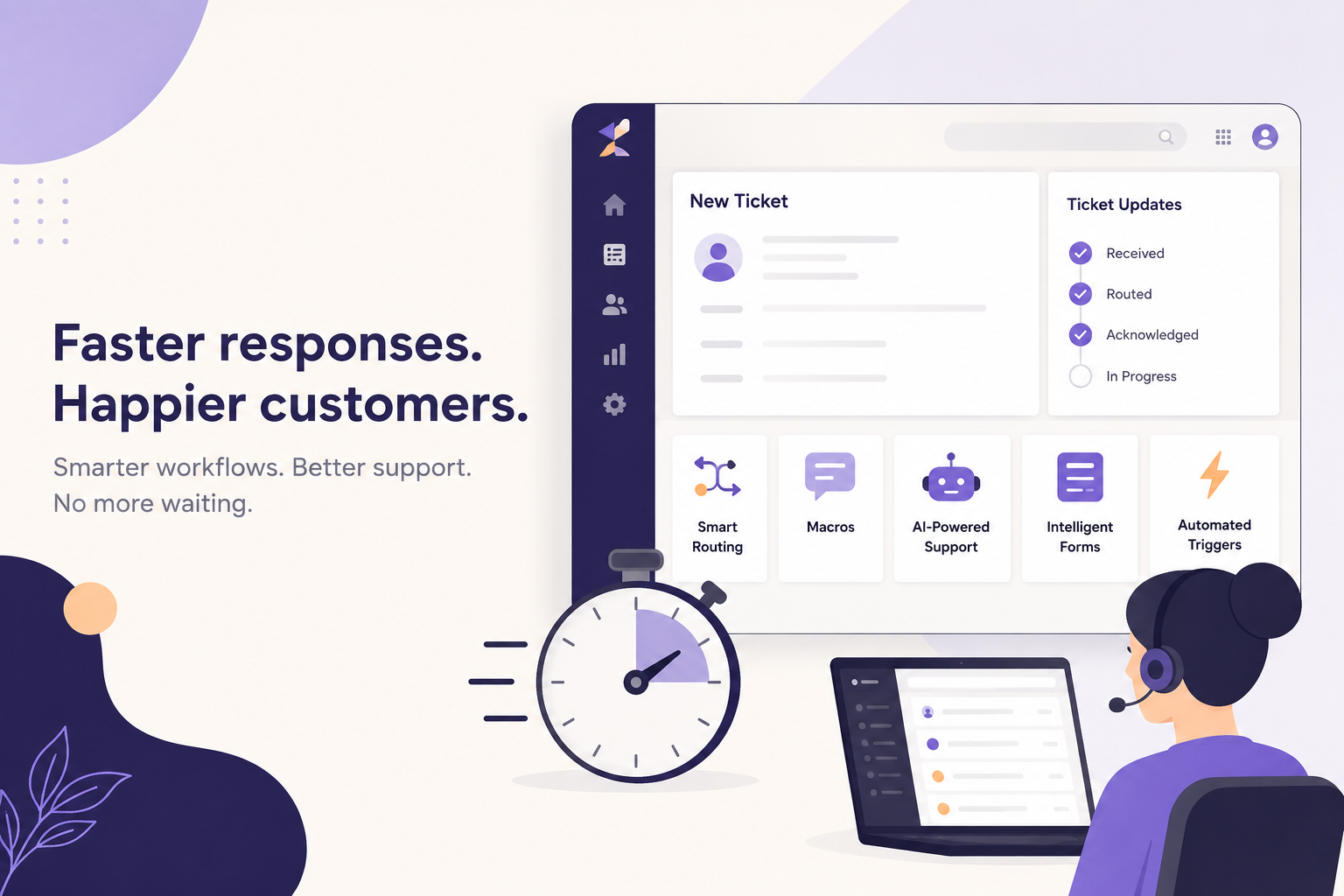
Zendesk can handle a surprising amount of repetitive work through triggers, automations, macros, forms, routing, and AI.
A health check can identify where your agents are spending time on tasks that could happen automatically.
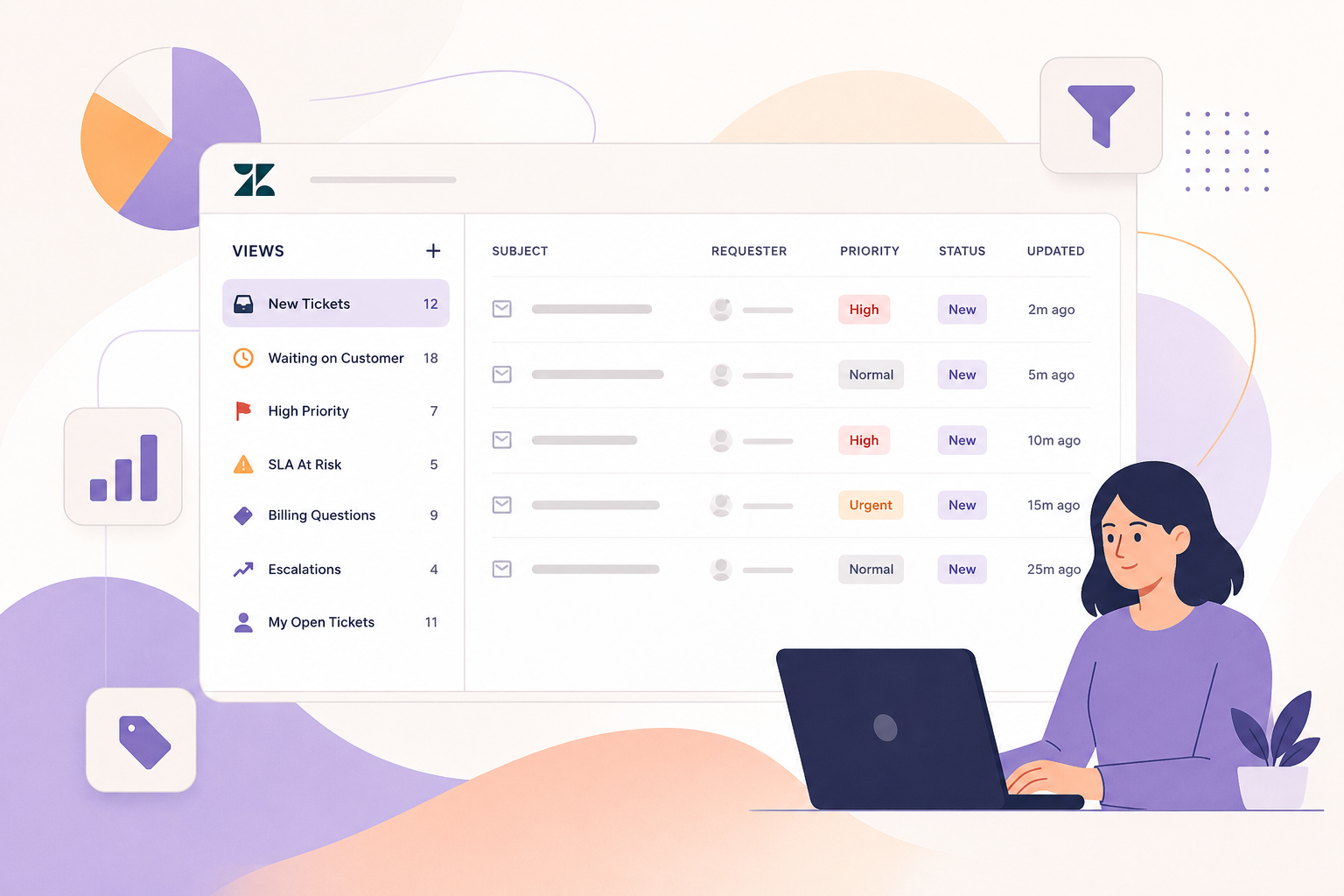
2. Your views have become a dumping ground
Views should help agents understand what needs their attention.
If you have dozens of views, outdated views, duplicate views, or views that agents rarely use, they may be creating more confusion than clarity.
Your team should be able to quickly answer questions like:
- What needs a response?
- What's overdue?
- What's high priority?
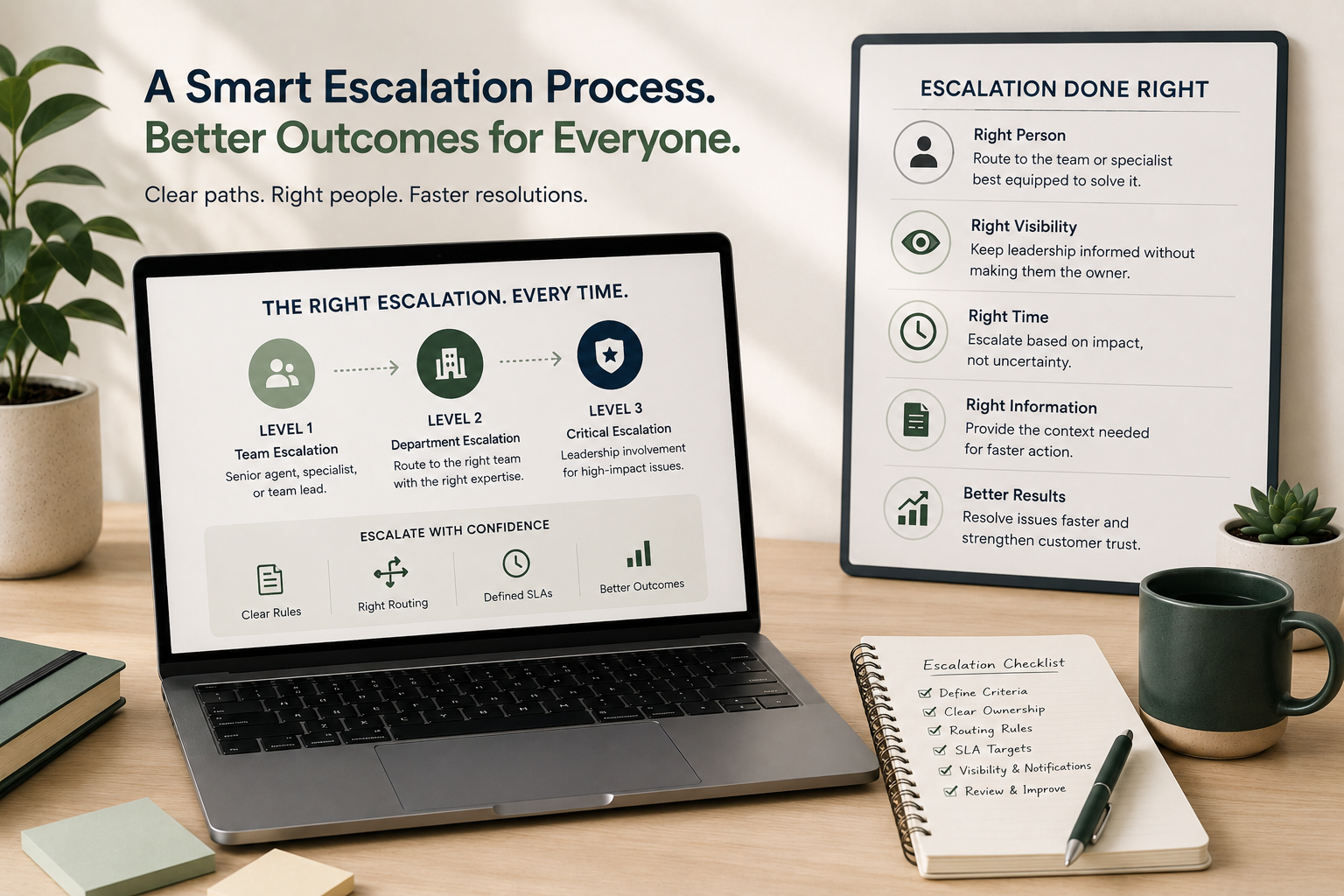
- What needs escalation?
- What can be handled next?
If agents are constantly searching for the right tickets, your views probably need some attention.
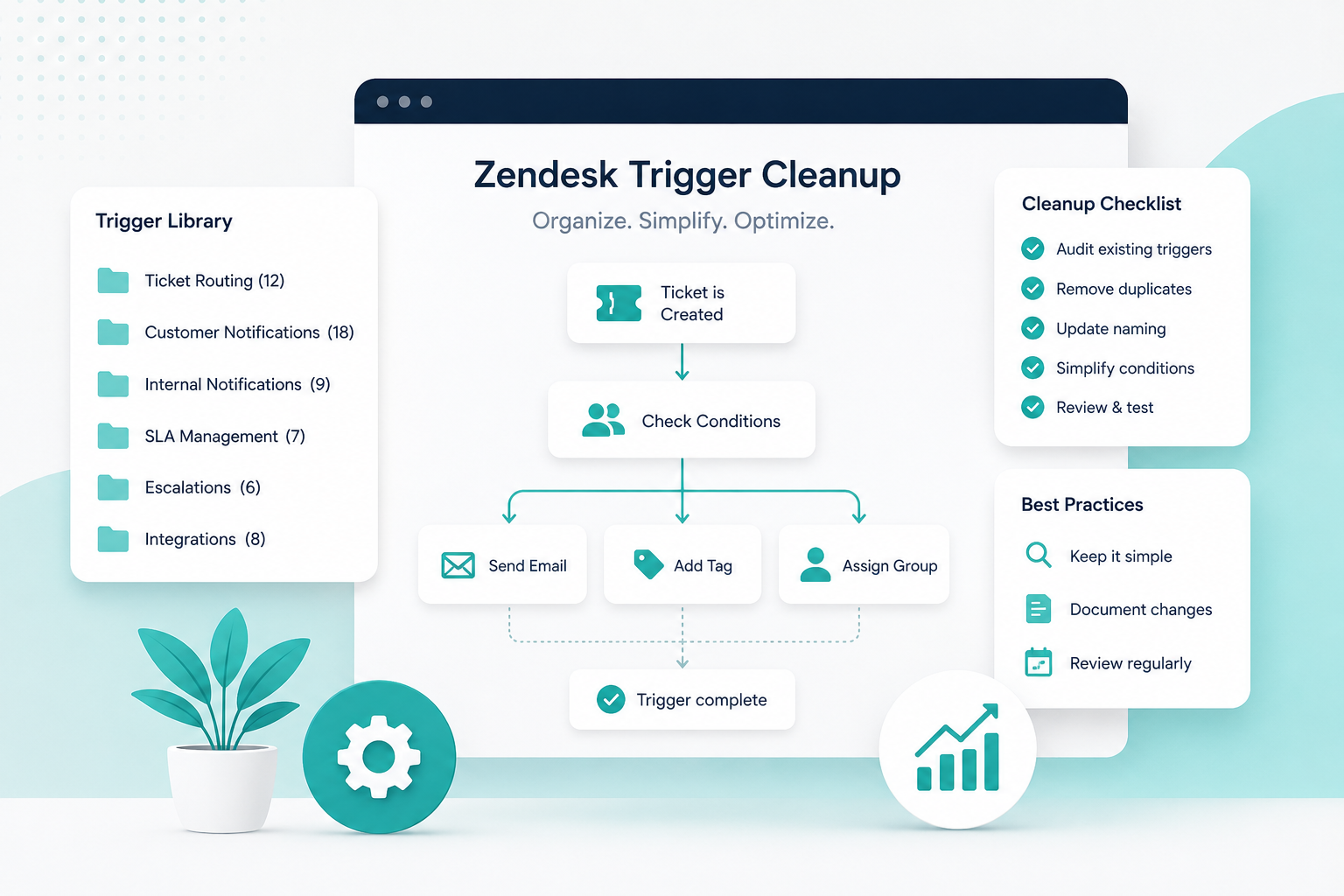
3. You have triggers you don't completely understand
This is one of the biggest warning signs.
Over time, Zendesk triggers tend to accumulate. Someone creates one to solve a problem. Six months later, another person creates a similar trigger. Eventually, nobody is quite sure which triggers are still necessary, or what happens when multiple triggers fire on the same ticket.
That can lead to unexpected assignments, notifications, tags, statuses, and other changes.
Before Q4, it's worth auditing your triggers and documenting what they do.
If nobody on your team can confidently explain why a trigger exists, it deserves a closer look.
4. Your automations are creating more work instead of less
Automations are designed to reduce manual work, but poorly configured automations can create noise.
For example, your team may be receiving unnecessary notifications, tickets may be getting updated when they shouldn't, or old tickets may be moving through workflows that no longer make sense.
Review your automations before Q4 and make sure they're still aligned with how your support team actually operates today, not how it operated when they were originally created.
5. Agents are using workarounds
Pay attention to the things your agents do outside of Zendesk.
Are they maintaining spreadsheets to track tickets? Using Slack to remind each other about tickets? Keeping personal lists of customers that need follow-up? Manually checking another system before responding?
Workarounds are often a sign that your Zendesk workflow isn't meeting the team's needs.
Before adding more people to handle Q4 volume, look at the processes your existing team has created to compensate for gaps in the system.
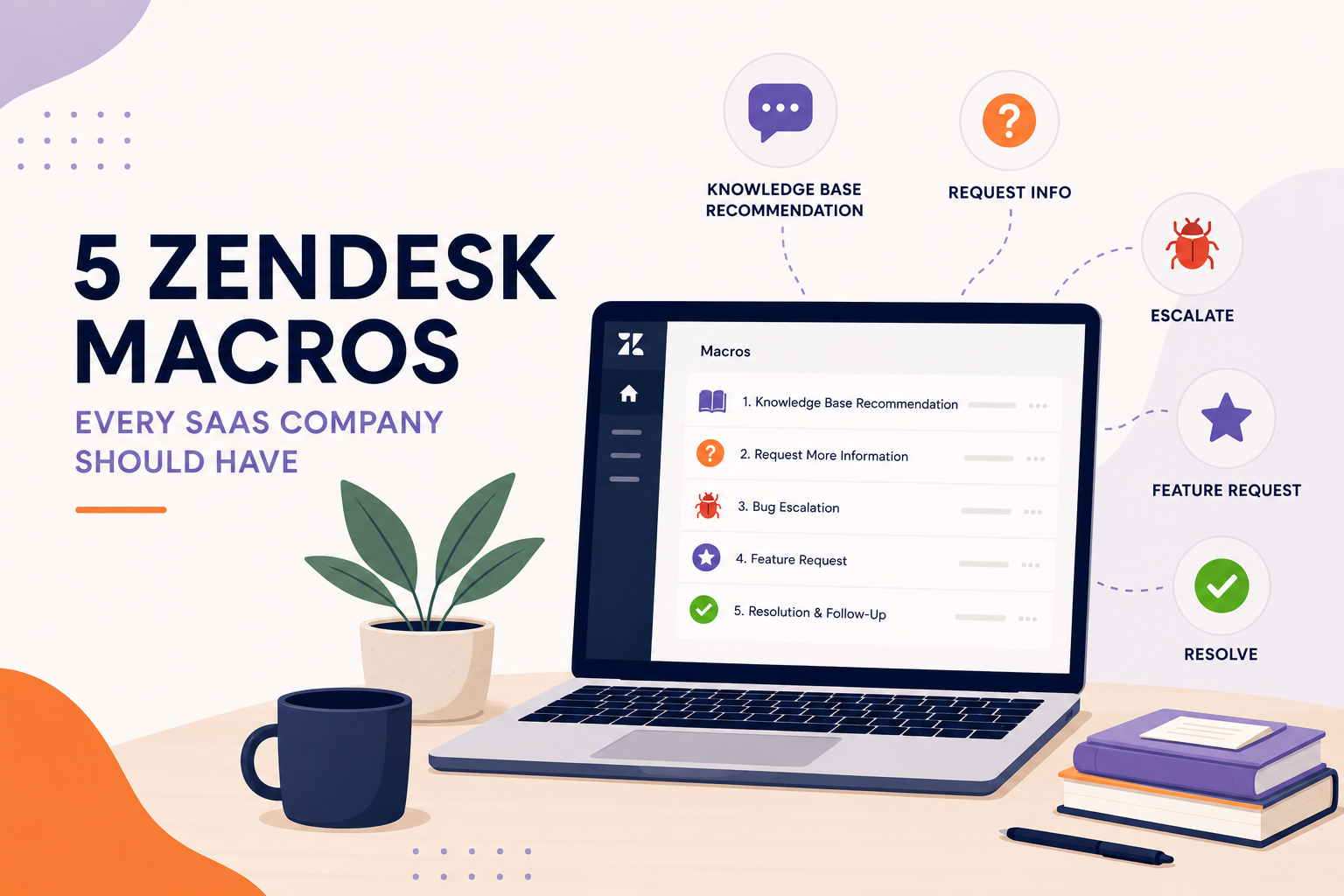
6. Your macros are outdated, or nobody uses them
Macros can save agents significant time, but only when they're relevant and easy to use.
If your macro list is full of outdated responses, duplicate macros, or macros that don't reflect your current policies, agents may stop using them altogether.
Review your most frequently used responses before Q4.
Update anything that's outdated, remove unnecessary macros, and make sure the most useful ones are easy for agents to find.
7. Tickets aren't consistently getting to the right person
Routing problems become much more painful when volume increases.
If tickets are regularly being reassigned, sitting in the wrong group, or requiring someone to manually figure out who should handle them, you're adding unnecessary touches to every conversation.
Review how tickets are routed based on things like:
- Request type
- Customer type
- Product
- Language
- Priority
- Agent skills or groups
The goal is simple: get the right ticket to the right person as early as possible.
8. Your reporting doesn't tell you what you need to know
You don't need hundreds of reports.
You need the right reports.
Before Q4, make sure you can clearly see the metrics that matter to your business, such as first response time, resolution time, ticket volume, backlog, SLA performance, and agent workload.
If your team can't quickly answer "How are we doing?" without manually pulling data from multiple places, your reporting setup may need a health check too.
9. Your help center isn't preventing tickets
Your support team shouldn't have to answer the same questions over and over.
Look at the questions customers are submitting most frequently. Are there help center articles that could answer them? Are your existing articles easy to find? Are they still accurate?
Reducing even a small percentage of repetitive tickets can make a noticeable difference when volume increases.
Your ticket data can tell you exactly where your knowledge base has gaps.
10. Nobody has reviewed your Zendesk configuration in a long time
This might be the biggest sign of all.
Zendesk instances evolve.
Your products change. Your customers change. Your support team changes. New apps get installed. New workflows get created. Old ones stick around.
What worked 12 or 18 months ago may no longer be the best setup for your business today.
A health check gives you an opportunity to step back and look at the entire system instead of fixing problems one ticket at a time.
Don't Wait for Q4 to Find the Problems
The worst time to discover a broken workflow is when your ticket volume has doubled.
By then, every inefficient view, unnecessary trigger, manual process, and routing problem is being multiplied across hundreds or thousands of tickets.
A pre-Q4 Zendesk health check can help you identify those issues while you still have time to fix them.
And you don't necessarily need to rebuild your entire instance.
Sometimes the biggest improvements come from cleaning up what's already there, simplifying workflows, and making better use of the tools you already have.
Before Q4 arrives, ask yourself: Is my Zendesk ready for the volume, or am I just hoping it is?
At SupportPie, we help companies optimize and manage Zendesk without requiring a full-time Zendesk team. Our fractional approach means you can bring in expertise when you need it, fix what's slowing your team down, and keep moving without adding another full-time position.
Don't wait for ticket volume to expose the problems. Find them first.