When a support ticket becomes difficult, important, or high-risk, who handles it?
If the answer is, "We send it to the CEO," "Our founder jumps in," or "An executive usually takes care of those," you don't really have an escalation process. You have an escalation dependency.
This might work when your company is small. But as your customer base grows, it becomes a bottleneck. Executives get pulled into support issues, customers wait for responses, and agents become hesitant to make decisions without approval. A scalable support operation needs an escalation process that works without requiring an executive to personally step in.
The good news? You can build much of this directly into Zendesk.
What Should Actually Be an Escalation?
The first step is defining what "escalation" means for your team. Not every difficult ticket needs to go to leadership. An escalation should generally happen when a ticket requires something outside the normal authority, knowledge, or workflow of the frontline support team.
Common examples include:
- A significant customer-impacting issue
- A potential security or privacy concern
- A serious product bug
- A high-value customer experiencing a critical problem
- A request for an exception to company policy
- A situation with significant reputational risk
- A ticket that has exceeded your defined resolution timeframe
- A customer who has experienced repeated failures or poor service
The important part is to define these criteria before a crisis happens.
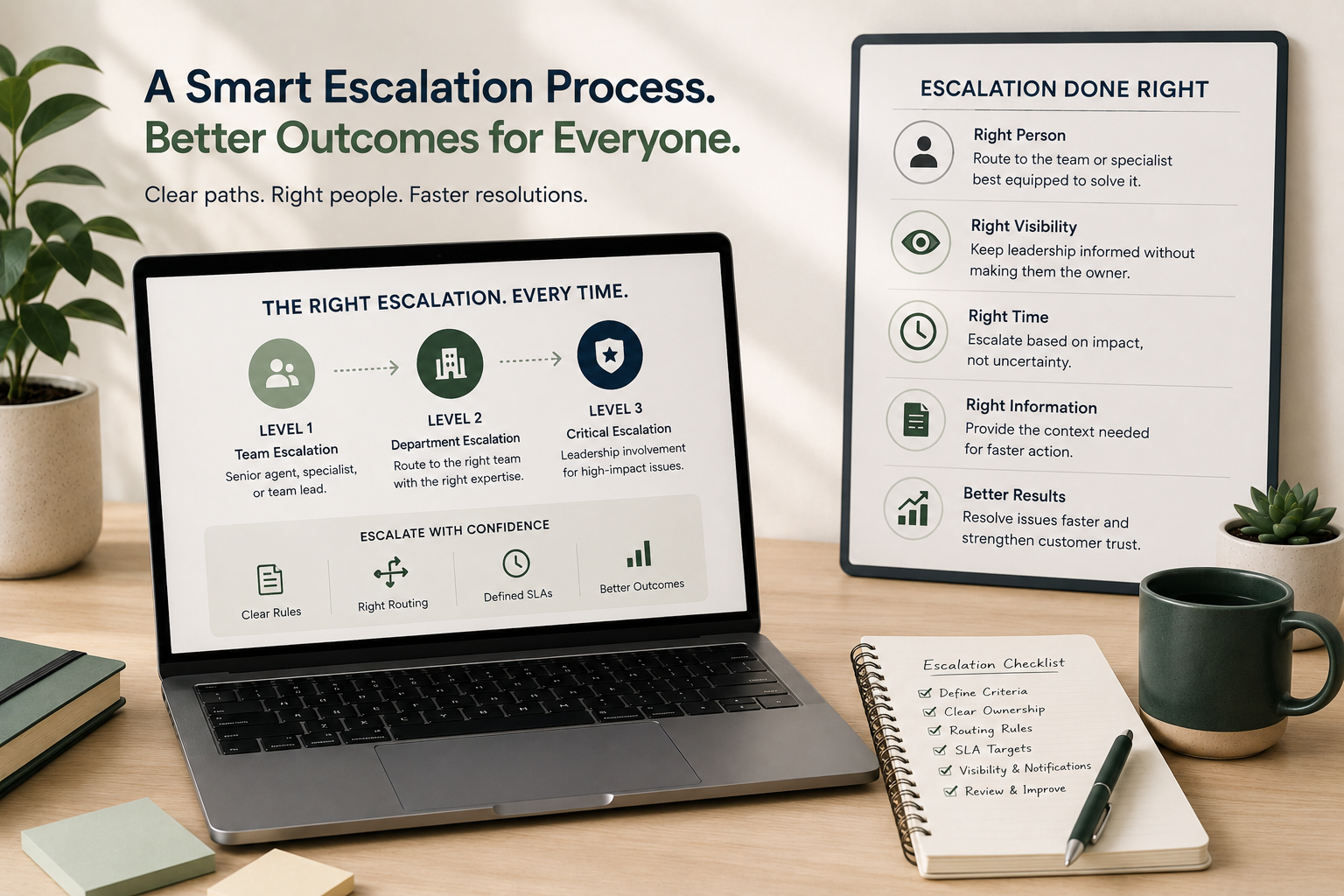
Try first by creating three escalation levels.
For example:
- Team Escalation
- The agent needs help from a senior agent, specialist, or team lead.
- Department Escalation
- The issue requires another team, such as Engineering, Billing, Product, or Operations.
- Critical Escalation
- The issue has significant business, customer, legal, security, or reputational impact and requires leadership involvement.
This creates a clear path instead of an automatic jump from "agent can't solve it" to "call the CEO."
Give Agents Clear Escalation Rules
One of the biggest problems with escalation is uncertainty.
Agents may not know:
- When they're allowed to escalate
- Who they should escalate to
- What information they need to provide
- What happens after they escalate
- Whether they need approval before taking certain actions
When the rules aren't clear, agents tend to over-escalate or wait too long. Neither is good. Your escalation process should answer one simple question:
"If I can't resolve this ticket, what do I do next?"
Try this:
Create a simple escalation decision tree:
Can I solve it using our existing process?
→ Yes: Resolve it.
No: Does another support team or specialist own it?
→ Yes: Route it to them.
No: Does it meet your critical escalation criteria?
→ Yes: Escalate through the defined leadership path.
No: Ask a designated senior support resource for assistance.
The goal is to give agents a path forward without requiring them to find someone important on Slack.
Build Escalation Into Zendesk
Your escalation process shouldn't live exclusively in a Google Doc that agents have to remember exists. Build as much of it into Zendesk as possible. You can use ticket fields, triggers, automations, views, groups, tags, and notifications to make escalation more consistent.
For example, create an Escalation Level field with options such as:
- No escalation
- Level 1
- Level 2
- Critical
You could also create an Escalation Reason field:
- Customer impact
- Product issue
- Billing
- Policy exception
- Security
- SLA risk
- Executive request
Now you have structured data about why tickets are being escalated, not just a collection of internal comments saying, "Can someone take a look at this?"
Try this:
Add two fields to your escalation workflow:
Escalation Level
Who needs to become involved?
Escalation Reason
Why does the ticket need additional attention?
Then, use those fields to drive your routing and notifications.
Route Escalations to People Who Can Actually Solve Them
An escalation isn't useful if it simply moves a ticket into another inbox. If a billing issue gets escalated to an executive, the executive may still have to find someone in Finance to resolve it. That's unnecessary.
Instead, create escalation paths based on expertise and ownership.
For example:
Product bug: Support → Engineering
Billing dispute: Support → Finance/Billing
Account issue: Support → Account Management
Technical integration issue: Support → Technical Support or Engineering
Policy exception: Support Lead → Appropriate decision-maker
This lets the person closest to the problem handle it while still giving leadership visibility when appropriate.
Separate Visibility From Ownership
This is one of the most important concepts in a scalable escalation process. An executive may need to know about a serious customer issue without being responsible for resolving it. Those are two very different things.
For example, if a major customer is experiencing a widespread outage, the CEO might need to be informed. That doesn't mean the CEO should own the Zendesk ticket.
Instead:
Support owns the customer communication.
Engineering owns the technical resolution.
Leadership receives visibility.
This keeps executives informed without turning them into support agents.
Try this:
For critical tickets, define two separate roles:
Owner: The person responsible for getting the issue resolved.
Stakeholder: Someone who needs visibility but doesn't need to work the ticket.
Then build your notifications around those roles.
Create an Escalation SLA
Escalated tickets shouldn't disappear into another queue.
Once something is escalated, define how quickly it needs attention.
For example:
- Level 1: Reviewed within 2 business hours
- Level 2: Reviewed within 1 business hour
- Critical: Immediate notification and ownership
Your exact times will depend on your business, but the principle is the same:
Escalation should create urgency and accountability.
Zendesk automations can help identify tickets that have been escalated but haven't received the appropriate attention.
Try this:
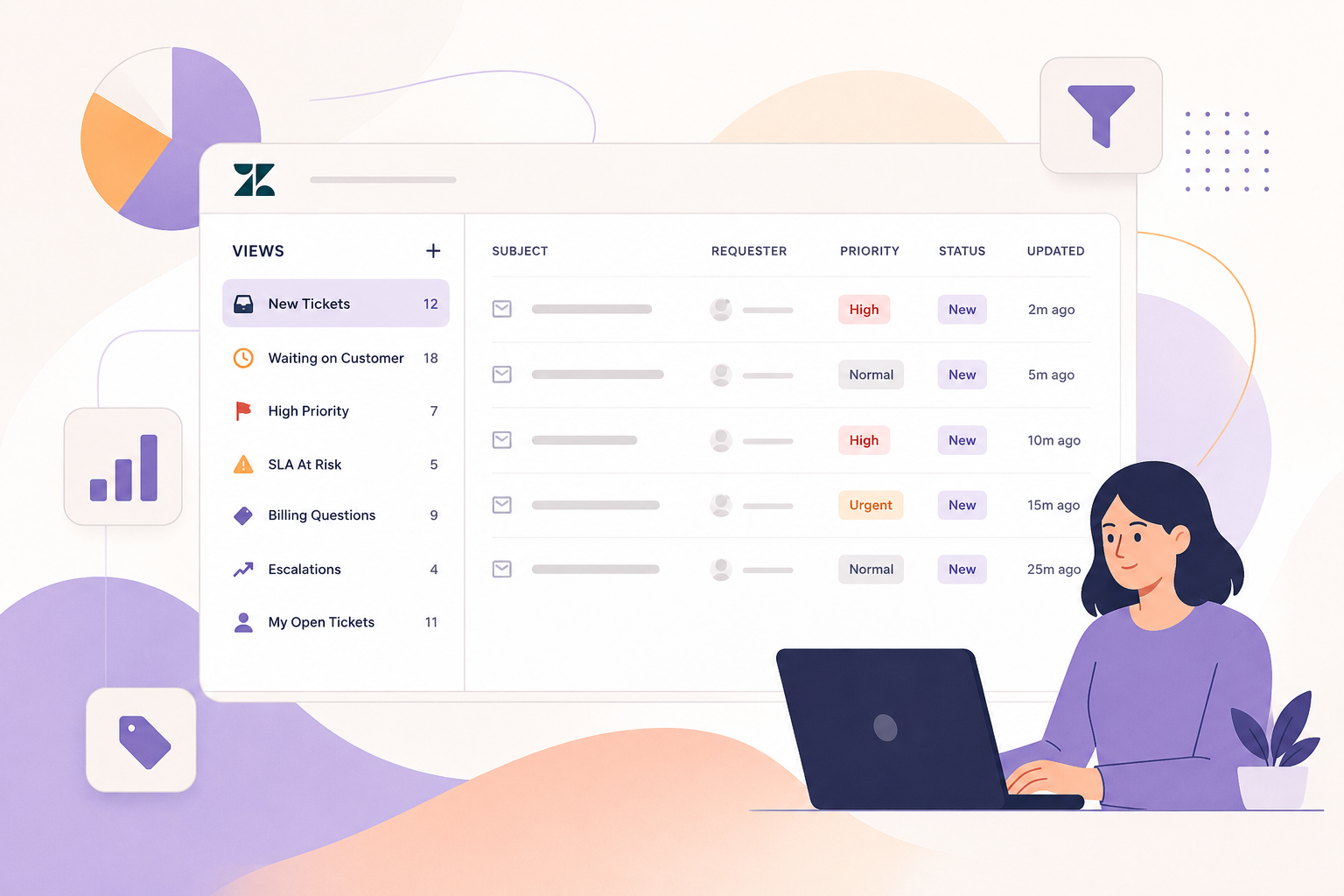
Create a view for:
"Escalated , Awaiting Action"
Include tickets where:
- Escalation level is not "No escalation"
- Status is not solved
- No owner has been assigned, or
- The escalation response timeframe has been exceeded
This gives your support leadership a place to monitor the process without manually checking every ticket.
Give Agents an Internal Escalation Template
When an agent escalates a ticket, the next person shouldn't have to read through 30 comments to understand what's happening.
Create a standard internal escalation format.
For example:
Issue: What happened?
Customer impact: What is the customer experiencing?
What we've tried: What troubleshooting has already been completed?
What we need: What decision, action, or expertise is required?
Urgency: Why does this need attention now?
Customer expectation: What has the customer been told?
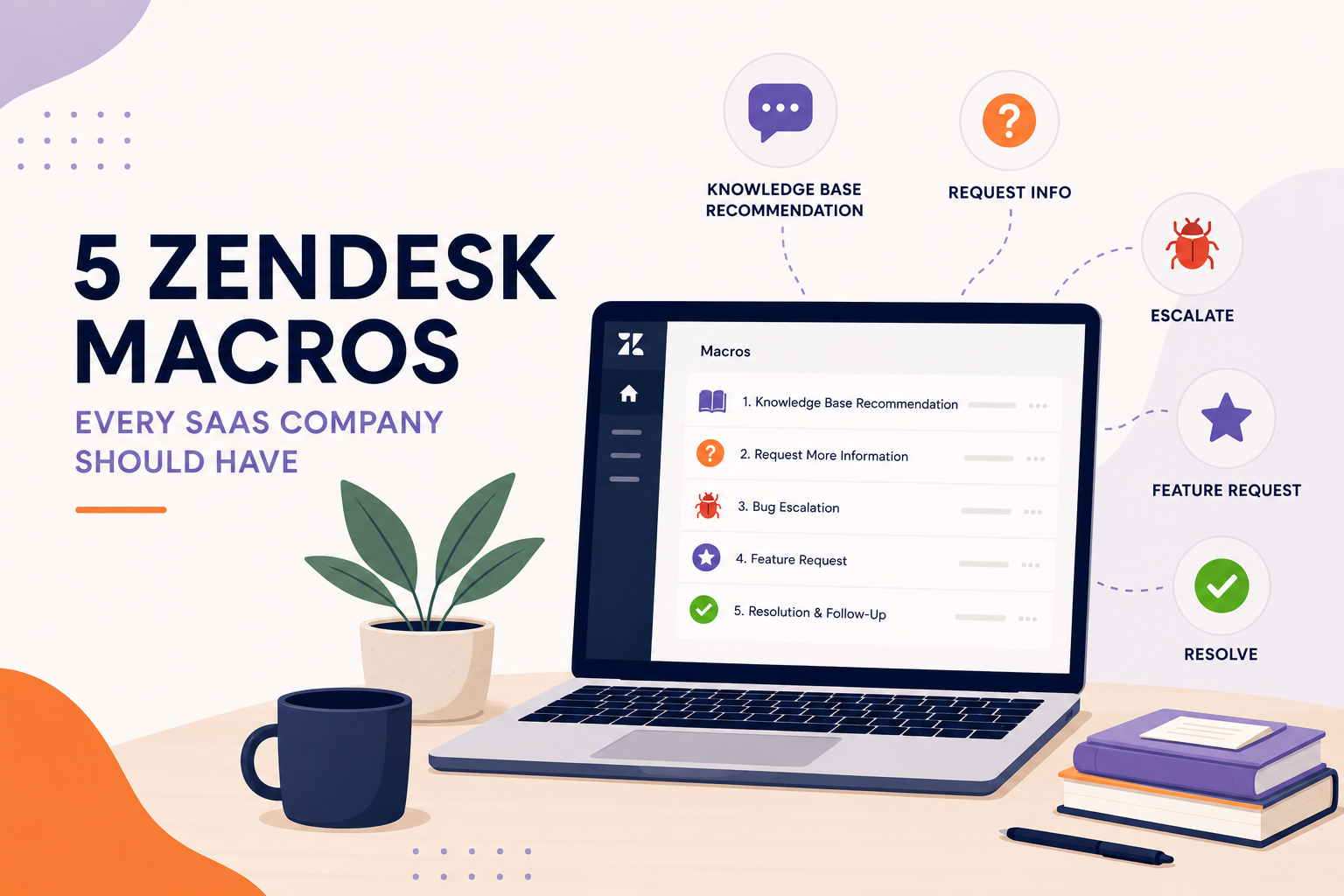
(This can be turned into a Zendesk macro so agents don't have to recreate it every time.)
Make Executive Escalation the Exception
There will always be situations where leadership needs to get involved. That's okay. The goal isn't to eliminate executive involvement. The goal is to make it intentional.
Executives should generally be brought in because the situation genuinely requires executive authority, not because the support team doesn't have a process.
A healthy escalation model might look like:
Agent → Senior Support → Specialist/Department → Leadership
Instead of:
Agent → CEO
That distinction becomes increasingly important as your company grows.
Audit Your Escalations
Once you've built the process, don't forget to measure it.
Look at your escalated tickets every month and ask:
- What types of issues are being escalated most often?
- Which teams receive the most escalations?
- How many escalations actually require leadership?
- Are agents escalating too early?
- Are they escalating too late?
- How long do escalated tickets take to resolve?
- Are the same issues being escalated repeatedly?
- Could any of these issues be prevented through better training, documentation, automation, or product improvements?
Your escalation data can reveal problems that aren't obvious from your overall ticket volume. If 40% of your escalations are caused by the same product issue, you don't have an escalation problem. You have a product problem.
If agents are constantly escalating the same policy questions, you may have a training or documentation problem. If executives are still being pulled into routine customer issues, you probably have a workflow problem.
Build a Process That Scales With You
A good escalation process isn't about keeping executives away from customers. It's about making sure the right person gets involved at the right time.
Zendesk can help you create that structure with:
- Clear escalation criteria
- Defined ownership
- Automated routing
- Escalation fields
- Dedicated views
- Internal macros
- SLAs and notifications
- Reporting and regular audits
The result is a support team that can handle more complex issues with confidence, and leadership that can stay informed without becoming part of the day-to-day ticket queue. If your escalation process currently starts with "send it to the CEO," it's probably time to redesign the workflow.
At SupportPie, we help teams identify where Zendesk workflows are creating unnecessary escalations and build processes that give agents a clear path to resolution, without requiring an executive to jump into every difficult ticket.