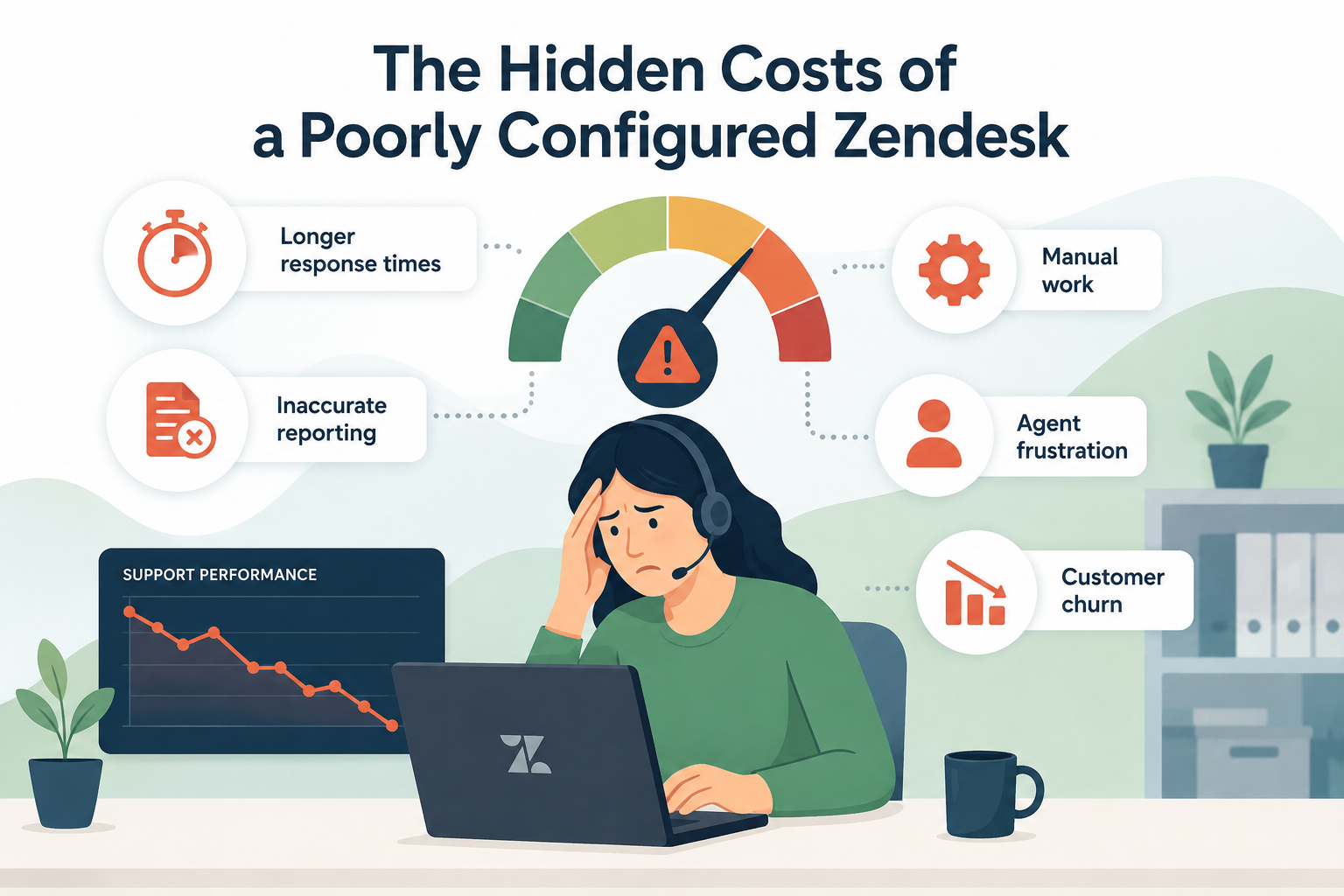
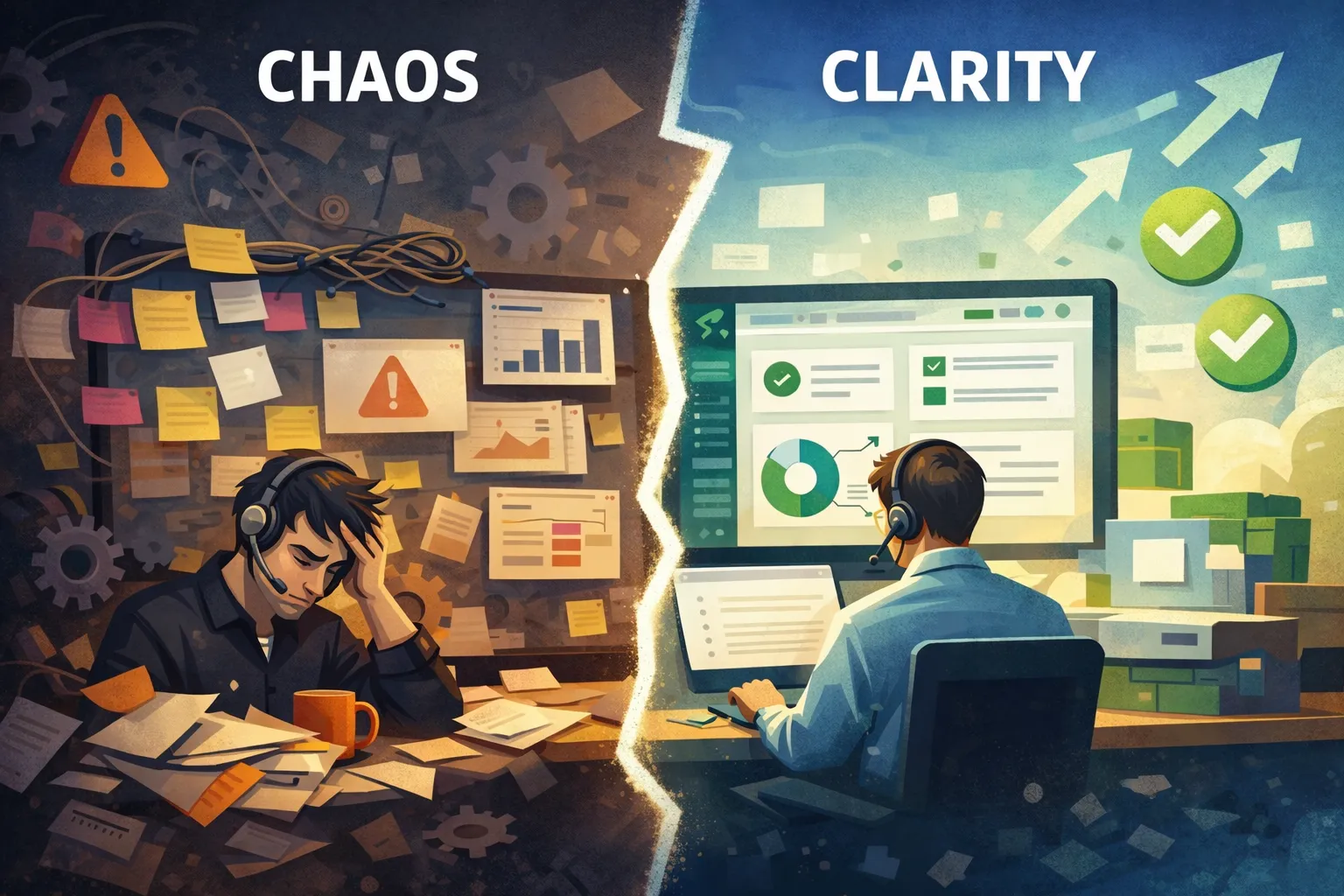
Your Zendesk instance is the operational heart of your support team. When it’s configured well, it quietly powers efficient workflows, accurate reporting, and seamless customer experiences. But when it’s not? It becomes a source of frustration, slowdowns, and messy data.
Over time, even well-built instances drift. Teams grow, processes change, admins come and go, and suddenly what once worked smoothly feels chaotic.
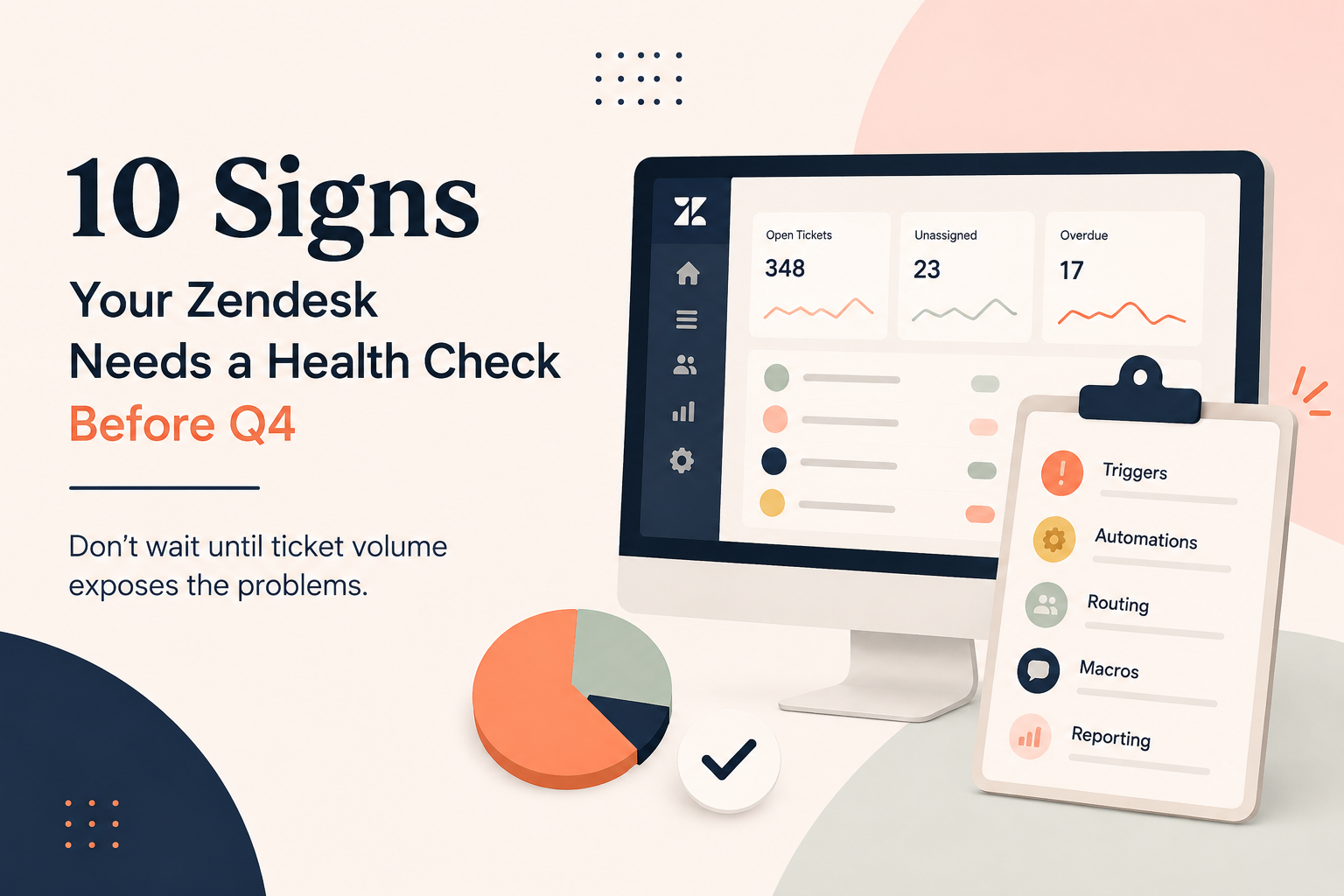
Here are 10 clear signs your Zendesk instance may need a health check, and how a structured audit can get you back on track.
1. You Have Duplicate (or Conflicting) Triggers
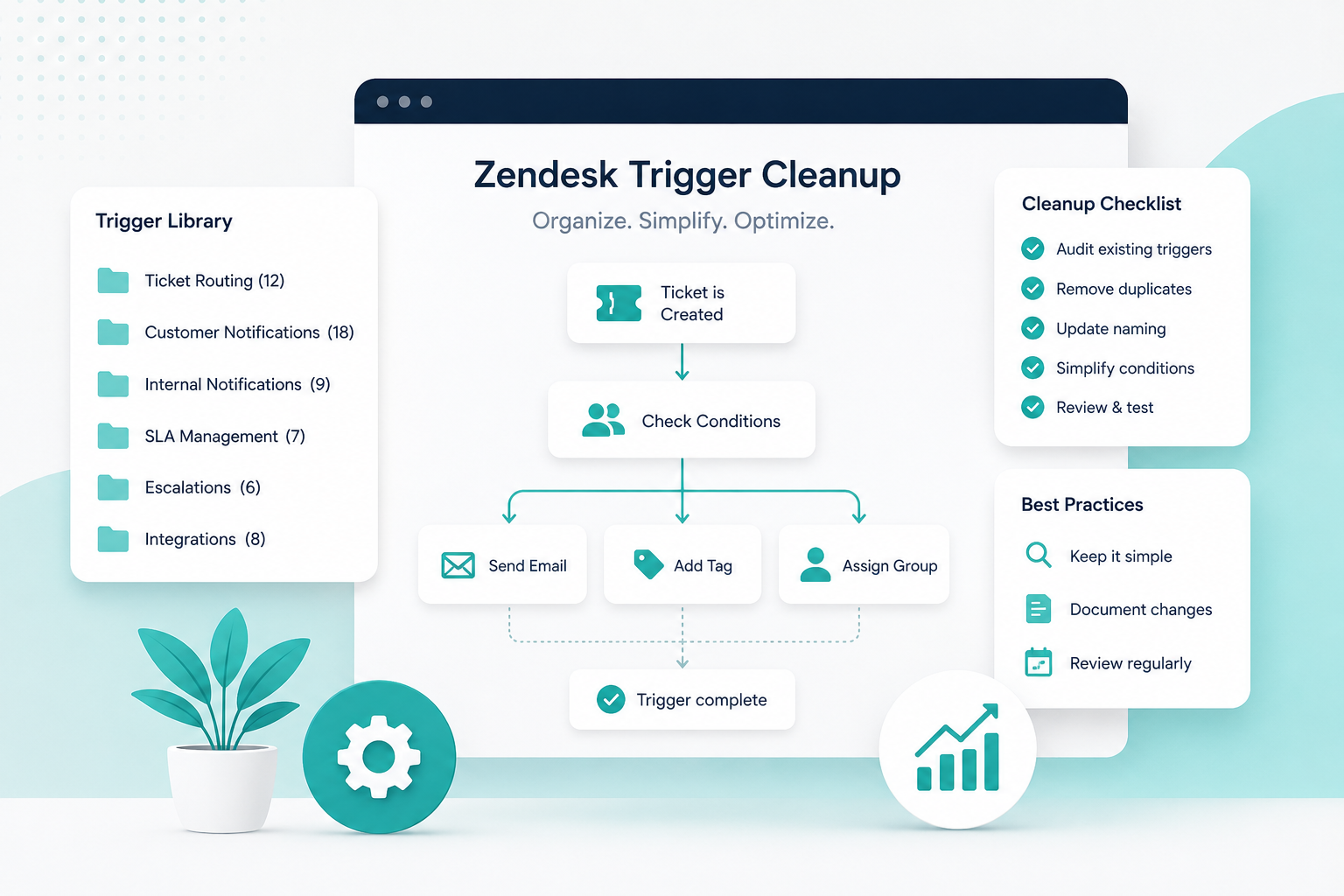
If you’ve ever thought, “Wait… why did that fire twice?” you may have trigger sprawl.
Duplicate or overlapping triggers can:
- Send multiple notifications
- Apply conflicting tags
- Create automation loops
- Slow ticket processing
How an audit helps: A health check maps every trigger, identifies redundancies, removes conflicts, and simplifies logic so your workflows are predictable and efficient.
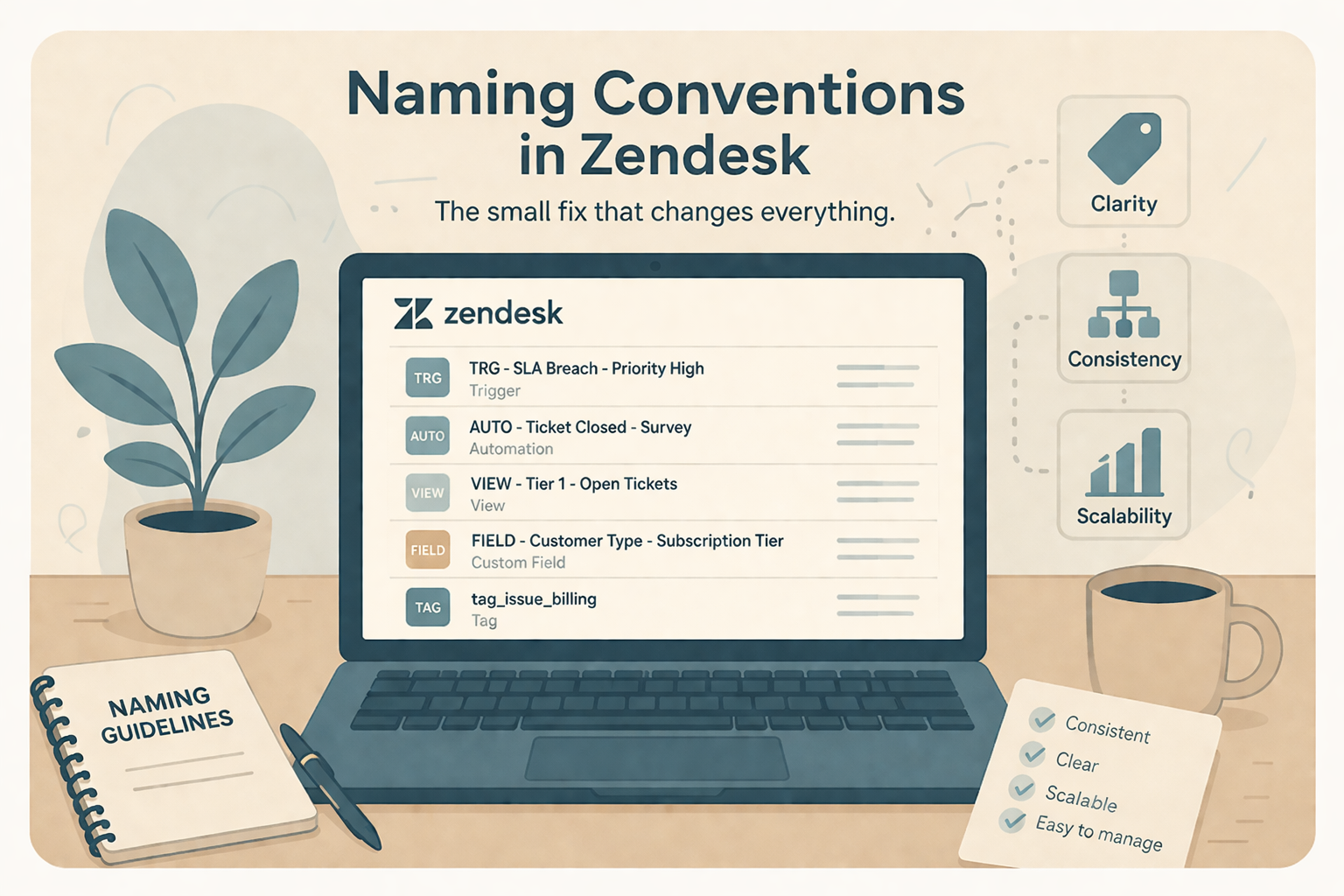
2. Your Tagging Is Inconsistent (or Out of Control)
Tags should tell a clean story about why tickets exist and how they’re handled. Instead, many instances have:
- Slight variations of the same tag (billing_issue, billing-issue, billingissues)
- Tags no one understands
- Old tags still firing in triggers
- Reporting built on outdated tag logic
How an audit helps: A structured review consolidates and standardizes tagging conventions, aligns them to reporting needs, and removes unused or redundant tags.
3. Reporting Feels Unreliable or Confusing
Are stakeholders questioning your numbers? Are dashboards showing different metrics depending on who built them?
Inconsistent definitions of KPIs, like First Reply Time or Resolution Time, often point to configuration drift.
How an audit helps: A health check reviews your reporting setup in Zendesk Explore, aligns business goals with measurable KPIs, and ensures your data reflects reality, not technical leftovers.
4. Ticket Routing Is Slower Than It Should Be
If tickets sit unassigned, bounce between groups, or require manual triage, routing logic likely needs attention.
Common causes:
- Outdated group structures
- Overly complex trigger logic
- Missing skills-based routing
- Broken automations
How an audit helps: By analyzing routing flow from creation to resolution, we simplify assignment logic and remove friction so tickets land in the right place the first time.
5. Macros Are Outdated, Duplicated, or Never Used
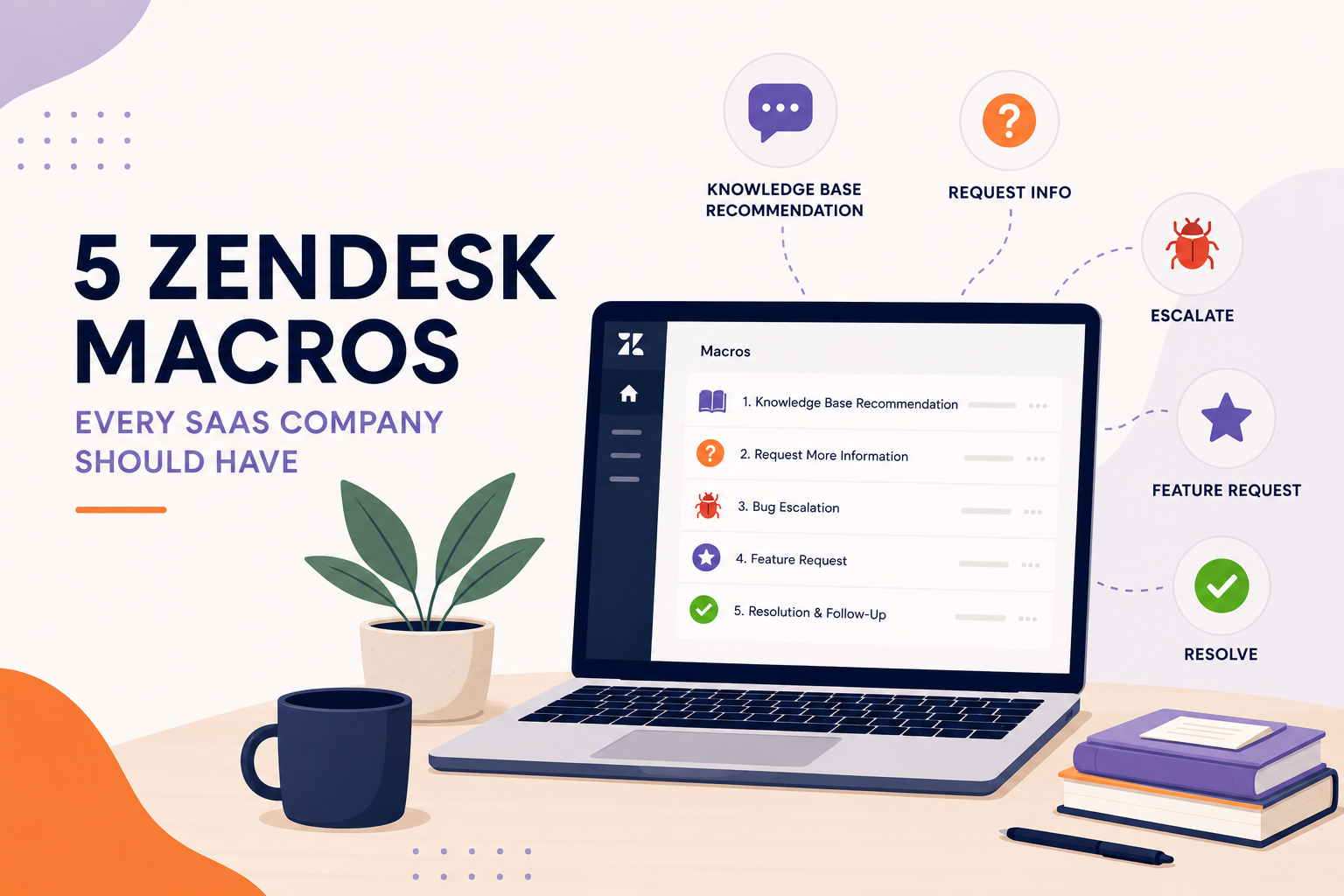
Macros should empower agents, not overwhelm them.
Red flags include:
- Dozens of macros with similar names
- Macros referencing old policies
- Broken dynamic content placeholders
- Agents creating personal macros because shared ones aren’t helpful
How an audit helps: A macro cleanup improves naming conventions, removes outdated content, and standardizes responses to ensure brand consistency.
6. Your Views Are Cluttered or Unused
Views should give agents clarity. Instead, many teams accumulate:
- Overlapping views
- Views with outdated conditions
- Personal views replacing team ones
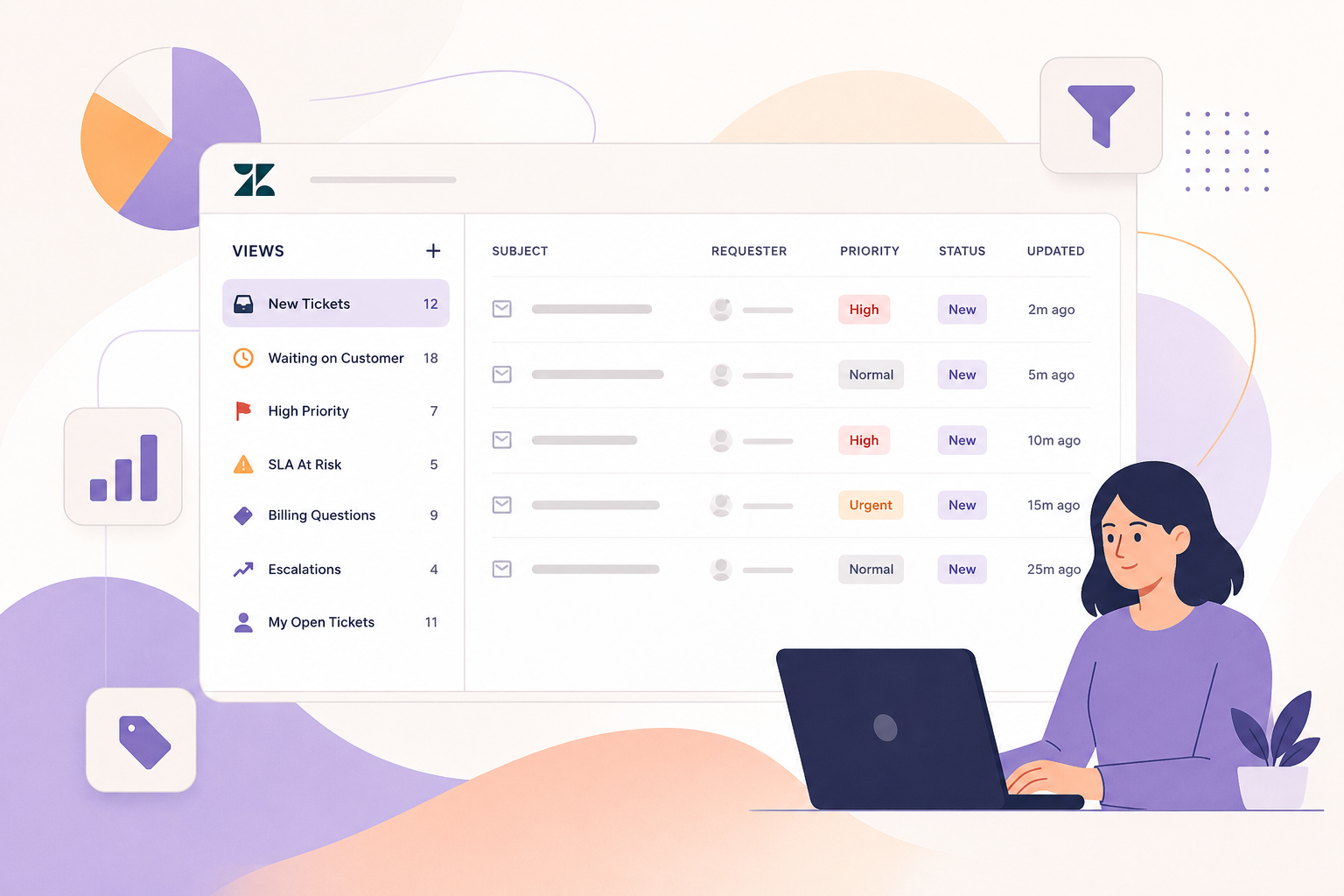
- Critical tickets hidden in low-visibility queues
How an audit helps: We streamline views to match real workflows and ensure priority tickets are visible and actionable.
7. Automation Is Doing Too Much (or Too Little)
Some instances rely on dozens of automations firing hourly. Others barely use them at all.
Too much automation can create noise. Too little can create manual busywork.
How an audit helps: We right-size automation so follow-ups, reminders, and SLA tracking happen automatically, without overwhelming your system.
8. Your SLAs Aren’t Reflecting Reality
If SLAs are constantly breached, or never breached, it’s a configuration issue.
Common issues:
- SLAs applied to the wrong ticket types
- No distinction between priority tiers
- Missing pause conditions
- Metrics misaligned with business expectations
How an audit helps: A health check ensures SLA policies match your actual service commitments and reporting goals.
9. Your Help Center Feels Disconnected from Support
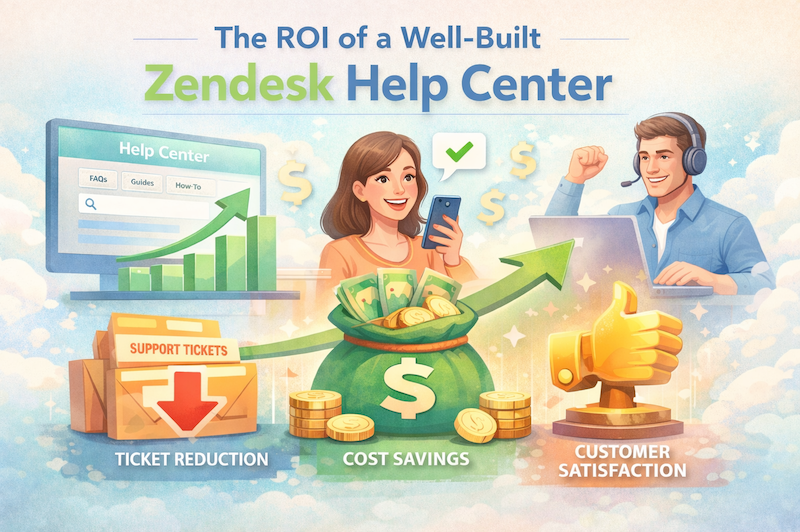
Your knowledge base shouldn’t live in isolation. When built correctly in Zendesk Guide, it reduces ticket volume and empowers customers.
Warning signs:
- Low article engagement
- High ticket deflection failure
- Outdated or duplicated articles
- No clear content ownership
How an audit helps: We assess content structure, search optimization, and article performance to improve deflection and customer experience.
10. No One Fully Understands the Instance Anymore
This is the biggest red flag of all.
If:
- Only one person knows how triggers work
- Documentation doesn’t exist
- Changes are made without change management
- You’re afraid to touch workflows
It’s time for a reset.
How an audit helps: A structured health check provides documentation, clarity, and a scalable framework so your system supports growth instead of hindering it.
What a Zendesk Health Check Actually Includes
A comprehensive audit typically covers:
- Business rule review (triggers, automations, macros)
- Group and routing logic analysis
- Tag taxonomy cleanup
- Reporting alignment in Zendesk Explore
- SLA configuration review
- Help Center structure assessment
- Performance and scalability recommendations
The goal isn’t to rebuild your instance from scratch, it’s to optimize what you already have.
The Bottom Line
Your Zendesk instance should feel like a well-oiled machine, not a patchwork of historical decisions.
If you’re seeing duplicate triggers, inconsistent tagging, unreliable reporting, slow routing, or outdated macros, those aren’t minor annoyances, they’re signals.
A proactive health check transforms your instance from reactive and cluttered into streamlined, measurable, and scalable.
At SupportPie, we help teams regain confidence in their Zendesk environment, so support leaders can focus on strategy instead of system firefighting.