Service Level Agreements (SLAs) are one of the most powerful, yet misunderstood, features inside Zendesk. When they’re set up correctly, SLAs give your support team clear expectations, help leaders spot bottlenecks before they explode, and deliver a consistent experience to customers. When they’re configured poorly, you end up with skewed reports, confused agents, and unhappy customers.
What Are SLAs in Zendesk?
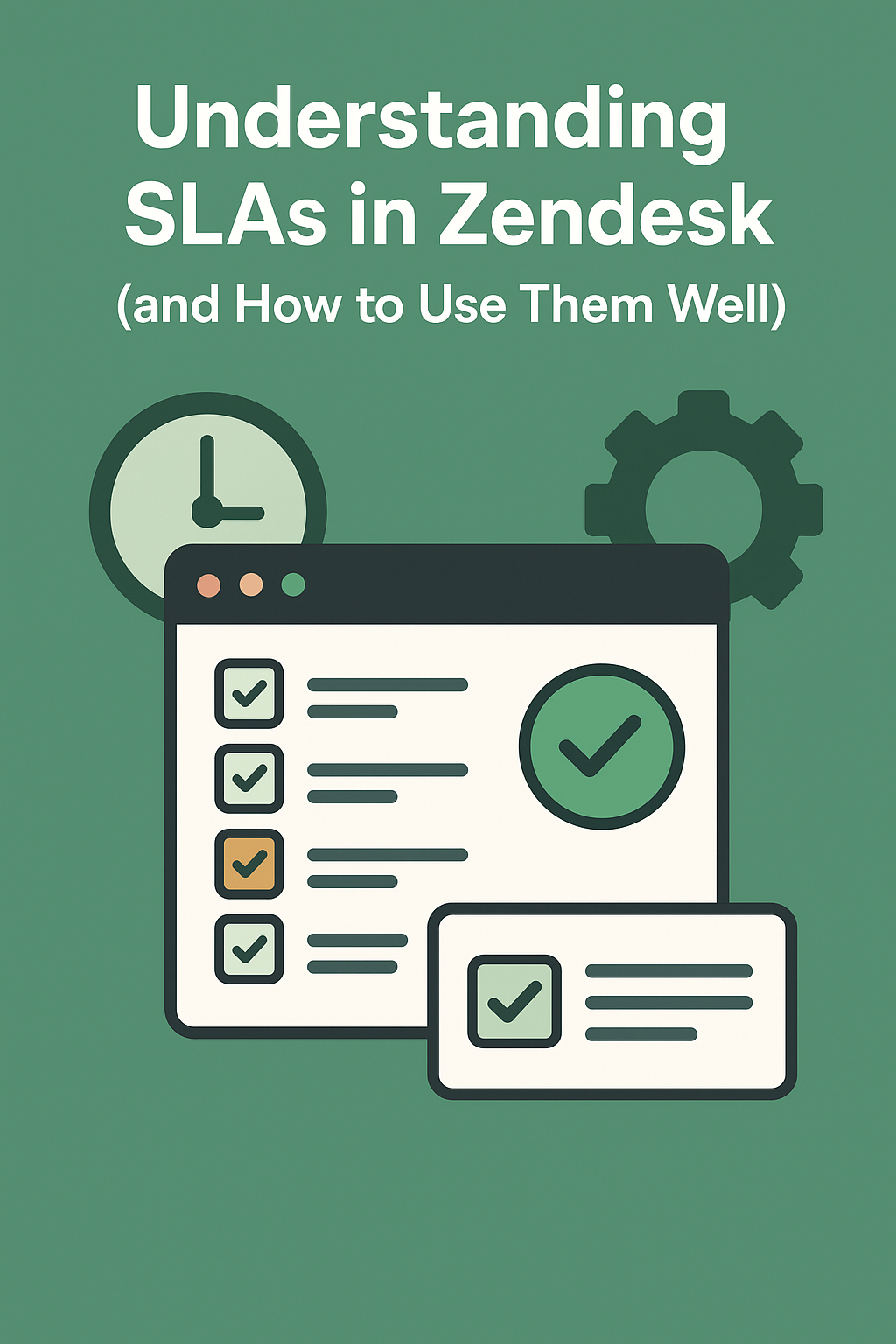
In Zendesk, SLAs are timers that measure how quickly your team responds to and resolves customer inquiries. They act as guardrails for your support operation by setting clear time targets for things like:
- First Reply Time (FRT)
- Next Reply Time
- Requester Wait Time
- Agent Work Time
- Resolution Time
Each SLA target helps ensure your team delivers timely support, without the guesswork, manual monitoring, or endless spreadsheet reporting.
How SLA Policies Work
Zendesk SLA policies are rules that define which tickets should receive which SLA targets. Policies can be applied based on things like:
- Ticket form
- Priority level
- Channel
- Requester type (e.g., VIP customers)
- Product or issue category
A single ticket can only have one SLA policy active at a time, so it's important to build clean, logical policies that don’t conflict with each other.
Each policy includes:
- The conditions that determine when the SLA applies
- The targets (the timing goals) for each metric
- The schedule (your business hours) the policy follows
Zendesk then begins or pauses the SLA timer depending on ticket status and agent updates.
How to Configure SLAs Properly
1. Start with Clean Foundations
Before building SLA policies, make sure you have:
- Accurate business hours configured
- Well-structured ticket fields
- A consistent prioritization model
- Clear internal definitions (e.g., what qualifies as “urgent”)
This ensures your SLAs reflect real operational expectations.
2. Create SLA Policies Based on Priority, Not Issue Type
Although it’s tempting to build separate SLAs for every product or issue, Zendesk works best when policies follow priority levels first.
A clean structure might look like:
- Low Priority → 24-hour FRT / 72-hour resolution
- Normal Priority → 8-hour FRT / 48-hour resolution
- High Priority → 1-hour FRT / 8-hour resolution
- Urgent Priority → 15-minute FRT / 2-hour resolution
Then layer in additional conditions only when truly needed (e.g., escalated customers, VIP accounts).
3. Be Intentional With “Business” vs “Calendar” Hours
One of the most overlooked setup steps is choosing whether to measure a target in business hours or calendar hours.
- Business hours: Ideal for B2B teams, support teams with defined schedules, or anything requiring fair timing expectations.
- Calendar hours: Ideal for 24/7 teams or urgent use cases where time literally cannot wait.
Mixing the two unintentionally is a common source of SLA failures.
4. Watch Out for the “Next Reply Time” Metric
Zendesk measures next reply time any time the ball returns to the agent after a customer response. Many teams unknowingly break SLAs because agents send unnecessary follow-ups that restart the timer.
Teach your team:
- Avoid “checking in” messages unless they matter
- Put real updates in public replies when you need more info
- Use internal notes for collaboration so SLAs don’t reset unintentionally
5. Test Your SLA Policies Before Deploying
Zendesk doesn’t allow you to run SLAs in a sandbox simulation, so the best practice is:
- Create sample tickets
- Manipulate status/priority
- Watch how timers appear
- Confirm the right policy is applied
- Validate that timers start and stop correctly
Catching mistakes early prevents messy reports later.
Common SLA Mistakes to Avoid
Mistake #1: Building Too Many SLA Policies
More policies = more confusion.
Use the fewest number possible, and structure them around priority.
Mistake #2: Using SLAs as Agent Performance Scores
SLAs are operational guardrails, not moral judgments.
Use them to measure system health, not individual worth.
Mistake #3: Forgetting About Non-Support Channels
If you get tickets from:
- Instagram
- WhatsApp
- Voice
- Web widgets
- Automations or API triggers
…make sure the SLA policy conditions include or exclude them intentionally.
Mistake #4: Letting Agents Reset SLAs Accidentally
Train agents on how public vs internal comments affect timers.
Mistake #5: Not Reviewing SLAs Quarterly
As product lines grow or customer expectations shift, your SLAs may no longer make sense.
A quarterly review keeps things healthy.
How to Use SLAs to Actually Improve CX
SLAs aren’t just a back-office mechanic, they directly impact customer experience.
Great teams use them to:
- Identify staffing gaps (e.g., consistent weekend violations)
- Optimize workflows (where do tickets stall?)
- Automate escalations (use triggers when SLAs are at risk)
- Create transparency for customers
- Set expectations for support teams internally
Ultimately, SLAs help you build a more predictable, trustworthy support operation.
Final Thoughts
Zendesk SLAs are simple in concept: define expectations and measure your responsiveness. But the nuance lies in how you configure them. With a clean structure, intentional timing choices, and regular review, your SLA setup becomes not just another administrative task, but one of the strongest operational tools in your Zendesk environment.
If your team needs help creating, cleaning up, or auditing your Zendesk SLAs, the SupportPie team is happy to jump in and assist.