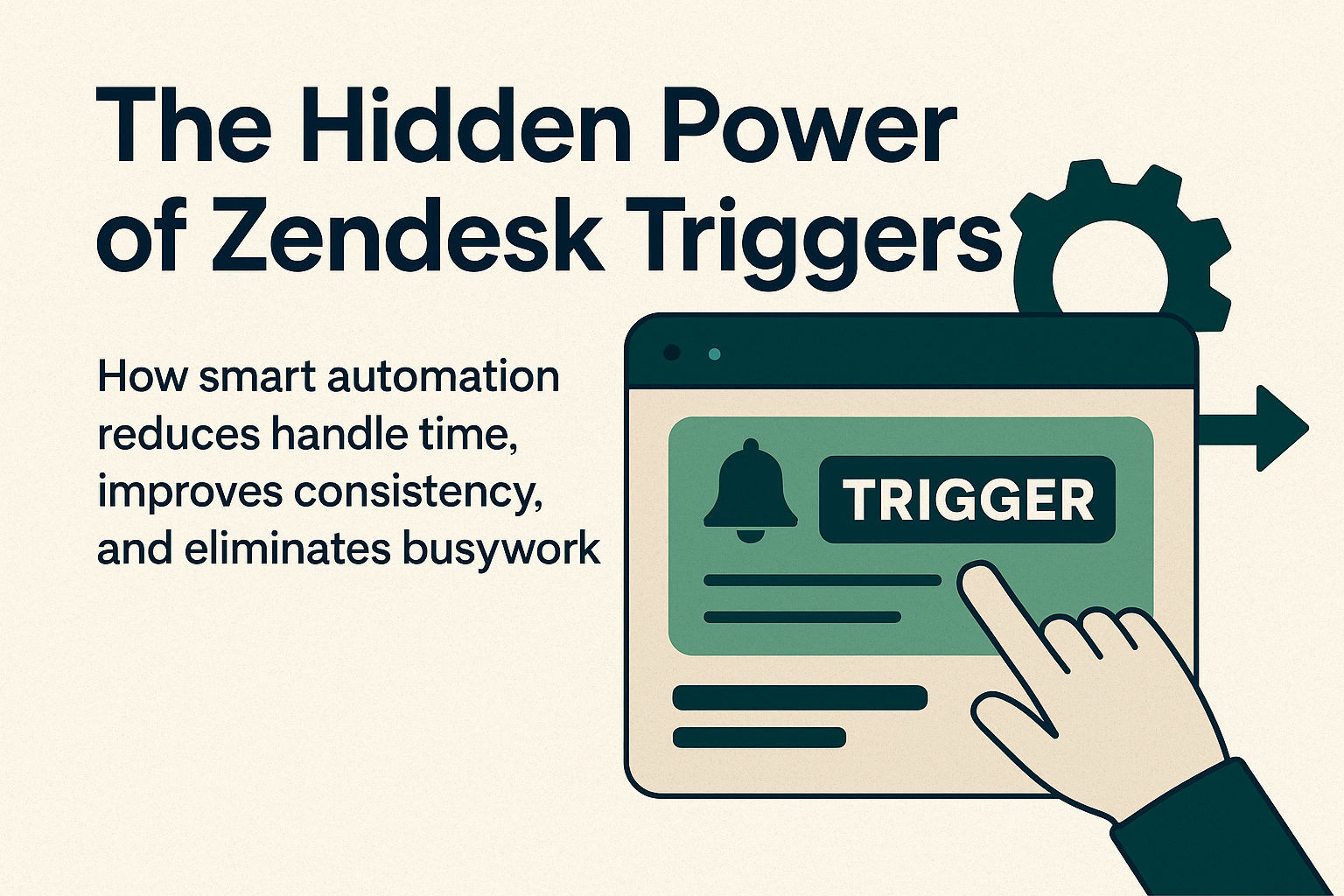
When people talk about optimizing Zendesk, they usually jump straight to macros, SLAs, or dashboards. But one of the most powerful automation tools in the entire platform often flies under the radar: Triggers.
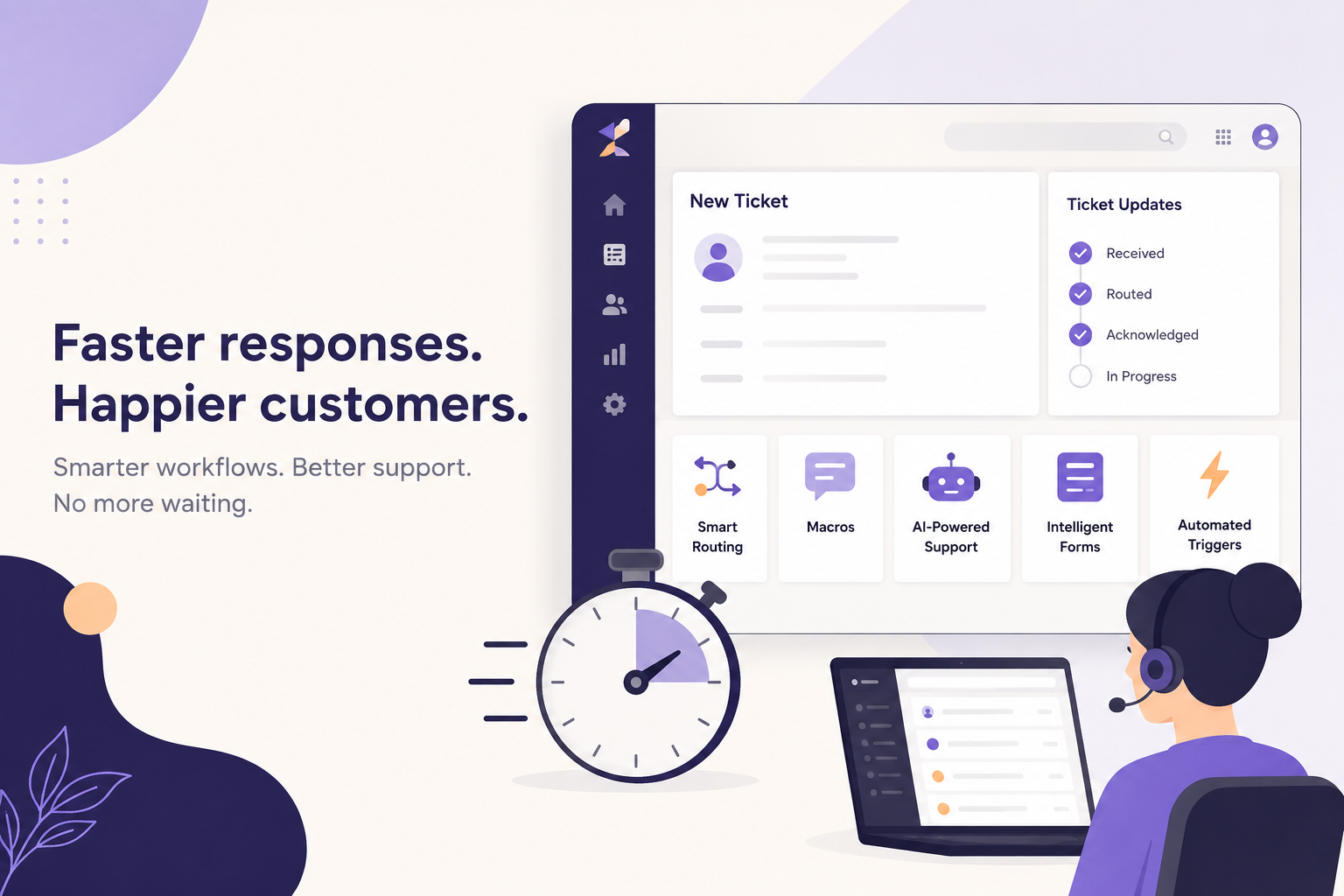
Triggers quietly work in the background, evaluating every ticket as it’s created or updated. When used well, they free up agents, enforce consistency, and keep your support engine running smoothly. Yet most teams barely scratch the surface.
Let’s change that.
What Are Zendesk Triggers, Really?
At their core, triggers are “if this happens… then do that” automation rules.
They are automatically applying actions whenever specific conditions are met in a ticket.
Common examples include:
- Auto-assigning tickets based on channel or topic
- Sending confirmation emails
- Updating priority or adding tags
- Routing VIP customers to specialized queues
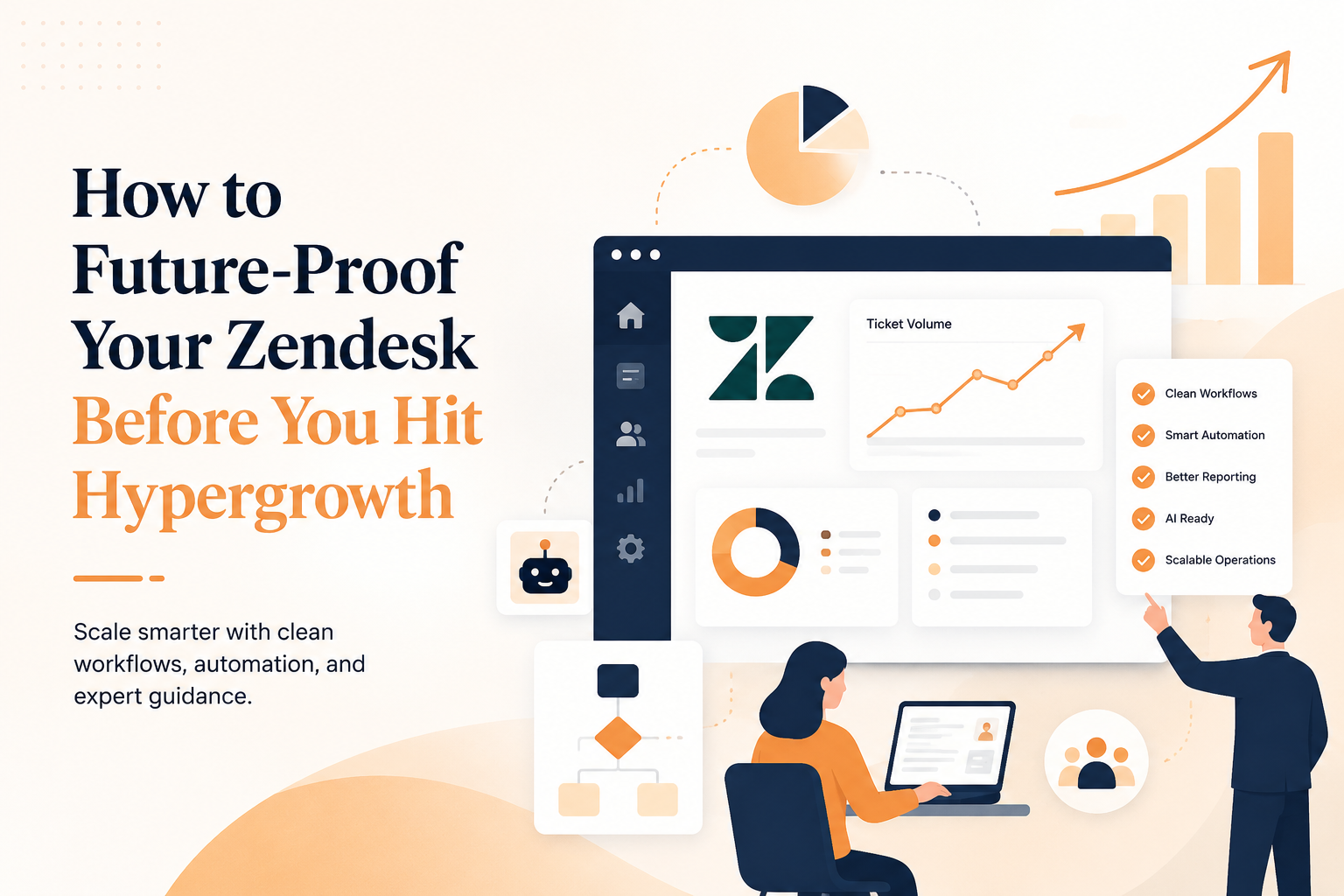
They’re simple, but when layered strategically, they become the backbone of a scalable support operation or they can become a tangled headache.
Why Most Teams Underuse Triggers
Many Zendesk instances only use a handful of basic triggers. And that’s a huge missed opportunity.
Here’s why:
1. Fear of “breaking something”
Admins worry that adding triggers might conflict with existing automation. Without a clean architecture, this can happen but avoiding triggers altogether slows teams down.
2. They’re often designed once and forgotten
Support teams evolve. Policies change. Products change. But triggers often stay exactly as they were built years before.
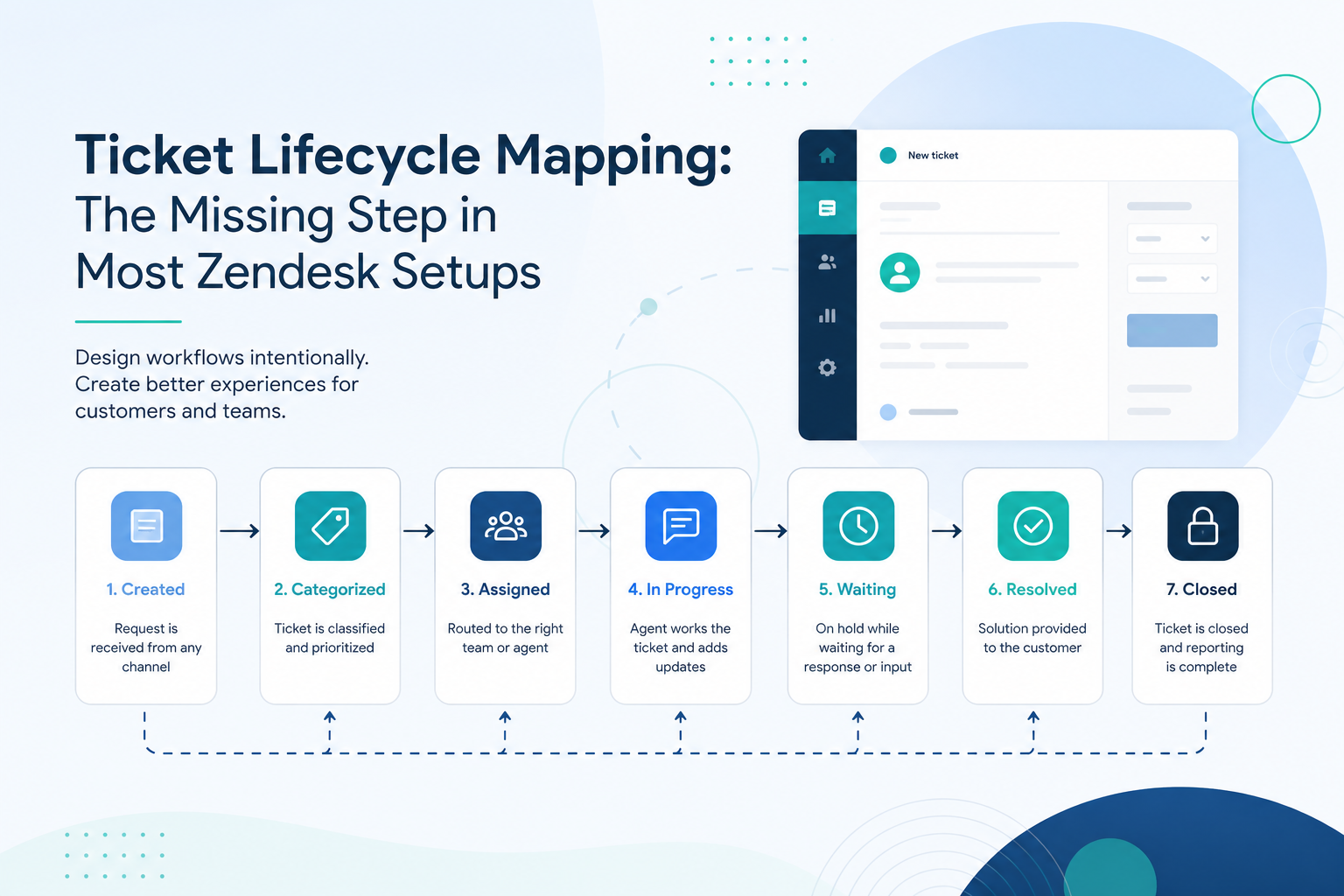
3. No one is mapping the full lifecycle
Teams build isolated triggers instead of thinking holistically about the end-to-end ticket journey.
This leads to duplicated rules, conflicting logic, and missed automation opportunities.
The Hidden Power: Smart Automation That Works for You
When triggers are thoughtfully designed, they can transform your support operations.
Reduce Handle Time
Triggers handle the repetitive steps agents shouldn’t have to:
- Automatically apply context tags
- Pre-route tickets to the right agents or groups
- Prioritize urgent cases
- Set fields that allow macros to work properly
Every manual step removed is time agents can spend solving problems instead of clicking buttons.
Improve Consistency Across Teams
No more “it depends who handled the ticket.”
Triggers make sure:
- Every ticket is categorized correctly
- Policies are applied uniformly
- SLAs kick in exactly as intended
- Workflows behave predictably, even across shifts and regions
That consistency is essential for scaling.
Eliminate Busywork
Some examples of what triggers can take off your agents’ plates:
- Assigning tags for reporting
- Notifying the right team when certain errors occur
- Auto-closing stale tickets with polite messaging
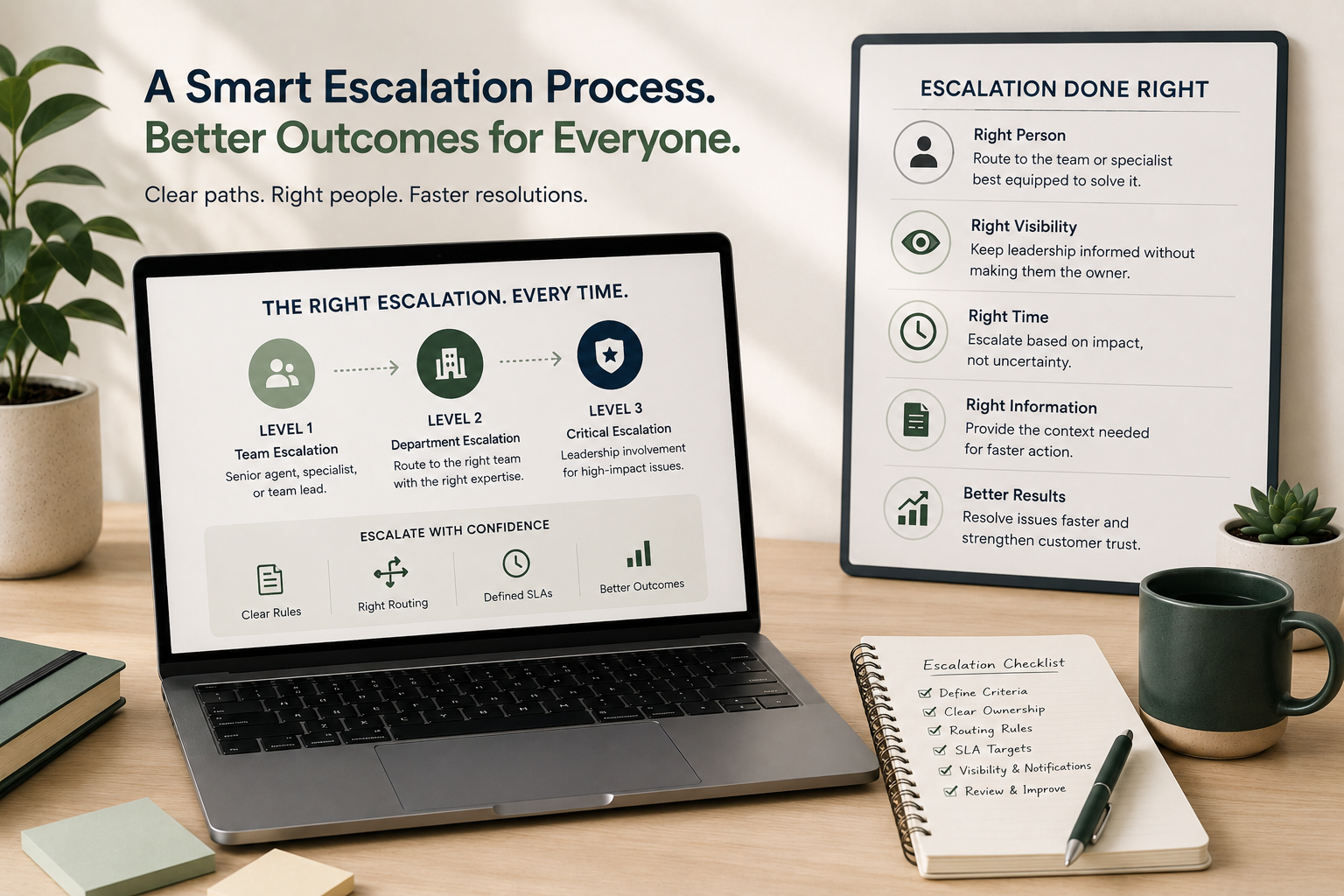
- Managing escalation paths
- Handling special-case rules like warranty checks or VIP accounts
10 Smart Trigger Ideas You Can Put to Use Today
Here are some powerful (and often overlooked) trigger concepts:
- Channel-based routing for chat, email, SMS, social, and webform.
- Intent tagging using keywords or AI-based categorization.
- VIP routing for customers with SLAs or high-value accounts.
- Auto-tagging product versions or SKUs based on user dropdowns.
- Spam + auto-close workflows using domain checks and ticket content.
- Stalled ticket nudges that reopen or escalate tickets after certain conditions.
- Agent collision tracking to notify managers when tickets bounce too often.
- “First response overdue” alerts to save SLA breaches before they happen.
- Auto-triage for onboarding vs. break/fix tickets.
- Self-service deflection workflows that guide customers to help center articles.
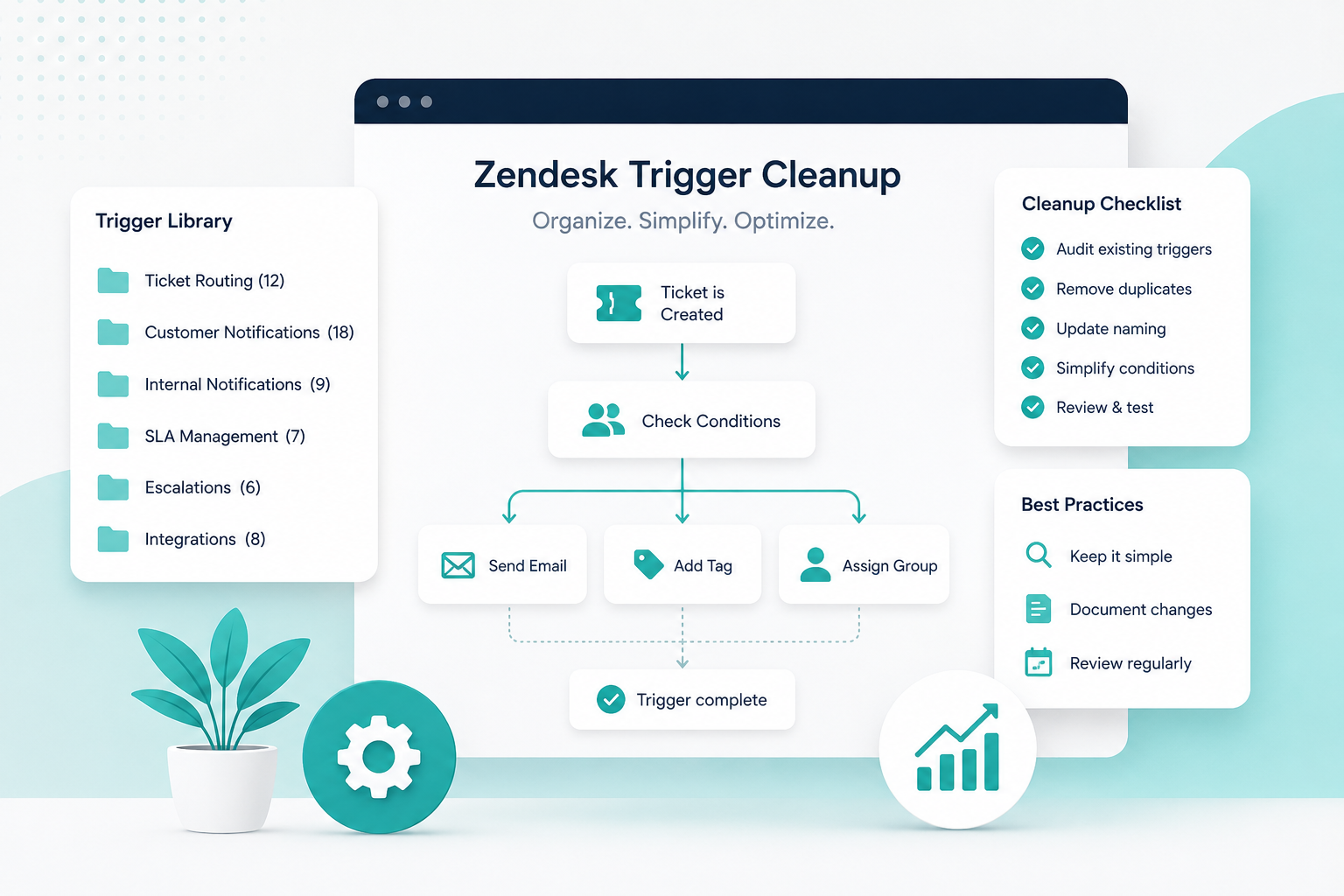
How to Audit and Optimize Your Trigger Ecosystem
To truly unlock the hidden power of triggers, take a step back and look at the bigger picture.
1. Remove duplicates
Look for triggers doing similar things and consolidate them.
2. Evaluate order and dependencies
Trigger order matters. Clean up the sequence so the system is predictable.
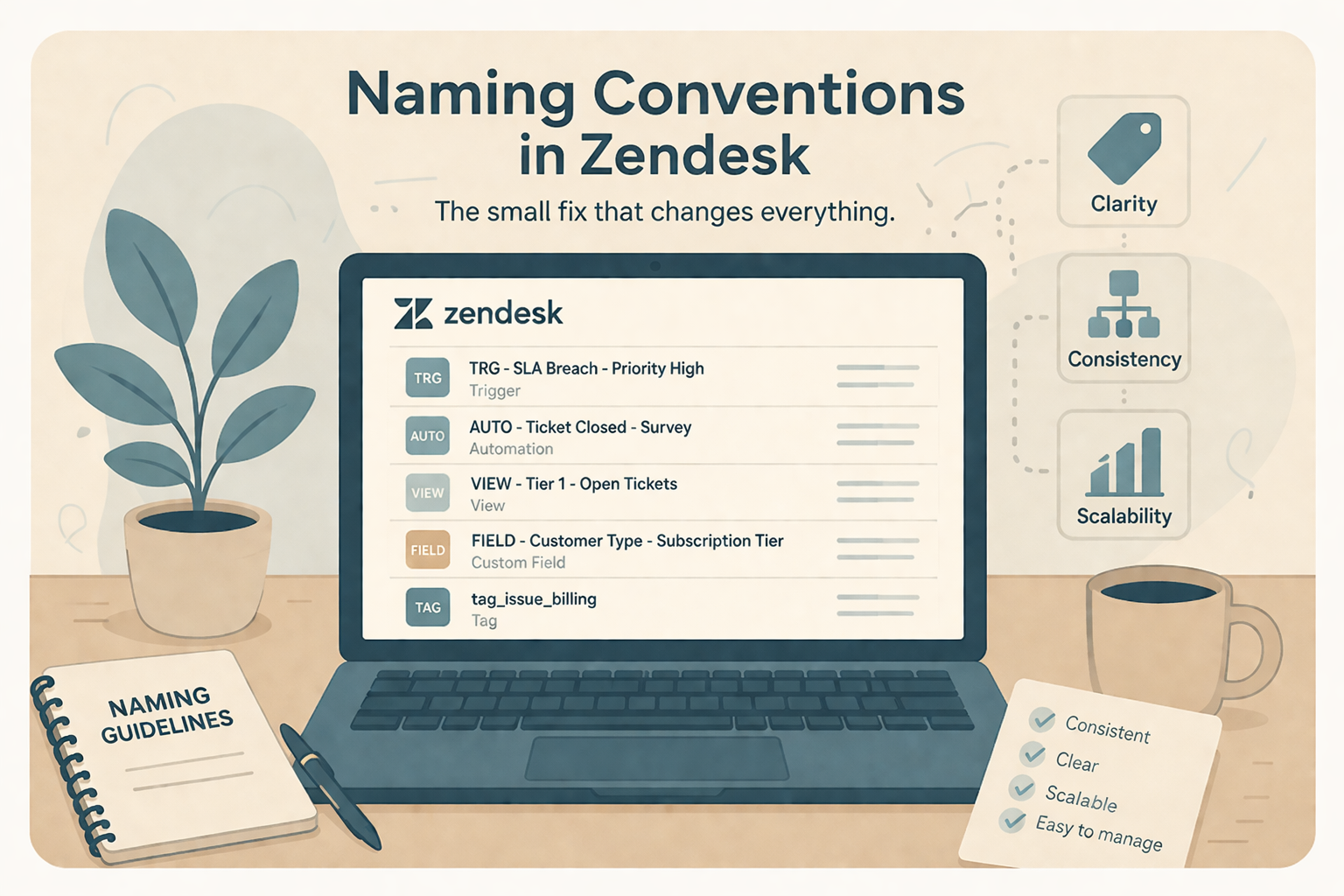
3. Use naming conventions
For example:
[ROUTING] New Chat to Live Support
[NOTIFY] VIP Escalation
[CLEANUP] Set Product Tag
This alone reduces confusion dramatically.
4. Document everything
Create a trigger map that outlines input → logic → output.
This becomes your source of truth when onboarding new admins. (It’s best to pull triggers from the API so it’s all laid out and you can see them all at once!)
5. Test in a sandbox
Always run new logic in a non-production environment where you can safely make mistakes.
The Bottom Line
Zendesk triggers might not be the most flashy, but they’re one of the most important levers you have to build a support team that runs with speed, accuracy, and almost zero manual effort.
Most teams aren’t using them nearly enough.
The ones who do? They operate smoother, scale faster, and deliver a consistently better customer experience.