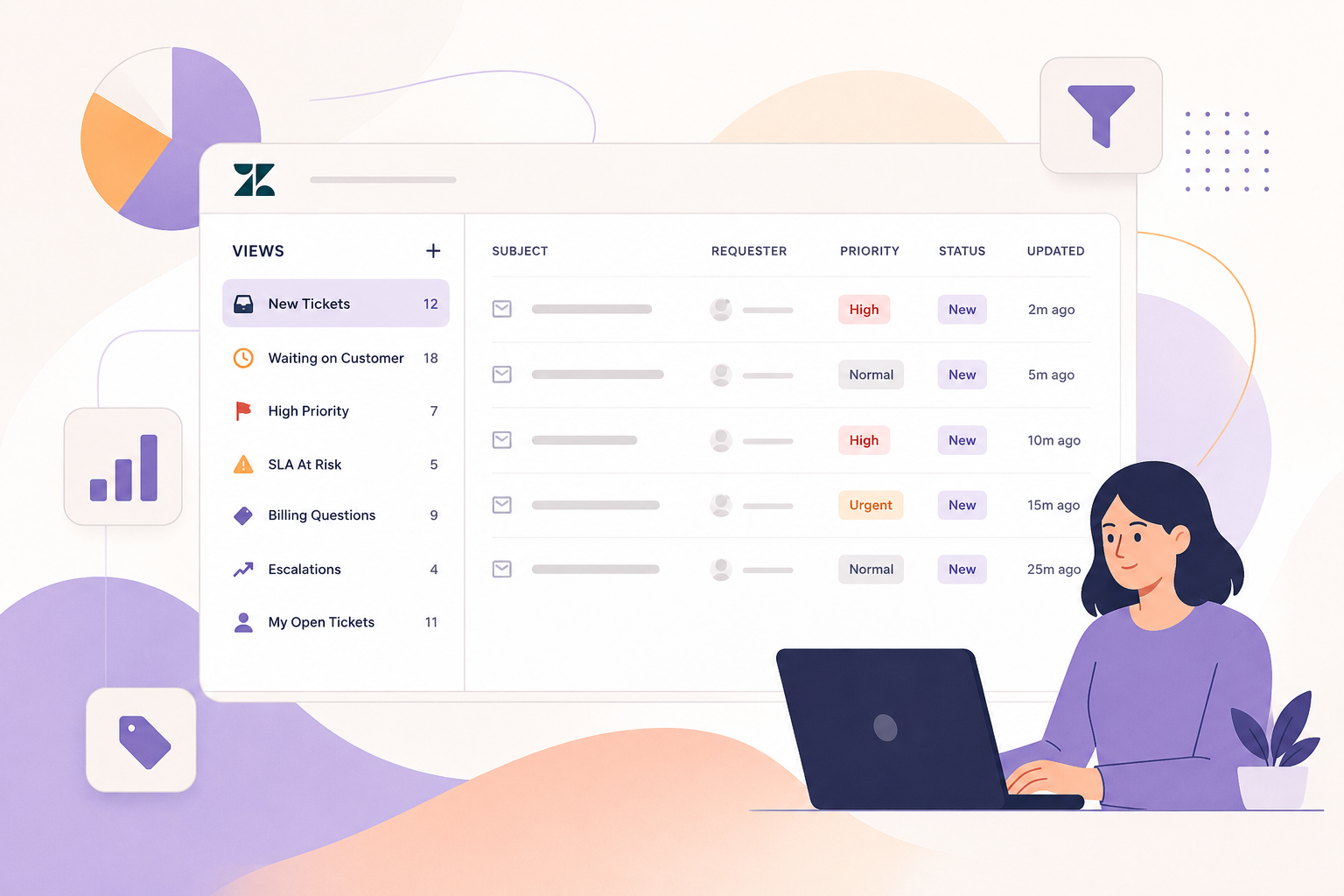
Zendesk Views are one of the most powerful, yet often poorly built, tools in any support operation. When configured thoughtfully, views do far more than list tickets. They reduce cognitive load for agents, surface the right priorities at the right time, and give supervisors real-time visibility into team performance.
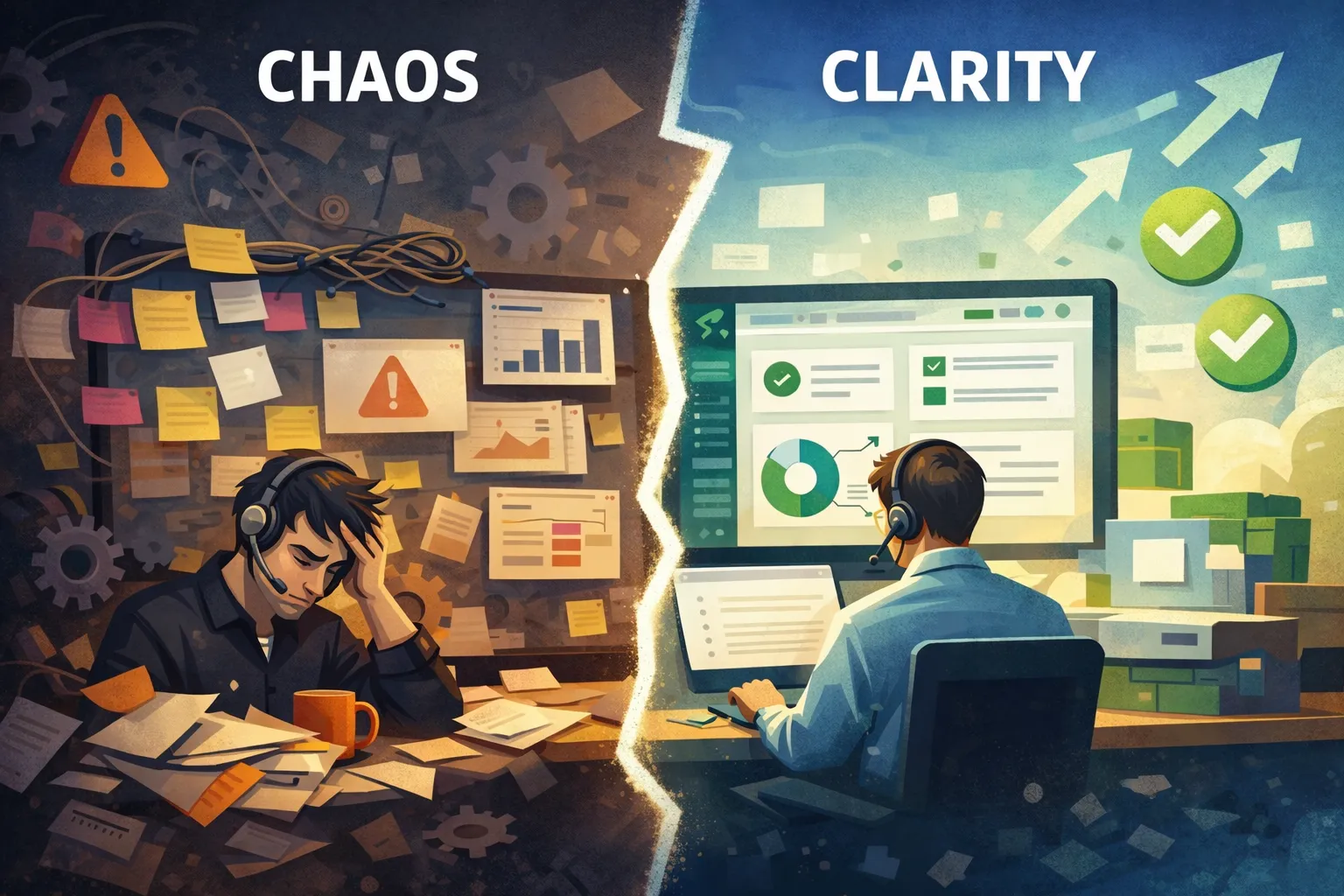
In this guide, we’ll walk through how to build Zendesk views that actually work: views that create clarity instead of chaos, scale as your team grows, and support both agents and supervisors.
What Are Zendesk Views (and Why They Matter More Than You Think)
At their core, Zendesk Views are filtered lists of tickets. But functionally, they act as your team’s daily workflow map.
Every time an agent logs in, views answer critical questions:
- What should I work on first?
- What’s urgent vs. non-urgent?
- What’s waiting on me vs. someone else?
Poorly designed views force agents to think too much. Well-designed views let agents act.
SupportPie Tip: If agents regularly ask, “What should I grab next?” your views are doing too much or not enough.
The #1 Goal of Great Views: Reduce Cognitive Load
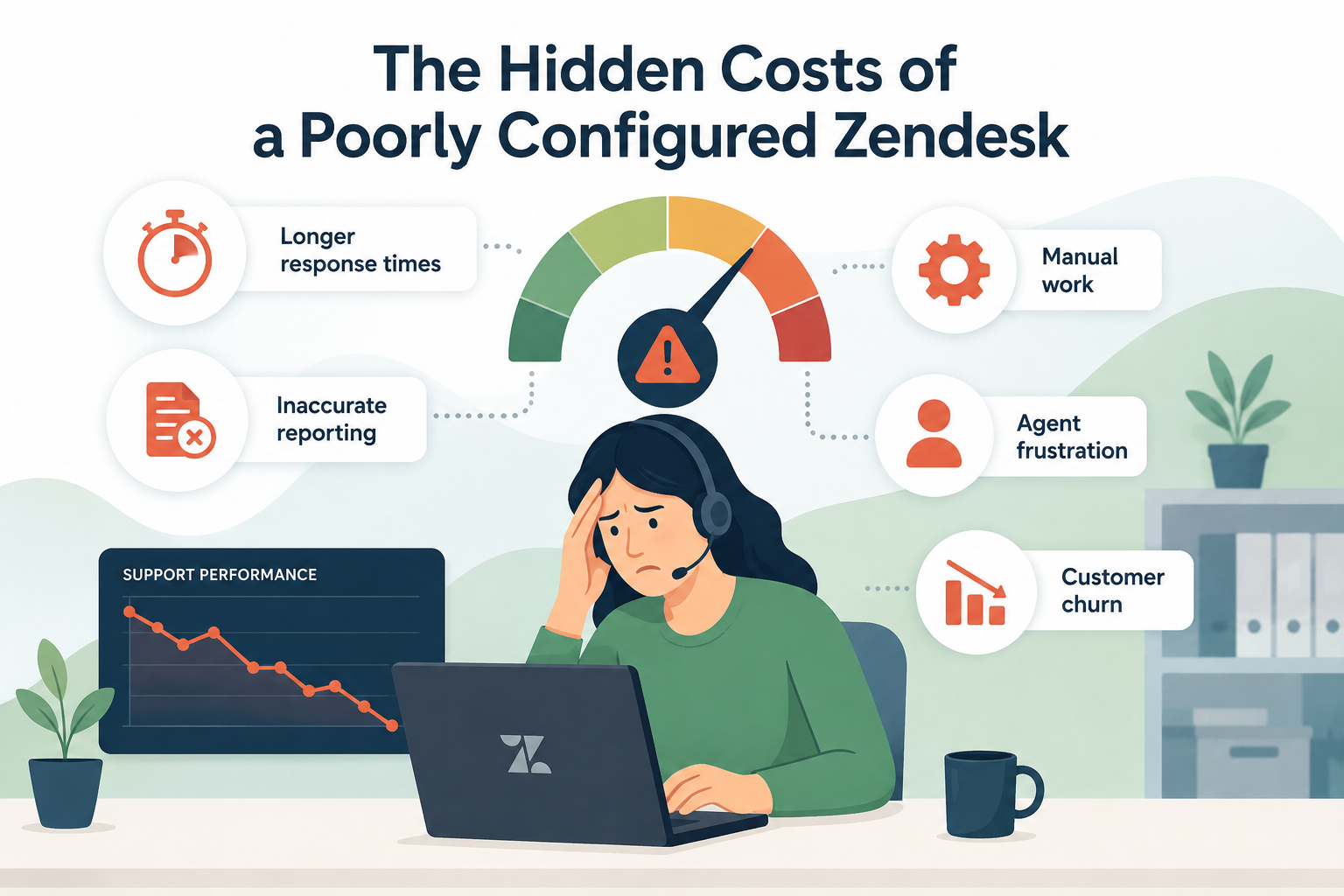
Cognitive load is the mental effort required to decide what to do next. In support, high cognitive load leads to:
- Slower response times
- Missed SLAs
- Agent burnout
Your views should remove decision-making, not add to it.
Principles of Low–Cognitive Load Views
- One clear purpose per view
If a view needs a paragraph to explain, it’s too complex. - Mutually exclusive views
Agents shouldn’t see the same ticket in five different places. - Action-oriented naming
Names should tell agents what to do, not how the view is built.
How to Structure Views for Agents
Agent views should answer one question: “What do I need to work on right now?”
Core Agent View Categories
1. Priority / SLA-Critical Views
These are the first stop for agents.
Examples:
- “Urgent – Breaching Soon”
- “High Priority – First Response Due”
Best practices:
- Sort by SLA target or priority, not update time
- Keep criteria tight
- Limit to truly urgent tickets
2. My Assigned Tickets
This is where agents live most of the day.
Examples:
- “My Open Tickets”
- “My Follow-Ups”
Tips:
- Exclude tickets in On-hold unless action is required
- Sort by oldest update or SLA
3. Waiting / Pending Views
These prevent tickets from disappearing.
Examples:
- “Pending – Waiting on Customer”
- “On-hold – Internal Dependency”
Key rule: Someone must own the follow-up.
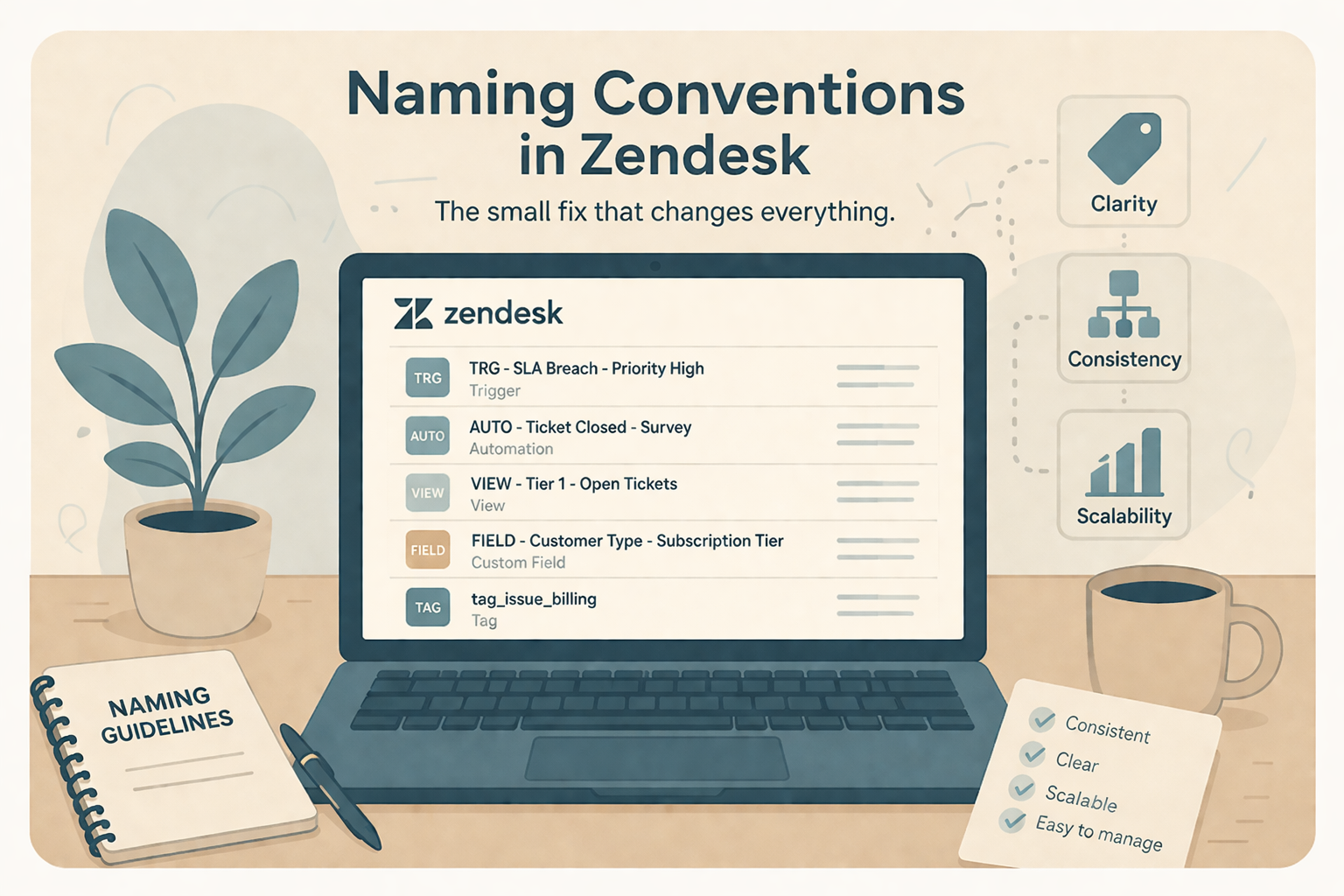
Naming Views So Agents Instantly Understand Them
Naming is one of the easiest wins, and one of the most overlooked.
Bad View Names
- “Tier 2 Tickets”
- “All Open”
- “Needs Review”
Good View Names
- “Urgent – Respond Now”
- “Assigned to Me – Action Required”
- “Pending – Follow Up Today”
Rule of thumb: If a new hire can’t explain the view in 5 seconds, rename it.
Using Views to Separate Priorities (Without Overwhelming Agents)
More views ≠ better workflow.
Most teams work best with:
- 5–8 agent-facing views total
- Clear ordering from most to least important
How to Order Views
- SLA-critical / urgent
- Assigned work
- Follow-ups
- Backlog / lower priority
Zendesk allows you to control view order, use it intentionally.
Supervisor & Manager Views: A Different Purpose
Supervisor views should not mirror agent views.
Managers need answers to different questions:
- Where are SLAs at risk?
- Who is overloaded?
- What’s stuck?
Must-Have Supervisor Views
SLA Risk View
Criteria examples:
- SLA breached or breaching soon
- Group-based (not individual)
Backlog Health View
Examples:
- “Open Tickets Older Than 3 Days”
- “Unassigned Tickets by Group”
Stuck Tickets View
Examples:
- Tickets in Pending or On-hold for X days
These views enable proactive coaching instead of reactive firefighting.
Advanced View Tips (That Make a Big Difference)
Use Tags Strategically
Tags can help create powerful, flexible views but, only if tagging is consistent.
Avoid Overlapping Conditions
Overlapping views create confusion and double work.
Audit Views Quarterly
As workflows change, views should too.
Questions to ask during audits:
- Are agents ignoring certain views?
- Are tickets living too long in one place?
- Do supervisors still use their dashboards?
Common Zendesk View Mistakes to Avoid
- Creating views for edge cases
- Letting views grow unchecked
- Using technical names instead of action-based names
- Designing views without agent input
Final Thoughts: Views Are a Workflow Tool, Not a Filing System
Zendesk Views shape how your team thinks, prioritizes, and performs… every single day.
When built intentionally, they:
- Reduce agent stress
- Improve SLA performance
- Give leaders clarity without micromanagement
If your views feel cluttered, confusing, or outdated, it’s probably time for a reset.
Need Help Optimizing Your Zendesk Views?
At SupportPie, we help teams design Zendesk workflows that actually support agents, not slow them down. From view architecture to automation strategy, we focus on clarity, scalability, and real-world usability.
Let’s talk about making Zendesk work for your team.