The end of the year is a natural time for reflection. Teams review goals, budgets reset, and priorities shift. But while many organizations plan ahead for sales and marketing, customer support systems often get overlooked.
Before the new year ramps up, now is the perfect time to ask an important question: Is your Zendesk instance actually set up to support where your business is headed next year, or is it just limping along from decisions made months (or years) ago?
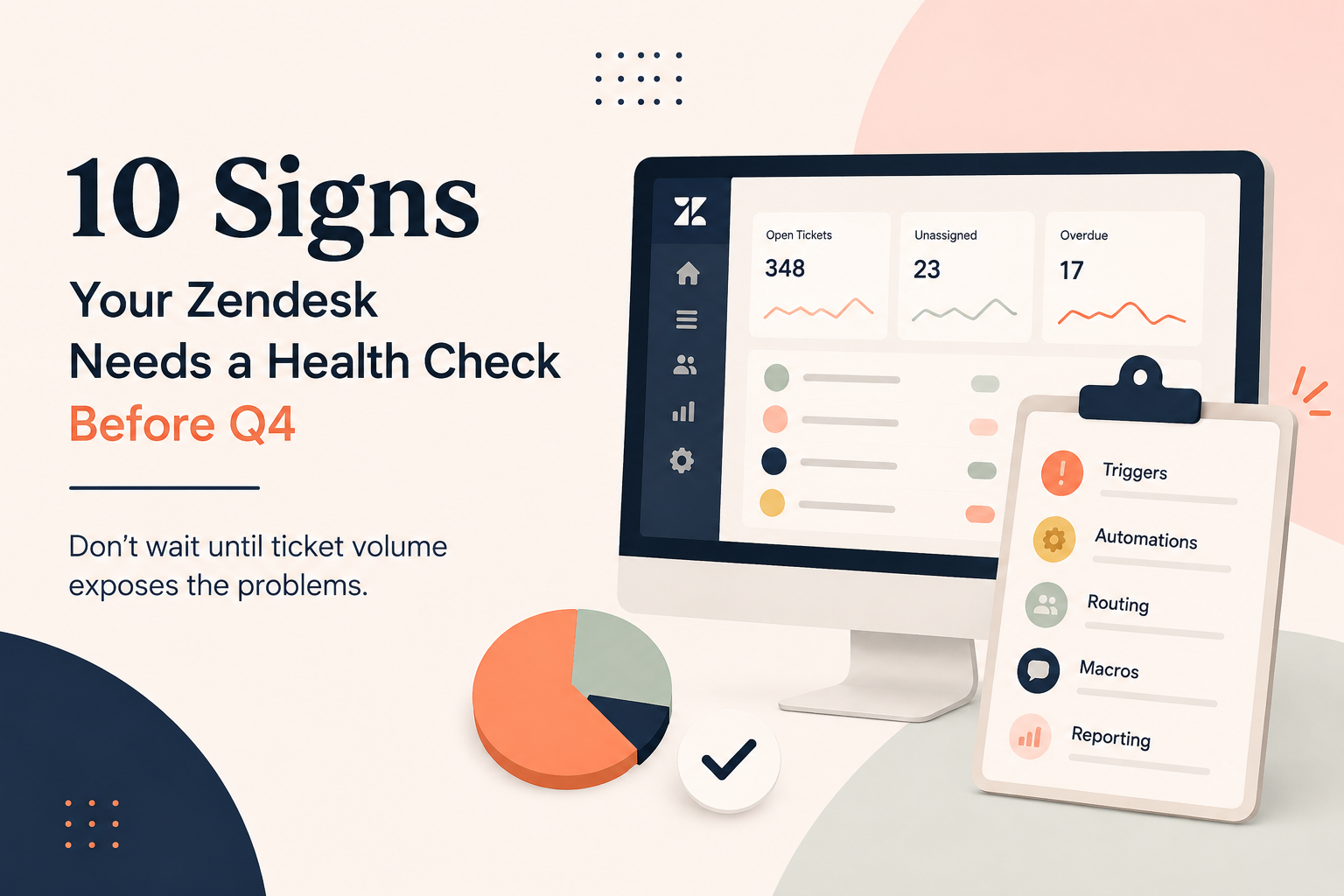
At SupportPie, we think of this as a Zendesk Holiday Health Check, a strategic, end-of-year audit that helps teams clean up, optimize, and prepare their support operations for what’s next.
Why an End-of-Year Zendesk Audit Matters
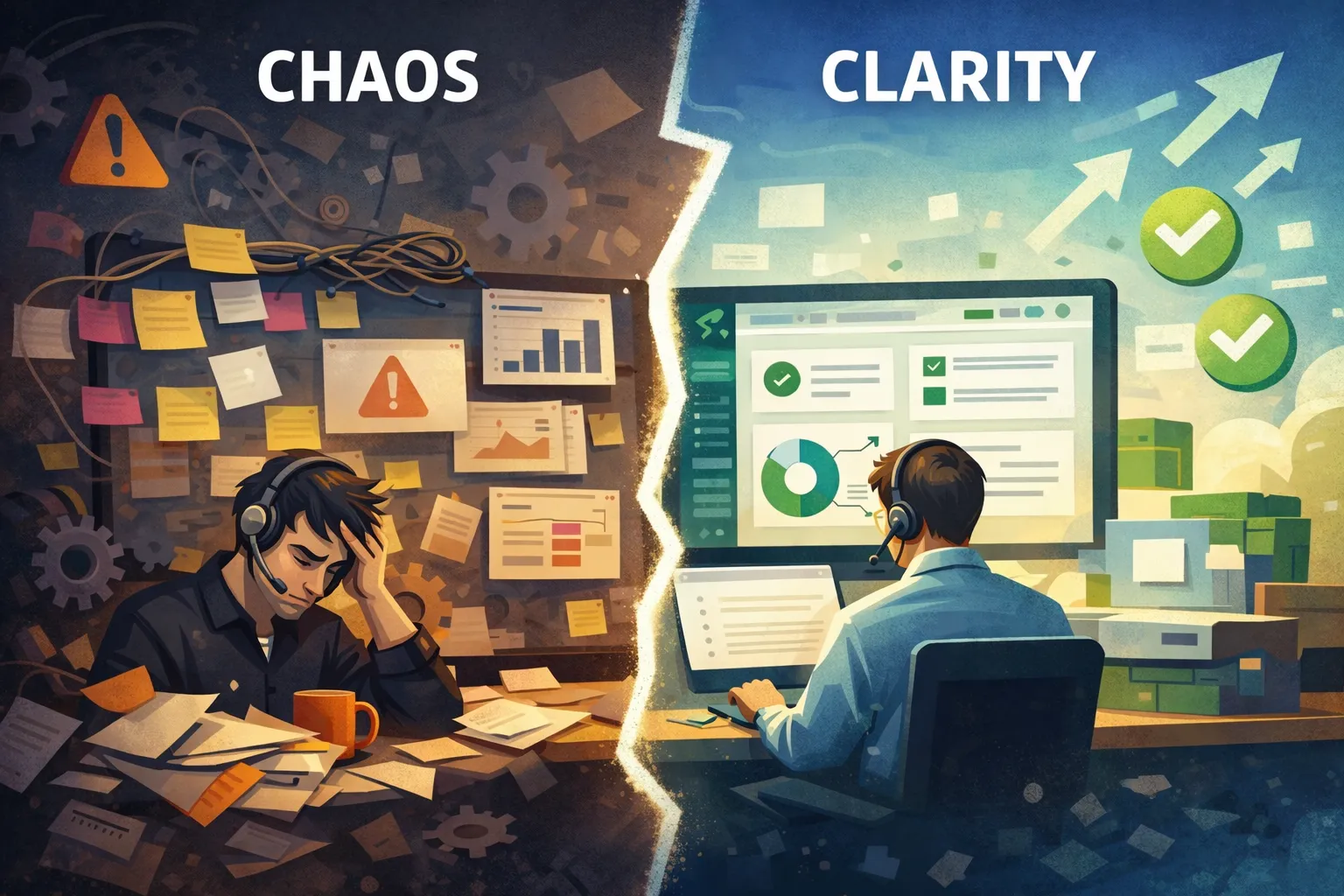
Zendesk evolves constantly, and so does your business. Over time, it’s easy for configurations to become cluttered:
- Triggers created for “temporary” workflows that never went away
- Views that no one uses (or worse, that agents actively avoid)
- Automations that overlap or conflict
- Reporting that doesn’t reflect current KPIs
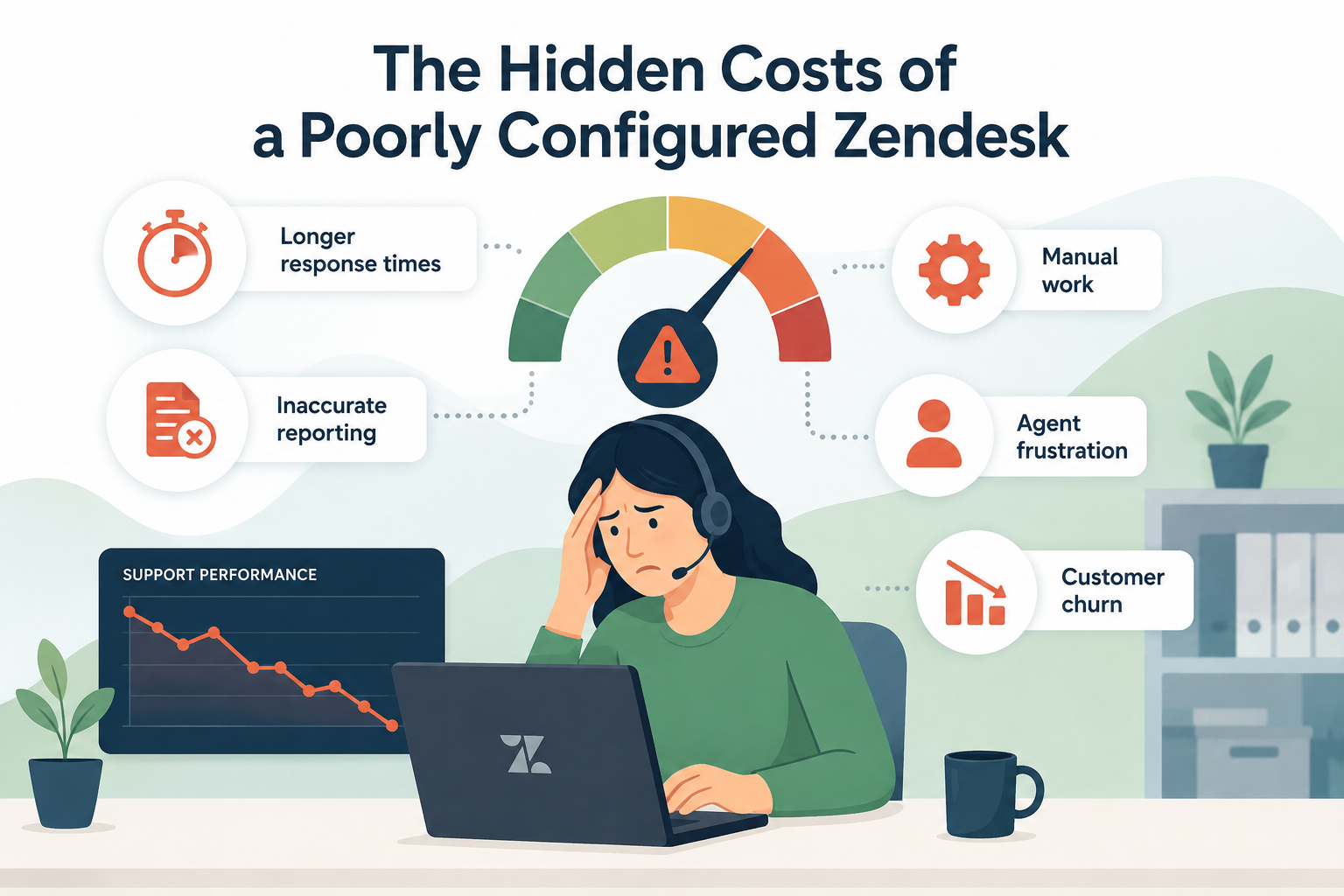
These issues don’t always break Zendesk, but they slow teams down, hide insights, and create friction for agents and customers alike.
An end-of-year audit helps you:
- Start the new year with a clean, efficient system
- Identify quick wins and long-term improvements
- Align Zendesk with updated business goals and support strategy
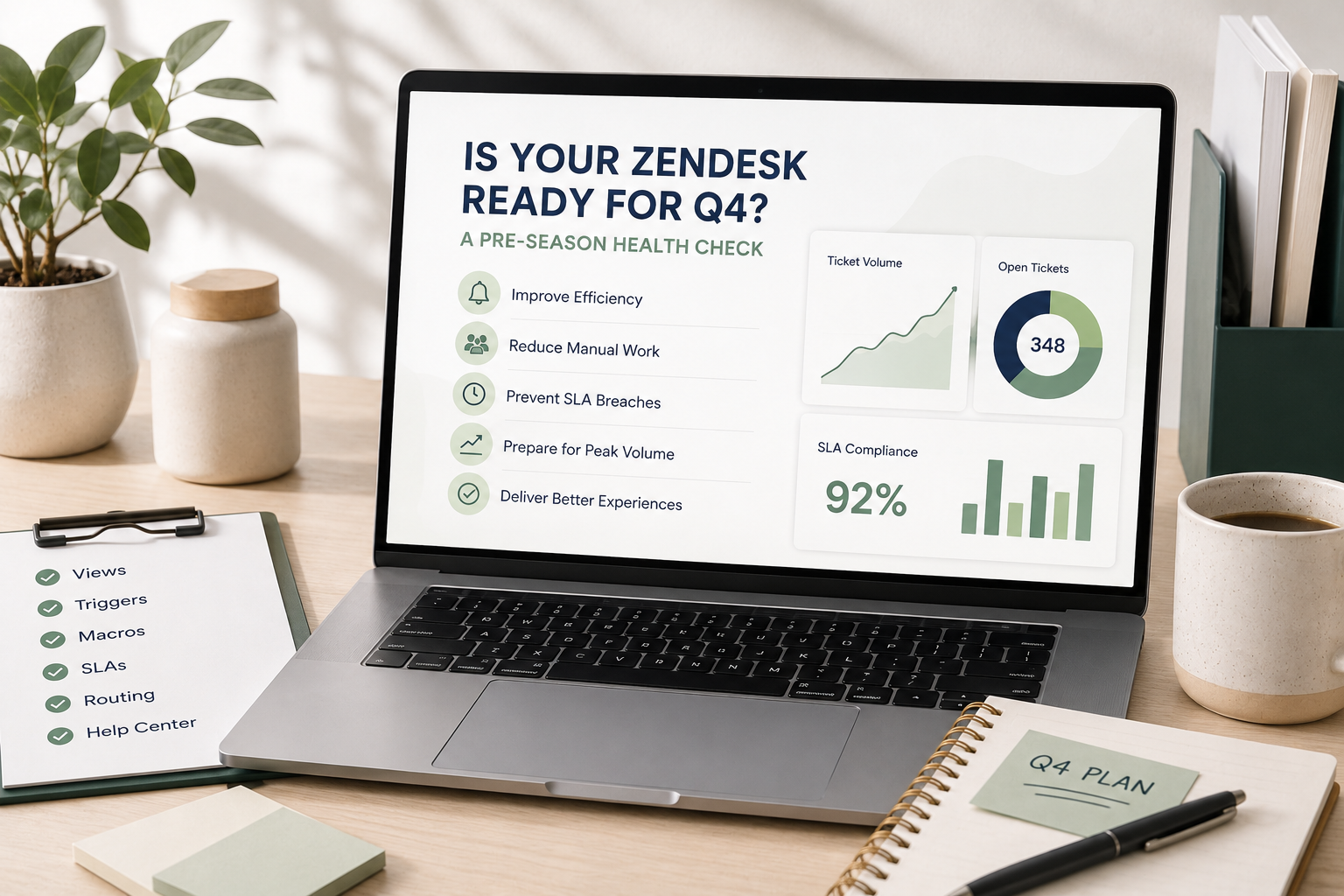
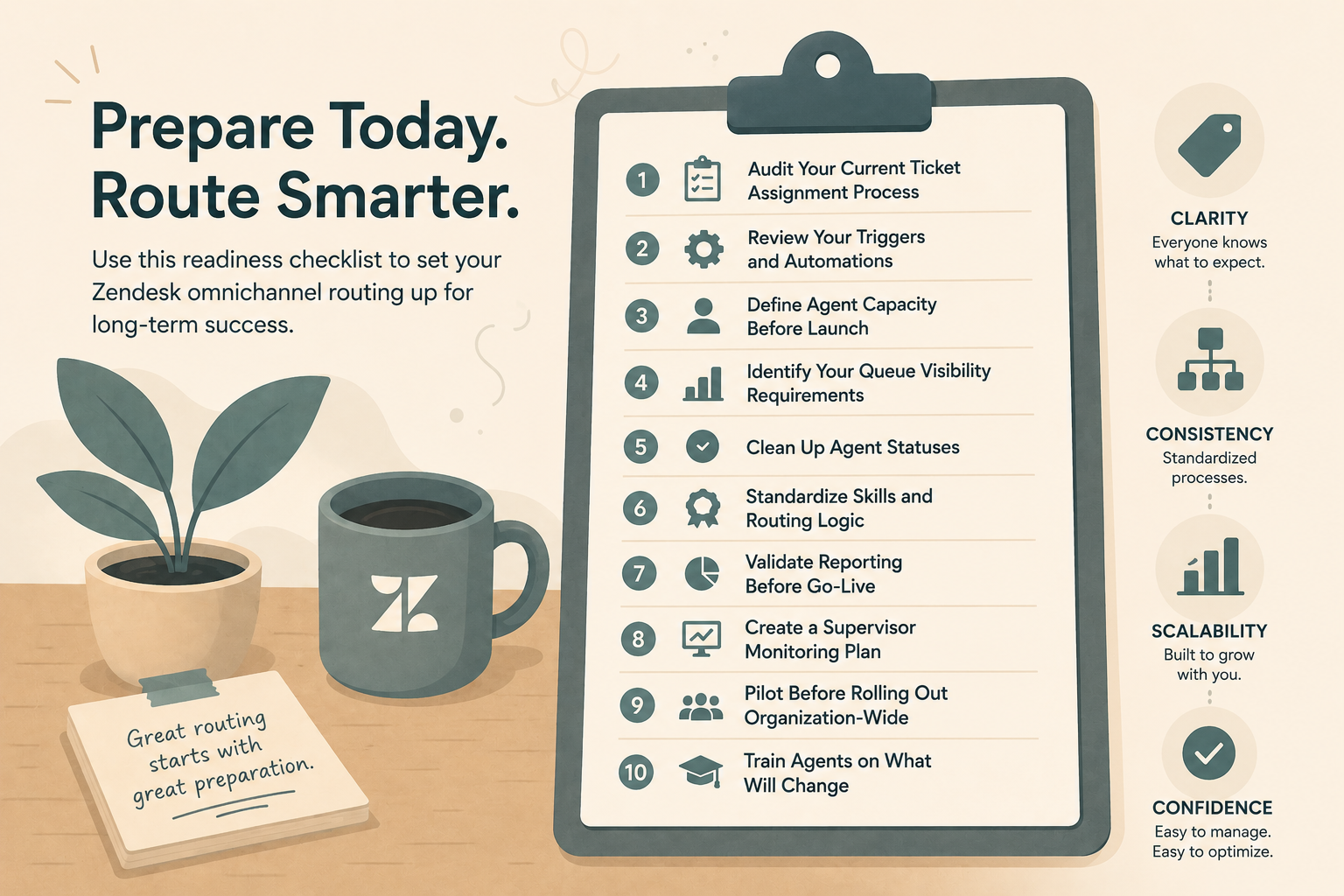
Your Zendesk Holiday Health Check: What to Review
Here’s how we recommend approaching an end-of-year Zendesk audit.
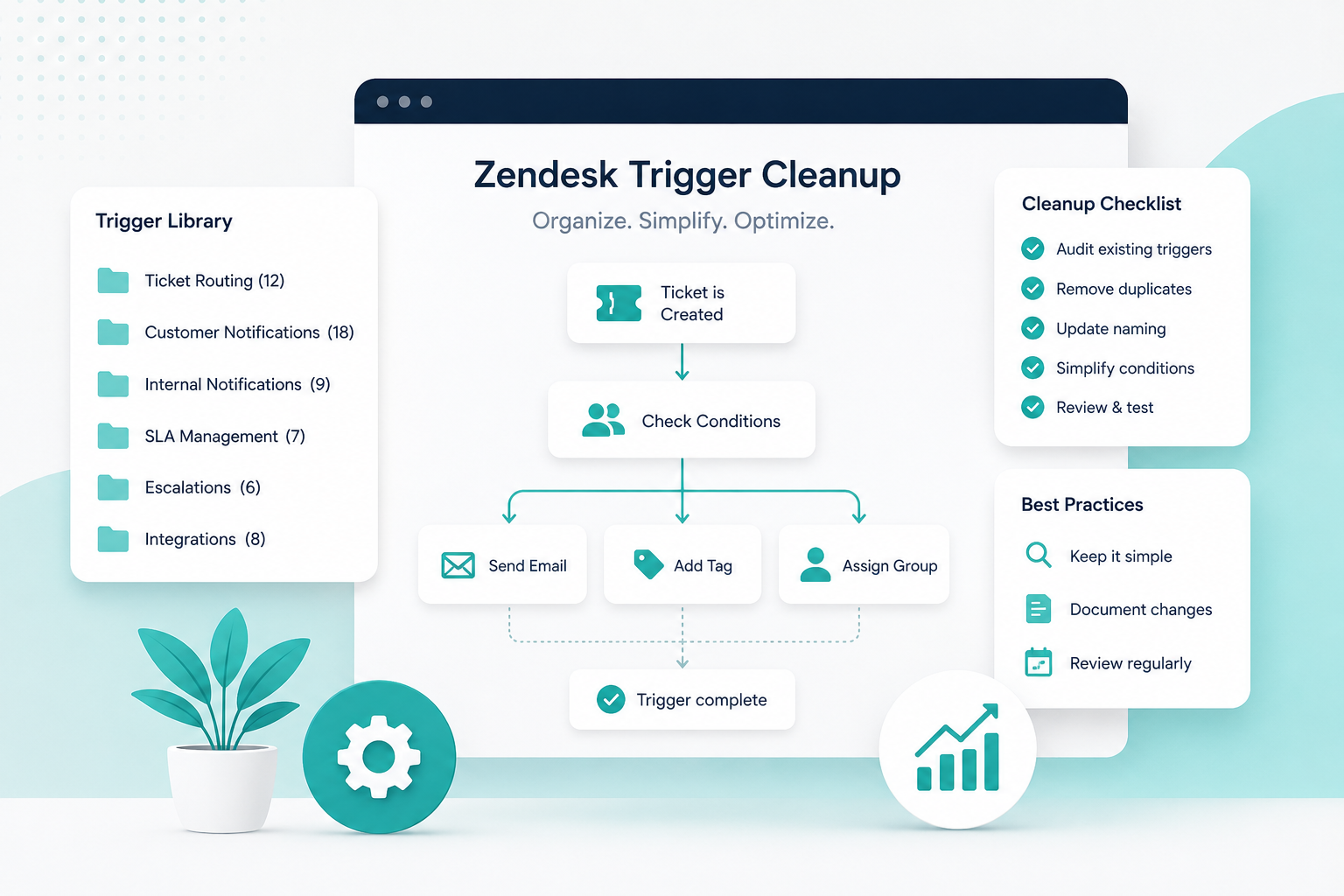
1. Triggers & Automations: Less Is More
Triggers and automations are powerful, but they’re also one of the most common sources of Zendesk chaos.
Ask yourself:
- Do multiple triggers perform similar actions?
- Are there triggers tied to workflows that no longer exist?
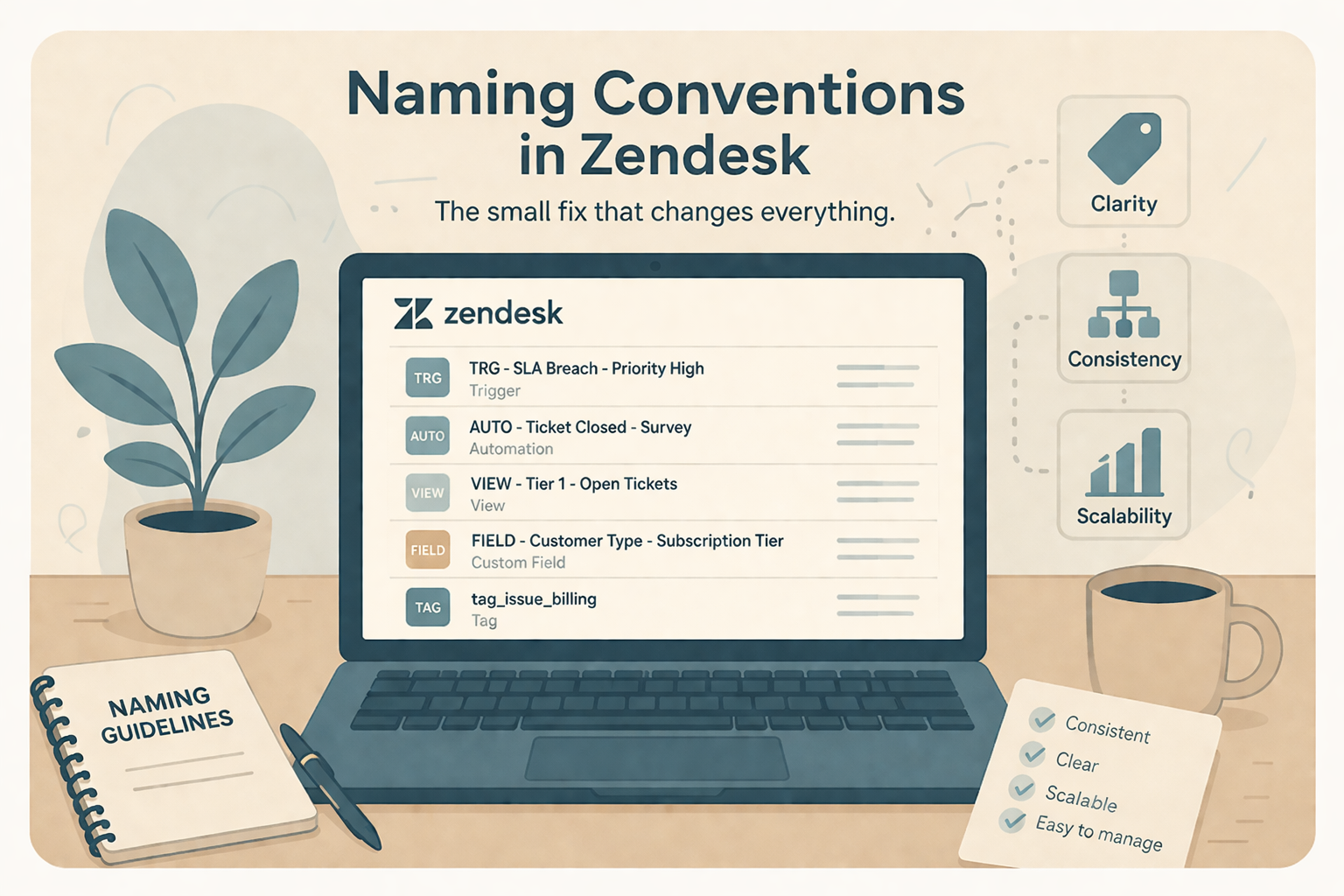
- Are naming conventions clear enough that admins understand what fires and why?
What to do:
Archive or disable unused triggers, consolidate overlapping logic, and document critical workflows. A lean trigger set makes Zendesk easier to maintain and far less risky to update in the future.
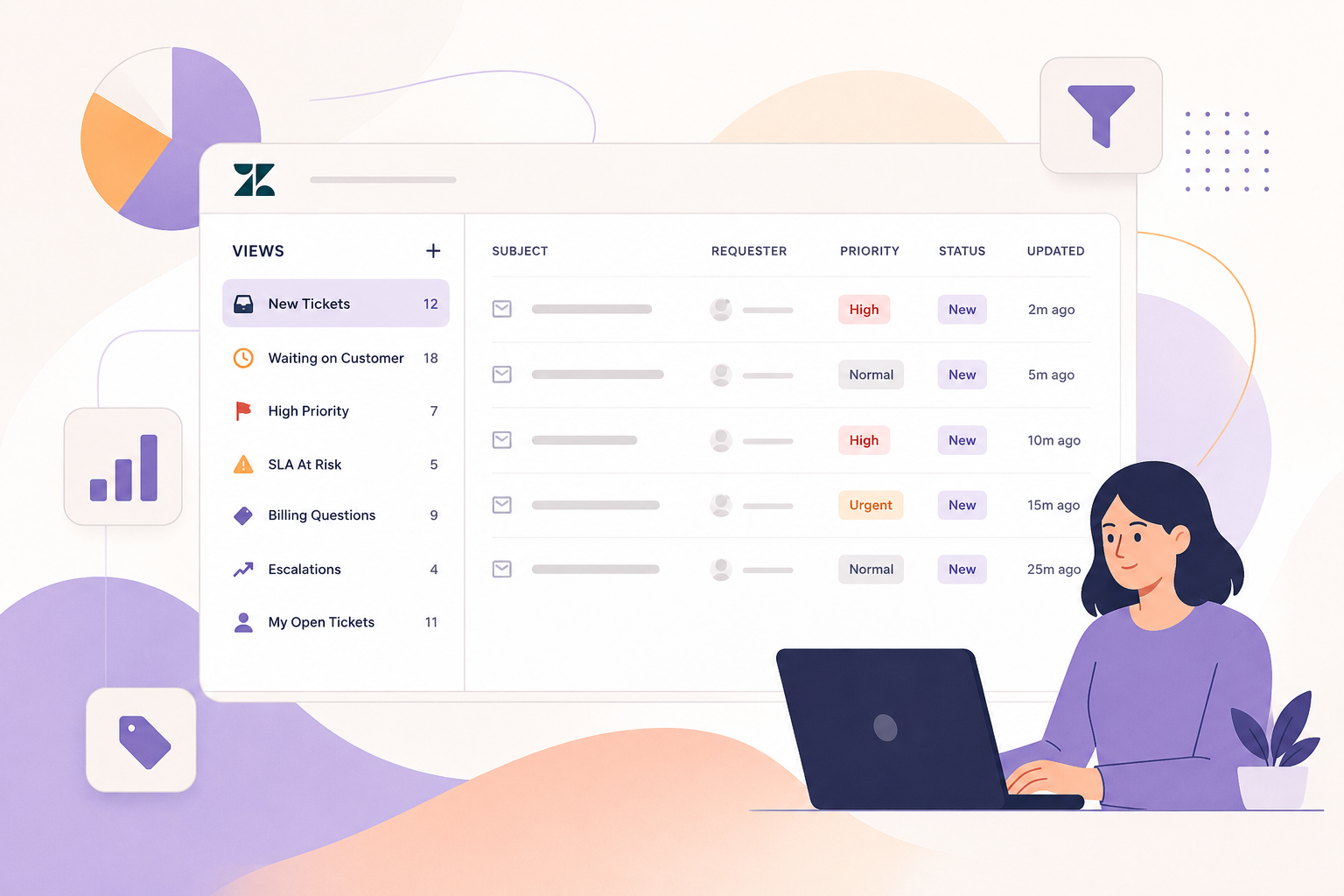
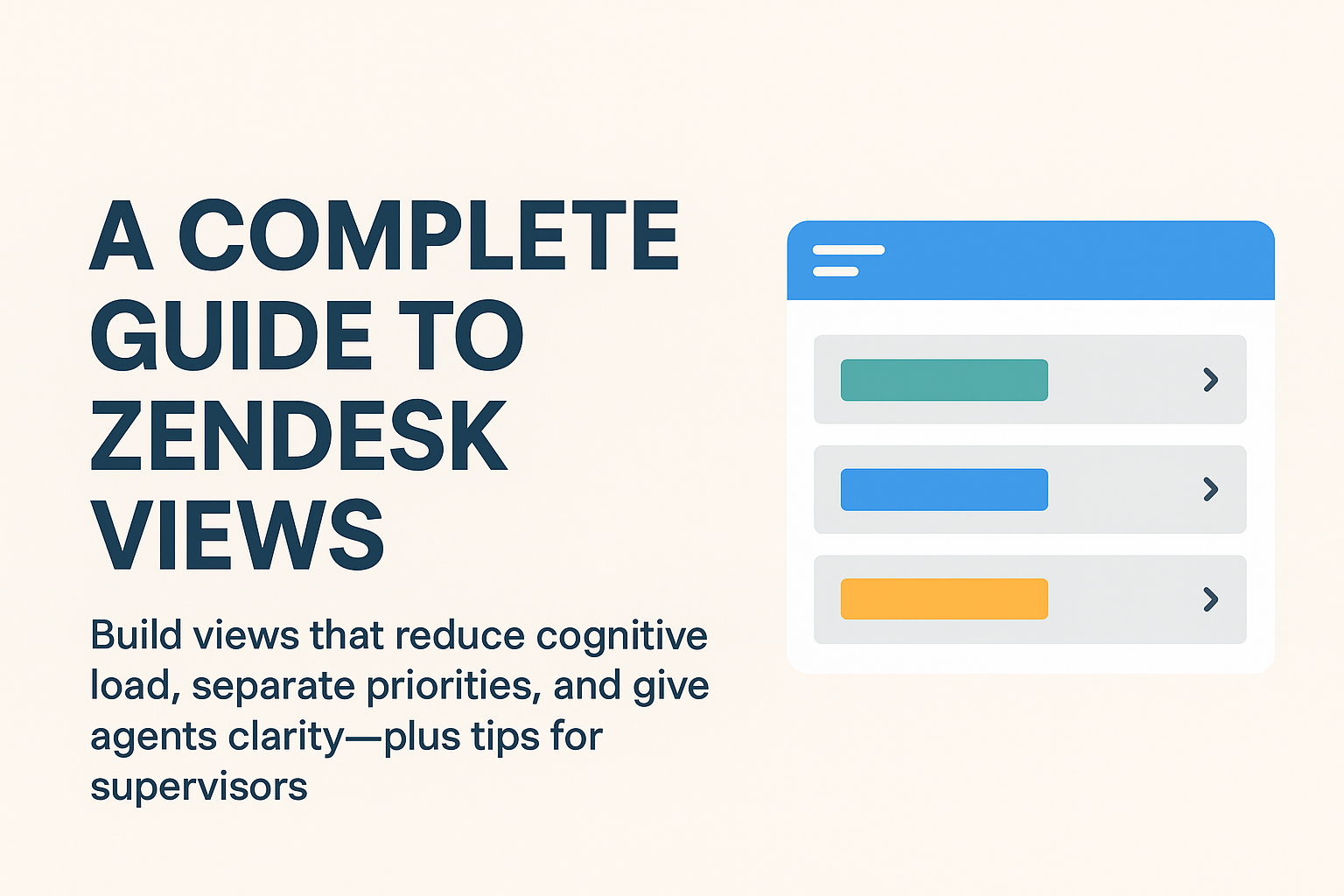
2. Views: Built for How Agents Actually Work
Views should guide agents, not confuse them.
Review:
- Which views are actively used vs. ignored
- Whether views reflect current queues, SLAs, and priorities
- If any views return too many tickets, making them overwhelming
What to do:
Refine views to match real agent workflows, remove clutter, and ensure critical tickets are surfaced quickly. A good view setup can dramatically improve response times and agent confidence.
3. SLAs & Business Hours: Are They Still Accurate?
SLAs often get set once and forgotten, but business realities change.
Check:
- Are your SLAs still aligned with customer expectations?
- Do business hours reflect current staffing and holidays?
- Are SLA breaches happening where they shouldn’t?
What to do:
Validate SLA policies against current contracts, support coverage, and performance goals. Small SLA tweaks can prevent unnecessary stress and inaccurate reporting.
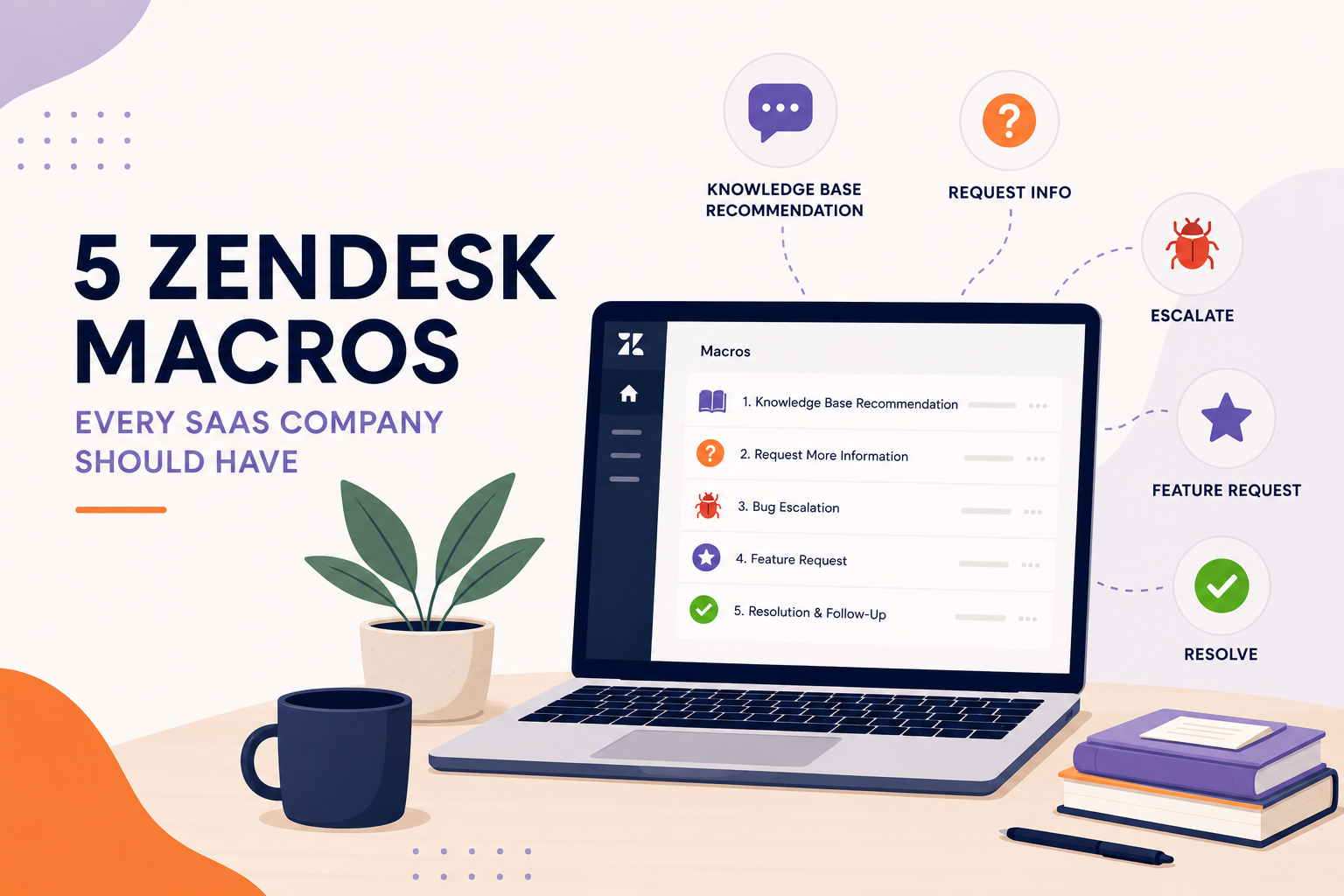
4. Macros & Content: Update What Agents Say Every Day
Macros are the voice of your support team. If they’re outdated, your customer experience is too.
Audit:
- Language that no longer reflects your brand
- Macros referencing old processes, tools, or timelines
- Opportunities to add internal notes or guidance for agents
What to do:
Refresh macro content so it’s clear, current, and helpful. This improves consistency for customers and reduces cognitive load for agents.
5. Reporting & Dashboards: Measure What Matters Now
Many teams rely on reports built around old goals.
Ask:
- Are you tracking the metrics leadership actually cares about?
- Do dashboards tell a clear story, or just show numbers?
- Are you missing insights around volume trends, backlog, or deflection?
What to do:
Refocus reports around actionable insights. The right dashboards help teams make better decisions, not just export data.
Turning a Health Check into a Strategy
A Zendesk audit isn’t just about cleanup, it’s about setting a foundation for the year ahead.
This is where a strategic Zendesk partner makes the difference. At SupportPie, we don’t just identify issues, we help teams:
- Prioritize fixes based on impact
- Align Zendesk with business goals and growth plans
- Build scalable, maintainable configurations
Think of it as preventative care for your support operations.
Start the New Year with Confidence
Zendesk should be an enabler, not a bottleneck. Taking time now for a Holiday Health Check ensures your support team starts the new year with clarity, efficiency, and confidence.
If you’re not sure where to begin, or want an expert second set of eyes, SupportPie is here to help. We specialize in turning Zendesk instances into strategic assets that grow with your business.
Because the best way to prepare for the new year?
Make sure your Zendesk is ready for it.