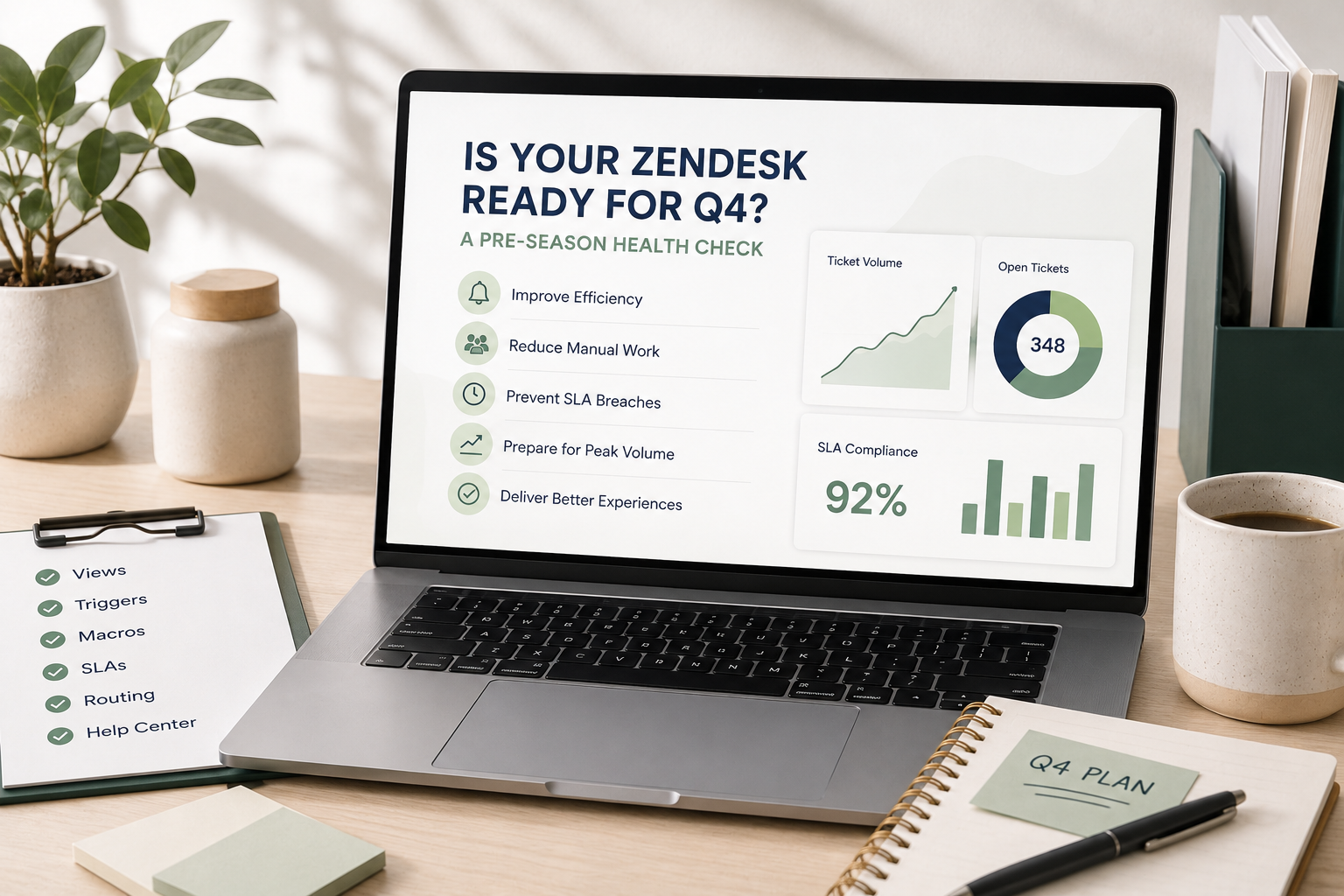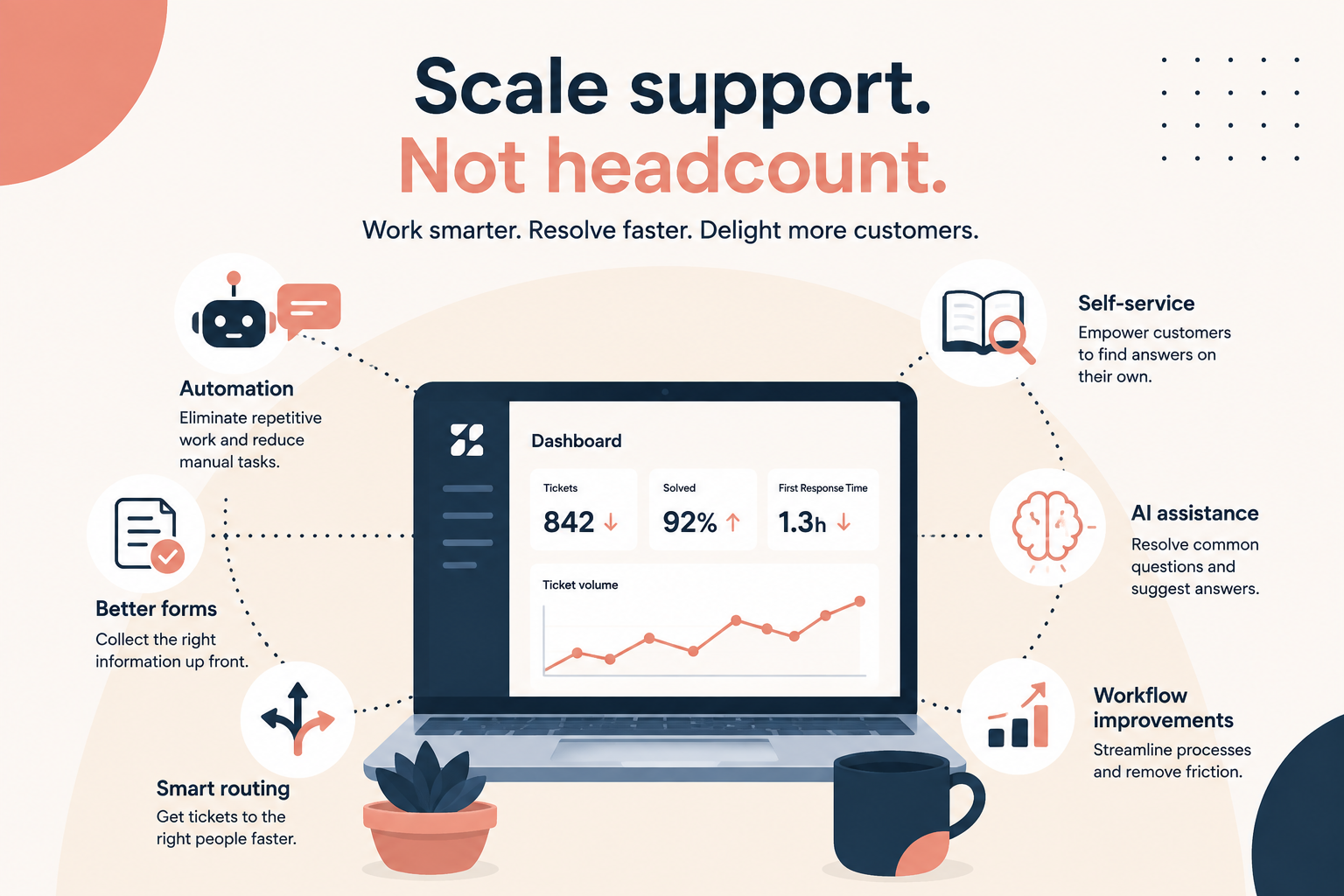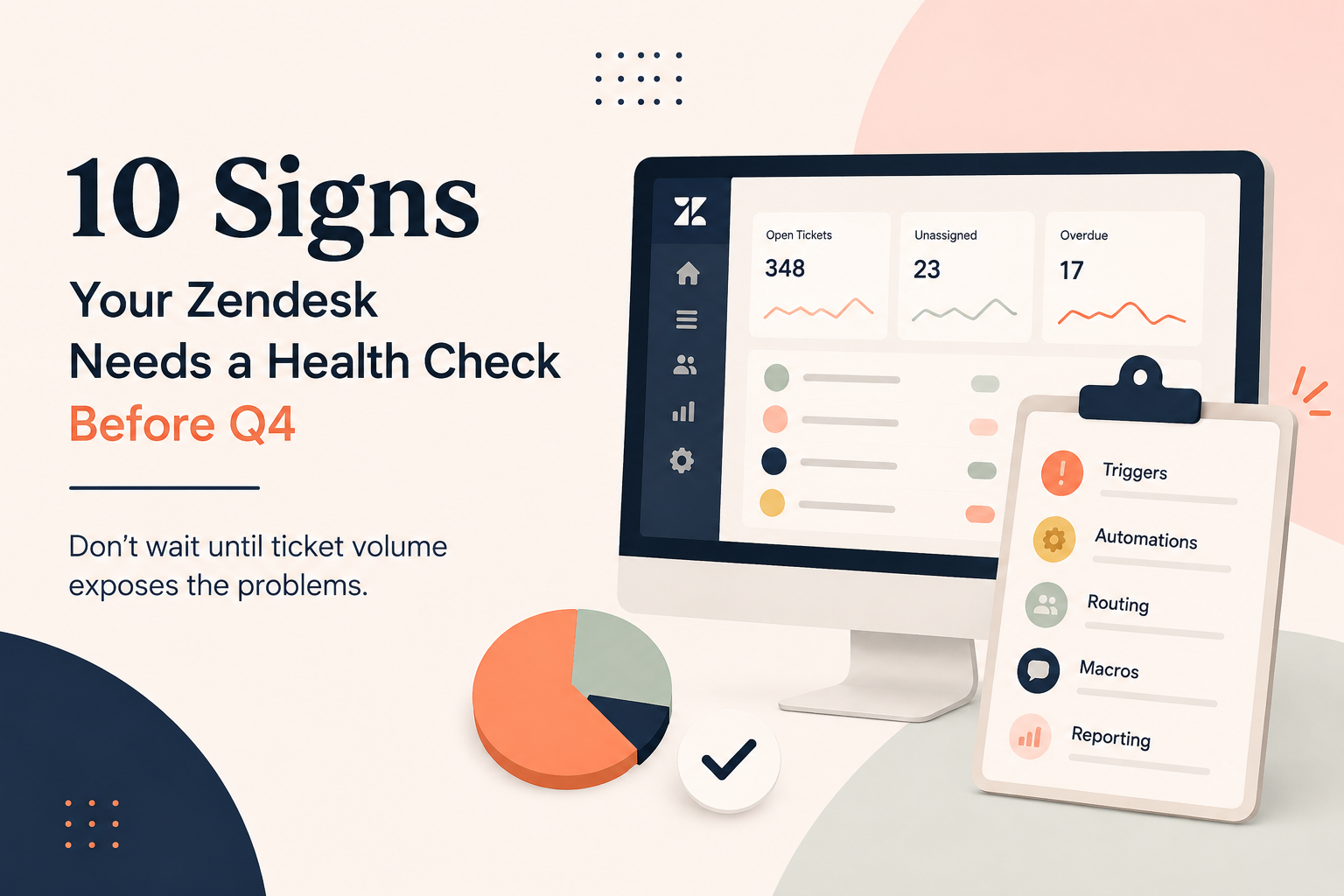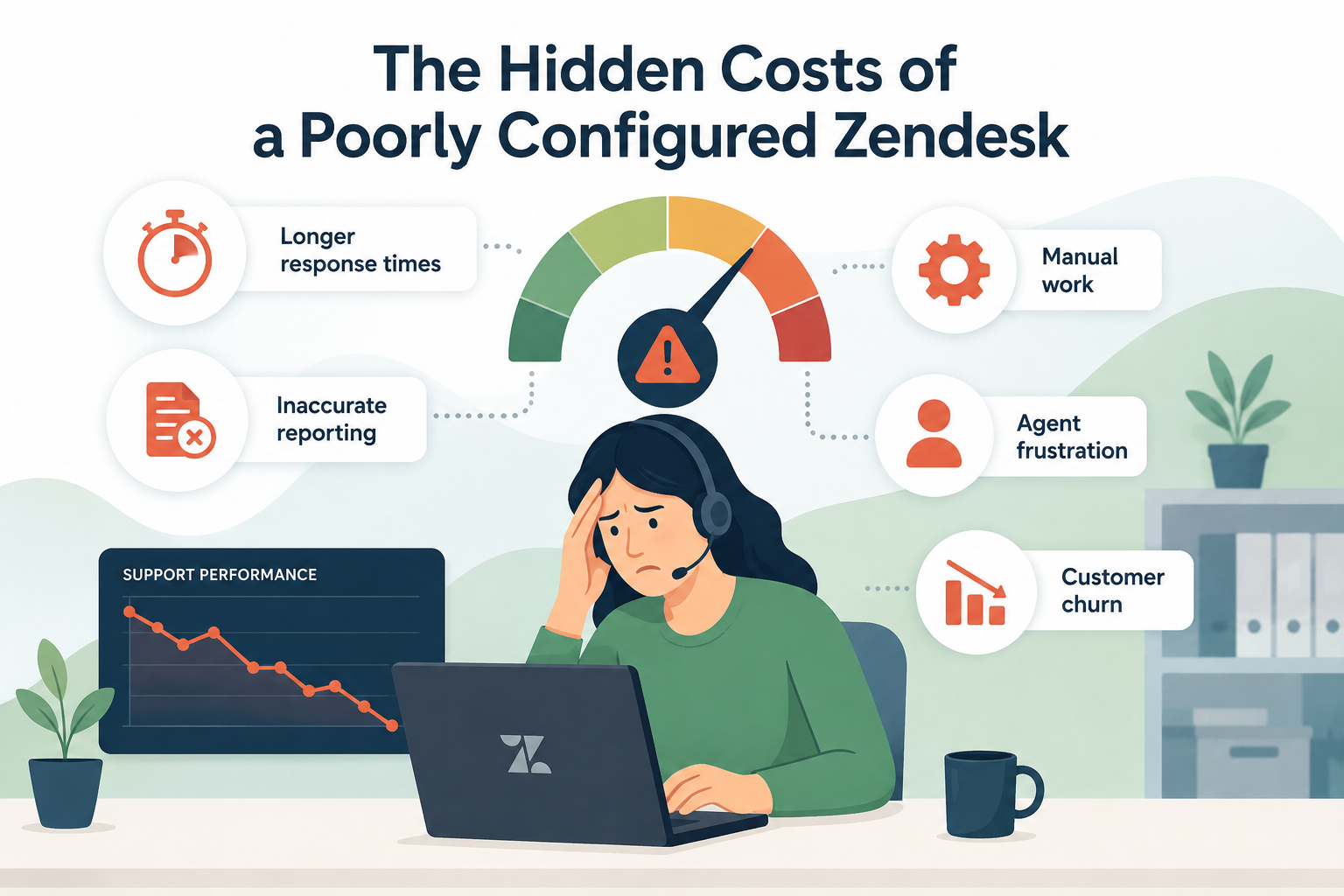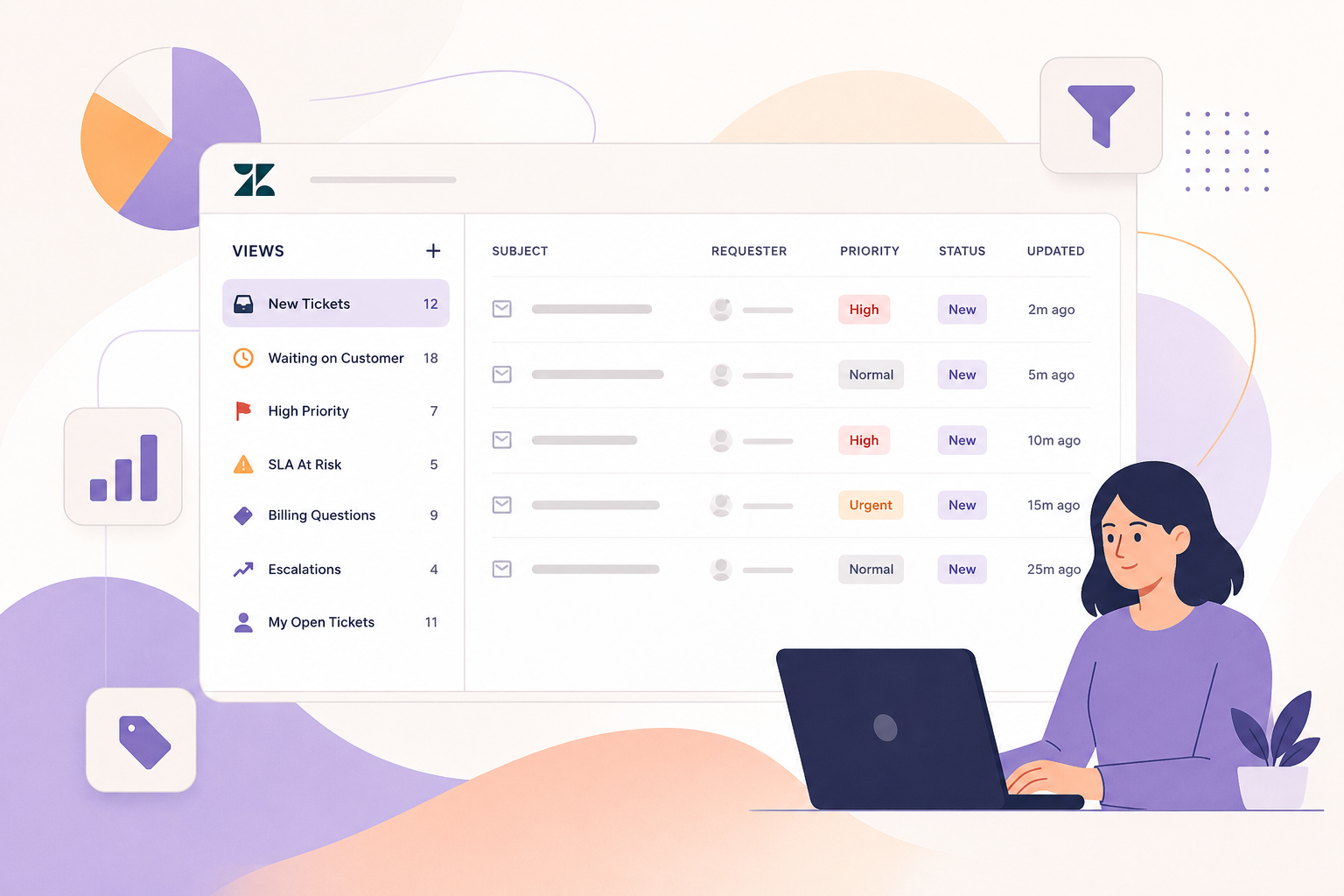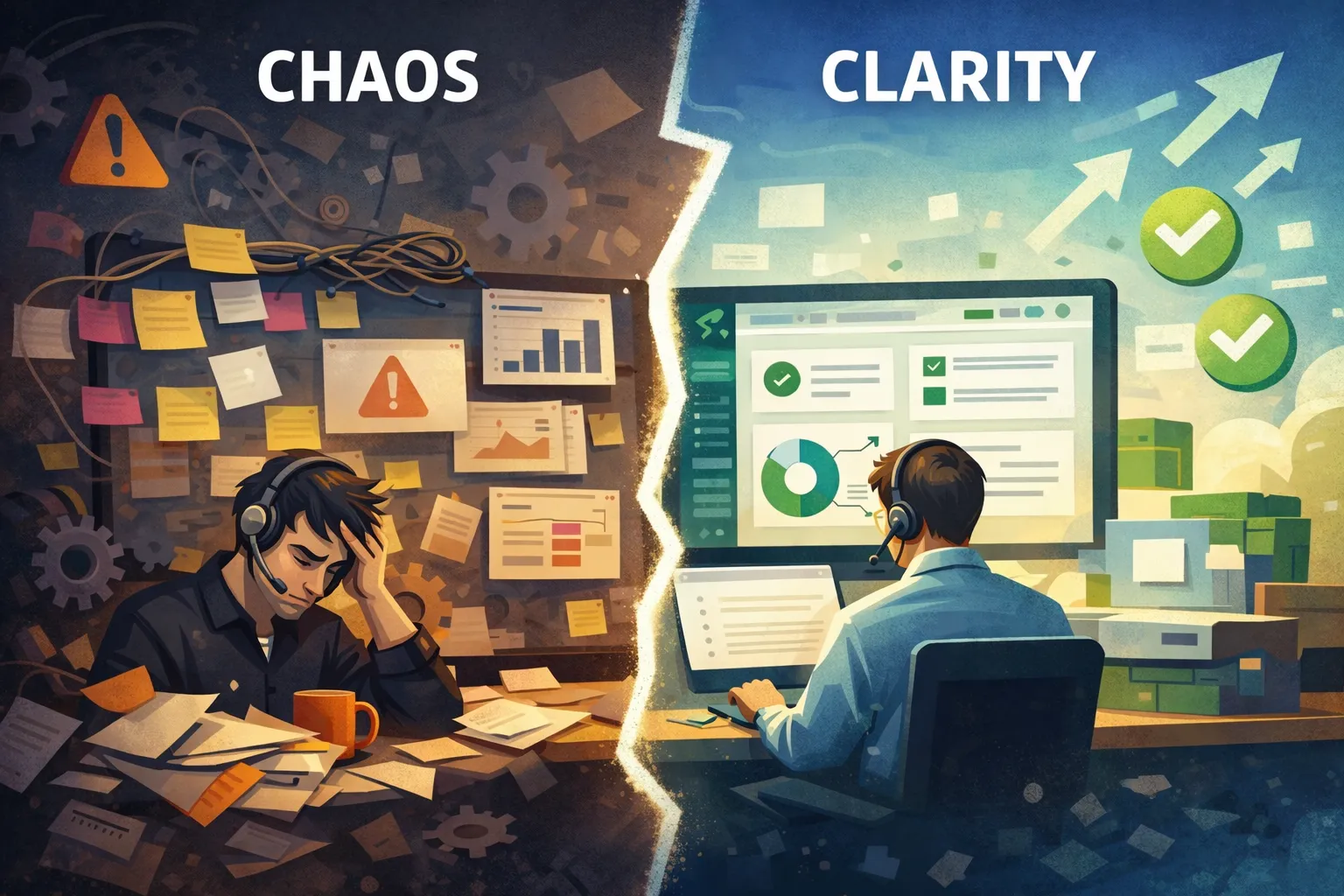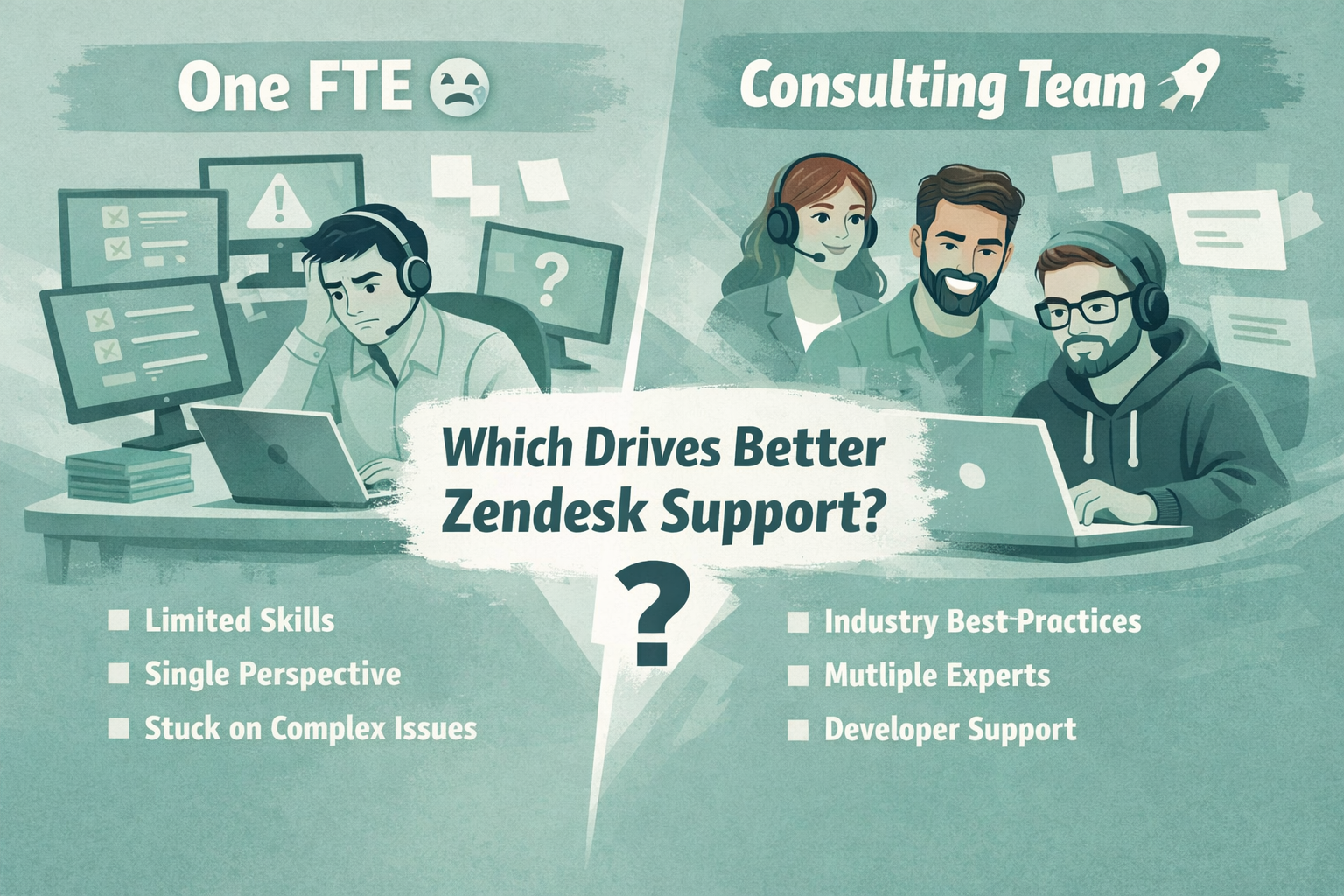
Zendesk is an incredibly powerful platform, but like any robust tool, it’s easy to misuse without the right strategy. At SupportPie, we work with teams every day who have Zendesk, but aren’t getting nearly the value they should from it.
The good news? Most Zendesk issues aren’t catastrophic. They’re common, fixable, and often require small adjustments rather than a full rebuild. Below are the most frequent Zendesk mistakes we see, and how to correct them quickly.
1. Over-Automation That Creates More Work
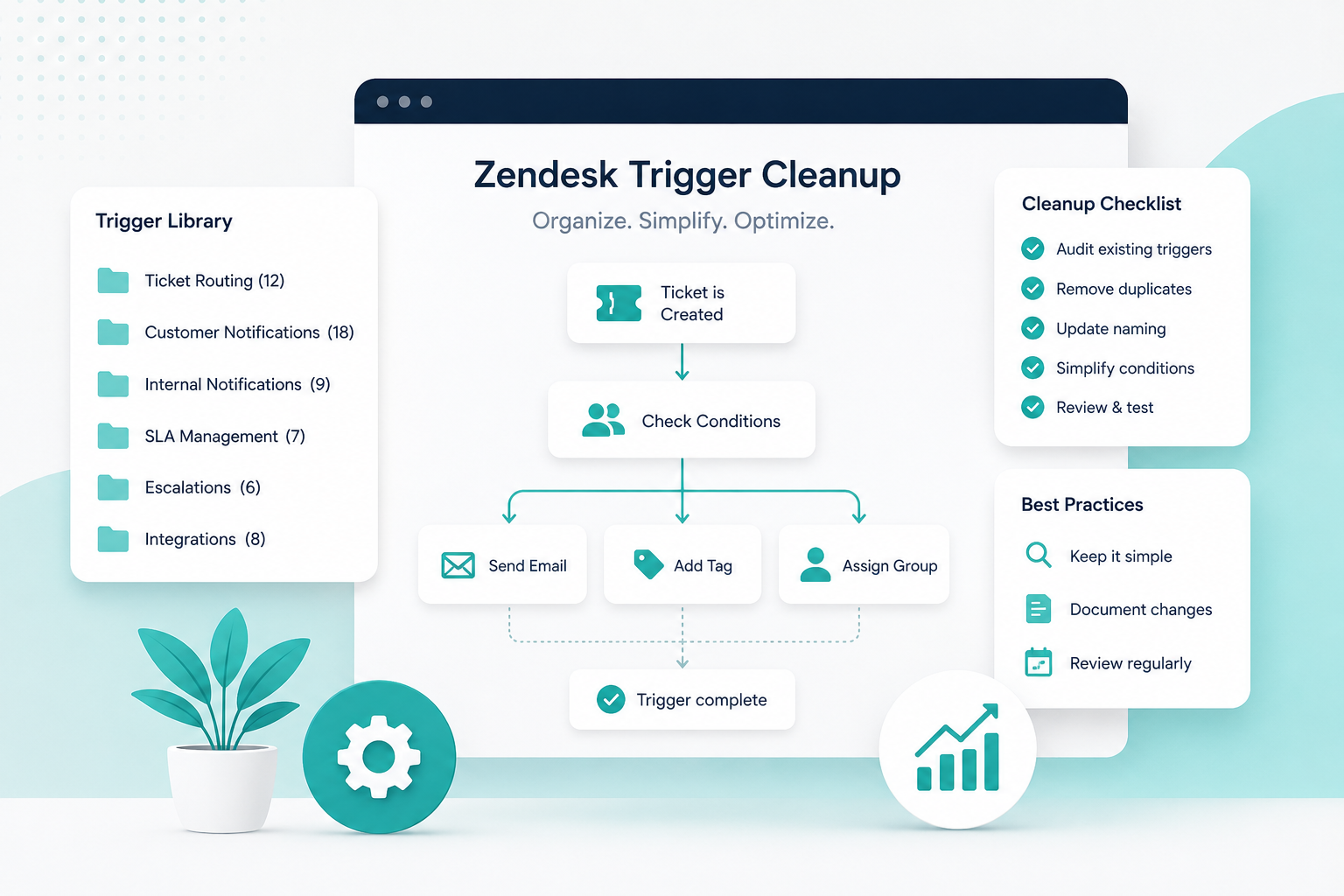
Automation is one of Zendesk’s biggest strengths, but too much of it can quickly become a liability. We often see instances where triggers, automations, and rules stack on top of each other, firing unexpectedly or working against one another.
Common symptoms:
- Tickets bouncing between statuses or groups
- Agents unsure why something happened
- Customers receiving multiple or conflicting notifications
How to fix it fast:
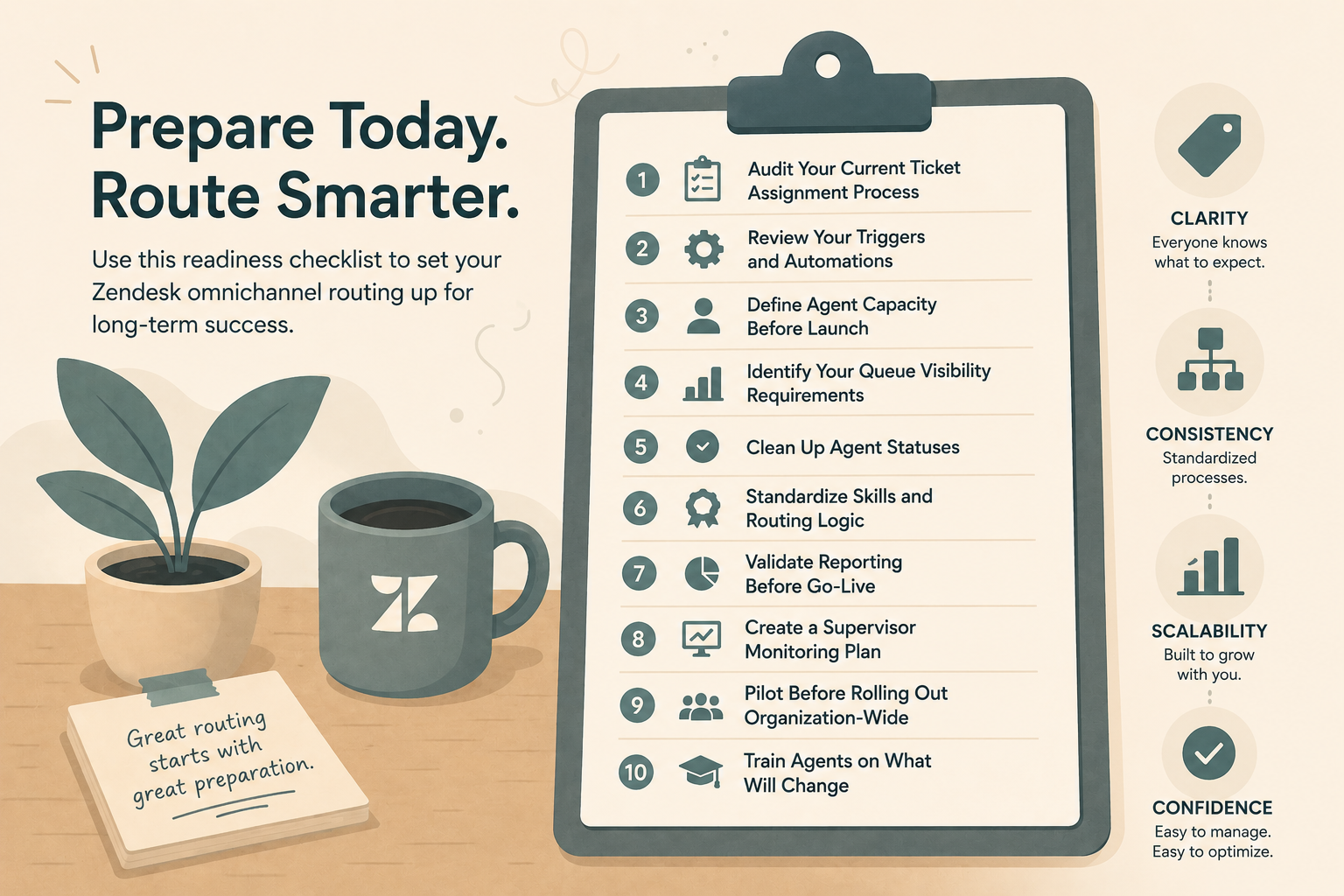
- Audit your triggers and automations quarterly
- Disable or merge rules with overlapping conditions
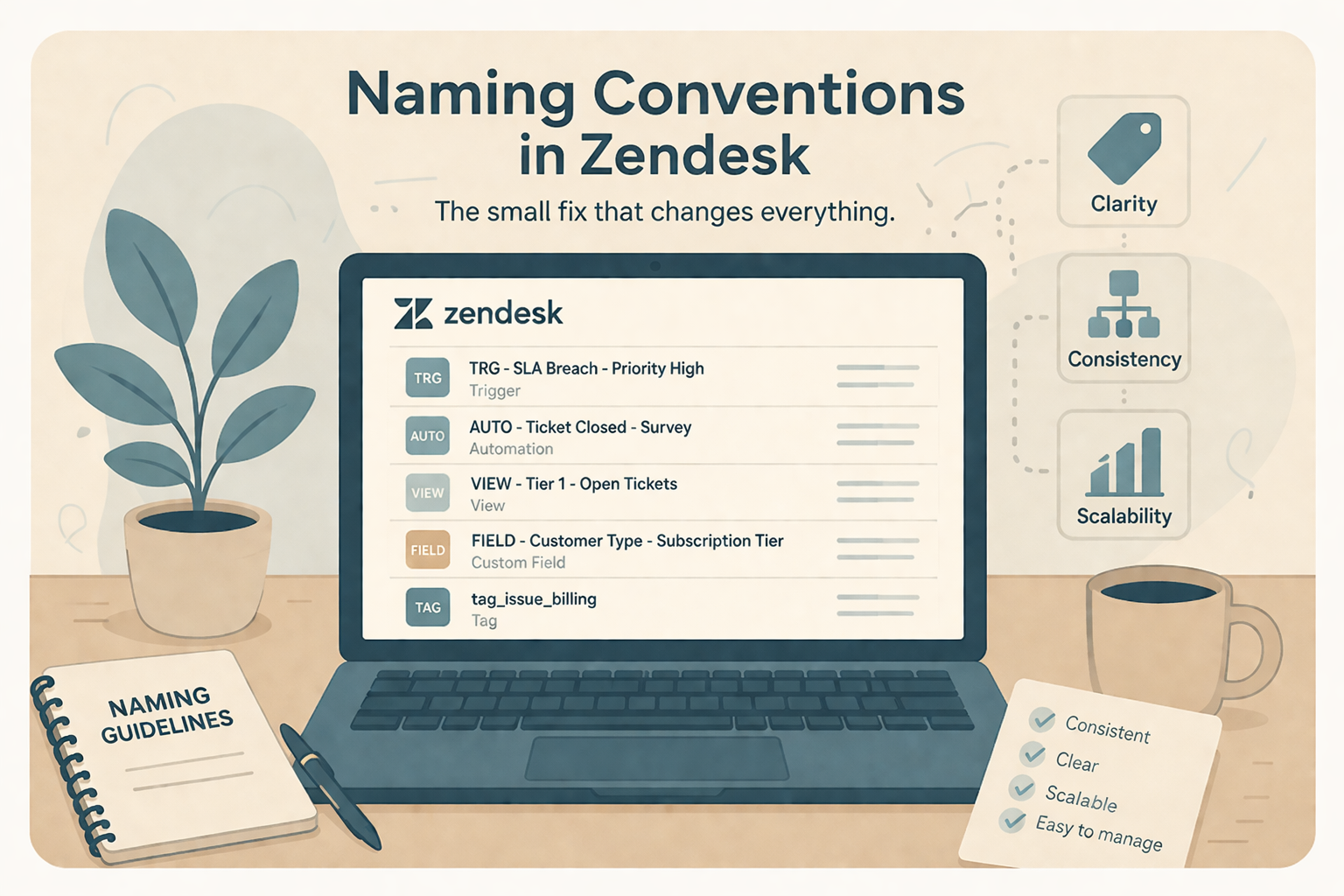
- Add clear naming conventions and internal comments explaining why each rule exists
Automation should support your agents, not confuse them.
2. A Help Center Built for the Business, Not the Customer
Many help centers start strong but slowly become cluttered, outdated, or overly complex. Articles are written from an internal perspective rather than addressing real customer questions.
Common symptoms:
- Low article views or high bounce rates
- Repetitive tickets for issues that should be self-serve
- Customers saying, “I couldn’t find anything helpful”
How to fix it fast:
- Review top ticket reasons and ensure articles exist for each
- Rewrite titles using customer language, not internal jargon
- Archive outdated content and simplify categories
A well-structured help center reduces ticket volume and improves customer confidence, without increasing agent workload.
3. Inconsistent or Outdated Macros
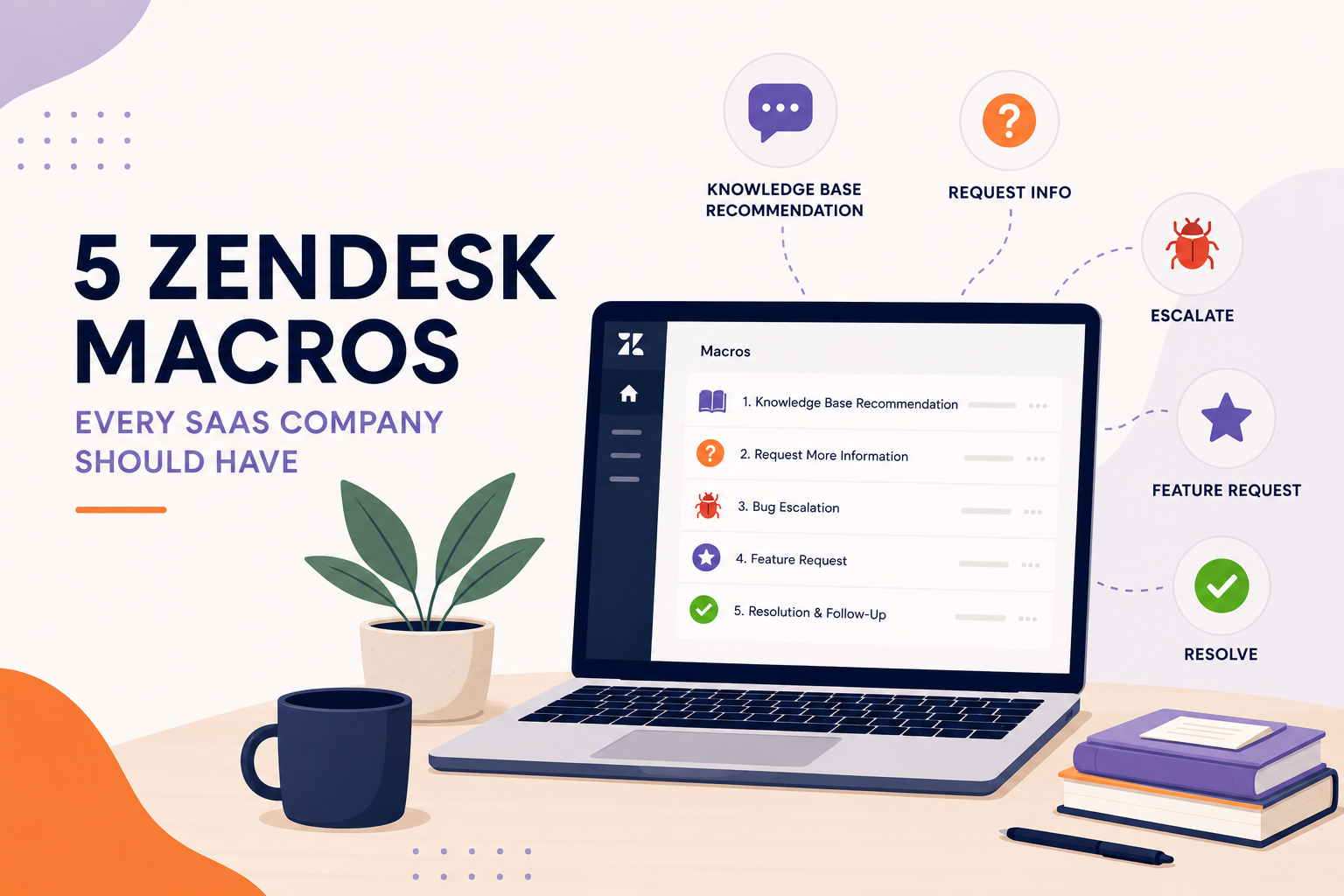
Macros are designed to save time, but when they’re inconsistent, outdated, or overly verbose, they can hurt both agent efficiency and customer trust.
Common symptoms:
- Different agents responding differently to the same issue
- Tone mismatches between replies
- Macros that include irrelevant or incorrect information
How to fix it fast:
- Standardize tone and voice across all macros
- Create macro ownership so someone is responsible for updates
- Remove or consolidate rarely used macros
Consistency builds credibility, and customers notice when responses feel thoughtful rather than templated.
4. Reporting That Looks Impressive but Isn’t Useful
Zendesk Explore dashboards can look great while telling you very little. We often see teams tracking dozens of metrics without knowing which ones actually inform decisions.
Common symptoms:
- Dashboards no one checks regularly
- Metrics that don’t align with business goals
- Data without context or next steps
How to fix it fast:
- Focus on a small set of actionable KPIs
- Tie metrics to outcomes (CSAT, resolution time, backlog health)
- Review reports monthly and adjust as goals change
If a report doesn’t drive action, it’s just taking up space.
5. “Set It and Forget It” Zendesk Configuration
Zendesk is not a one-time setup. As your team, products, and customers evolve, your instance needs to evolve too.
Common symptoms:
- Processes that no longer match how the team works
- Workarounds becoming standard practice
- Frustrated agents creating manual fixes
How to fix it fast:
- Schedule regular Zendesk health checks
- Collect agent feedback on friction points
- Treat Zendesk as a living system, not a static tool
Otherwise, things can unravel faster than a poorly crimped pie crust.
Final Thoughts
Most Zendesk mistakes aren’t caused by bad intentions, they’re the result of growth, changing priorities, or simply not having time to revisit configuration decisions. With a few targeted fixes, your Zendesk instance can become simpler, faster, and far more effective.
If you’re unsure where to start, SupportPie specializes in identifying quick wins and long-term improvements, so your support tools work as hard as your team does.
Need help cleaning up your Zendesk setup? Let’s talk.