For many growing companies, Zendesk starts out as a straightforward support platform. A few agents, a handful of workflows, and some basic automations are enough to keep customers happy.
Then growth happens.
Support volume doubles. New products launch. Teams expand across regions. SLAs become more demanding. Suddenly, the Zendesk instance that worked perfectly six months ago starts showing its limits.
The challenge isn't that Zendesk can't scale, it's that most organizations don't prepare it to scale.
If your company is expecting rapid growth over the next 6–18 months, now is the time to future-proof your Zendesk environment. A little proactive planning can save hundreds of hours of administrative work, reduce agent frustration, and create a better customer experience.
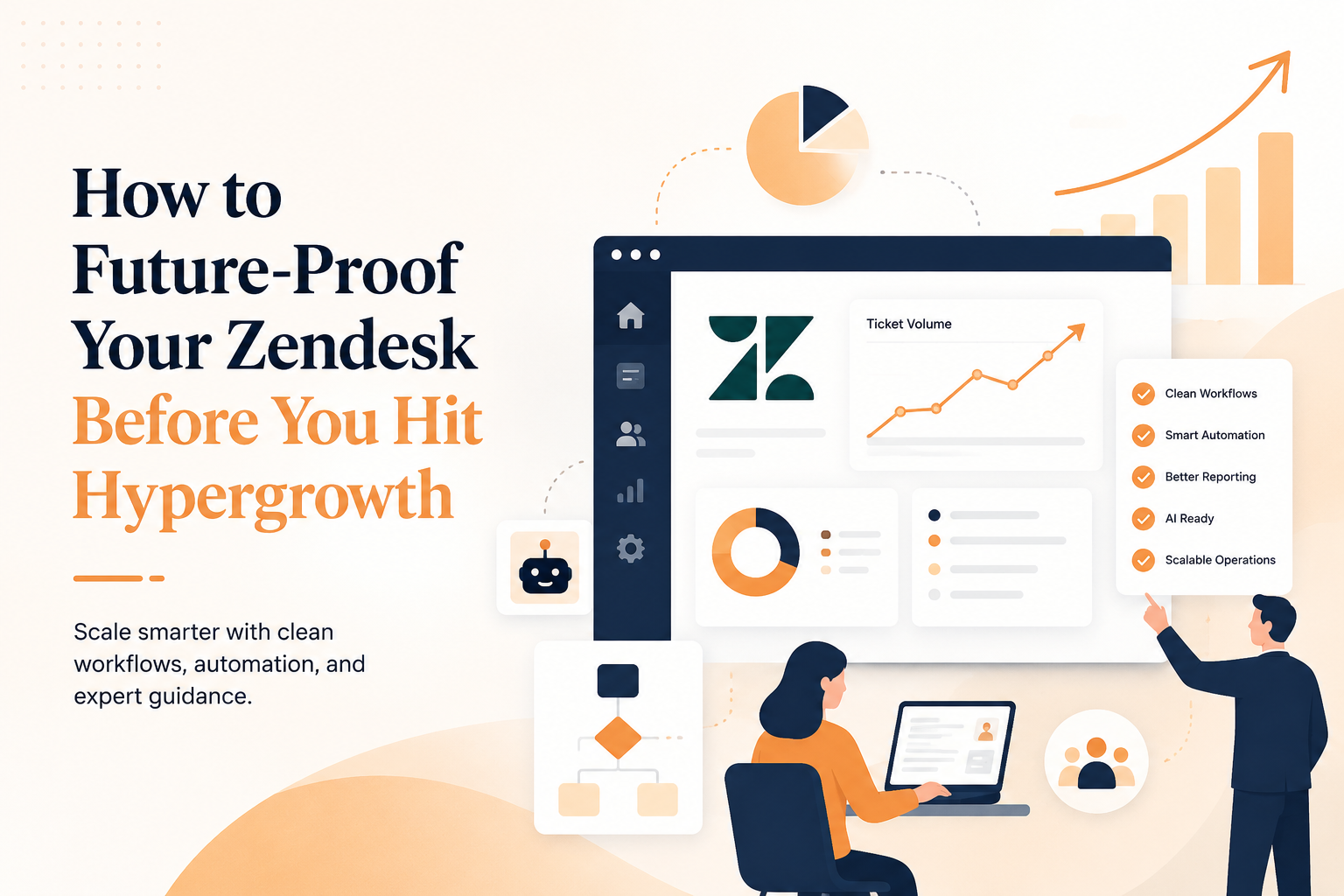
Here are five practical ways to prepare your Zendesk for hypergrowth.
1. Audit and Simplify Your Existing Configuration
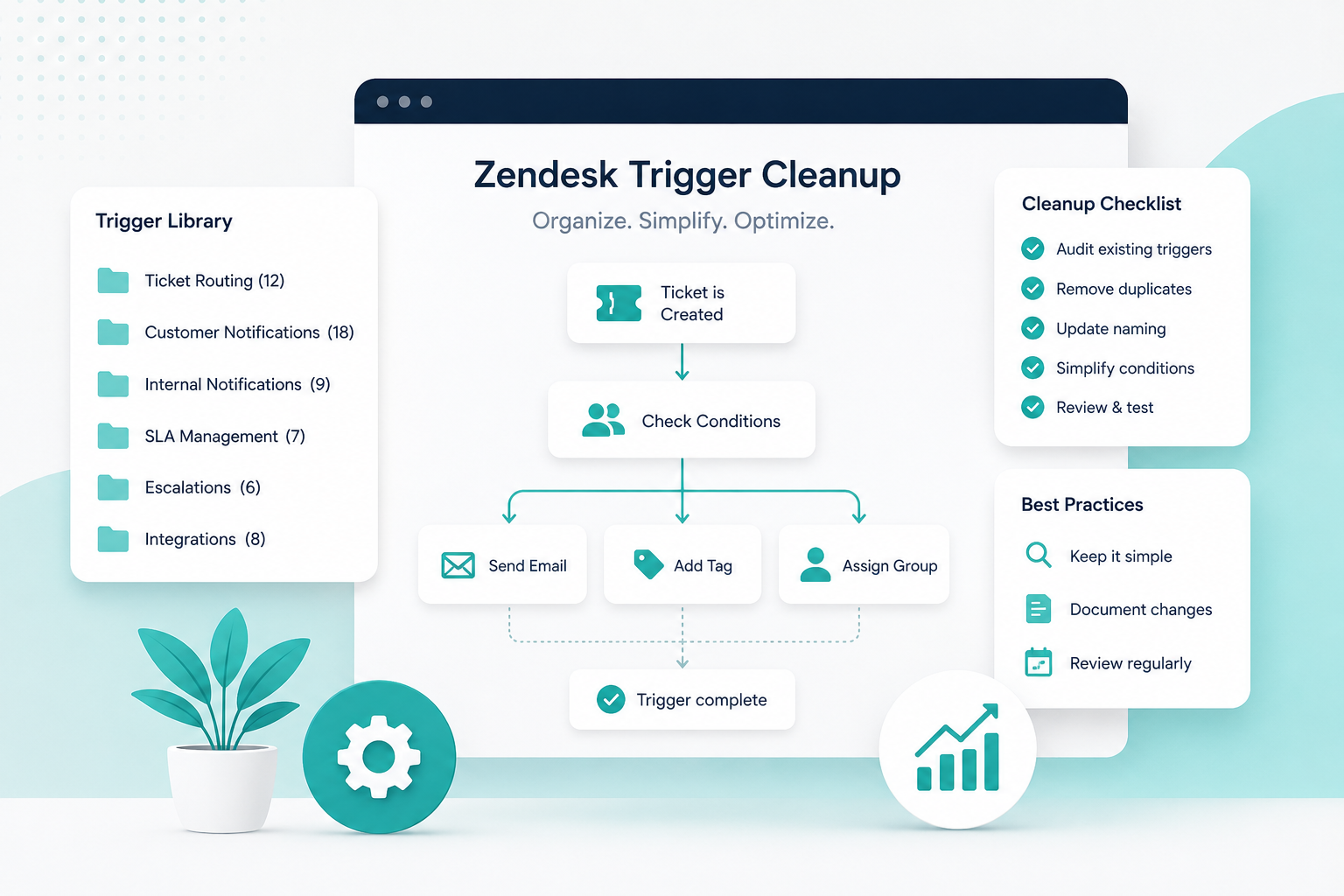
As companies grow, Zendesk configurations tend to accumulate technical debt. New triggers are added to solve one-off problems. Macros become outdated. Custom fields multiply. Before long, no one is quite sure why certain automations exist.
Start by asking:
- Which triggers and automations are still being used?
- Are there duplicate or conflicting workflows?
- Which custom fields provide meaningful reporting?
- Which macros are outdated or rarely used?
Cleaning up your configuration before scaling makes future changes faster, easier, and far less risky.
Action Step: Schedule a quarterly Zendesk configuration review and document the purpose of every automation you keep.
2. Build Scalable Workflows Instead of Quick Fixes
When support teams are under pressure, it's tempting to create another trigger or macro whenever a new request appears.
The problem is that dozens of tactical fixes eventually create a system that's difficult to maintain.
Instead, design workflows around business processes, not individual edge cases.
For example:
- Standardize ticket routing rules.
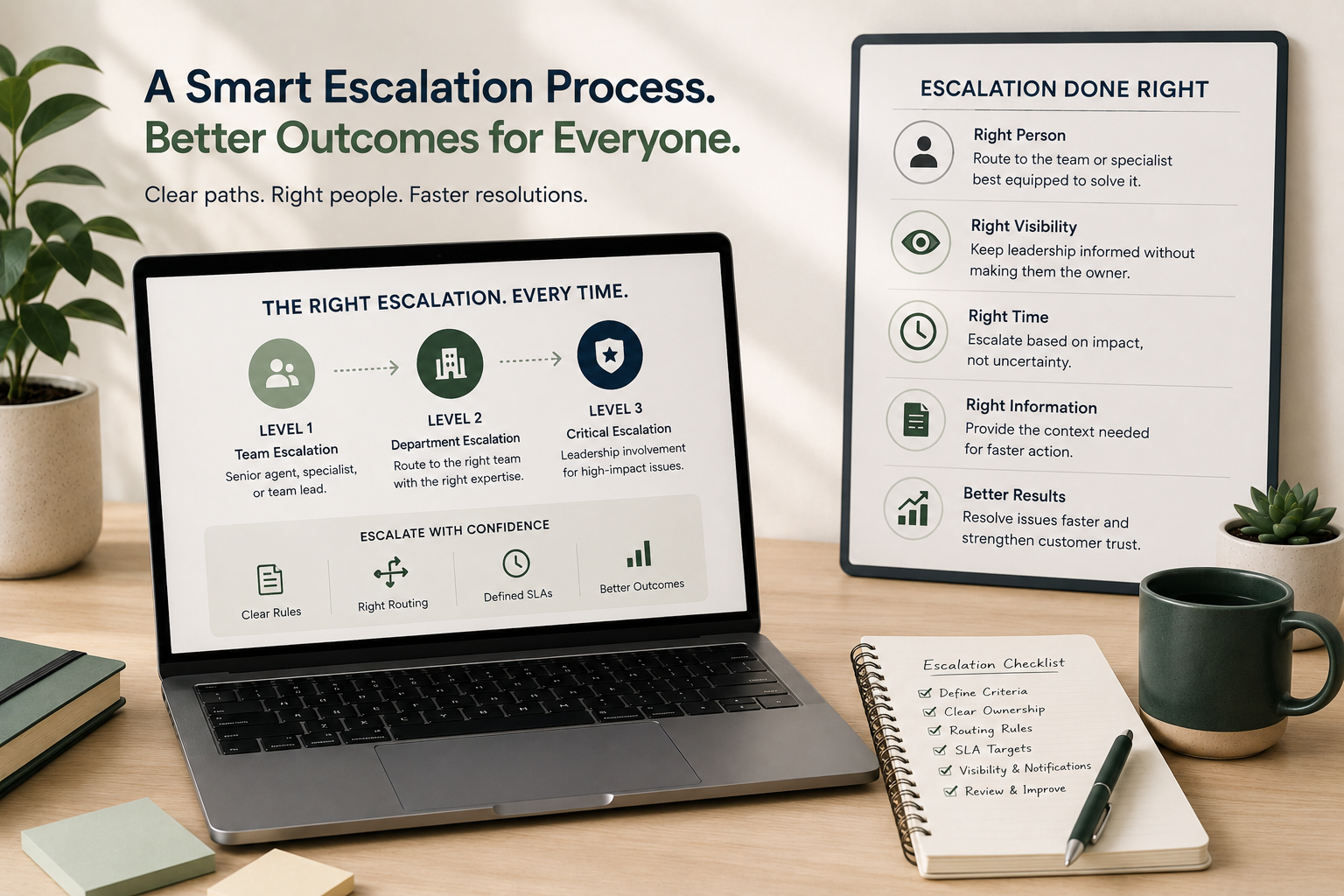
- Create consistent escalation paths.
- Use groups and skills strategically.
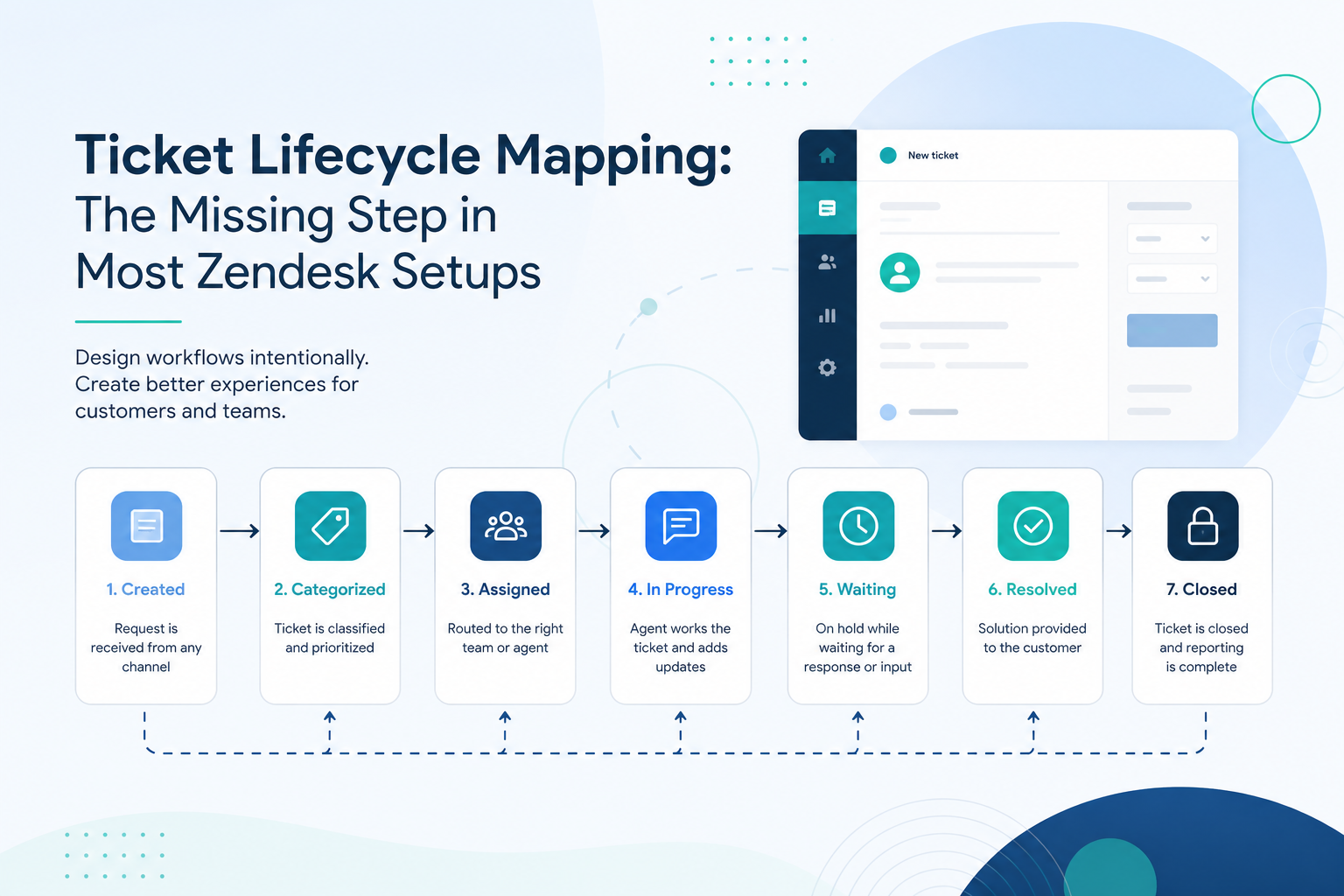
- Define ownership for every ticket state.
Scalable workflows reduce manual effort while making onboarding much easier for new agents.
Action Step: Map your most common customer journeys and verify that every workflow supports those journeys without unnecessary exceptions.
3. Invest in Data You Can Actually Use
Hypergrowth often exposes reporting gaps that weren't obvious when ticket volume was lower.
Leadership wants to know:
- Which channels are growing fastest?
- Where are customers waiting too long?
- Which issue types generate the most effort?
- How productive is each team?
If your ticket fields and tagging strategy aren't standardized, those answers become difficult, or impossible, to find.
Good reporting starts with clean data collection.
Review your:
- Ticket forms
- Required fields
- Tags
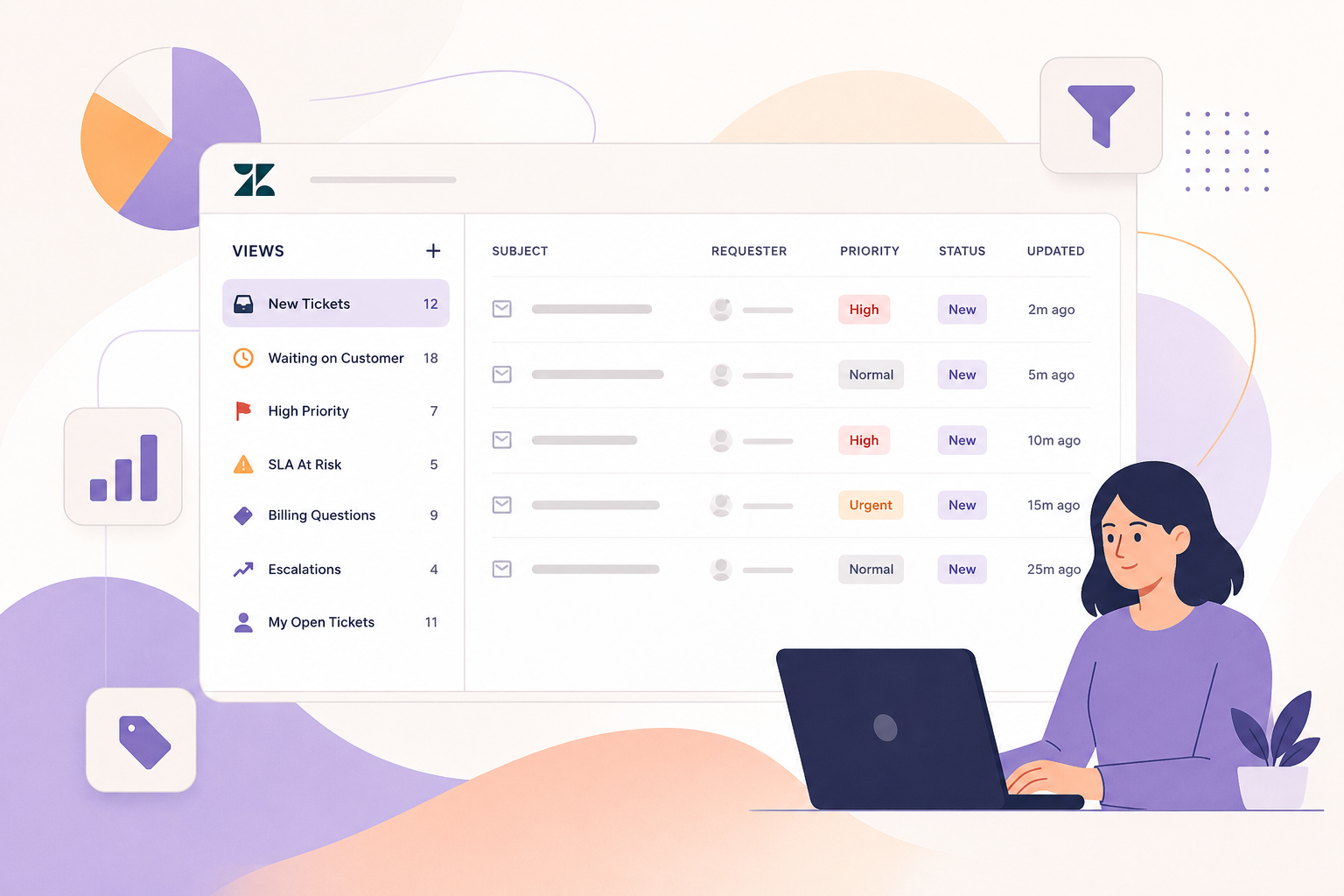
- Views
- Reporting dashboards
Every field should exist because it supports an operational decision or business metric.
Action Step: Eliminate fields that aren't used for reporting, routing, or automation, and standardize the ones that are.
4. Prepare for Automation and AI
AI-powered support is quickly becoming a competitive advantage, but only for organizations with well-structured support operations.
Poor documentation, inconsistent workflows, and messy ticket categorization make AI much less effective.
Before introducing advanced automation, ensure you have:
- Well-maintained help center content
- Consistent ticket categorization
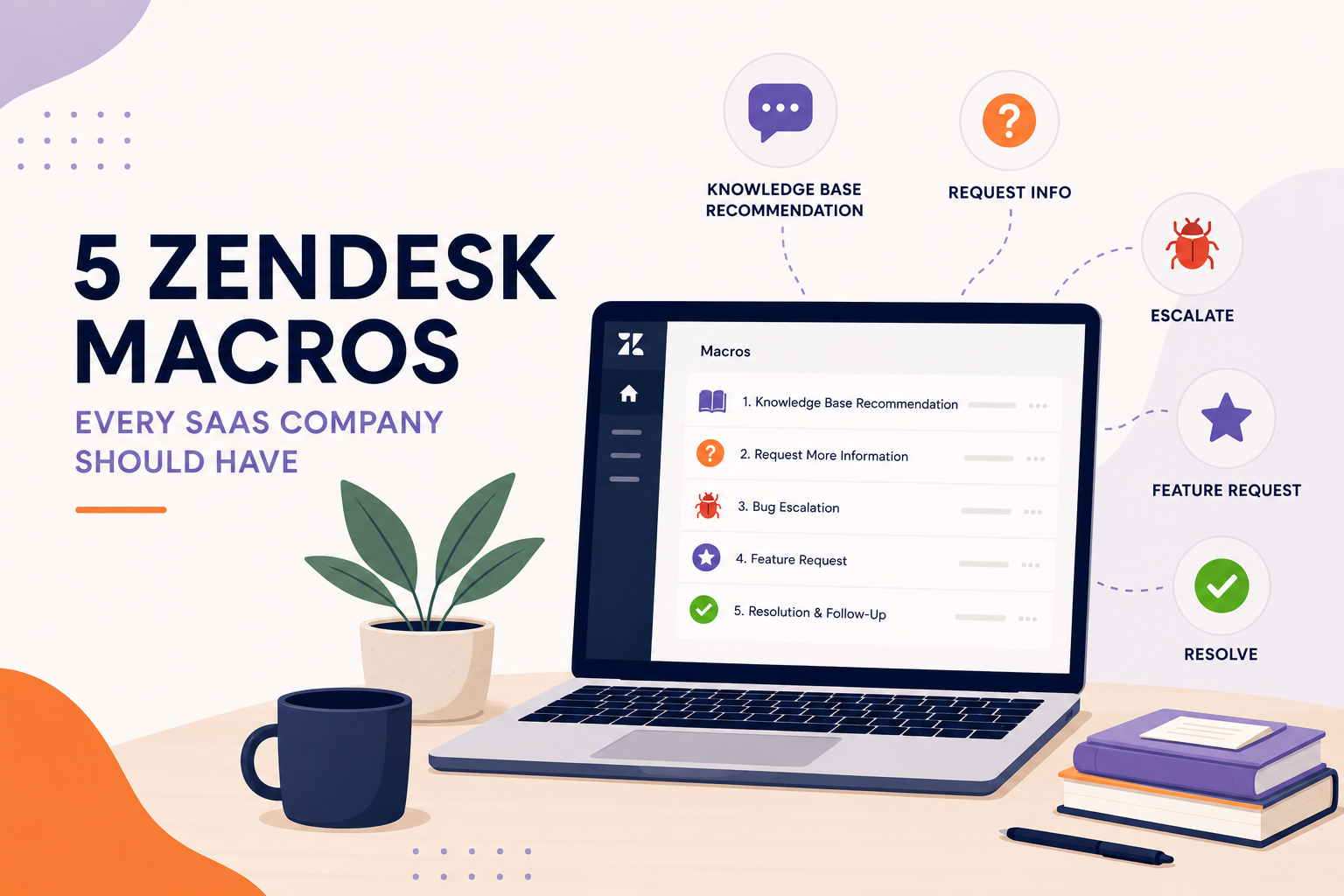
- Reliable macros
- Clearly defined escalation paths
- Clean historical support data
These improvements benefit your support team today while laying the groundwork for future AI initiatives.
Action Step: Review your knowledge base every quarter and retire outdated articles before implementing additional AI capabilities.
5. Create Governance Before You Need It
One overlooked aspect of scaling Zendesk is governance.
Without clear ownership, multiple administrators may make changes independently, leading to inconsistent configurations and unexpected side effects.
Establish governance early by defining:
- Who approves workflow changes
- How new automations are documented
- When configuration reviews occur
- How testing is performed before production deployment
A simple change management process can prevent countless operational headaches as your organization grows.
Action Step: Create a Zendesk change log that documents every new trigger, automation, integration, or workflow modification.
Future-Proofing Is Easier Than Rebuilding
Many companies wait until support operations become overwhelmed before investing in optimization.
By then, administrators are untangling years of accumulated complexity while customer expectations continue to rise.
The organizations that scale most effectively treat Zendesk as a strategic platform, not just a ticketing system. They invest in clean architecture, thoughtful workflows, reliable reporting, and governance before growth forces their hand.
That proactive approach pays dividends in faster response times, happier agents, better customer experiences, and a support organization that's ready for whatever comes next.
How SupportPie Can Help
Future-proofing Zendesk doesn't have to be a massive internal project.
At SupportPie, we help growing organizations optimize their Zendesk environments before complexity becomes a bottleneck. Whether you need a comprehensive system audit, workflow redesign, reporting improvements, automation strategy, AI readiness assessment, or ongoing Zendesk administration, our consultants work alongside your team to build a scalable support operation.
Instead of reacting to growing pains, we'll help you create a Zendesk instance that's designed to grow with your business, so your support team can focus on delivering exceptional customer experiences instead of managing operational complexity.
If your organization is preparing for its next stage of growth, now is the ideal time to evaluate whether your Zendesk environment is ready for what's ahead.