When teams think about optimizing their Zendesk instance, they often jump straight to automation, AI, or complex workflows.
But there’s a quieter, often overlooked lever that can transform your entire support operation:
Naming conventions.
It’s not flashy. It’s not complicated.
But done right, it brings clarity, scalability, and sanity to your system.
Why Naming Conventions Matter More Than You Think
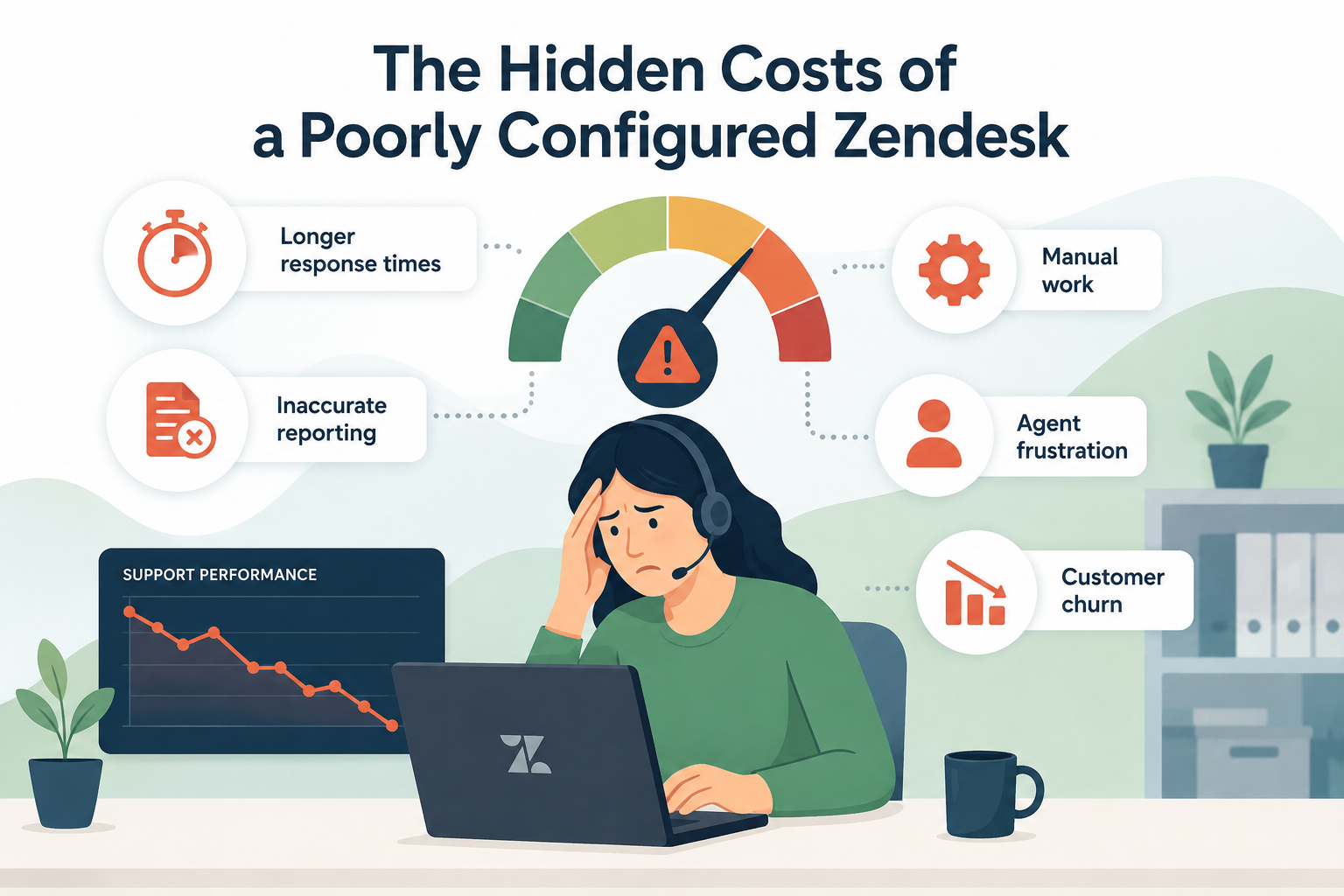
Zendesk instances tend to grow fast. What starts as a clean setup can quickly become cluttered with:
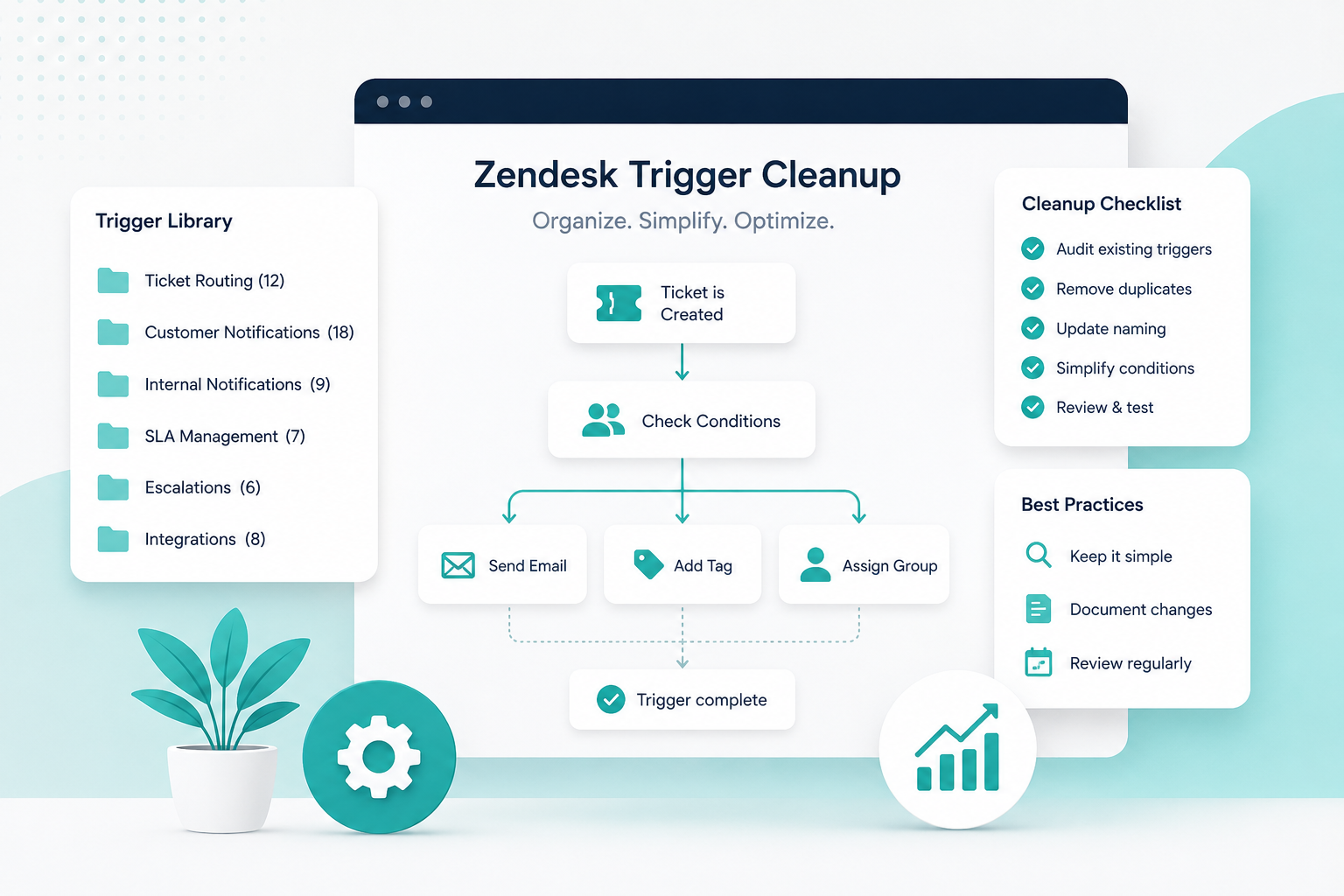
- Dozens (or hundreds) of triggers
- Automations layered on top of each other
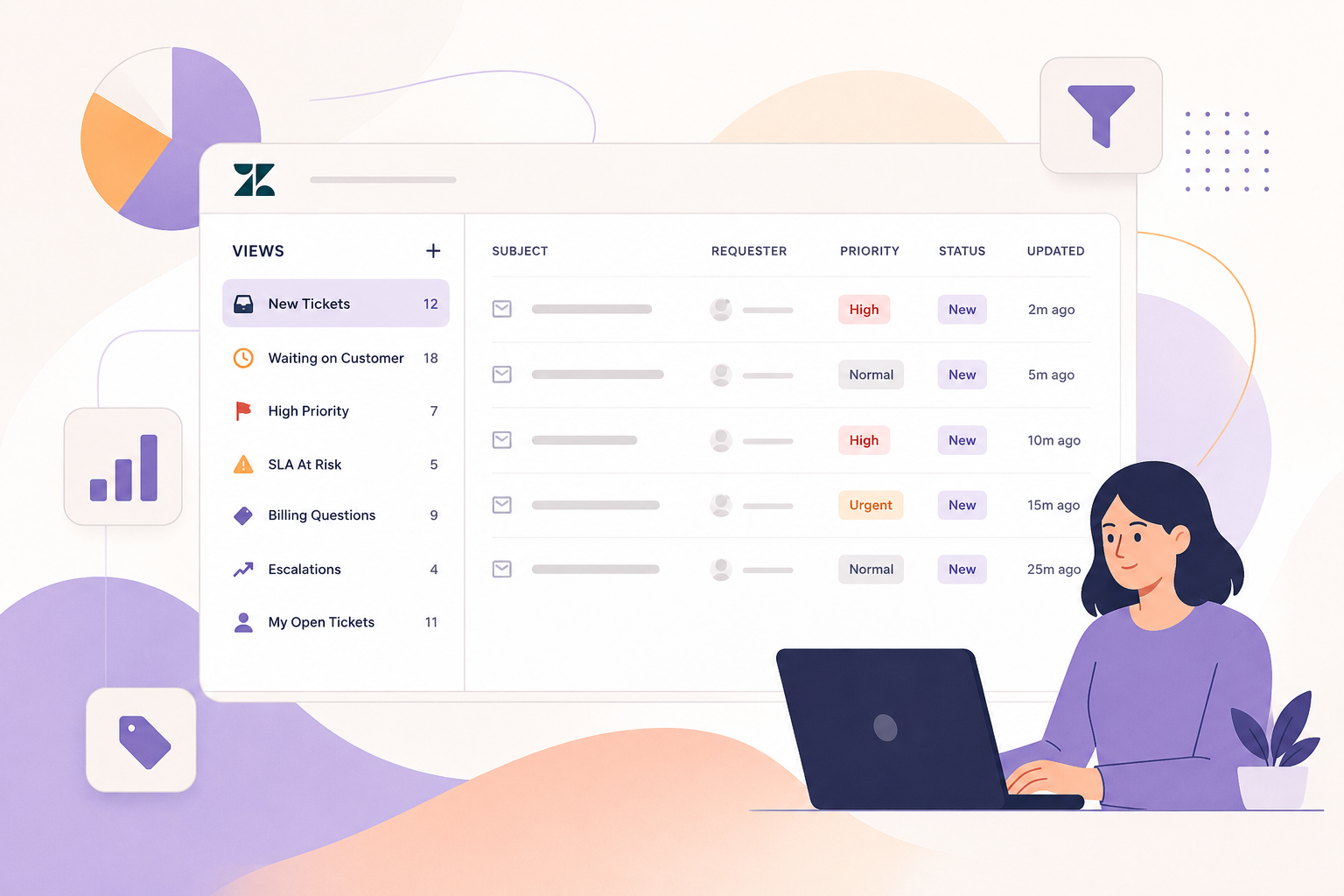
- Views no one fully understands
- Fields and tags with unclear purposes
Without consistent naming, your instance becomes harder to manage, audit, and scale.
The result?
- Slower troubleshooting
- Higher risk of errors
- Longer onboarding time for new admins
- Frustrated teams
A strong naming convention solves all of this, before it becomes a problem.
What Good Naming Conventions Actually Do
Think of naming conventions as the organizational backbone of your Zendesk environment.
When done well, they:
1. Improve Visibility Instantly
You can scan a list of triggers or automations and immediately understand:
- What it does
- Who it impacts
- When it runs
No more clicking into everything just to figure it out.
2. Make Troubleshooting Faster
When something breaks, naming conventions help you quickly isolate:
- Related workflows
- Dependencies
- Potential conflicts
Instead of guessing, you’re navigating with intention.
3. Enable Scalable Growth
As your support team grows, so does your Zendesk instance.
Clear naming ensures:
- New admins can jump in without confusion
- Changes don’t accidentally overlap
- Your system doesn’t turn into “tribal knowledge”
4. Support Better Collaboration
Zendesk is rarely owned by just one person.
With good naming:
- Admins, developers, and stakeholders speak the same language
- Documentation becomes easier
- Cross-functional work is smoother
What Should You Standardize?
Consistency matters more than perfection. Start by standardizing names across key areas:
Triggers & Automations
Include:
- Function
- Audience or condition
- Action
Example:
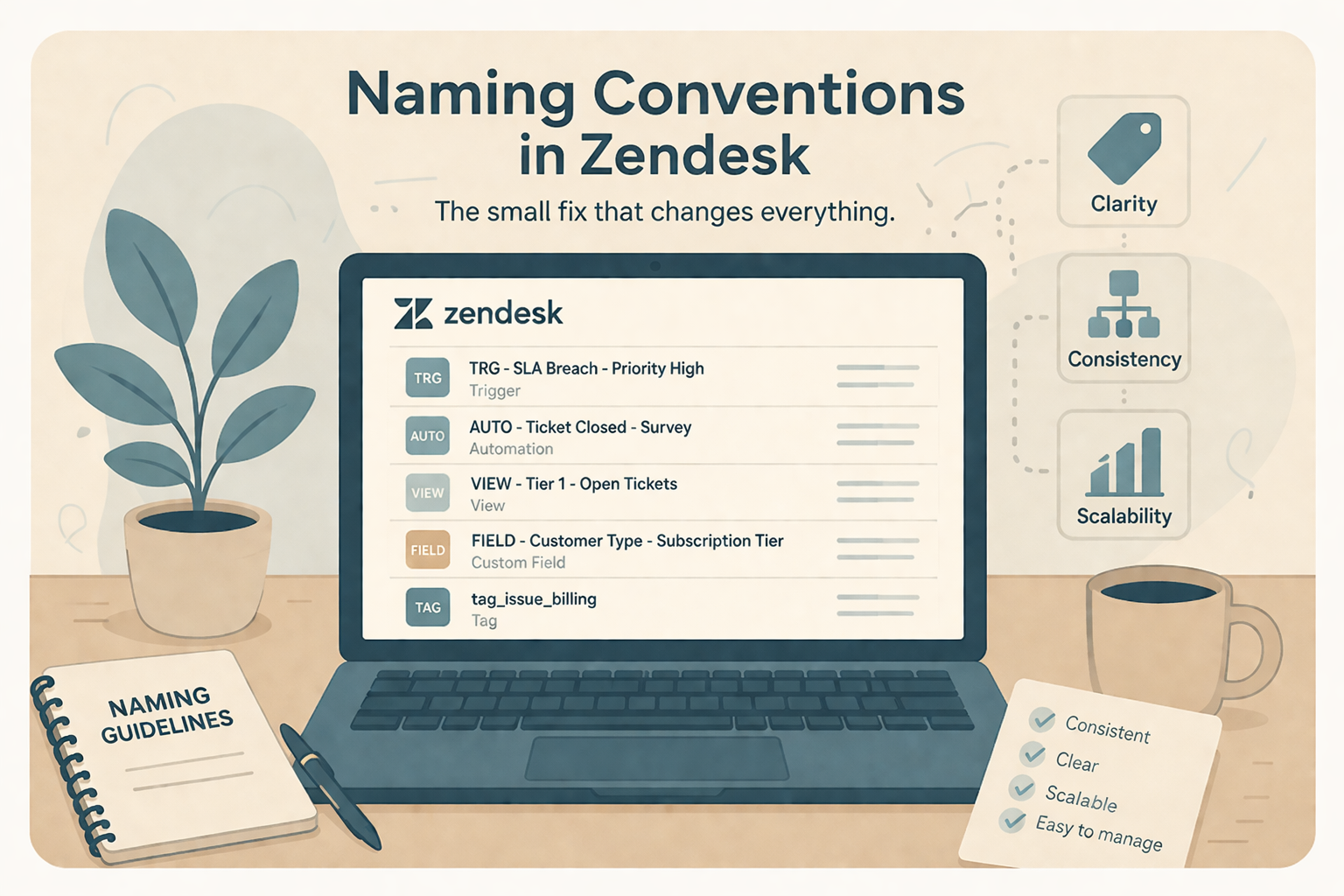
TRG - SLA Breach - Priority High - Notify Manager
Views
Focus on:
- Team or role
- Purpose
Example:
VIEW - Tier 1 - Open Tickets - Unassigned
Tags
Tags are powerful, but messy without structure.
Use patterns like:
- status_ (status indicators)
- source_ (origin of ticket)
- issue_ (type of request)
Example:
issue_billing
source_chat
status_pending_customer
Custom Fields
Make them descriptive and searchable.
Example:
Customer Type - Subscription Tier
Order Issue - Refund Requested
Best Practices for Zendesk Naming Conventions
Use Prefixes
Prefixes make it easy to group and scan items.
Examples:
- TRG = Trigger
- AUTO = Automation
- VIEW = View
- FIELD = Custom Field
Be Descriptive (But Not Overly Long)
Avoid vague names like:
- “Update Ticket”
- “New Rule”
Instead, aim for clarity:
- “TRG - Ticket Status Change - Pending → Open”
Stay Consistent Across the Instance
Pick a format, and stick to it.
Inconsistency is worse than a “less-than-perfect” system.
Document Your Standards
Create a simple internal guide that outlines:
- Prefixes
- Formatting rules
- Tag structures
This ensures long-term success, especially as your team grows.
The Bottom Line
Naming conventions aren’t just about organization, they’re about control, clarity, and scalability.
If your Zendesk instance feels messy, slow, or hard to manage, this is one of the fastest, highest-impact fixes you can make.
And the best part?
You don’t need new tools, budget, or a full rebuild.
Just a better way of naming what you already have.
How SupportPie Can Help
At SupportPie, we help teams bring structure and clarity to their Zendesk environments, without overcomplicating things.
Whether you’re cleaning up an existing instance or scaling for growth, we’ll help you build systems that actually make sense.