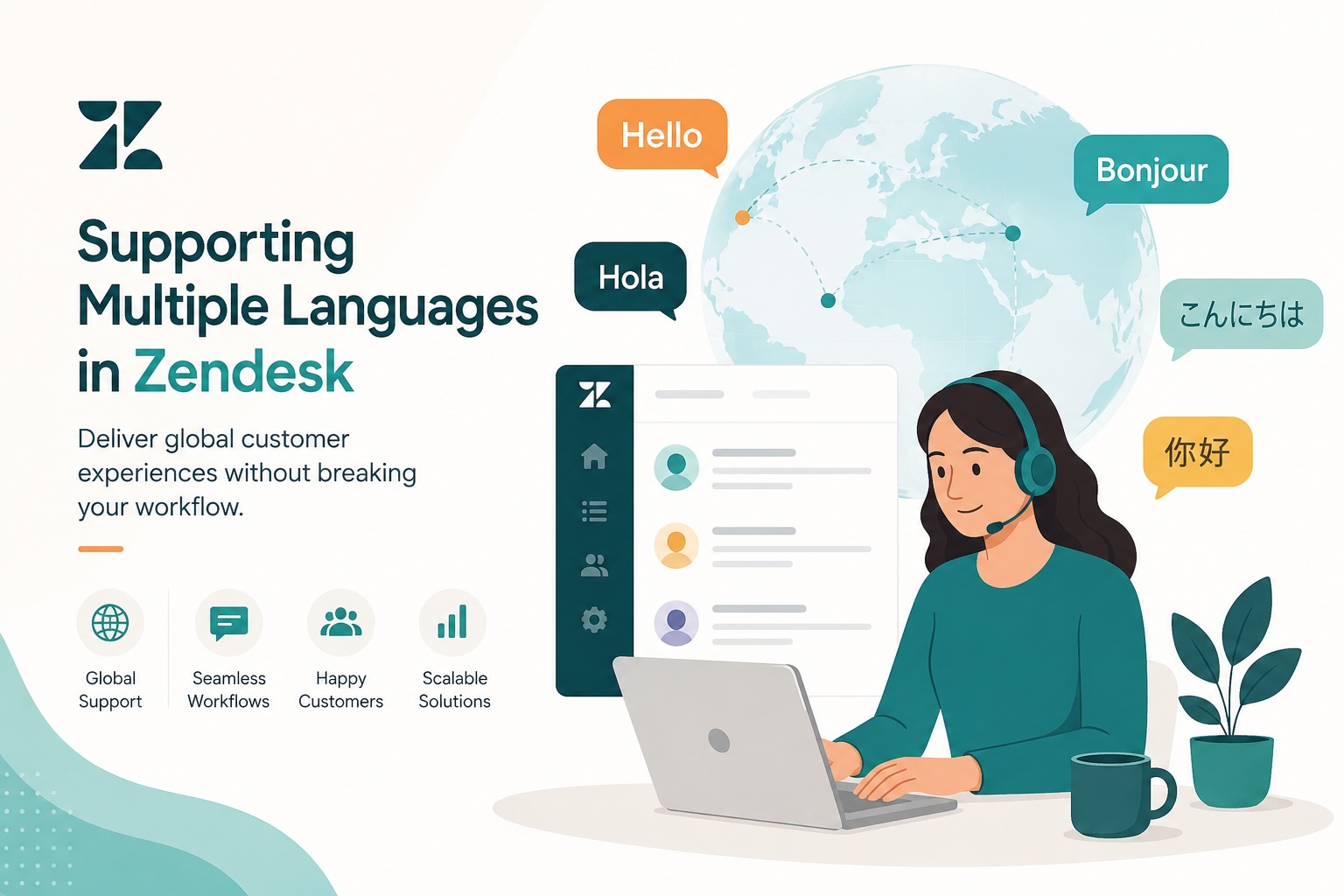
As businesses expand into new markets and customer expectations continue to rise, offering support in multiple languages is becoming less of a competitive advantage and more of a necessity. Customers want help in their preferred language, and organizations want to deliver that experience without creating duplicate processes or introducing unnecessary complexity.
The good news? Zendesk provides several ways to support multilingual teams and customers without disrupting the workflows you’ve already built.
Here’s how to create a scalable multilingual support strategy in Zendesk while keeping your operations efficient.
Why Multilingual Support Matters
Customers are more likely to engage with brands when they can communicate in their native language. Providing multilingual support helps organizations:
- Improve customer satisfaction and loyalty.
- Expand into international markets.
- Reduce misunderstandings and back-and-forth conversations.
- Deliver a more personalized customer experience.
However, many organizations worry that adding additional languages means rebuilding their support environment from scratch. Fortunately, that doesn’t have to be the case.
Start with Dynamic Content
One of the most powerful features for multilingual support in Zendesk is Dynamic Content.
Dynamic Content allows administrators to create a single piece of text with multiple language variations. Instead of maintaining separate macros, triggers, or automations for each language, you can create one asset and let Zendesk display the appropriate translation automatically.
For example:
English
Thank you for contacting support. We’ll get back to you shortly.
Spanish
Gracias por contactar con soporte. Nos pondremos en contacto con usted en breve.
French
Merci d'avoir contacté le support. Nous vous répondrons sous peu.
Using Dynamic Content helps teams:
- Reduce duplicate business rules.
- Simplify maintenance.
- Ensure consistency across languages.
- Scale more efficiently as new languages are added.
Keep One Set of Workflows
A common mistake is creating separate triggers, automations, and macros for every language. This approach quickly becomes difficult to manage.
Instead, maintain:
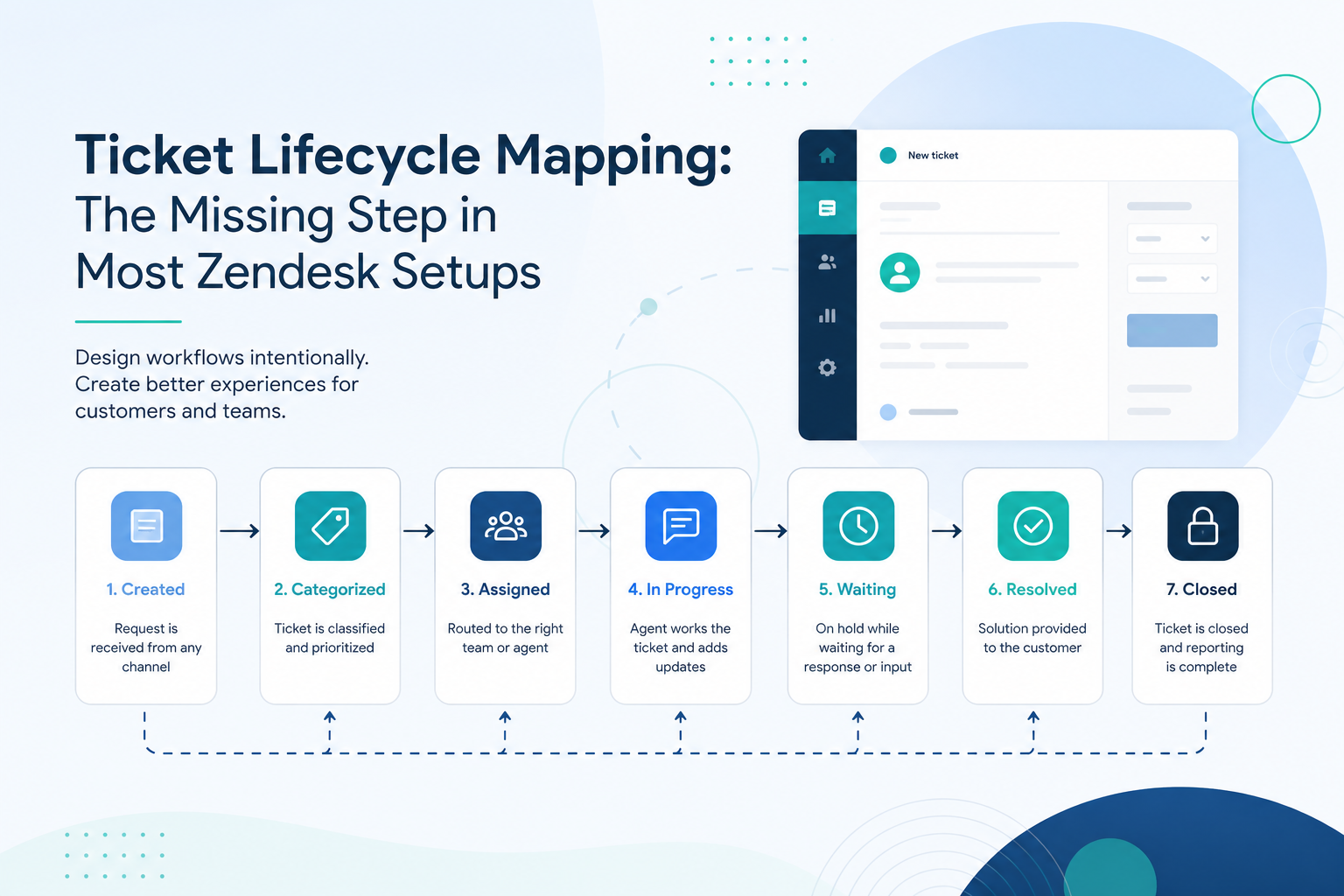
- One ticket lifecycle.
- One set of automations.
- Shared views and reporting.
- Reusable macros powered by Dynamic Content.
This keeps administration simple and prevents changes from needing to be repeated multiple times.
For example, updating a customer response macro should require changing one item, not six different language versions.
Use Language Detection and Routing
Zendesk can help identify customer language and route tickets appropriately.
Organizations often configure:
- Ticket fields to capture language preferences.
- Triggers that assign tickets based on language.
- Skills-based routing for specialized agents.
- Dedicated groups for certain regions or languages.
This approach ensures customers are connected with agents who can provide support in the appropriate language while preserving a unified support structure.
Translate Your Help Center
Multilingual support goes beyond tickets.
Zendesk Guide allows organizations to publish articles in multiple languages so customers can self-serve before reaching an agent.
Benefits include:
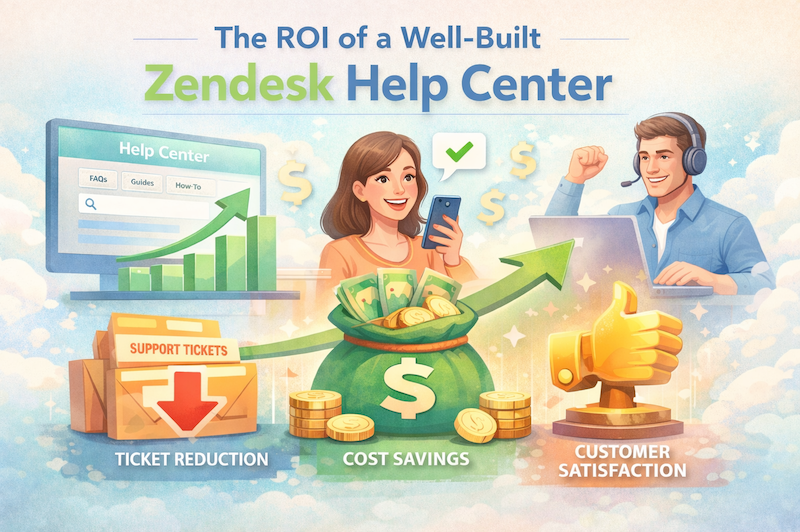
- Reduced ticket volume.
- Faster issue resolution.
- Improved customer experience.
- Consistent messaging across regions.
A multilingual knowledge base also empowers customers to find answers on their own, regardless of where they are located.
Leverage AI Translation Carefully
AI-powered translation tools can dramatically increase efficiency, especially for organizations with limited language coverage.
These tools can:
- Translate incoming requests.
- Assist agents with responses.
- Enable support across languages without hiring large teams.
However, AI translations should be reviewed for:
- Industry-specific terminology.
- Legal or compliance requirements.
- Brand voice and tone.
- Cultural nuances.
Think of AI as an accelerator, not a replacement for quality assurance.
Standardize Internal Processes
The key to scaling multilingual support is consistency.
Maintain:
- Shared ticket forms
- Avoid creating separate forms for each language whenever possible.
- Standardized macros
- Use Dynamic Content instead of duplicate macros.
- Common reporting
- Track metrics across all languages in a single dashboard.
- Clear ownership
- Define which teams handle each language and when escalations should occur.
By keeping processes standardized, organizations can grow internationally without introducing operational chaos.
Common Pitfalls to Avoid
- Creating duplicate workflows
- More workflows mean more maintenance and a greater chance of inconsistencies.
- Translating everything manually
- Manual translation processes often become bottlenecks and increase administrative overhead.
- Ignoring knowledge base localization
- Customers expect self-service resources in their preferred language, not just ticket support.
- Forgetting governance
- Without clear standards, multilingual environments can become difficult to manage and scale.
Final Thoughts
Supporting multiple languages in Zendesk doesn’t require rebuilding your support operation. By leveraging Dynamic Content, maintaining shared workflows, implementing intelligent routing, and investing in localized self-service, organizations can deliver exceptional customer experiences while keeping administration manageable.
The most successful multilingual Zendesk environments aren’t the ones with the most complex configurations, they’re the ones designed for simplicity and scale.
As your business grows, your support workflows should grow with you, not against you.