If your SaaS support team is handling hundreds or thousands of tickets every month, manually routing, prioritizing, and following up on every request simply isn't sustainable. That's where Zendesk's business rules shine.
By combining Triggers, Automations, SLAs, Macros, and Webhooks, you can eliminate repetitive work, reduce response times, and create a more consistent customer experience.
In this guide, we'll walk through 20 practical workflows that nearly every SaaS company should consider. These are based on real-world implementations and can be adapted to fit organizations of any size.
1. Automatically Route Tickets by Product
Best for: Multi-product SaaS companies
If your organization supports multiple products, incoming tickets should go directly to the specialists who know that product best.
For example:
- Product A → Product Support Team
- Product B → Enterprise Support
- Mobile App → Mobile Specialists
A Trigger can examine the ticket form, product field, or tags and assign the appropriate group instantly.
Benefit: Faster first response and fewer internal ticket transfers.
2. Assign Enterprise Customers to a Dedicated Team
Not every customer requires the same level of support.
If you're using Organizations, custom fields, or account tiers, you can automatically assign Enterprise customers to a dedicated support queue.
Typical conditions include:
- Organization = Enterprise
- Customer Tier = Premium
- Account Manager Assigned = Yes
Benefit: Ensures your highest-value customers receive priority service.
3. Automatically Tag Tickets Based on Request Type
Tags power reporting, routing, and additional automation.
Instead of relying on agents to remember tagging conventions, use Triggers to automatically add tags like:
- billing
- bug_report
- feature_request
- account_access
- onboarding
These tags can be based on ticket forms, custom fields, or keywords.
Benefit: Cleaner reporting and more consistent workflows.
4. Route Billing Requests to Finance
Support agents shouldn't have to manually forward every billing question.
A Trigger can detect:
- Billing ticket form
- Billing category
- Invoice request
- Subscription changes
Then assign the ticket directly to your billing team.
Benefit: Reduces unnecessary handoffs and speeds up resolution.
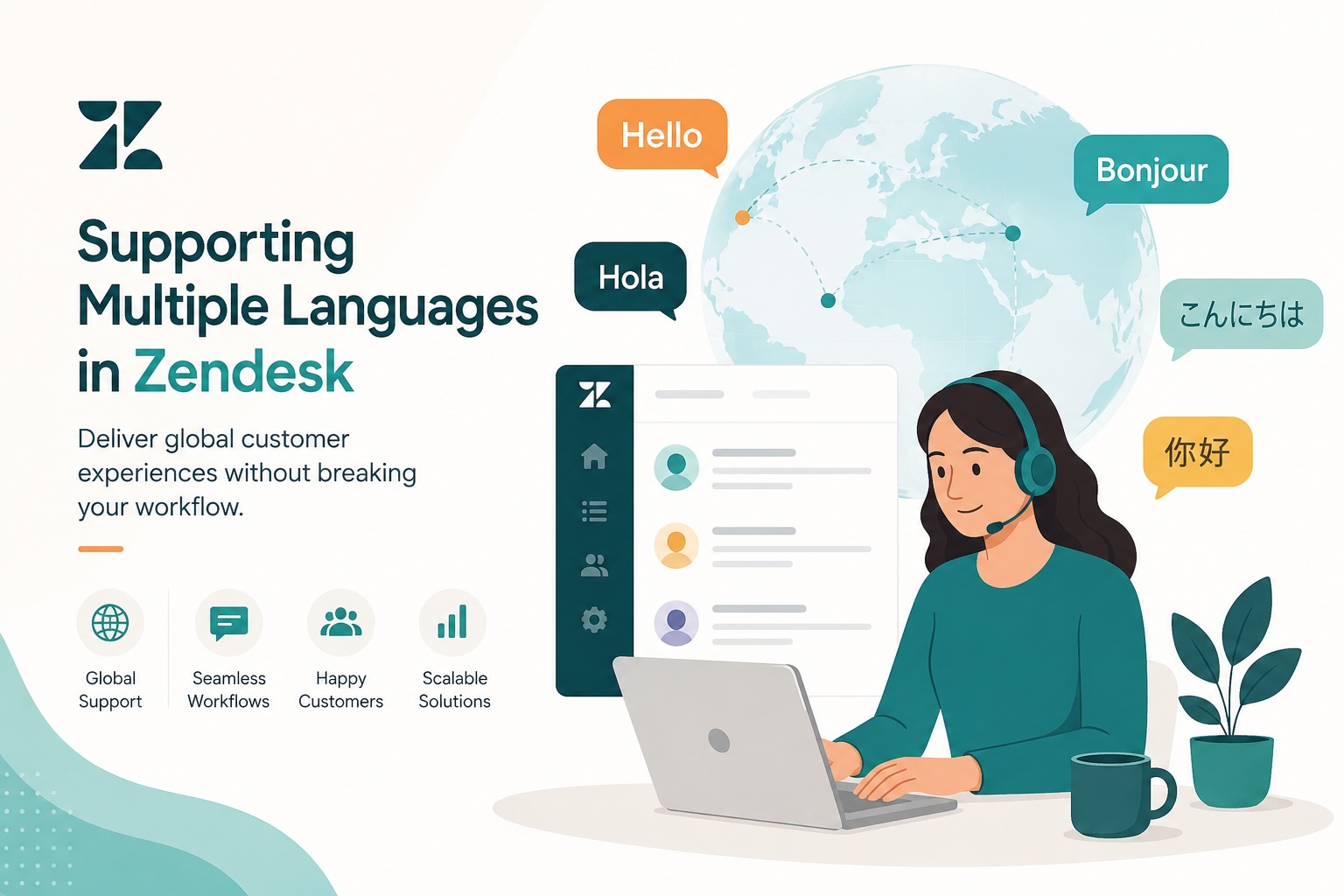
5. Route Tickets by Language
If your company supports multiple languages, Zendesk can automatically assign tickets based on language.
Examples include:
- Spanish → Spanish Support
- French → French Queue
- German → EMEA Team
This can be configured using the requester's language or language detection features where available.
Benefit: Customers receive support in their preferred language without manual intervention.
6. Notify Engineering When Bugs Are Reported
Bug reports often need engineering visibility.
Instead of relying on agents to remember to notify developers, create a Trigger that activates whenever:
- Issue Type = Bug
- Severity = High
- Product = Production
Actions might include:
- Send a Slack notification
- Trigger a webhook
- Notify engineering managers
Benefit: Critical issues reach the right people immediately.
7. Alert Customer Success About Enterprise Issues
Support isn't the only team that benefits from visibility.
When an Enterprise customer opens a high-priority ticket, automatically notify their Customer Success Manager.
This can happen through:
- Slack
- Microsoft Teams
- Webhooks
Benefit: Customer Success can proactively communicate with important accounts before problems escalate.
8. Automatically Prioritize Tickets
Many SaaS companies define ticket priority based on customer tier or issue type.
Examples include:
- Enterprise outage → Urgent
- Premium customer → High
- Password reset → Normal
Using Triggers ensures consistent prioritization across every ticket.
Benefit: Agents spend less time triaging and more time resolving issues.
9. Remind Agents About Pending Tickets
Pending tickets can easily become forgotten.
Zendesk Automations can identify tickets that have remained in Pending status for several days and:
- Notify the assigned agent
- Add an internal note
- Escalate if necessary
Benefit: Reduces stalled conversations and improves customer follow-up.
10. Escalate Tickets Nearing an SLA Breach
If you use Zendesk SLAs, don't wait until you've already missed your target.
Automations can monitor tickets approaching an SLA breach and:
- Increase priority
- Notify team leads
- Reassign tickets if necessary
Benefit: Gives your team time to act before service commitments are missed.
11. Escalate Stale High-Priority Tickets
Some urgent tickets simply stop moving.
Create an Automation that checks for:
- High priority
- No agent update in several hours
- Status still Open
Then notify a manager or move the ticket into an escalation queue.
Benefit: Prevents critical issues from sitting untouched.
12. Automatically Route Customer Onboarding Questions
Best for: Growing SaaS companies with dedicated onboarding or implementation teams
New customers often have different needs than long-term users. Questions about setup, integrations, migrations, or training shouldn't compete with general support requests.
Use a Trigger to identify onboarding-related tickets based on a ticket form, custom field, or tags, then automatically assign them to your onboarding or implementation team.
For example:
Ticket Form = Onboarding
Customer Lifecycle Stage = New Customer
Request Type = Setup Assistance
The Trigger can automatically:
- Assign the correct group
- Set an appropriate priority
- Add onboarding tags
- Notify the assigned implementation specialist
Benefit: New customers get faster, more specialized assistance, helping improve time-to-value and reducing onboarding friction.
13. Automatically Escalate Negative CSAT Responses
Customer satisfaction surveys shouldn't disappear into a dashboard.
When a customer leaves a bad CSAT rating, use a Trigger to immediately create a follow-up workflow.
Actions might include:
- Assign the ticket to a support manager
- Notify the Customer Success Manager
- Add a "csat_recovery" tag
- Increase ticket priority
- Create a follow-up task for the account owner
Responding quickly to dissatisfied customers can help recover relationships before they become churn risks.
Benefit: Turns customer feedback into immediate action instead of waiting for someone to review reports.
14. Notify Managers About SLA Breaches
Even the best teams occasionally miss an SLA.
Instead of discovering missed targets in reports days later, create an Automation that immediately alerts supervisors whenever an SLA breach occurs.
Benefit: Faster coaching, visibility, and process improvements.
15. Flag Customers Who Contact Support Frequently
Repeated support requests can indicate:
- Product confusion
- Training needs
- Bugs
- Churn risk
Using tags, custom fields, or reporting, you can identify customers who submit multiple tickets within a defined period and flag them for review.
Benefit: Helps Customer Success proactively engage at-risk accounts.
16. Escalate Tickets with Multiple Customer Replies
If a customer sends several follow-up messages before receiving a response, frustration is often increasing.
A Trigger can monitor public replies and escalate tickets after a threshold is reached.
For example:
- Three customer replies without an agent response
- Increase priority
- Notify a team lead
Benefit: Prevents unhappy customers from slipping through the cracks.
17. Automatically Route by Region
Global support teams often organize work geographically.
Examples include:
- North America
- EMEA
- APAC
Routing can be based on the requester's organization, custom fields, or other account information.
Benefit: Ensures tickets are handled by agents familiar with regional requirements and business hours.
18. Notify Slack or Microsoft Teams for Critical Incidents
For production outages or critical incidents, speed matters.
A Trigger can automatically post messages to Slack or Microsoft Teams when tickets meet defined criteria, such as:
- Urgent priority
- Outage ticket form
- Incident tag
Benefit: Keeps cross-functional teams informed without relying on manual updates.
19. Automatically Track Feature Requests
Instead of manually maintaining a spreadsheet of feature requests, use tags and routing to consistently categorize these tickets.
Feature request tickets can then be:
- Assigned to Product Operations
- Tagged for reporting
- Included in product planning dashboards
Benefit: Makes it easier to identify trends and customer demand.
20. Send Internal Notifications for VIP Activity
When a strategic customer contacts support, multiple teams may want visibility.
A Trigger can notify:
- Customer Success
- Sales
- Technical Account Managers
- Leadership
whenever a VIP account submits a ticket.
Benefit: Everyone stays informed, creating a more coordinated customer experience.
Best Practices for Zendesk Automations
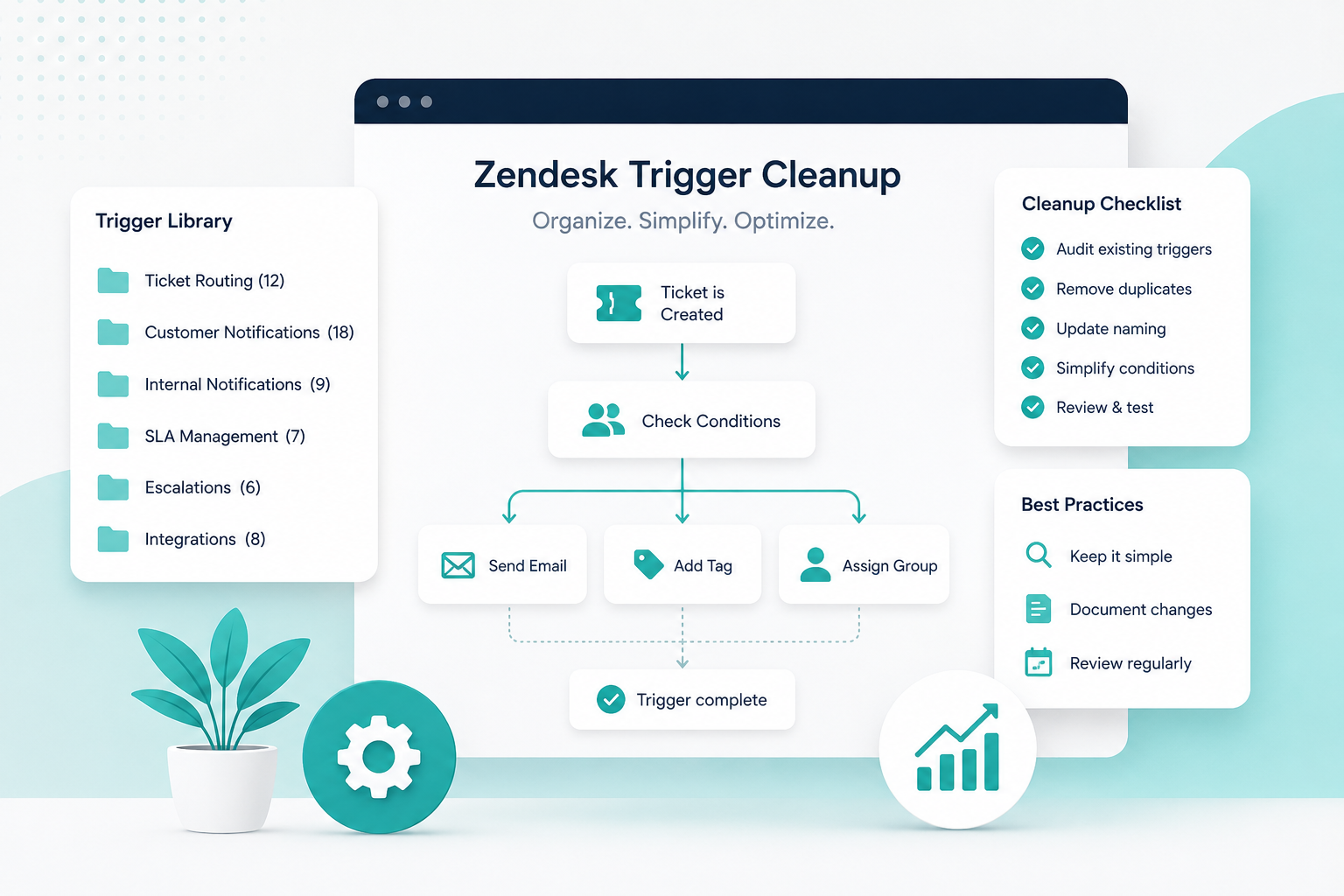
As your Zendesk instance grows, so will the number of business rules. To keep your environment manageable:
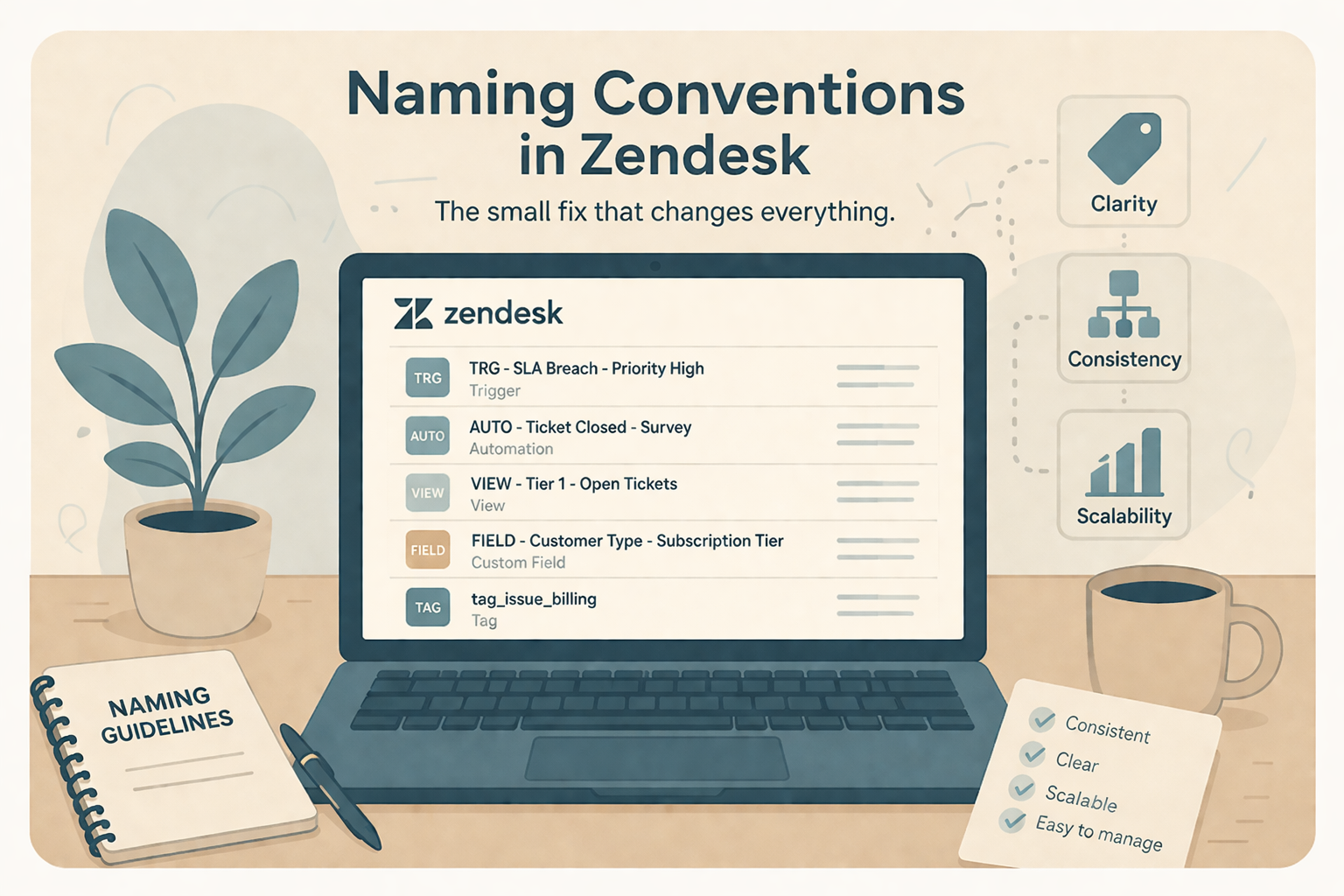
- Use clear, descriptive names for Triggers and Automations.
- Regularly audit inactive or outdated rules.
- Avoid overlapping conditions that produce conflicting actions.
- Test new automations in a sandbox before deploying to production.
- Document your business rules so future admins understand how they work.
A well-organized Zendesk environment is easier to maintain, troubleshoot, and scale.
Need Help Optimizing Your Zendesk Instance?
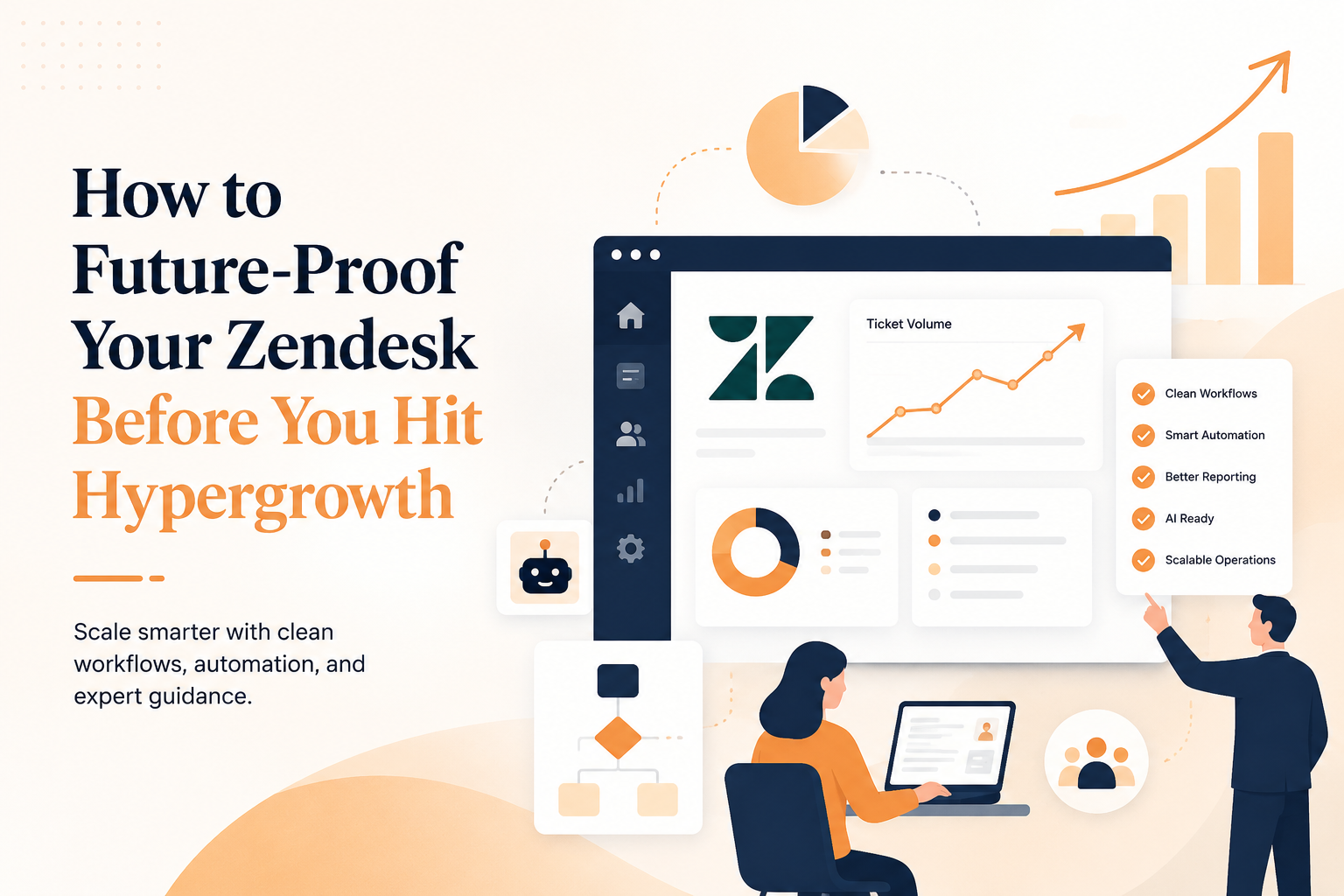
The best Zendesk environments aren't the ones with the most automations, they're the ones with the right automations.
At SupportPie, we help SaaS companies design scalable Zendesk workflows that reduce manual work, improve agent efficiency, and deliver better customer experiences. Whether you're implementing Zendesk for the first time or cleaning up years of accumulated business rules, our consultants can help you build an environment that grows with your business.
Ready to streamline your support operations? Contact SupportPie to discuss your Zendesk goals and discover how expert consulting can help you get more from your investment.