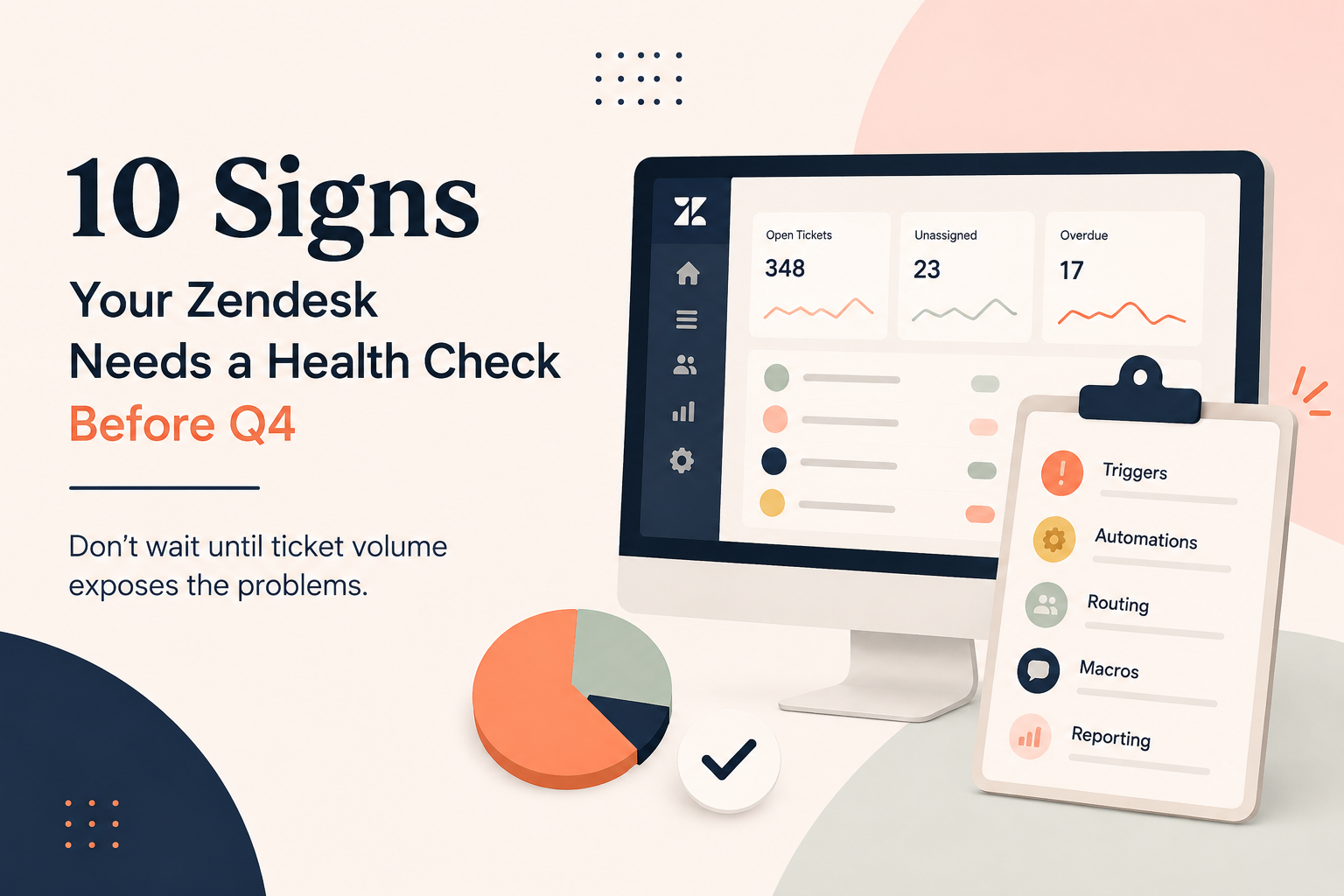
Q4 has a way of exposing every weak spot in your support operation.
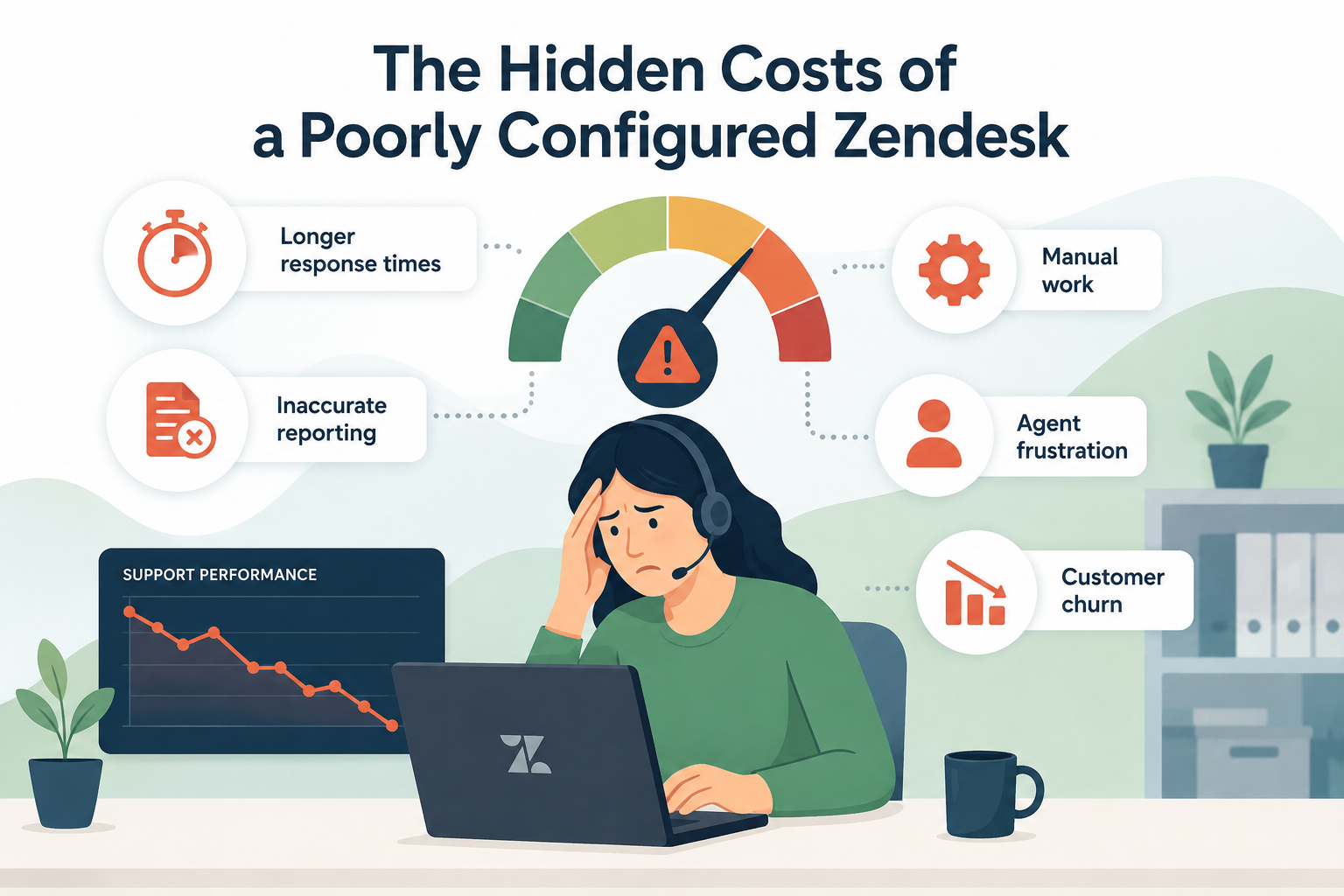
A trigger that was “good enough” suddenly creates hundreds of unnecessary tickets. A messy view makes it harder for agents to find what needs attention. An escalation process that worked with 50 tickets a day starts falling apart at 200.
The problem usually isn't that your team suddenly got worse.
Your Zendesk simply wasn't built for the volume you're about to handle.
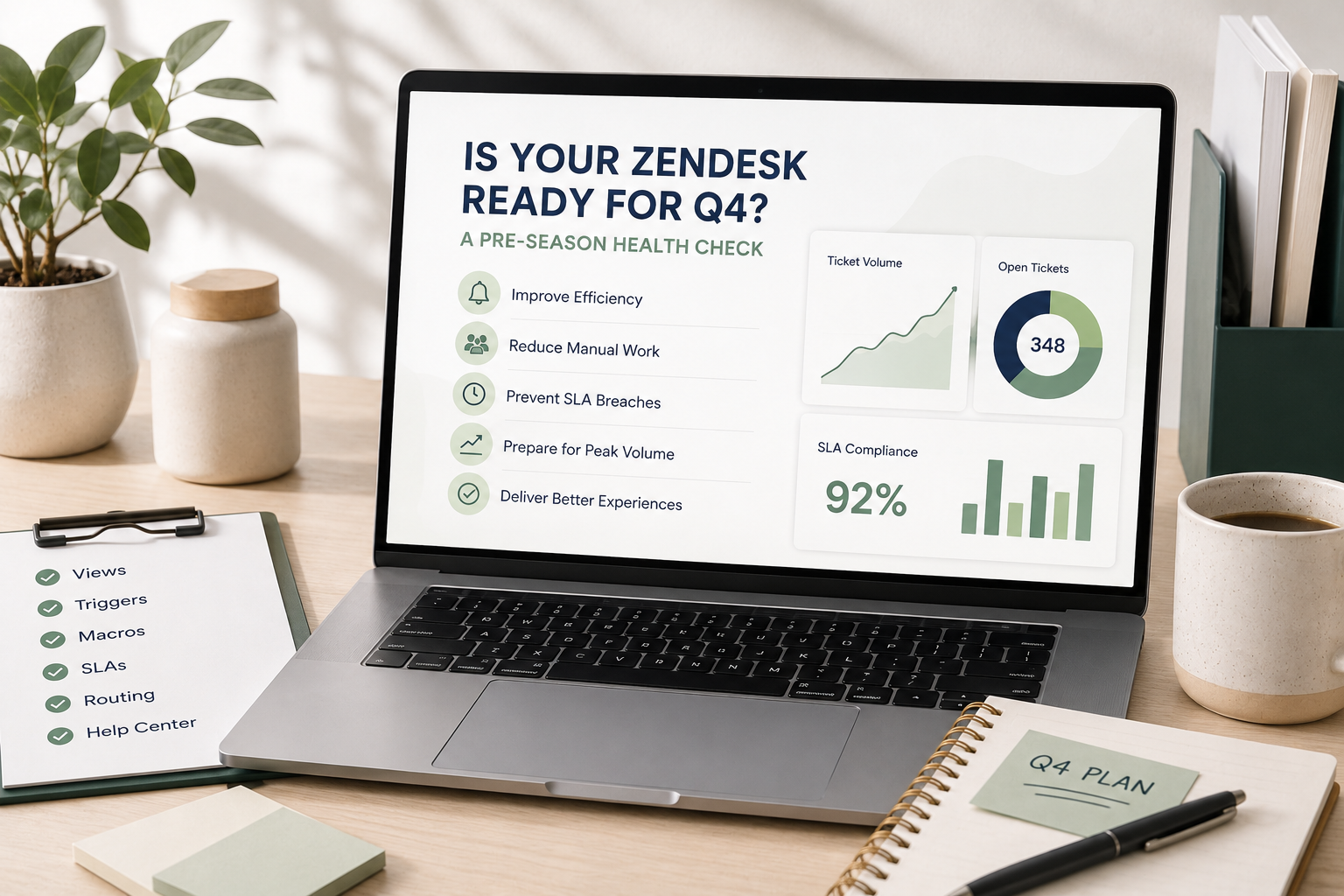
Before Q4 arrives, take a little time to make sure your Zendesk is ready for the increase in tickets, customers, and pressure.
Here are the areas we recommend checking before things get busy.
1. Start With Your Ticket Views
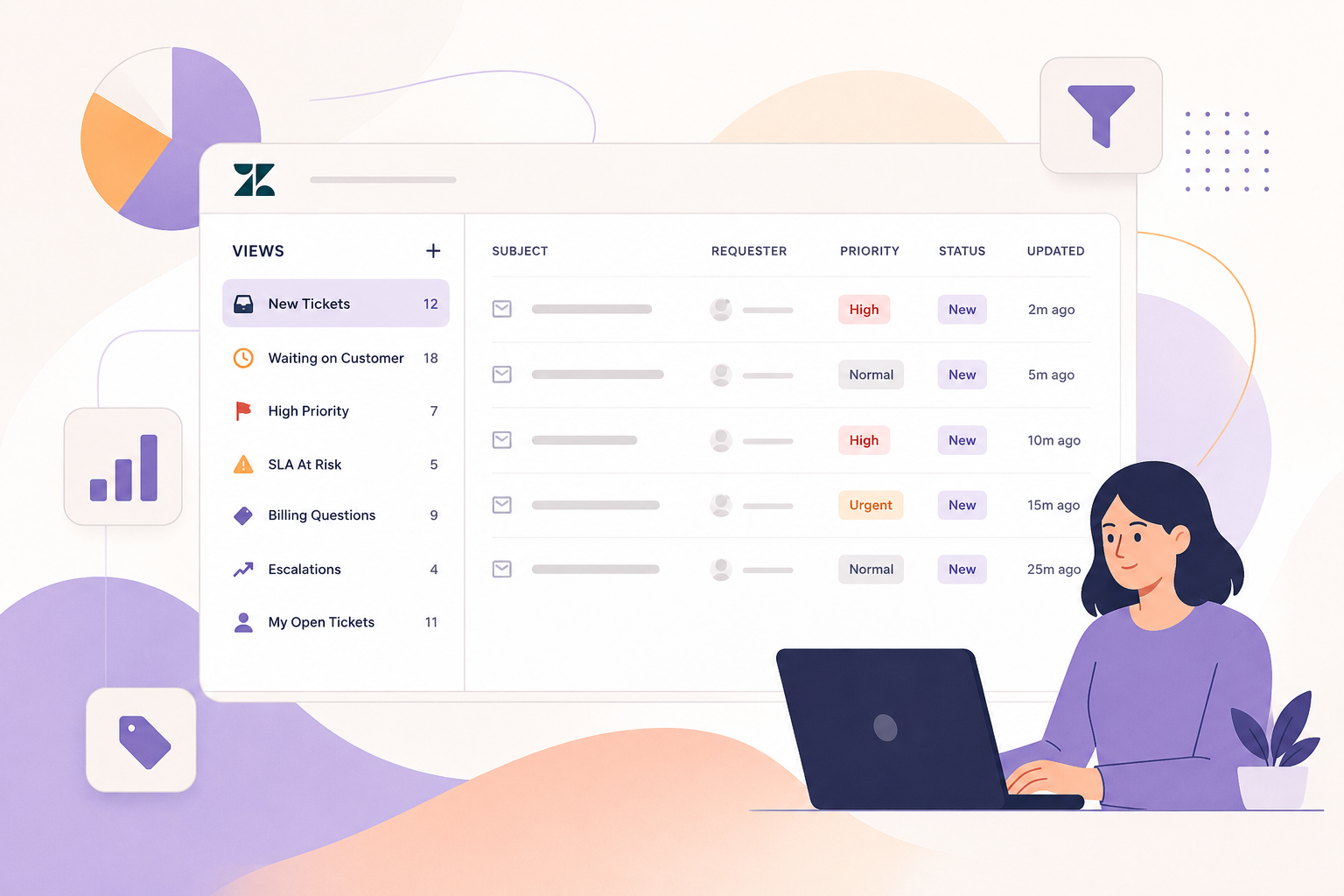
Your views are essentially your team's control center. If they're cluttered, outdated, or missing important information, agents spend valuable time figuring out what to work on instead of actually working on it.
Take a look at your current views and ask:
- Are agents seeing the tickets that actually need their attention?
- Are there views nobody uses anymore?
- Are tickets getting stuck because they're not appearing where they should?
- Do you have separate views for urgent, aging, and unassigned tickets?
- Are your views organized around how your team actually works today?
A quick Q4 improvement
Identify your five most important views and make sure each one has a clear purpose.
At minimum, consider having views for:
- Unassigned tickets
- Urgent or high-priority tickets
- Tickets approaching an SLA
- Aging tickets
- Tickets waiting on the customer
If an agent has to search around Zendesk to figure out what needs to be done next, your views probably need some attention.
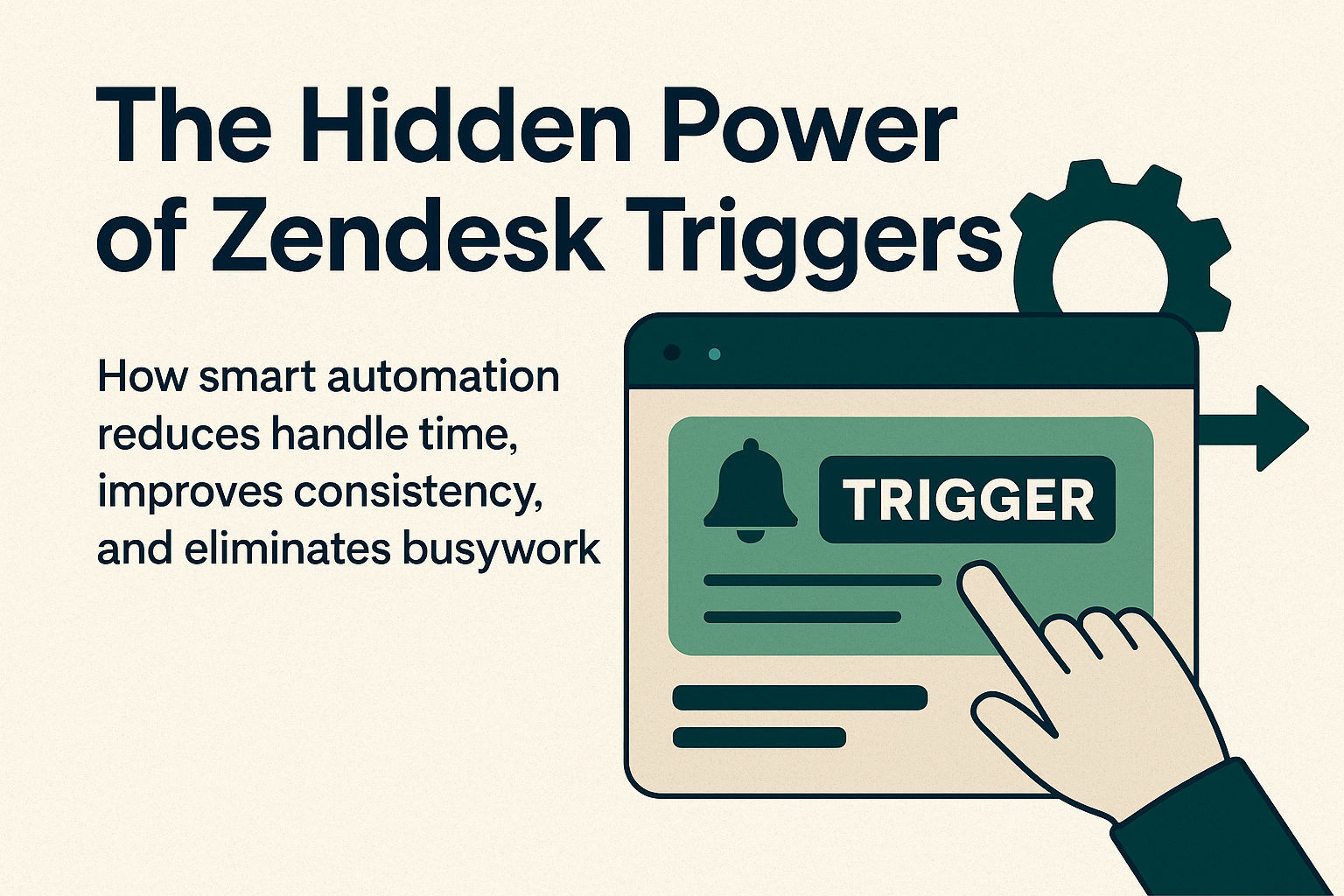
2. Audit Your Triggers and Automations
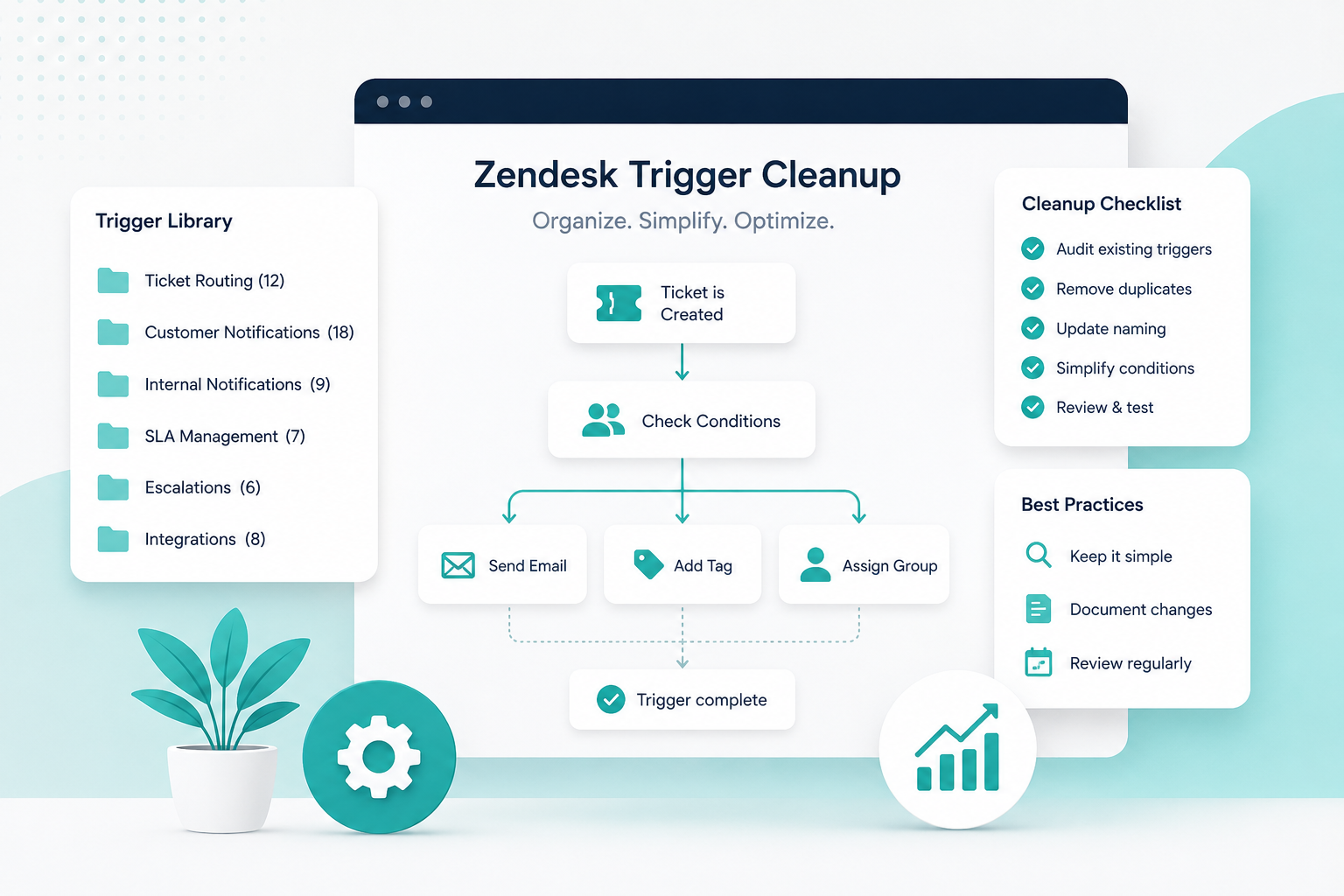
Triggers and automations are some of the most powerful tools in Zendesk, and some of the easiest to forget about.
Over time, they accumulate.
Someone creates a trigger for a temporary problem. Another person creates a new version six months later. An old workflow is no longer needed, but nobody wants to turn it off because they're not sure what depends on it.
Before Q4, review your active triggers and automations.
Look for:
- Duplicate rules
- Rules that no longer serve a purpose
- Conflicting actions
- Overly broad conditions
- Automations that create unnecessary notifications
- Triggers that may behave differently as ticket volume increases
A quick Q4 improvement
For every trigger or automation, ask:
“If this fires 10 times more often next month, is that a problem?”
If the answer is yes, investigate it now.
A small automation issue during a slow month can become a major operational problem during peak season.
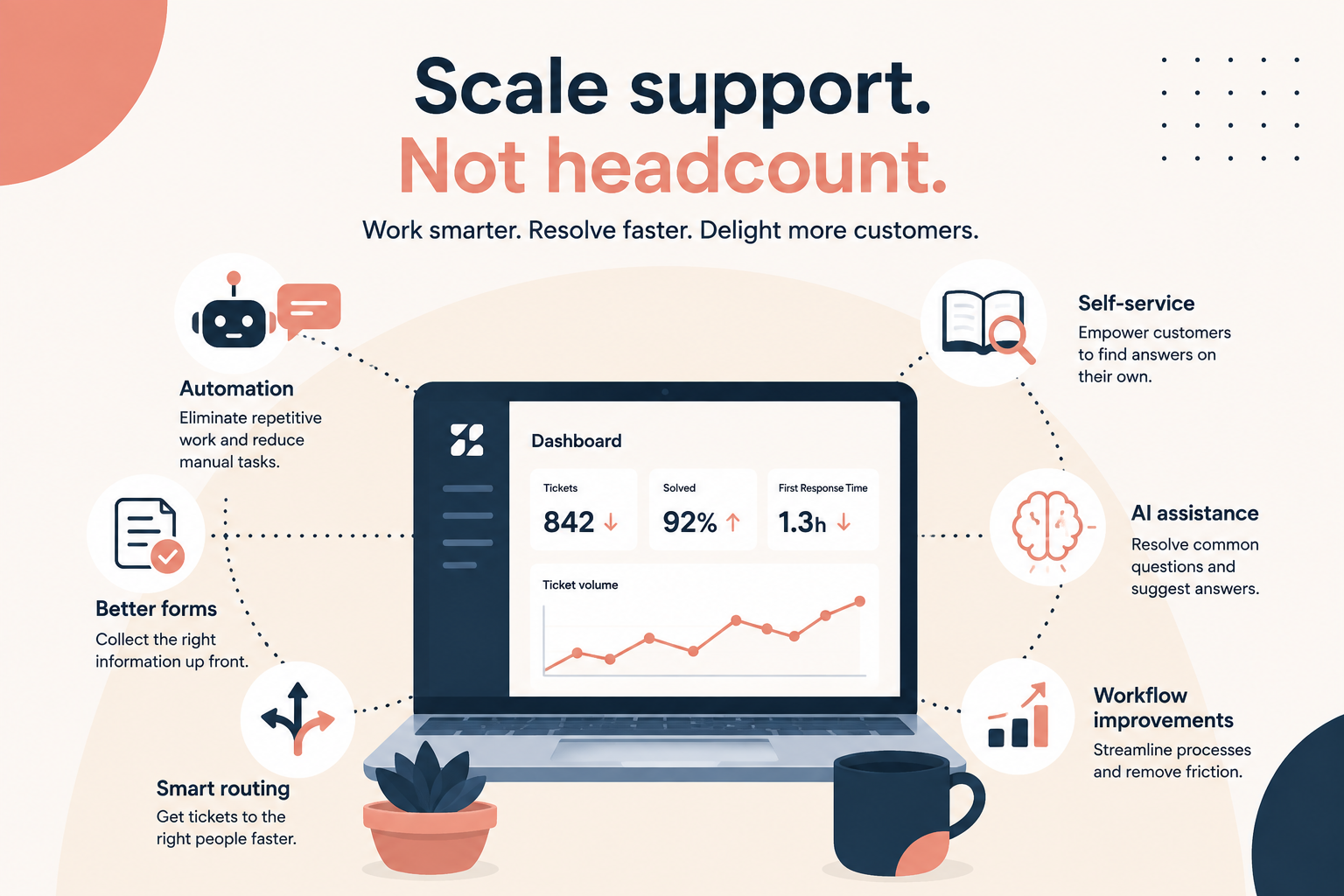
3. Look for Manual Work You Can Eliminate
Q4 is not the time for your agents to spend their day copying and pasting information, manually tagging tickets, or sending the same response over and over.
Look at the repetitive work your team is doing every day.
Are agents manually:
- Applying tags?
- Assigning tickets?
- Sending common responses?
- Updating fields?
- Routing specific types of requests?
- Following up on tickets?
- Escalating issues?
If the answer is yes, there's a good chance some of that work can be automated.
A quick Q4 improvement
Ask your agents:
“What is the most annoying thing you have to do repeatedly in Zendesk?”
Make a list of the answers.
Then prioritize the tasks that are both high volume and low complexity. Those are usually the best candidates for macros, triggers, automations, forms, or other workflow improvements.
4. Check Your Macros
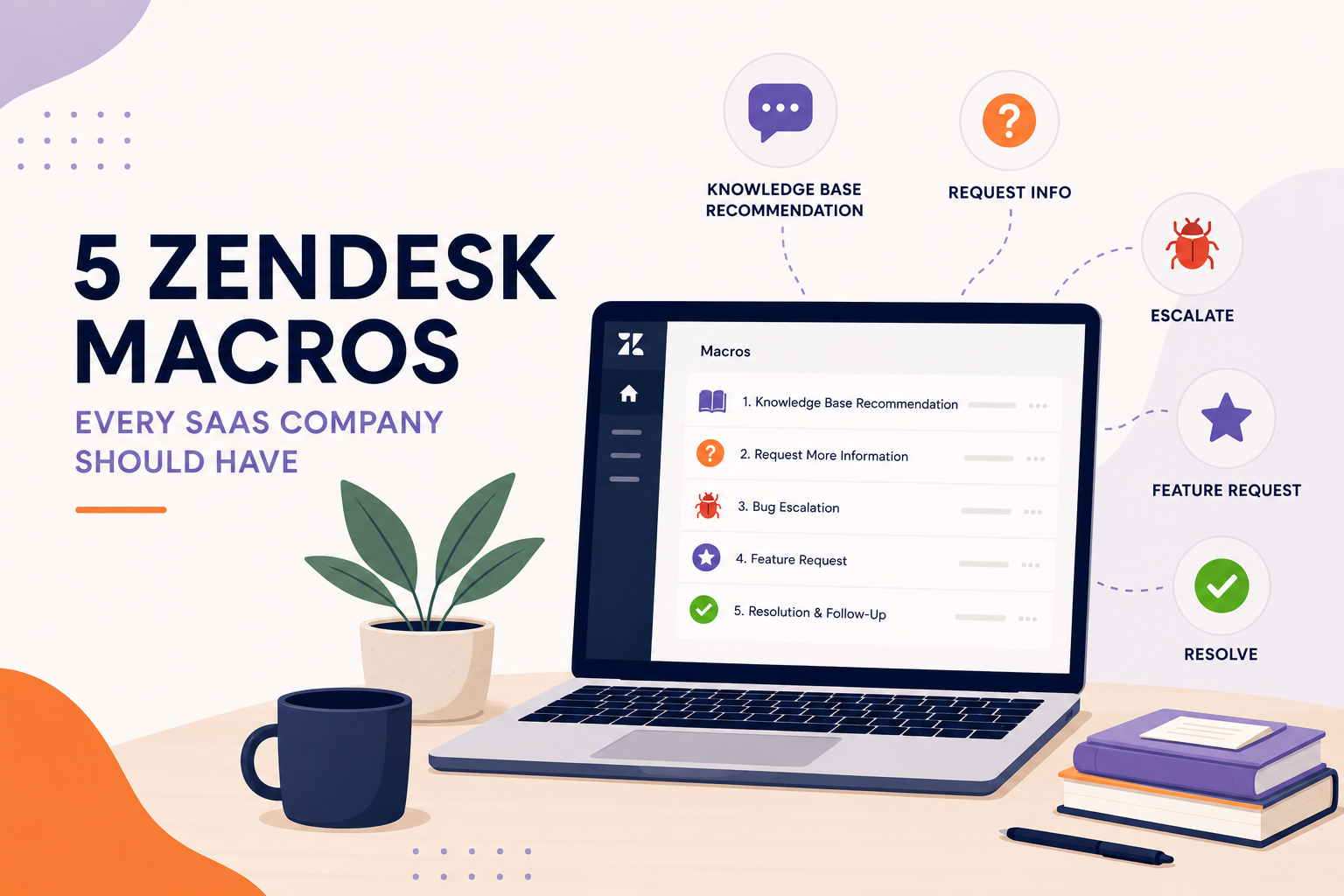
Macros can save agents significant time, but only when they're actually useful.
Open your macro list and look for:
- Macros nobody uses
- Duplicate macros
- Outdated responses
- Responses with old policies or information
- Macros that require too much manual editing
- Common questions that don't have a macro
Don't just audit the macros themselves. Look at what your agents are actually typing.
If agents are repeatedly writing nearly identical responses, that's a signal that a macro may be missing.
A quick Q4 improvement
Find your top 5–10 most common ticket types and make sure agents have a fast, accurate response for each.
Just remember: macros should make agents faster, not turn responses into robotic copy-and-paste messages.
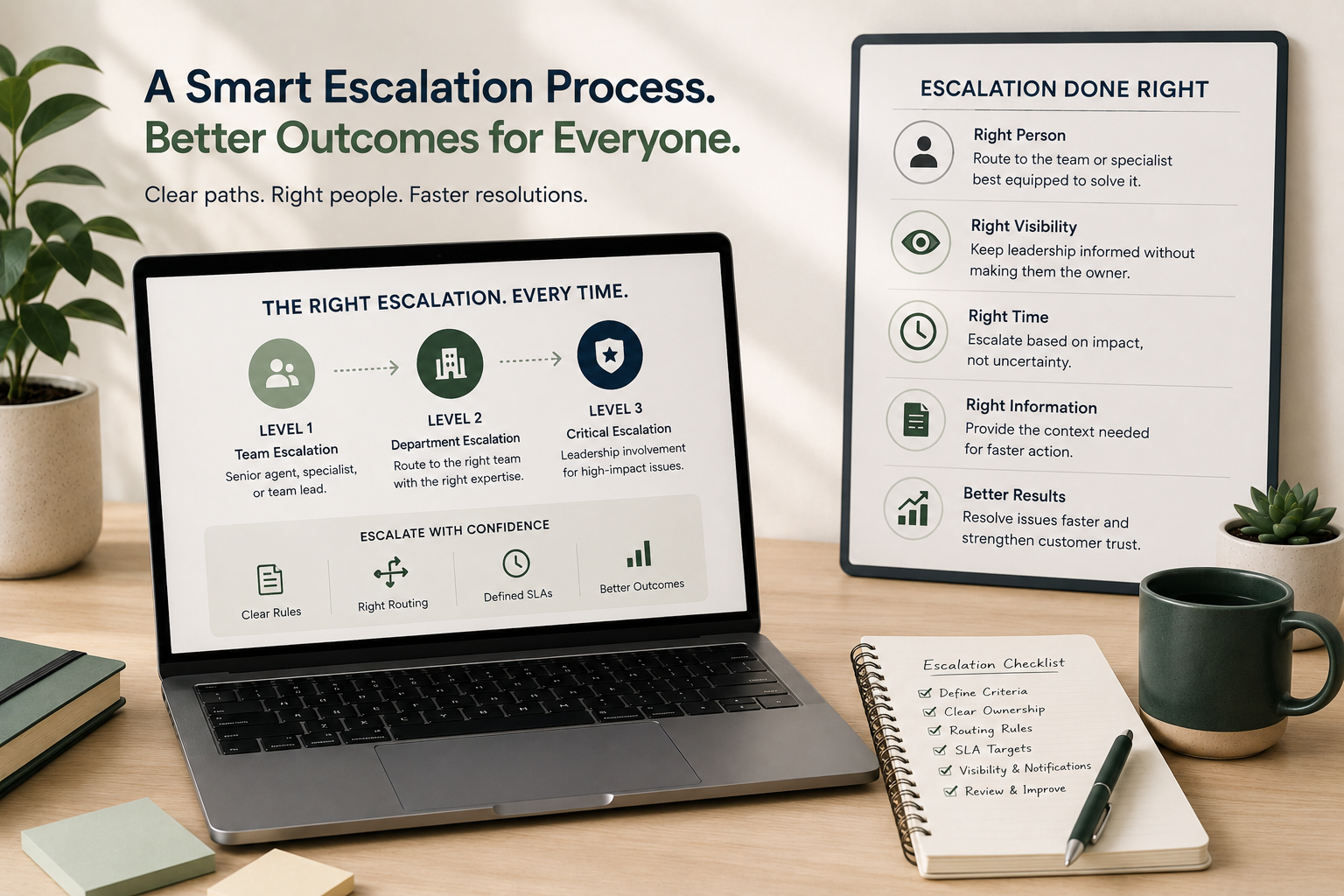
5. Test Your Escalation Process
Here's a question worth asking before Q4:
What happens when an agent gets a ticket they can't solve?
If the answer is something like:
“They message the manager.”
That's an escalation process, but it's probably not a very scalable one.
Your escalation process should clearly define:
- What qualifies as an escalation
- Who owns the escalation
- Where it goes
- How quickly it needs to be addressed
- What information the agent needs to provide
- What happens if the first person doesn't respond
A quick Q4 improvement
Pick three common escalation scenarios and walk through them from an agent's perspective.
For example:
Customer is threatening to cancel → Who handles it?
Technical issue needs engineering → How does it get there?
VIP customer has an urgent problem → What happens next?
If the answer depends on someone remembering who to message, it's time to formalize the process.
6. Check Your SLAs and Business Rules
Q4 can change your support environment dramatically.
Ticket volume increases. Response times can slip. Different teams may have different holiday schedules or coverage.
Review your SLA policies before the busy season starts.
Make sure:
- Your SLA targets still reflect your business
- Priority is being assigned correctly
- Business hours are accurate
- Holiday schedules are configured
- Tickets aren't accidentally being excluded from SLA calculations
- Agents can easily see which tickets are approaching a breach
A quick Q4 improvement
Look at tickets that breached an SLA during your last busy period.
Don't just ask, “Why did we miss it?”
Ask:
“Could Zendesk have helped us identify or route this ticket sooner?”
That shift can uncover workflow improvements instead of simply putting more pressure on agents.
7. Review Your Ticket Forms and Fields
Every field in Zendesk creates a little bit of work.
Too many fields create clutter. Too few fields can leave agents without the information they need.
Review your ticket forms and custom fields.
Ask:
- Are customers being asked for information they don't actually need to provide?
- Are agents manually entering information that could be captured through a form?
- Are there fields nobody uses anymore?
- Are important fields difficult to find?
- Could conditional fields make the experience simpler?
A quick Q4 improvement
Try submitting your own most common support forms as if you were a customer.
Pay attention to how many questions you're asked and whether each one is necessary.
A better form can mean fewer back-and-forth messages, and fewer tickets that require agent intervention.
8. Don't Forget Your Help Center
Your support volume isn't determined only by how quickly your team answers tickets.
It's also affected by how many customers need to contact you in the first place.
Before Q4, review your most frequently asked questions.
Then ask:
“Could this question be answered before the customer submits a ticket?”
Look at your:
- Most-viewed articles
- Most common ticket topics
- Outdated documentation
- Missing articles
- Articles with high search activity but low engagement
If customers repeatedly ask the same question, that's a potential self-service opportunity.
The 30-Minute Q4 Zendesk Check
You don't need to spend weeks auditing your entire Zendesk to find obvious problems.
Start with this quick exercise.
Set a timer for 30 minutes and review:
- Your five most-used ticket views
- Your active triggers and automations
- Your most-used macros
- Your escalation process
- Your SLA configuration
- Your top ticket forms
- Your most common customer questions
For every issue you find, categorize it as one of three things:
Fix now: It could create problems during Q4.
Fix soon: It isn't urgent, but it creates unnecessary work.
Monitor: It's working today and doesn't need immediate changes.
This keeps your Q4 preparation focused instead of turning it into an enormous Zendesk cleanup project.
Your Zendesk Should Work Harder When Volume Goes Up
The goal of a Q4 health check isn't to make your Zendesk perfect.
It's to make sure the system can handle increased demand without requiring your team to work twice as hard.
A healthy Zendesk should help your team:
- Get tickets to the right person faster
- Identify urgent issues
- Reduce repetitive work
- Respond consistently
- Escalate problems without relying on executives
- Give customers more opportunities to help themselves
And if you're finding problems in several of these areas, that's useful information.
It means you have an opportunity to improve your support operation before the pressure hits.
Want a second set of eyes on your Zendesk?
Sometimes the hardest part of a Zendesk audit is knowing what you're missing.
SupportPie can take a look at your instance and identify workflow issues, unnecessary complexity, automation opportunities, and areas that could become problems as ticket volume increases.
Think of it as a pre-season checkup for your Zendesk, so your support team can go into Q4 prepared instead of playing catch-up.
[Get a Zendesk Health Check →]