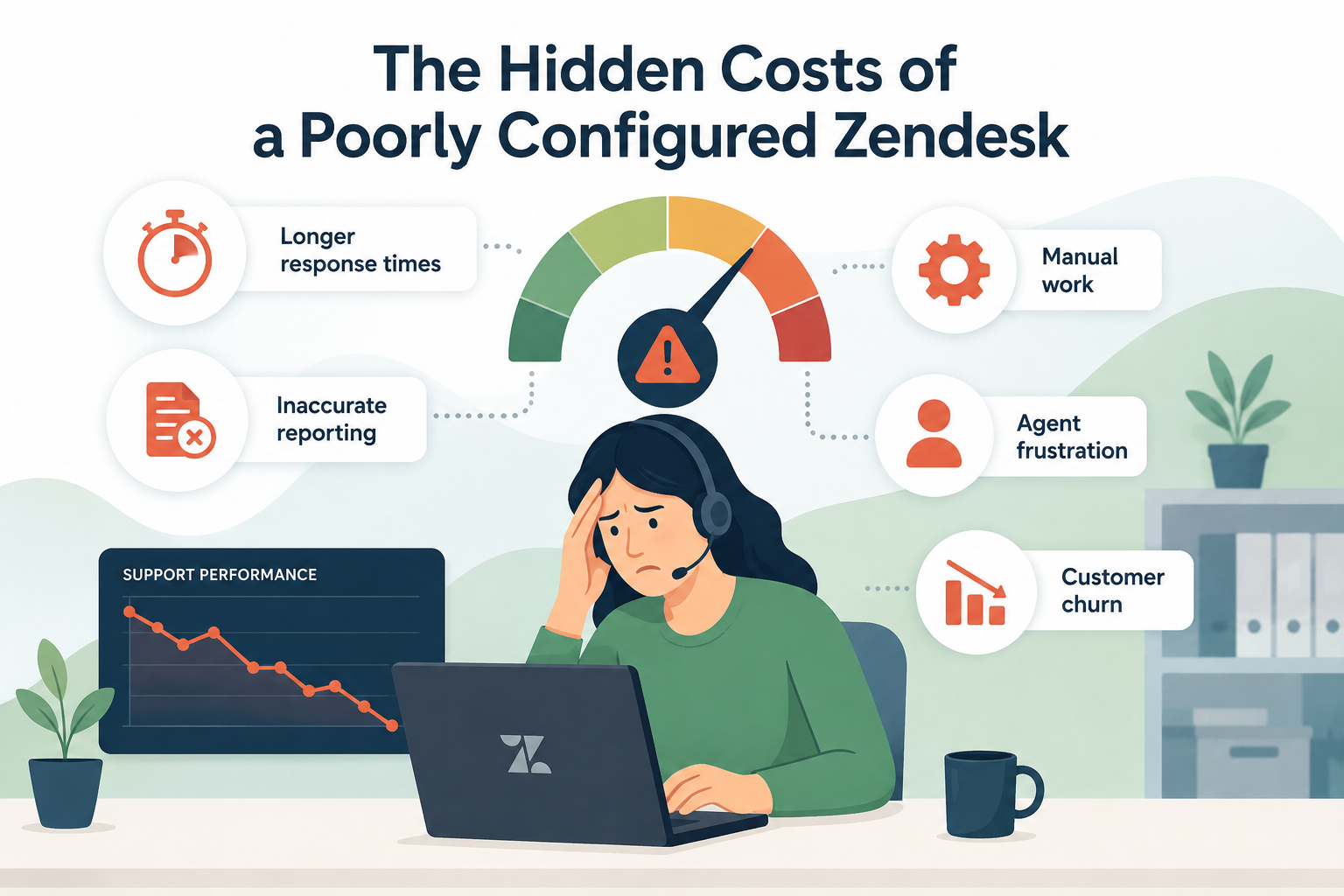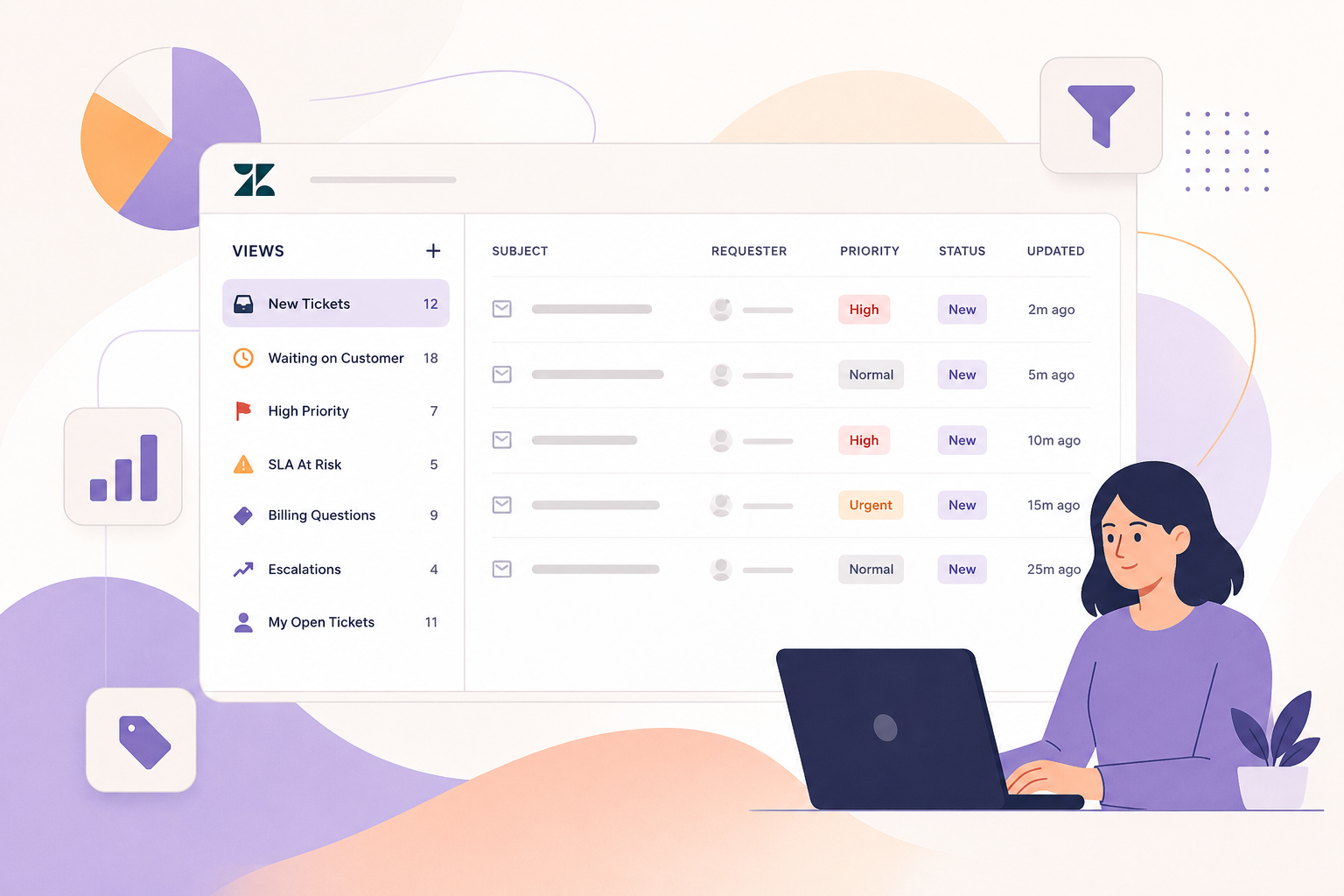
Growth is great, until your support queue starts growing faster than your team.
More customers mean more questions, more tickets, and more pressure on your agents. The obvious solution is often to hire more people. But adding headcount isn't always the best, or fastest, way to scale.
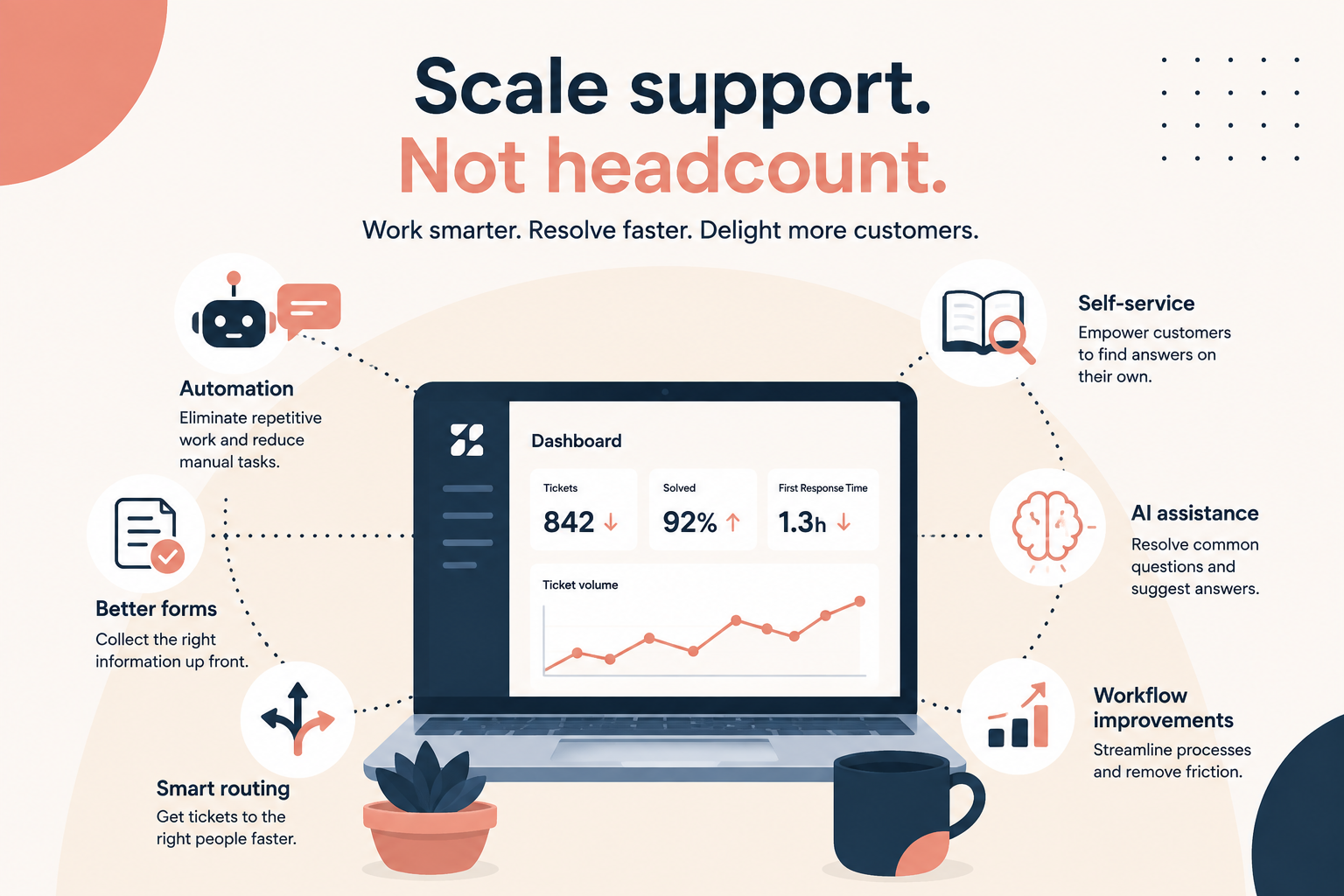
Before you hire another agent, take a close look at how your support operation is working today. A well-configured Zendesk instance can often handle significantly more volume without adding more people. The key is to eliminate unnecessary work, make it easier for customers to help themselves, and make sure the right tickets reach the right people.
Below we'll cover six areas to focus on.
1. Automate the Work Your Agents Shouldn't Be Doing
If an agent is repeatedly performing the same task, ask yourself whether an automation can do it instead.
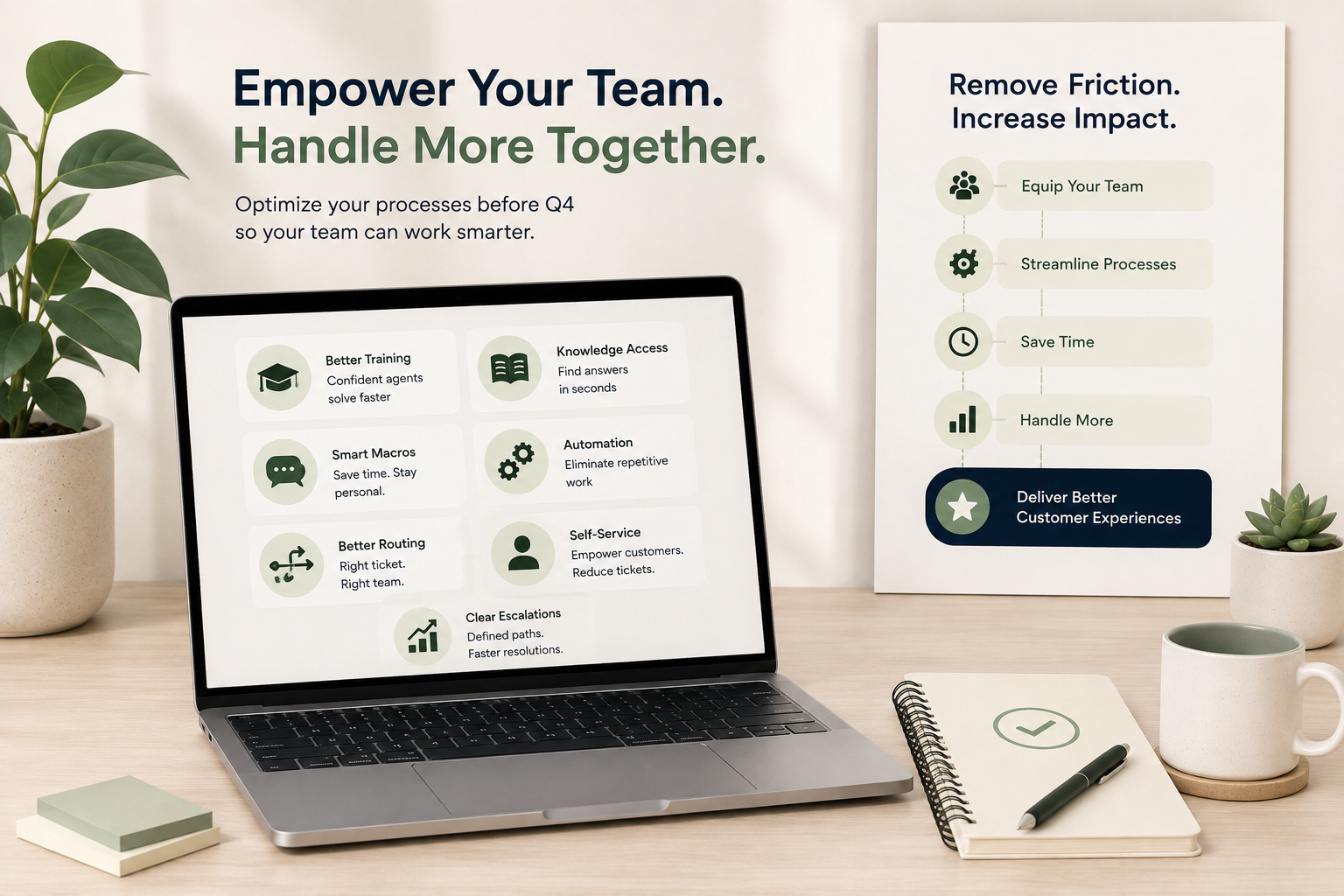
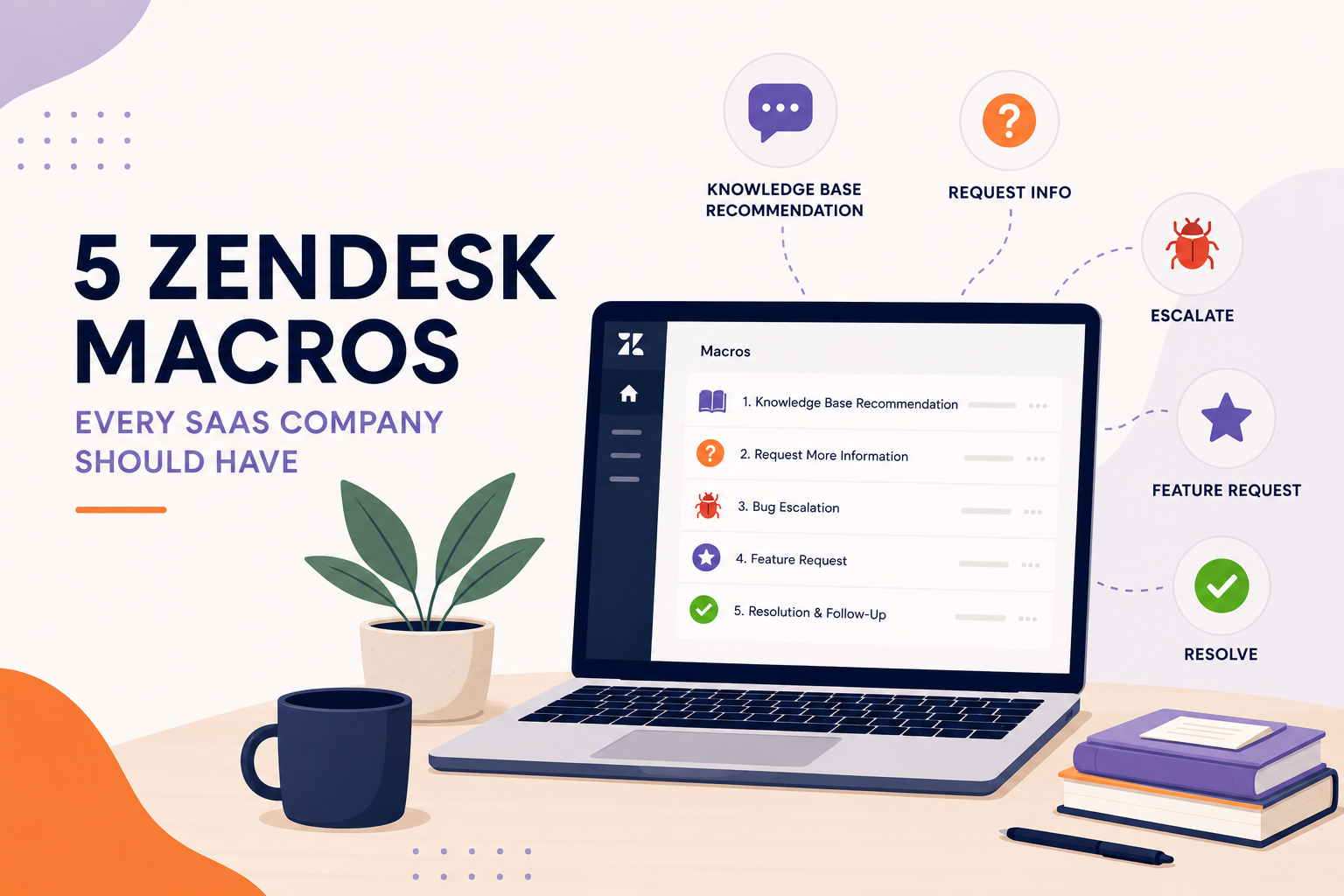
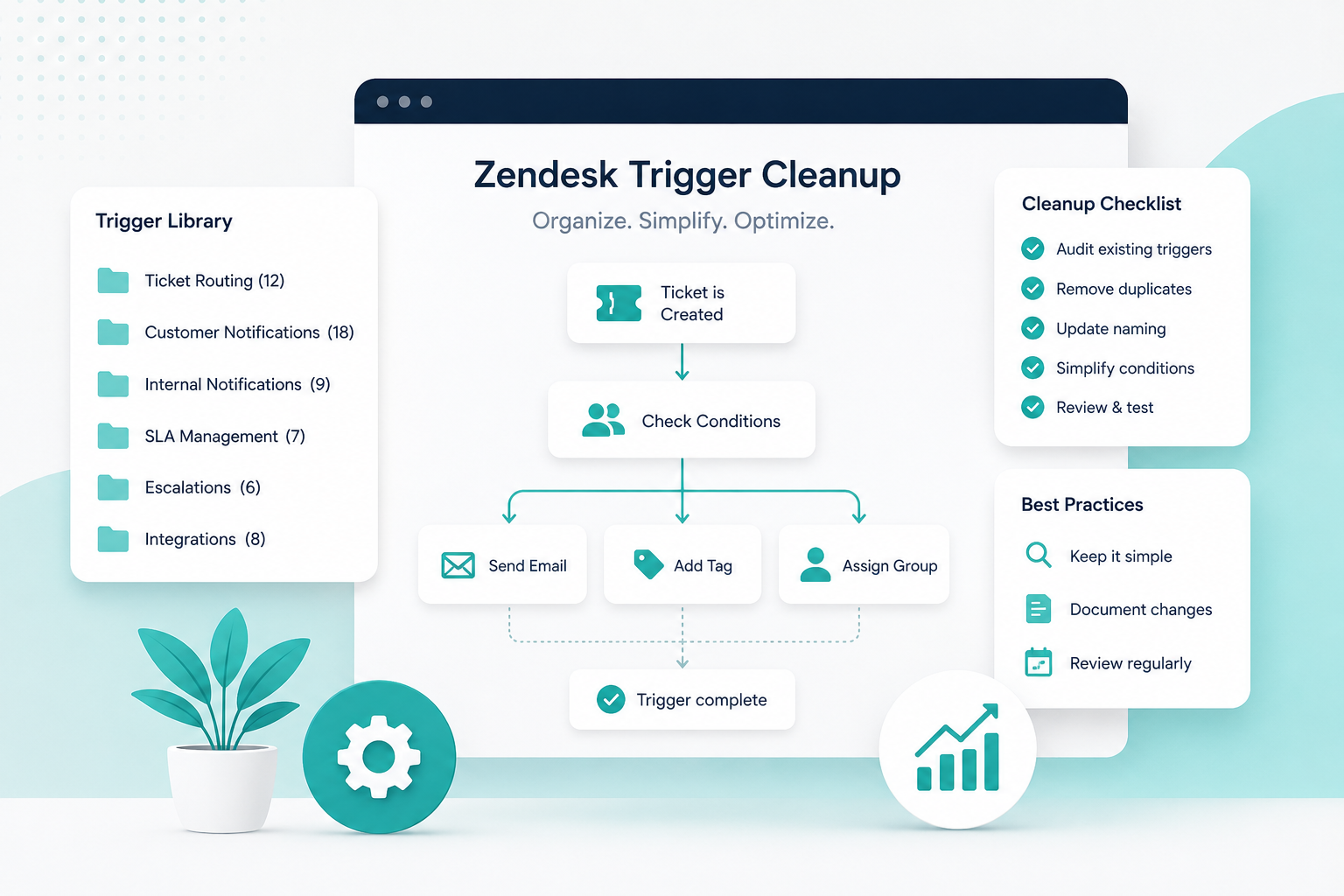
Zendesk gives you several ways to automate repetitive work, including triggers, automations, macros, and business rules.
Look for tasks such as:
- Automatically tagging tickets based on form selections
- Assigning tickets to the appropriate group
- Sending follow-up messages
- Closing tickets that have been inactive for a defined period
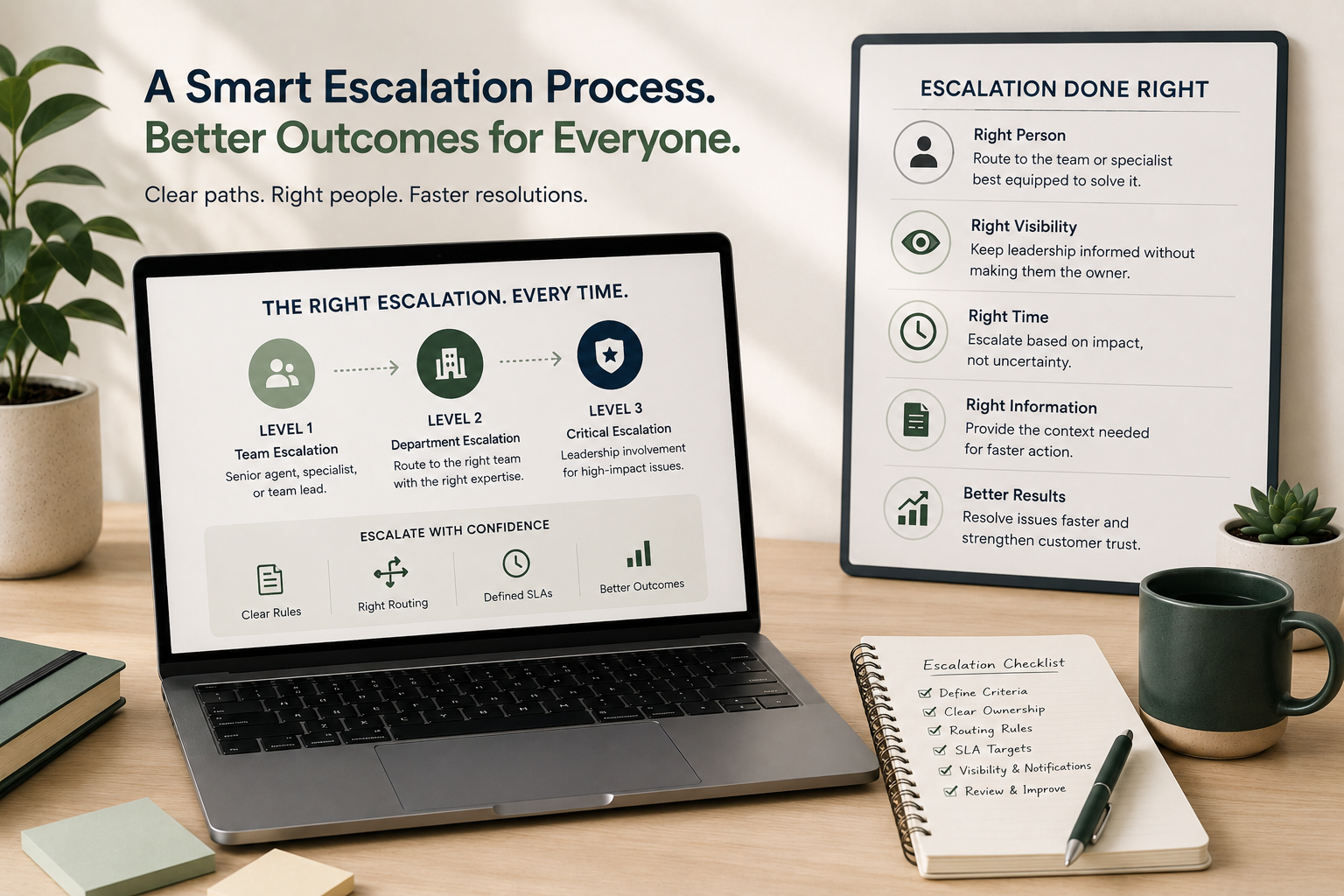
- Notifying teams when a ticket needs escalation
- Updating ticket fields based on specific conditions
- Sending customers status updates automatically
Try this:
Pull a sample of 50–100 recently solved tickets and look for repeated actions.
If agents are doing the same thing over and over, add it to your automation backlog.
The goal isn't to automate everything. It's to automate the predictable.
That gives your agents more time for the tickets that actually require human judgment.
2. Build Self-Service That Actually Works
Your customers don't necessarily want to talk to an agent. Often, they just want an answer.
A strong Help Center can prevent tickets from ever reaching your support team, but only if customers can find what they need.
Start by looking at the questions your team answers repeatedly.
If you see the same questions appearing week after week, those are strong candidates for self-service content.
For example:
- "How do I reset my password?"
- "Where is my order?"
- "How do I change my subscription?"
- "What is your return policy?"
- "How long does shipping take?"
- "How do I update my billing information?"
Don't just create articles and assume the problem is solved. Look at your search data and ticket volume to determine whether customers are actually finding the information.
Try this:
Identify your top 10 most common ticket topics.
For each one, ask:
- Could the customer solve this themselves?
- Do we already have an article?
- Is the article easy to find?
- Is the article actually answering the question?
If the answer to #2, #3, or #4 is no, you have an opportunity to reduce ticket volume.
3. Use Better Forms to Prevent Bad Tickets
A surprising amount of support work comes from incomplete information.
An agent receives a ticket, reads it, realizes they need more information, replies to the customer, and waits.
That back-and-forth adds hours, or sometimes days, to resolution time.
Your ticket forms can help prevent this.
Instead of asking customers to simply write, "I need help with my order," use conditional fields to collect the information your team actually needs.
For example, a returns form might collect:
- Order number
- Product
- Reason for return
- Purchase date
- Photos, if applicable
Now the agent can start solving the problem instead of starting an investigation.
Try this:
Take your five highest-volume ticket types and write down everything an agent needs to resolve each one.
Then look at your forms.
If agents regularly have to ask customers for information, consider whether that information should be collected upfront.
Better inputs create faster resolutions.
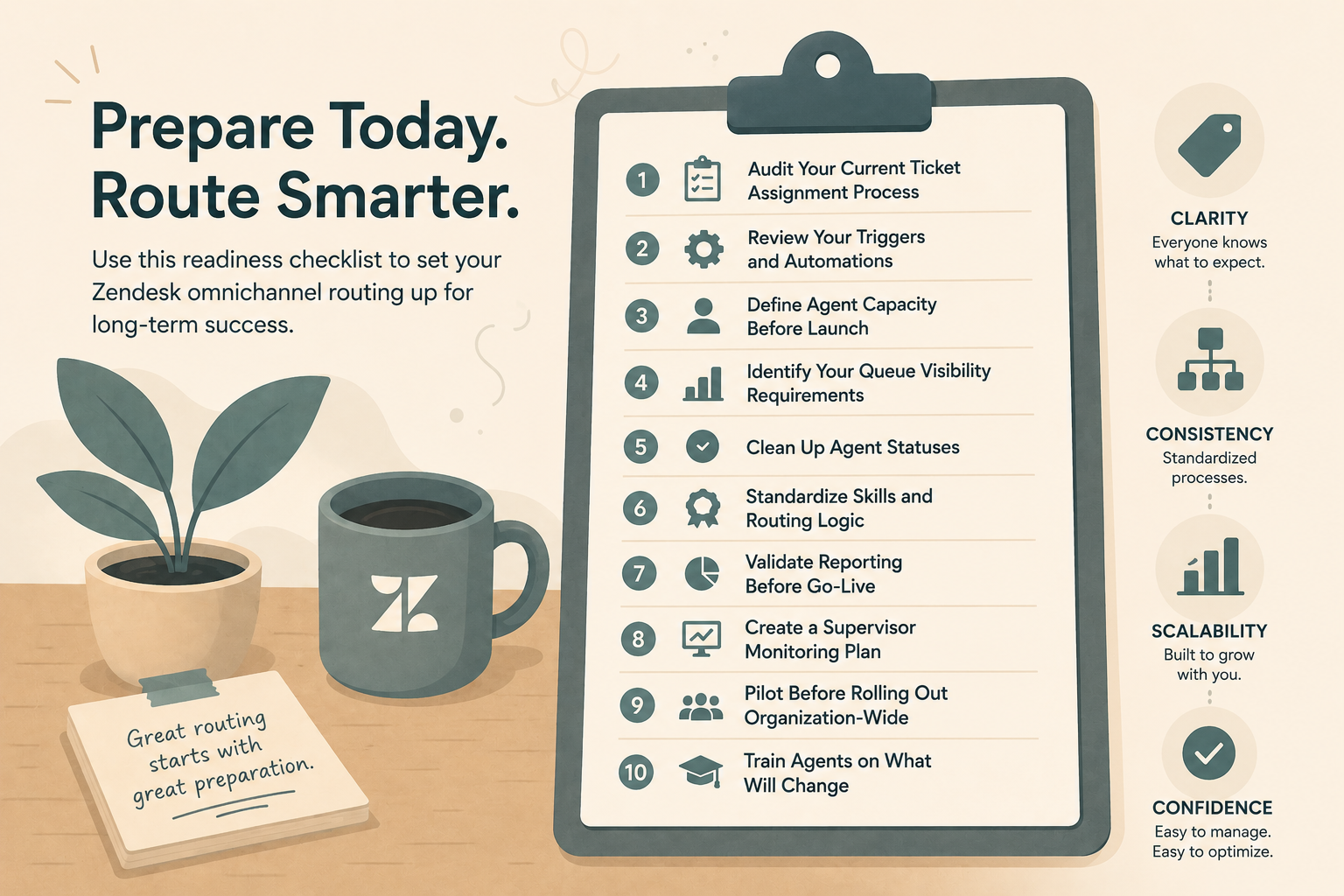
4. Route Tickets to the Right Place
Not every ticket should land in the same queue.
If every request goes to a general support inbox, your agents have to spend time figuring out who should handle what.
That creates unnecessary work and can cause tickets to sit with the wrong person.
Use ticket fields, forms, tags, triggers, skills, and groups to route work based on factors such as:
- Issue type
- Product
- Customer type
- Priority
- Language
- Region
- Technical complexity
- Account value
The goal is simple:
The person who can solve the problem should see it as quickly as possible.
Try this:
Look at your current ticket queue and ask:
"How many times does an agent have to touch a ticket before it reaches the person who actually resolves it?"
If the answer is more than one, your routing may need work.
5. Use AI Where It Makes Sense
AI shouldn't replace your support strategy. It should make your existing strategy more efficient.
Depending on your Zendesk setup, AI can help with things such as identifying intent, suggesting responses, summarizing conversations, surfacing relevant knowledge, and handling common customer questions.
The biggest mistake is trying to use AI everywhere at once.
Start with predictable, high-volume requests.
For example, if 15% of your tickets are customers asking about order status, that's a much better AI opportunity than a complicated billing dispute requiring account-specific investigation.
Try this:
Find your highest-volume, lowest-complexity ticket categories.
Those are your best candidates for AI-assisted or automated resolution.
Then measure the results.
Look at:
- Tickets deflected
- Resolution time
- Customer satisfaction
- Agent time saved
- Escalation rate
AI should make your support operation better, not simply more complicated.
6. Fix the Workflow Before You Add Headcount
Sometimes the biggest opportunity isn't a new feature.
It's fixing the way work moves through your support operation.
Ask yourself:
- Are agents manually checking multiple systems?
- Are tickets being reassigned repeatedly?
- Are customers receiving unnecessary emails?
- Are agents copying and pasting the same responses?
- Are managers manually reviewing tickets that could be automatically flagged?
- Are escalations happening through email or Slack instead of Zendesk?
- Are agents working tickets that could have been prevented entirely?
Every unnecessary step creates additional workload.
Try this:
Pick one common ticket type and map the entire journey:
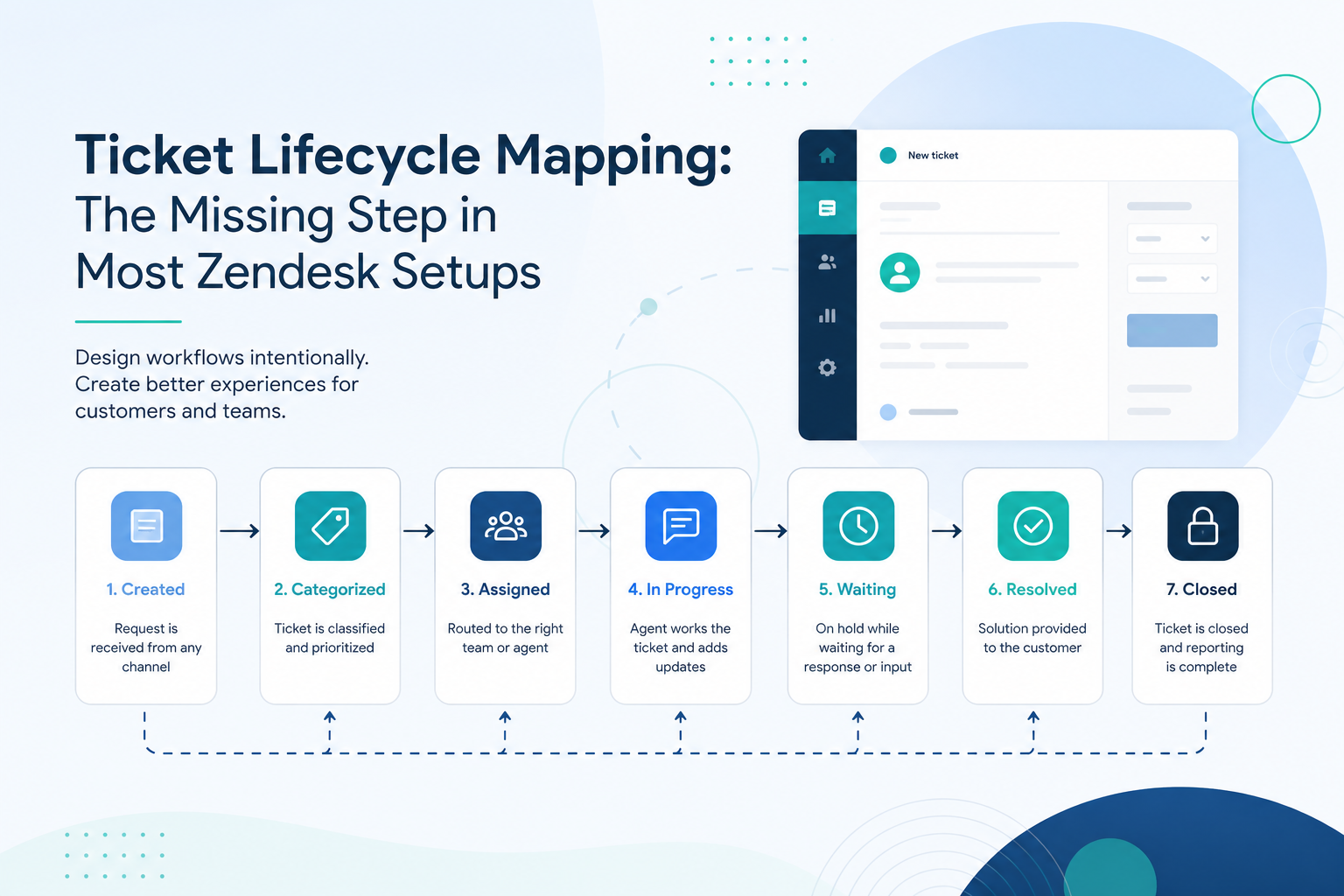
Customer submits ticket → ticket is routed → agent investigates → agent responds → customer replies → ticket is resolved
Look for every unnecessary handoff, manual step, wait, or piece of duplicated work.
Then eliminate one.
You don't need to redesign your entire support operation overnight.
Scaling Isn't Always About More People
When ticket volume increases, hiring more agents can certainly be part of the solution.
But it shouldn't always be the first solution.
Before adding headcount, look at the system your agents are working inside.
Automate repetitive work.
Improve self-service.
Collect better information.
Route tickets intelligently.
Use AI strategically.
Remove unnecessary steps.
These improvements compound.
A 10% reduction in unnecessary tickets, a 20% improvement in agent efficiency, and a faster routing process can have a much bigger impact than simply adding another person to an inefficient workflow.
And that's where a Zendesk health check can be valuable.
Sometimes the problem isn't that you don't have enough agents.
It's that your Zendesk is making your existing agents work harder than they need to.
At SupportPie, we help companies identify those bottlenecks and turn Zendesk into a support operation that can scale with the business, not just keep up with it.