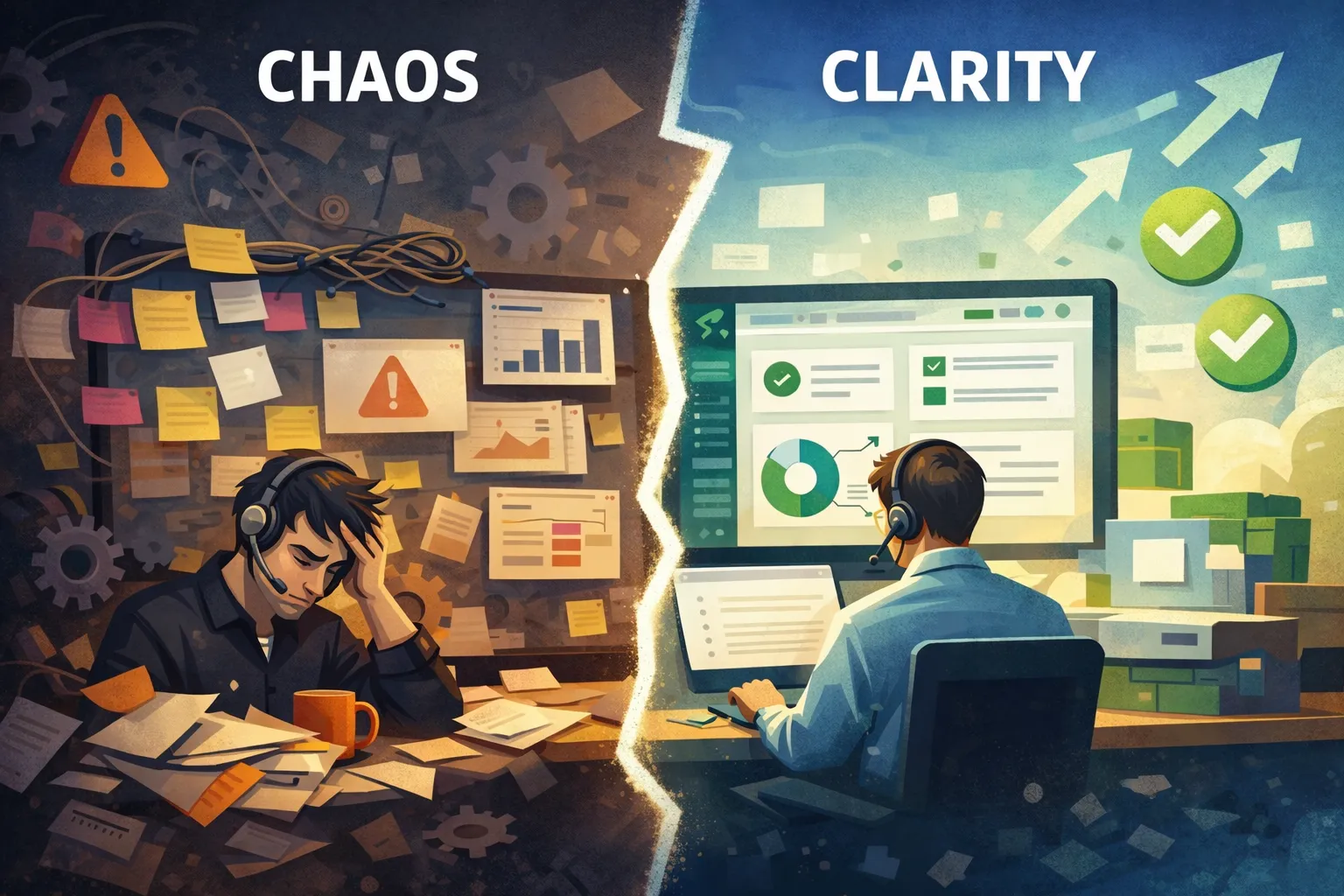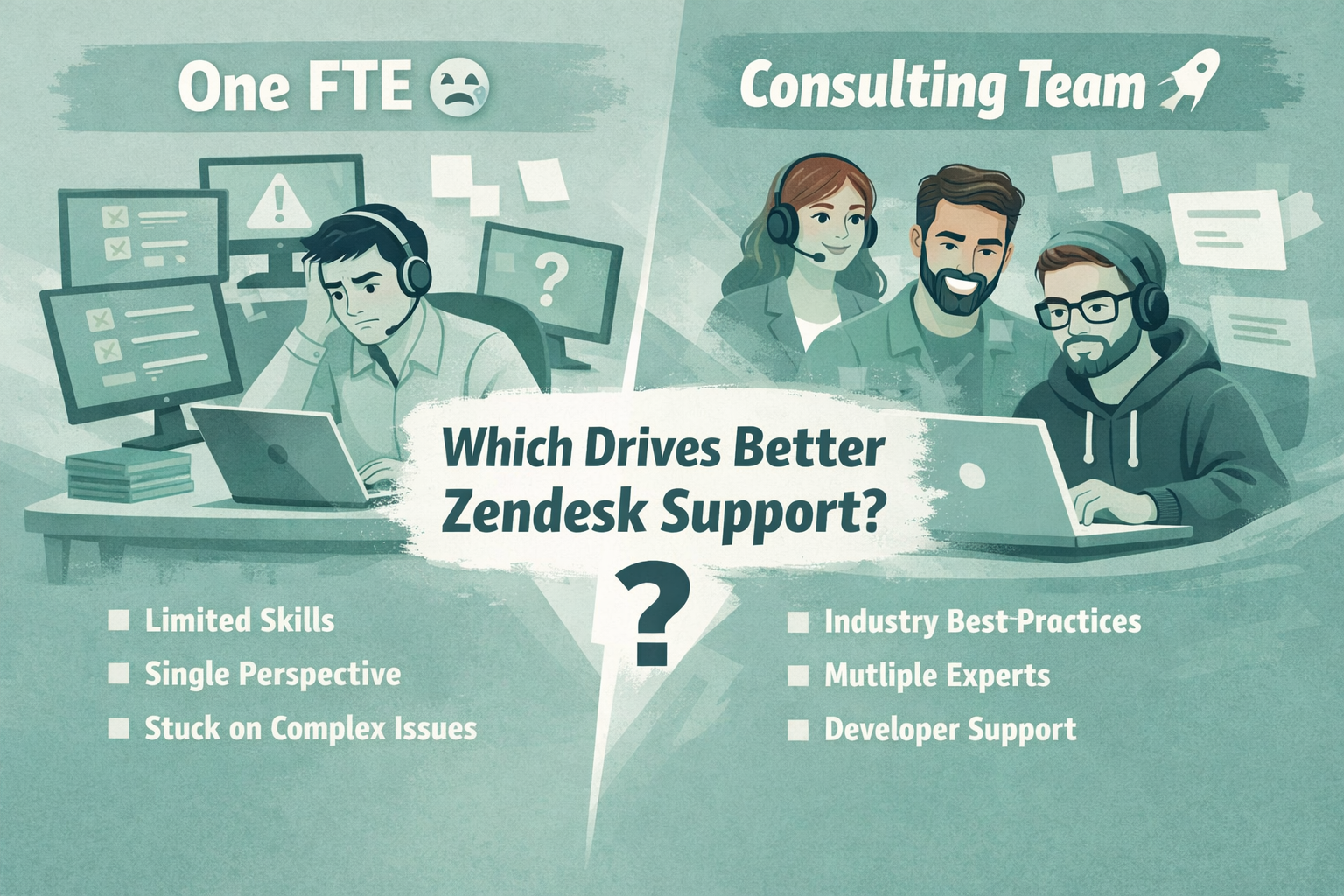
If your support team spends too much time searching for tickets, switching between tabs, or wondering what to work on next, your ticket views may be the culprit.
Zendesk views are one of the most powerful, but often overlooked, features in the platform. Well-designed views help agents prioritize work, reduce response times, and ensure that no customer request falls through the cracks. Poorly designed views, on the other hand, create clutter, duplicate work, and confusion.
Whether you're managing a team of three or three hundred, investing a little time into organizing your ticket views can have a significant impact on your team's efficiency.
In this guide, we'll walk through practical ways to build better ticket views that make life easier for your support agents.
Why Ticket Views Matter
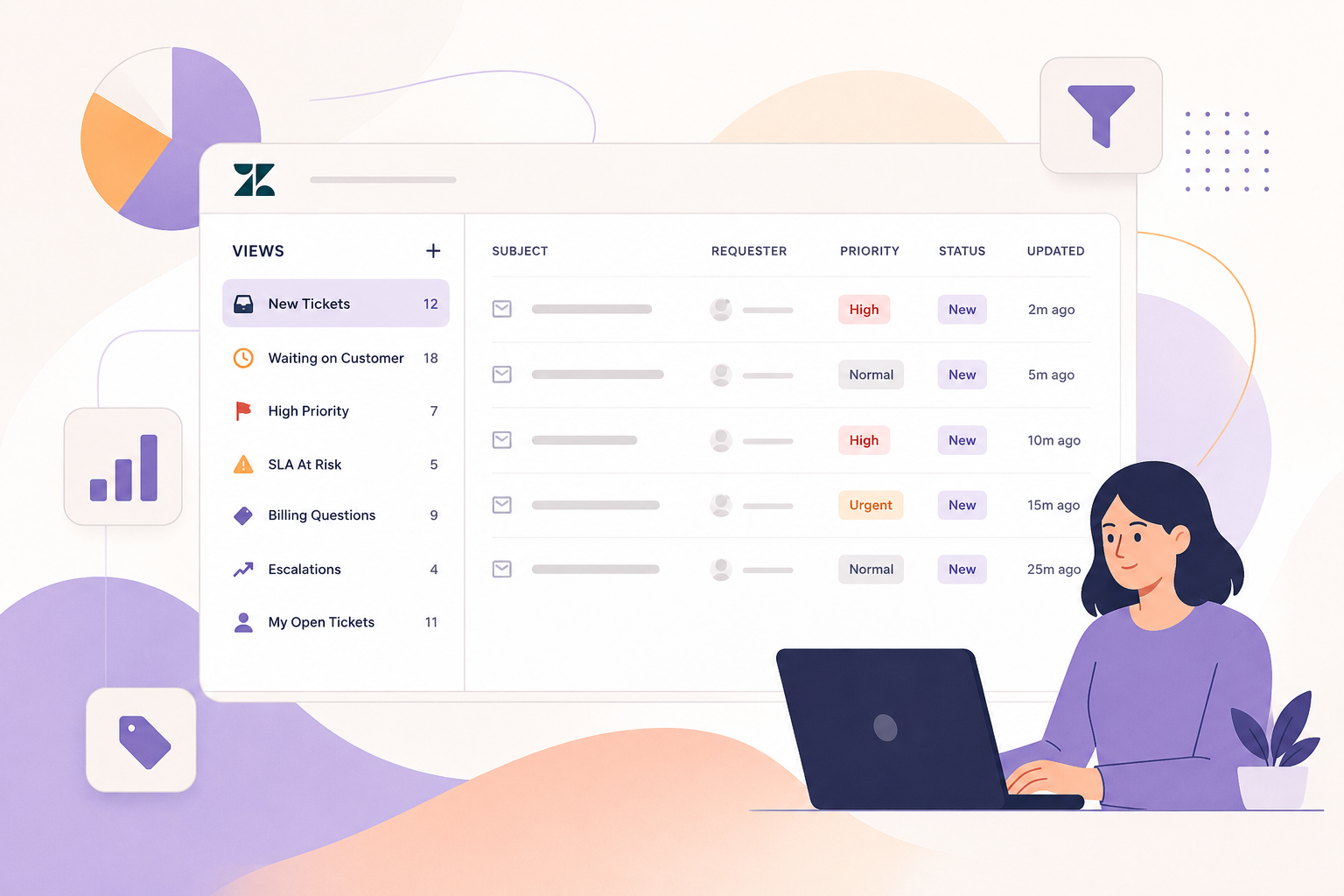
A Zendesk view is essentially a filtered list of tickets that meet specific criteria. Instead of forcing agents to search for work manually, views automatically organize tickets based on conditions you define.
Good views help your team:
- Find the highest priority work immediately
- Reduce missed or forgotten tickets
- Improve SLA performance
- Balance workloads across agents
- Eliminate unnecessary clicks
- Create consistency across the support team
Think of your views as your team's dashboard. If the dashboard is cluttered, everyone works slower.
Start with Your Support Workflow
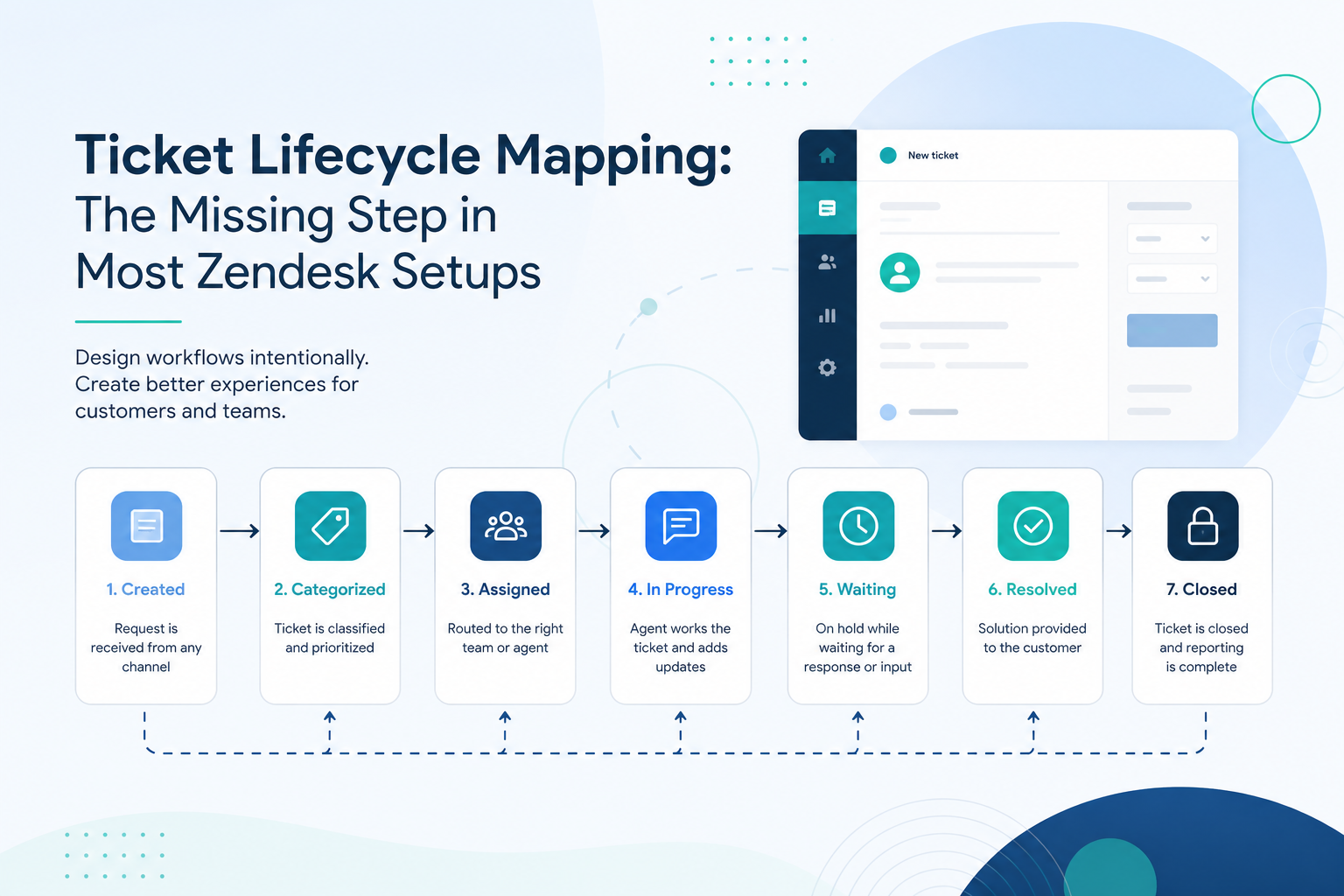
Before creating new views, map out how a ticket moves through your organization.
Ask yourself:
- What should agents work on first?
- Which tickets require specialist teams?
- What tickets need manager attention?
- Which queues are monitored throughout the day?
- What work should happen automatically versus manually?
Your views should reflect your actual support process, not simply every possible ticket status.
Create Views Around Actions
One of the biggest mistakes we see is creating views based only on ticket status.
Instead of this:
- Open Tickets
- Pending Tickets
- Solved Tickets
Build views that tell agents exactly what action to take.
Examples include:
- New Tickets to Triage
- Waiting on Agent Response
- High Priority Escalations
- VIP Customers
- SLA At Risk
- Billing Questions
- Bugs Waiting for Engineering
- Chat Follow-Ups
- Tickets Awaiting Approval
When an agent opens a view, they should immediately know what work they're expected to complete.
Keep Views Small and Focused
If a view contains 2,000 tickets, it probably isn't helping anyone.
Large "catch-all" views force agents to search through long lists and often hide urgent work.
Instead:
- Break views into logical categories.
- Filter by group, priority, brand, or ticket type.
- Remove tickets that don't require action.
- Archive views that nobody uses.
Smaller views are easier to scan and much more actionable.
Use Clear Naming Conventions
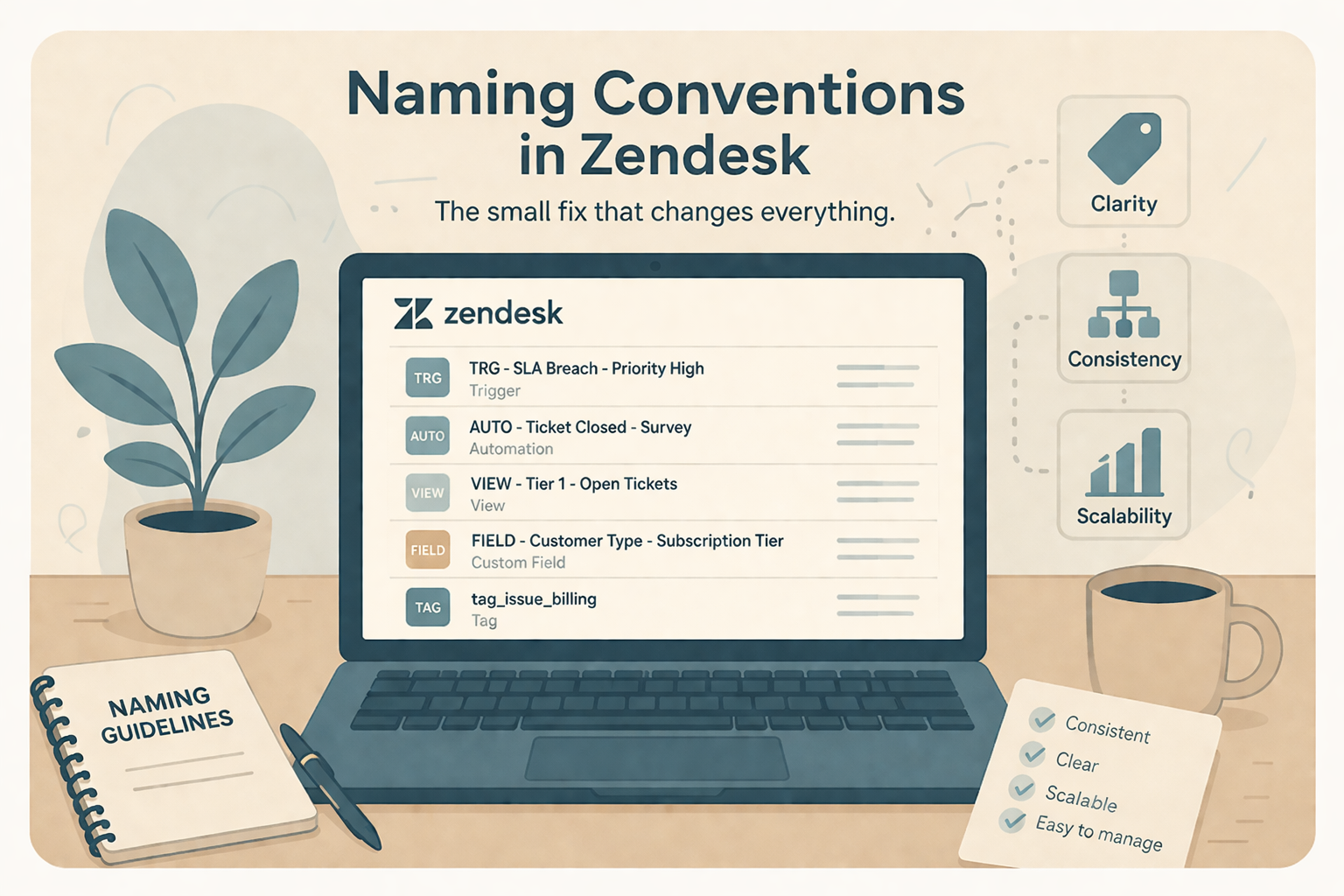
As your Zendesk instance grows, naming becomes increasingly important.
A consistent naming structure helps administrators and agents quickly understand the purpose of each view.
For example:
Agent Views
- Agent | My Open Tickets
- Agent | Waiting on Me
- Agent | High Priority
Team Views
- Team | New Tickets
- Team | Escalations
- Team | Billing Queue
Admin Views
- Admin | Trigger Exceptions
- Admin | Automation Review
- Admin | SLA Violations
Simple naming conventions make navigation much easier, especially in larger Zendesk environments.
Surface the Most Important Information
Views become far more useful when the right columns are displayed.
Rather than showing every available field, focus on information that helps agents make decisions quickly.
Useful columns often include:
- Subject
- Requester
- Priority
- Status
- Assigned Agent
- Group
- Last Updated
- SLA Due Date
- Created Date
If your agents have to open every ticket just to understand what it is, your views aren't doing enough work.
Build Specialized Views for Different Teams
Not every department needs the same information.
For example:
Customer Support
- New Tickets
- Waiting on Customer
- SLA At Risk
Technical Support
- Bugs
- API Issues
- Escalated Tickets
Billing
- Refund Requests
- Subscription Questions
- Failed Payments
Tailoring views by team helps each group stay focused on the work that matters most.
Review and Clean Up Regularly
Views should evolve alongside your support operation.
Every few months, review your existing views and ask:
- Is anyone using this view?
- Does it duplicate another view?
- Does it still reflect our workflow?
- Are agents confused by similar views?
- Can filters be simplified?
Many Zendesk instances accumulate years of unused views that only make navigation more difficult.
A quarterly cleanup keeps everything organized and easier to maintain.
Common Mistakes to Avoid
Here are a few issues we frequently encounter when auditing Zendesk environments:
- Too many nearly identical views
- Generic names like "Support" or "Open"
- Views with thousands of tickets
- Filters that overlap heavily
- Showing unnecessary columns
- Leaving obsolete views active after process changes
- Creating manual queues that could be handled automatically
Cleaning up these issues often provides an immediate improvement in agent efficiency.
A Simple Ticket View Checklist
Before publishing a new view, ask yourself:
- Does this view support a specific action?
- Will agents know exactly what to do when they open it?
- Is the ticket list manageable?
- Are only the necessary columns displayed?
- Does the name clearly describe its purpose?
- Could an automation or trigger eliminate the need for this view?
If the answer is "yes" to all of these, you're likely creating a view that adds real value.
Final Thoughts
Zendesk views are much more than saved searches, they're one of the primary ways your team interacts with your support queue every day.
Thoughtfully designed views reduce decision fatigue, improve response times, and help agents stay focused on the work that matters most. Rather than creating dozens of broad or overlapping queues, aim for a set of clear, action-oriented views that align with your team's workflow.
A well-organized view structure is a small investment that pays dividends every single day.
If your Zendesk instance has grown over time and your views have become difficult to manage, it may be time for a cleanup. Reviewing your current views, simplifying filters, and aligning them with your support processes can make a noticeable difference in both agent productivity and customer experience.