If your support team answers the same questions multiple times each day, you're leaving efficiency on the table.
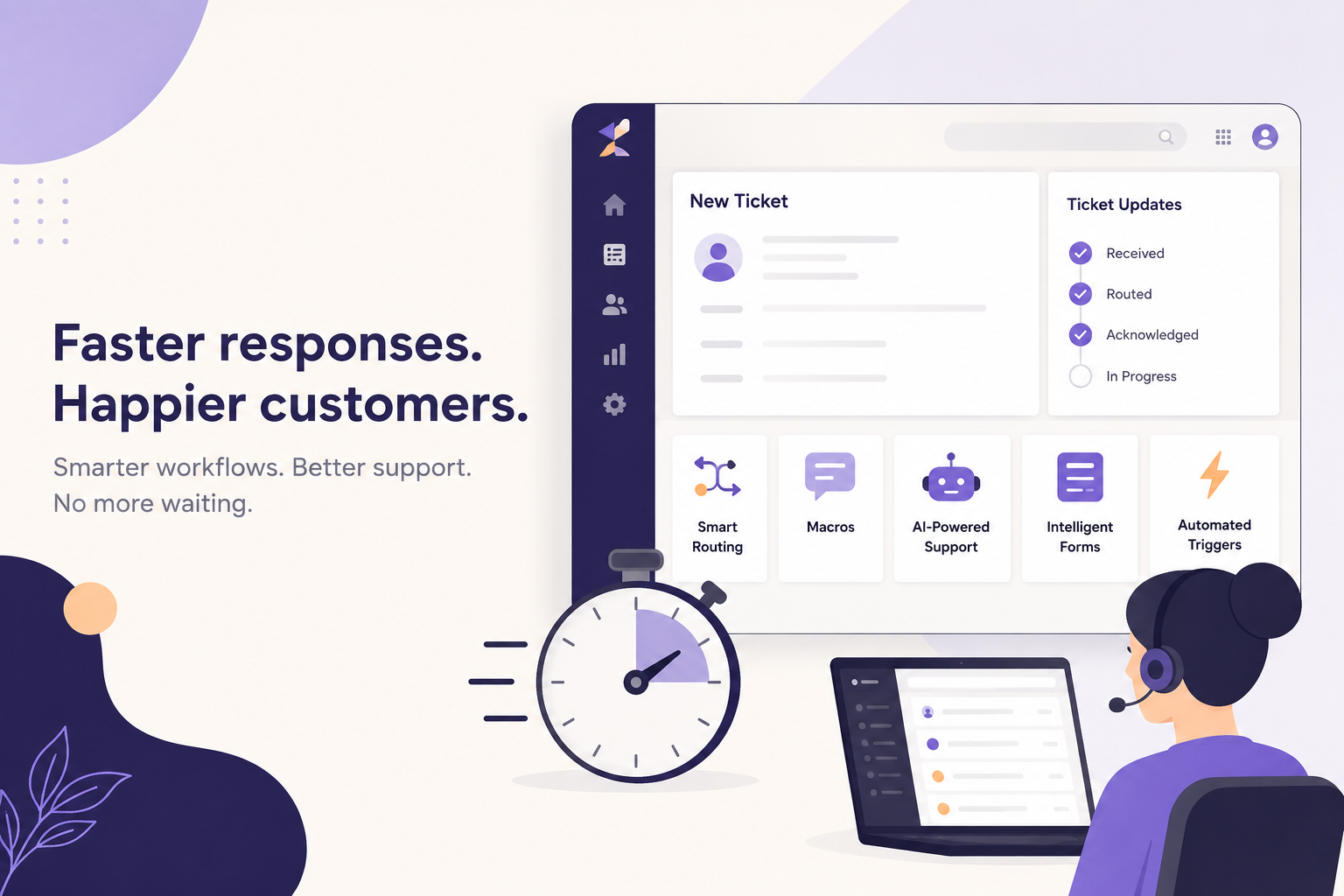
Zendesk macros are one of the simplest ways to reduce repetitive work, speed up response times, and create a more consistent customer experience. Yet many SaaS companies either have too few macros, or hundreds of outdated ones that nobody actually uses.
The best macros don't just save agents a few clicks. They standardize processes, reduce human error, and ensure every customer receives accurate information.
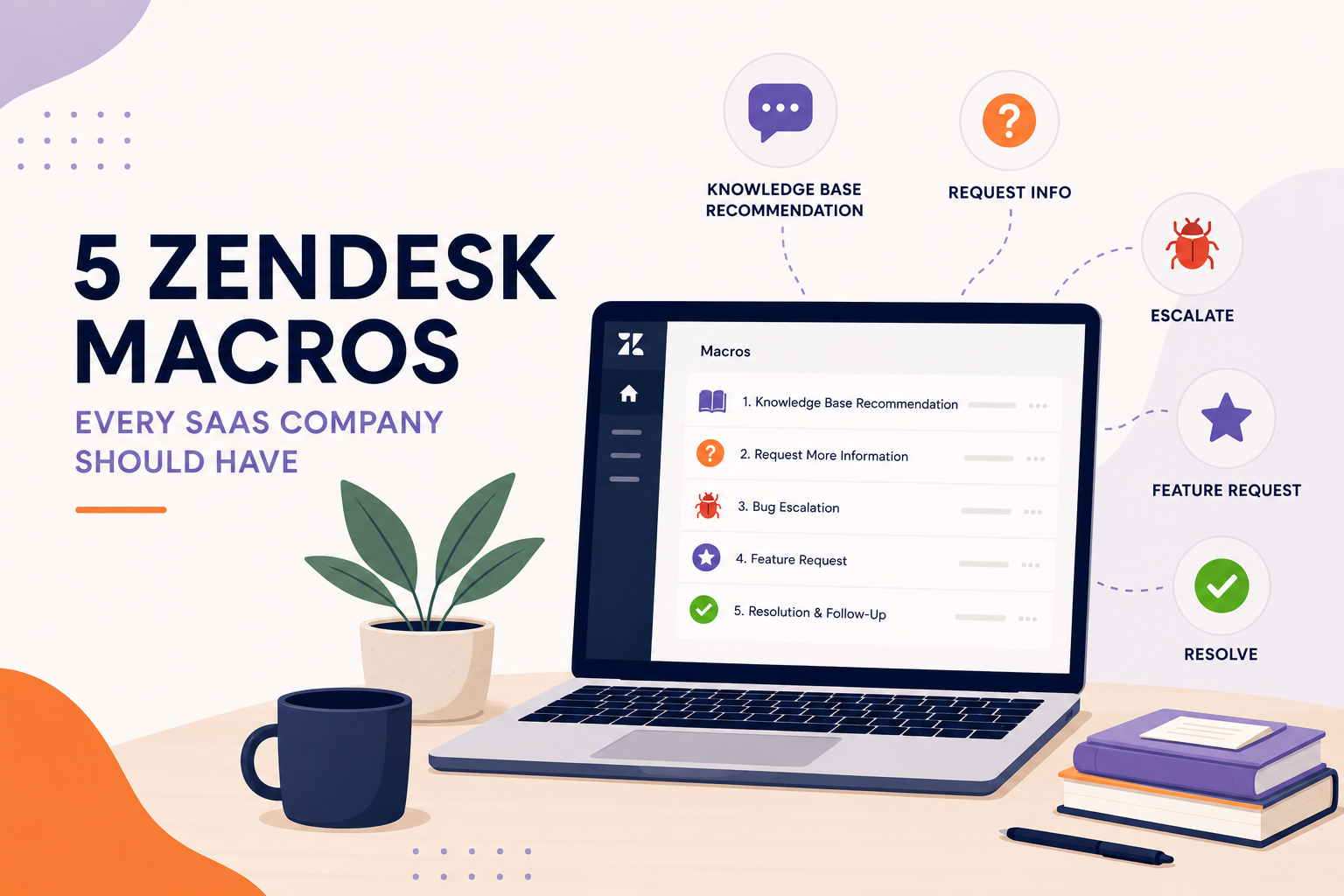
Here are five essential macros every SaaS company should have in their Zendesk instance.
1. Request More Information
One of the biggest causes of long resolution times is incomplete information.
Instead of manually asking follow-up questions every time, create a macro that requests the details your team needs to troubleshoot effectively.
For SaaS companies, this often includes:
- Browser and version
- Device or operating system
- Screenshots
- Error messages
- Steps to reproduce
- Account or workspace information
Example:
Thanks for reaching out! To help us investigate, could you provide the following?
- What were you trying to accomplish?
- What happened instead?
- Any error messages?
- A screenshot or screen recording (if possible)
- Browser and operating system
Once we have this information, we'll jump right in.
Why it matters:
- Eliminates unnecessary back-and-forth
- Shortens resolution times
- Gives engineers the information they need immediately
2. Knowledge Base Recommendation
One of the highest ROI macros for SaaS companies is a macro that points customers to relevant Help Center articles while still offering assistance.
Example:
Thanks for reaching out! Based on your question, I think this Help Center article may help:
{{placeholder for article link}}
Give that a try, and if you're still having trouble, reply to this email and we'll be happy to help further.
Why it matters:
- Encourages self-service
- Reduces ticket volume
- Increases Help Center adoption
- Lets agents resolve simple questions in seconds
This also aligns with Zendesk best practices around deflection and customer education.
3. Bug Escalation Macro
Not every issue can be solved by the support team.
When a confirmed bug is discovered, agents should have a standardized response that informs the customer while ensuring internal teams receive the necessary details.
A bug escalation macro can:
- Inform the customer that the issue has been confirmed
- Set realistic expectations
- Automatically apply tags
- Update ticket status
- Assign the ticket to Engineering or Tier 2 Support
Example:
We've confirmed that this appears to be a product issue rather than an account-specific problem.
We've escalated this to our engineering team for investigation. While we don't have an estimated resolution time yet, we'll keep you updated as we learn more.
Thank you for your patience.
Why it matters:
- Creates consistent communication
- Keeps engineering tickets organized
- Prevents overpromising timelines
4. Feature Request Macro
Every SaaS company receives feature requests.
Rather than simply saying "We'll pass it along," create a macro that reassures customers their feedback is valuable while setting realistic expectations.
A strong feature request macro should:
- Thank the customer
- Confirm the feedback has been recorded
- Explain how product decisions are made
- Avoid promising future releases
Example:
Thanks for taking the time to share your idea!
We've documented your request and shared it with our Product team. While we can't guarantee if or when a feature will be added, customer feedback plays an important role in shaping our roadmap.
We appreciate you helping us improve the product.
Why it matters:
- Sets proper expectations
- Makes customers feel heard
- Keeps messaging consistent across the support team
5. Ticket Resolution & Satisfaction Follow-Up
Closing a ticket shouldn't feel abrupt.
A resolution macro lets customers know the issue has been resolved while inviting them to reply if they still need assistance.
Example:
I'm glad we were able to help!
I'll go ahead and mark this request as solved. If you have any additional questions or the issue returns, simply reply to this email and we'll be happy to assist.
Thanks for choosing us!
You can also combine this macro with automation that reminds customers to complete a CSAT survey after the ticket is solved.
Why it matters:
- Creates a positive closing experience
- Encourages CSAT responses
- Reduces accidental ticket reopens
Bonus Tip: Audit Your Macros Regularly
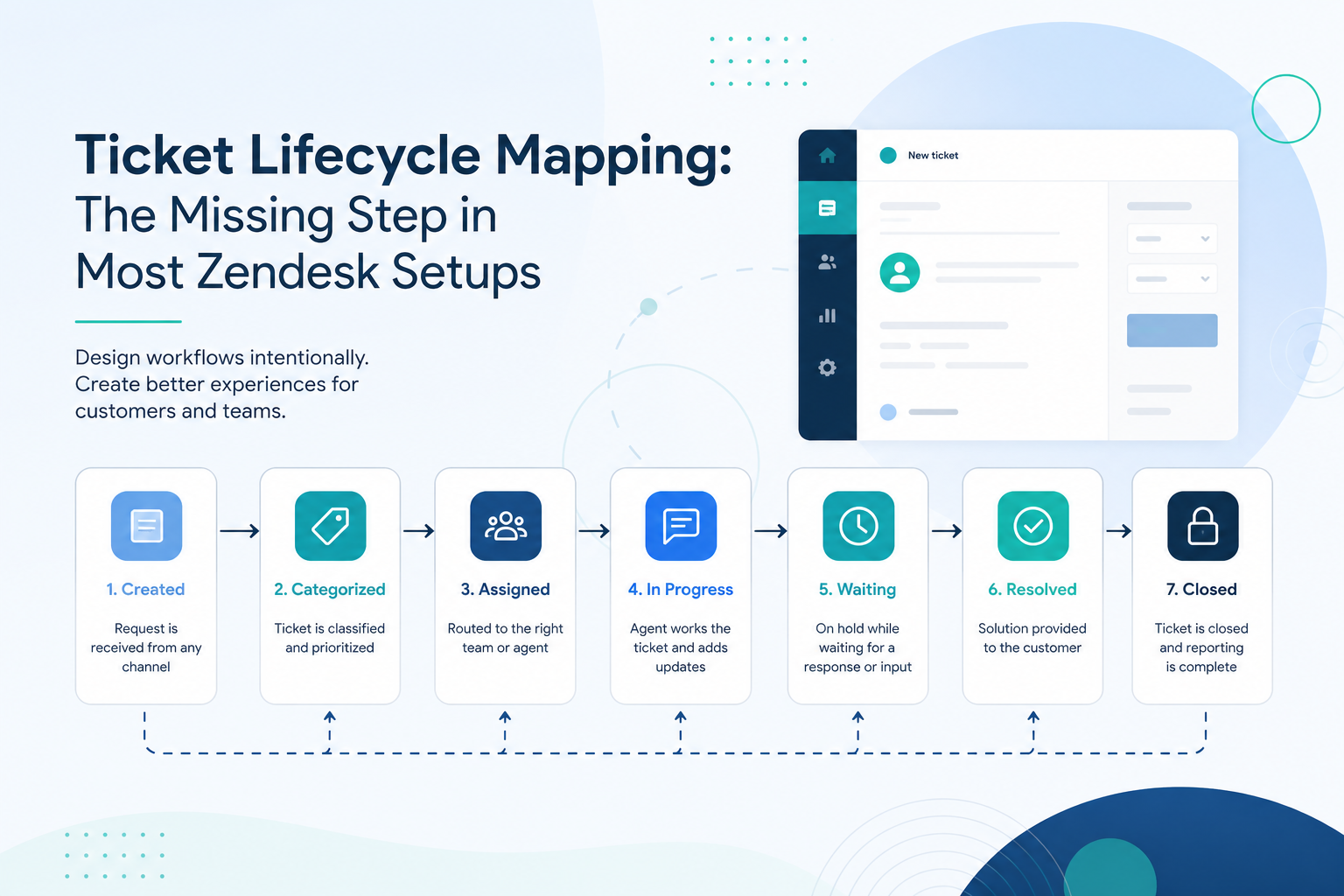
It's common for Zendesk instances to accumulate dozens, or even hundreds, of macros over time. Many become outdated, duplicate existing workflows, or are rarely used.
A quarterly macro audit can help you:
- Remove unused macros
- Update outdated messaging
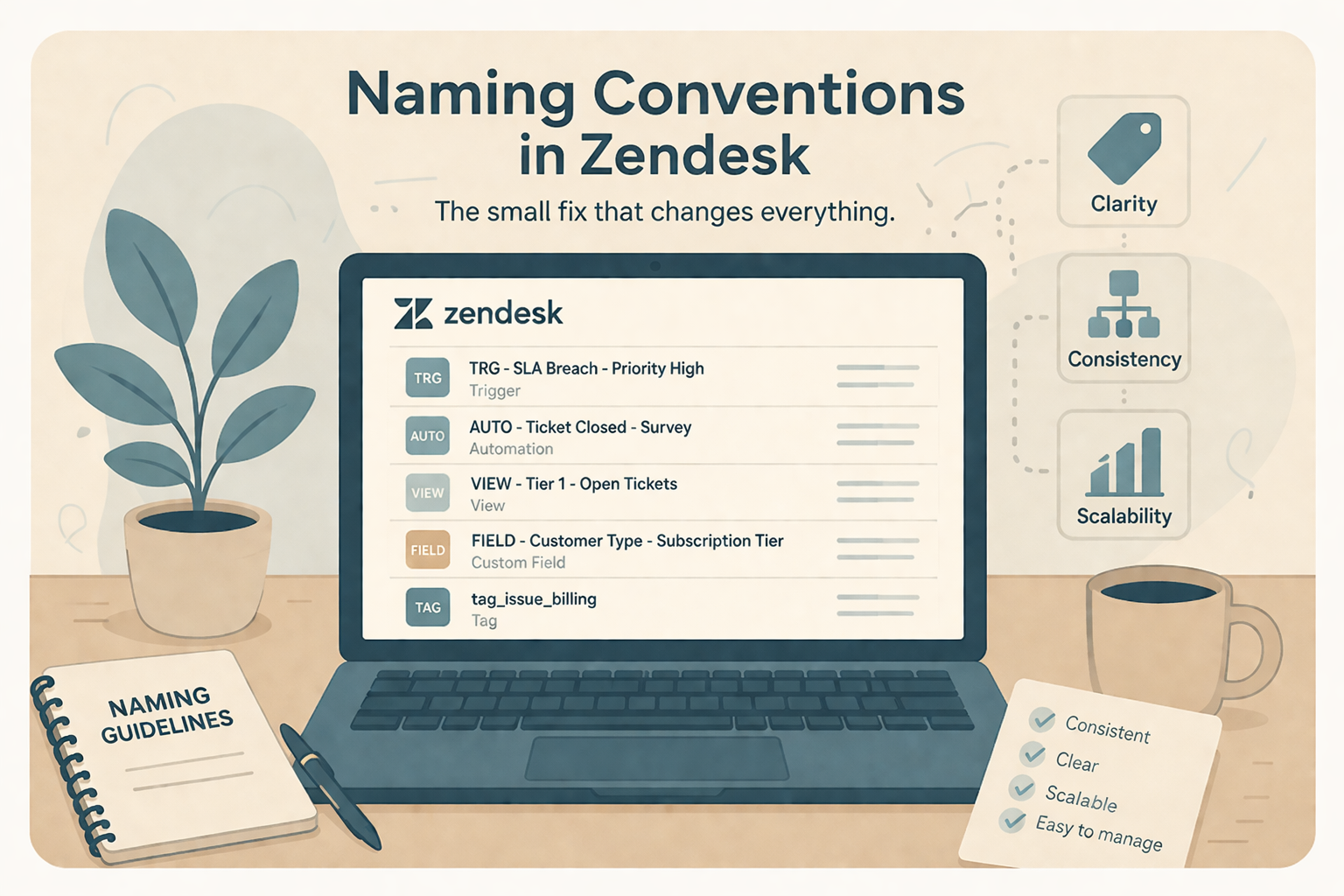
- Standardize naming conventions
- Consolidate duplicates
- Ensure every macro reflects your current support processes and brand voice
A smaller, well-maintained macro library is often more effective than a large collection that's difficult for agents to navigate.
Final Thoughts
Macros are one of Zendesk's most powerful productivity tools, but their value depends on thoughtful design and ongoing maintenance.
By implementing these five foundational macros, SaaS support teams can reduce response times, improve consistency, and deliver a better customer experience with less manual effort.
If your Zendesk instance has grown over the years, it may be time to review your existing macros. Removing outdated content, simplifying your library, and aligning responses with your current workflows can make a noticeable impact on both agent efficiency and customer satisfaction.
At SupportPie, we help SaaS companies optimize Zendesk, from macro libraries and automations to workflows, triggers, and overall support operations. Whether you're starting from scratch or cleaning up years of configuration, we're here to help you get the most from your Zendesk investment.