When support volume starts climbing, the first question is often:
“Do we need to hire more agents?”
Sometimes the answer is yes. But before adding headcount, there is another question worth asking:
“Are our existing agents equipped to handle the work efficiently?”
If agents are spending time searching for information, manually routing tickets, rewriting the same responses, figuring out who to escalate to, or answering questions customers could solve themselves, adding more people may only add more people to the same inefficient process.
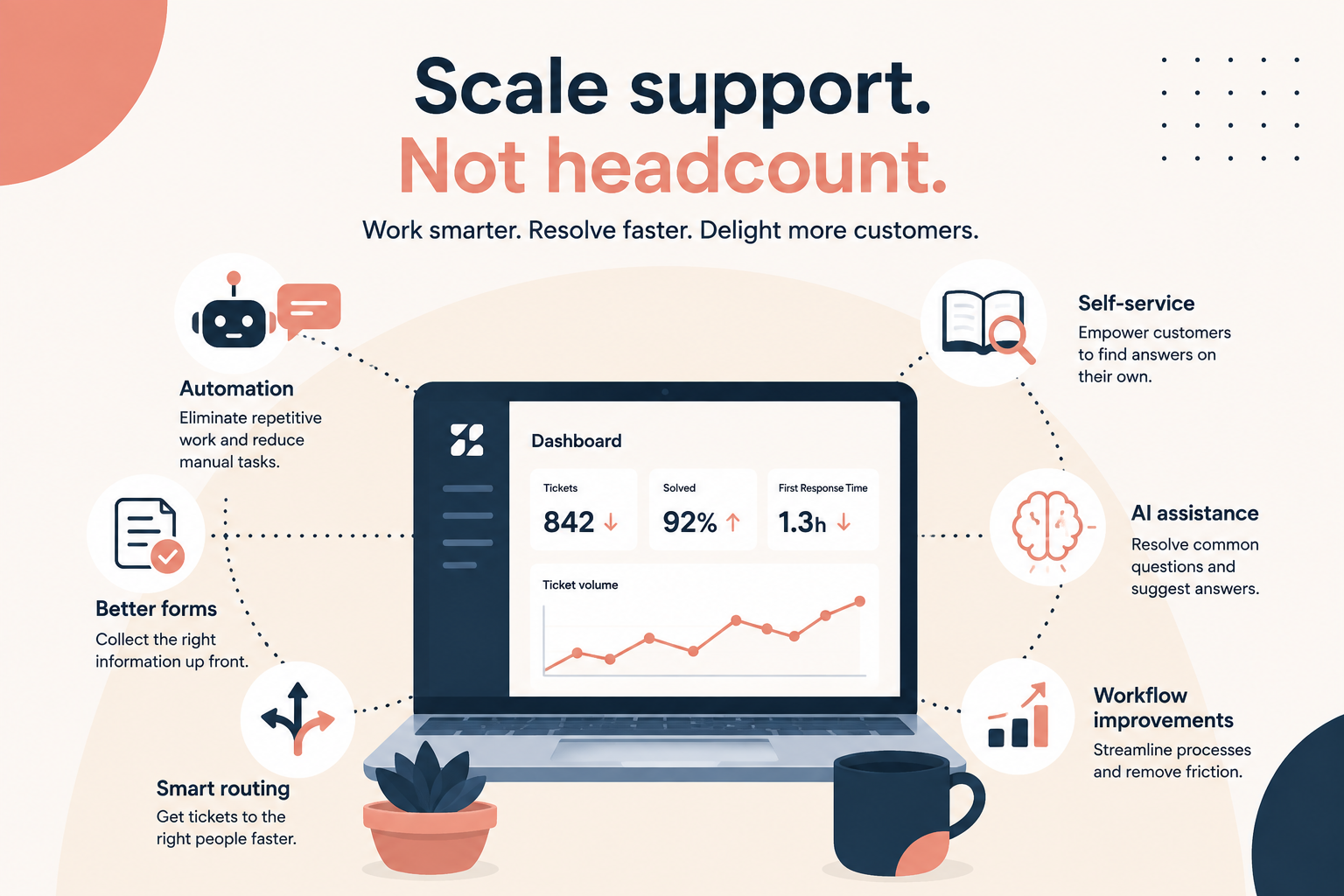
Before Q4 arrives, look for opportunities to make your existing team faster, more consistent, and more self-sufficient.
Here are seven areas to focus on.
1. Improve Training Before the Volume Hits
Q4 is not the ideal time to discover that half your team isn't confident handling your most complicated ticket types.
Training doesn't have to mean scheduling a week-long training session.
Start by identifying the areas where agents are spending the most time or asking for the most help.
Look at:
- Tickets that are frequently escalated
- Ticket types with long resolution times
- Common mistakes or rework
- Questions agents frequently ask in Slack or Teams
- New products, policies, or processes introduced since your last training
- Areas where newer agents consistently need assistance
Then turn those patterns into targeted training.
Try this
Ask your team:
“What are the three things you wish you knew better about handling tickets?”
Collect the answers and look for patterns.
You may find that you don't need more agents, you need better training around a handful of recurring issues.
2. Make Knowledge Easy to Find
Having a knowledge base is great.
Having a knowledge base that agents can actually find and use is even better.
During Q4, agents shouldn't have to dig through dozens of articles to find the answer to a customer question.
Review your internal and external knowledge and look for:
- Outdated information
- Duplicate articles
- Missing documentation
- Articles that are difficult to search
- Processes that only one or two people know
- Frequently asked questions without clear answers
Try this
Pick your 10 most common ticket topics and make sure an agent can quickly find the correct answer for each one.
If they can't, improve the documentation before the busy season.
And don't forget your customers.
A well-maintained customer-facing knowledge base can prevent tickets from reaching your team in the first place.
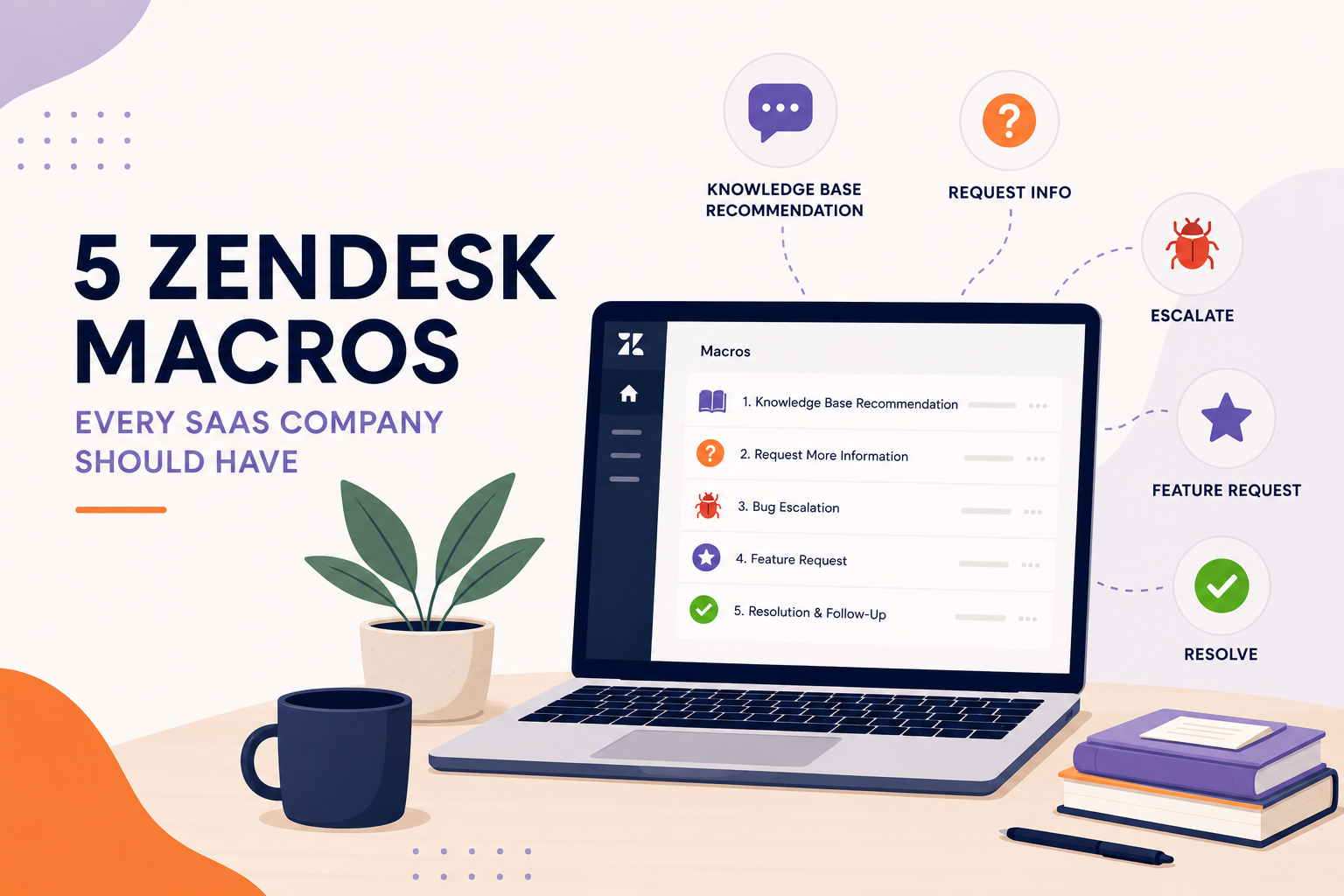
3. Give Agents Better Macros
If multiple agents are typing essentially the same response every day, you're paying people to repeatedly write the same thing.
Macros can eliminate that work.
But don't stop at creating generic canned responses.
Build macros around the actual conversations your team is having.
For example:
- Common troubleshooting steps
- Return or refund instructions
- Account verification
- Shipping questions
- Product information
- Follow-up messages
- Requests for additional information
- Common escalation scenarios
Try this
Look at the responses your agents are sending most frequently.
Find the ones that are repetitive and turn them into macros.
Then review those macros with your agents.
A good macro should save time while still giving the agent enough flexibility to make the response feel appropriate to the customer.
4. Automate the Work Agents Shouldn't Have to Do
Not every task requires a human.
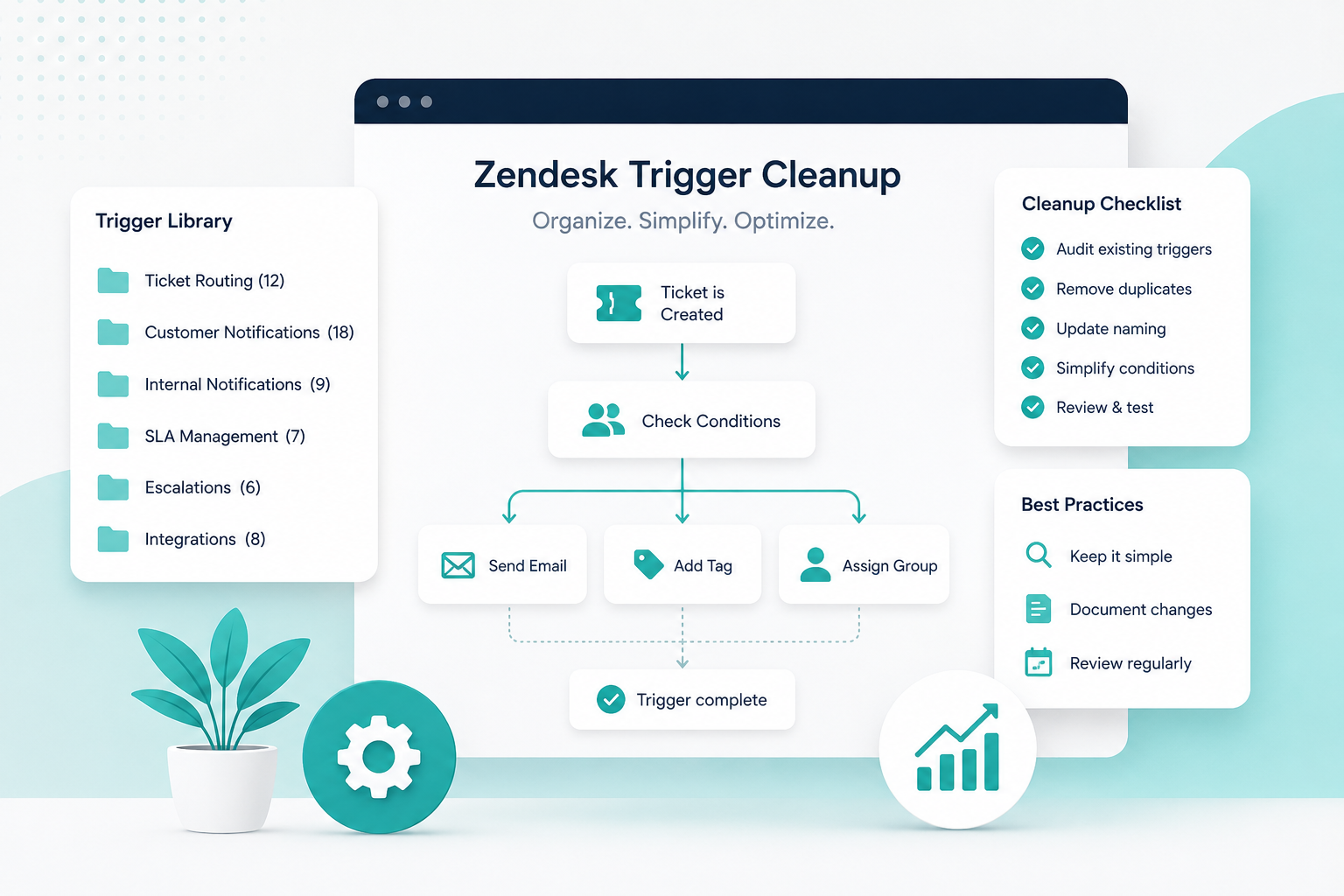
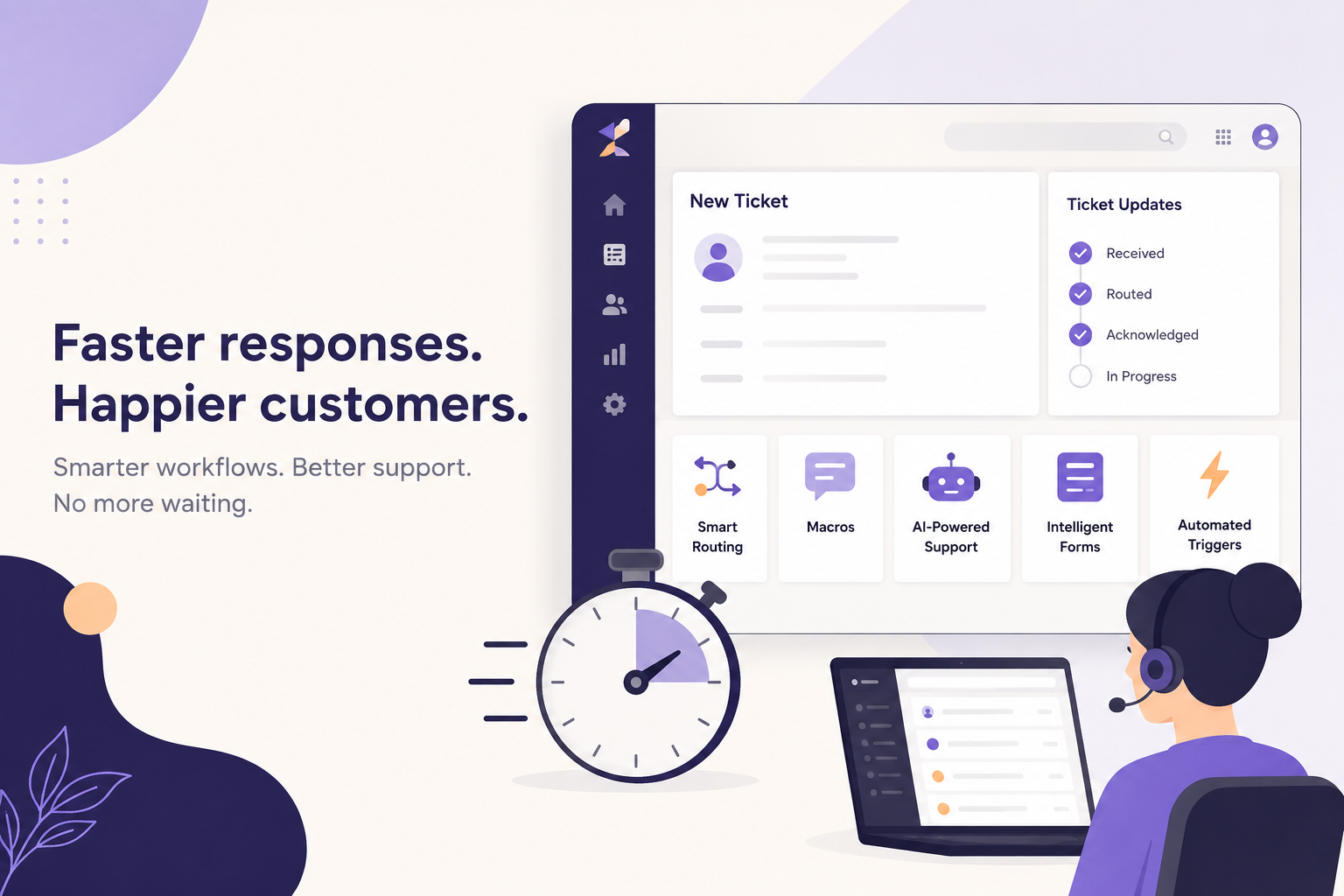
Zendesk can handle many repetitive parts of the support process automatically, including routing, tagging, notifications, field updates, and other workflow actions.
Start by looking for tasks that are:
High volume + repetitive + predictable
Those are excellent automation candidates.
For example, you may be able to automatically:
- Route tickets based on form selections
- Apply tags based on ticket information
- Assign tickets to the appropriate group
- Notify teams about specific issues
- Flag high-priority requests
- Remind agents about aging tickets
- Update ticket fields based on conditions
Try this
Ask your agents:
“What do you do in Zendesk over and over that feels like a waste of time?”
Make a list.
Then determine which tasks can be handled by automation instead.
Every repetitive task you eliminate gives your team more time for the tickets that actually require human judgment.
5. Get Ticket Routing Right
One of the fastest ways to overwhelm a support team is to send every ticket to everyone.
Good routing gets tickets to the right person or team as early as possible.
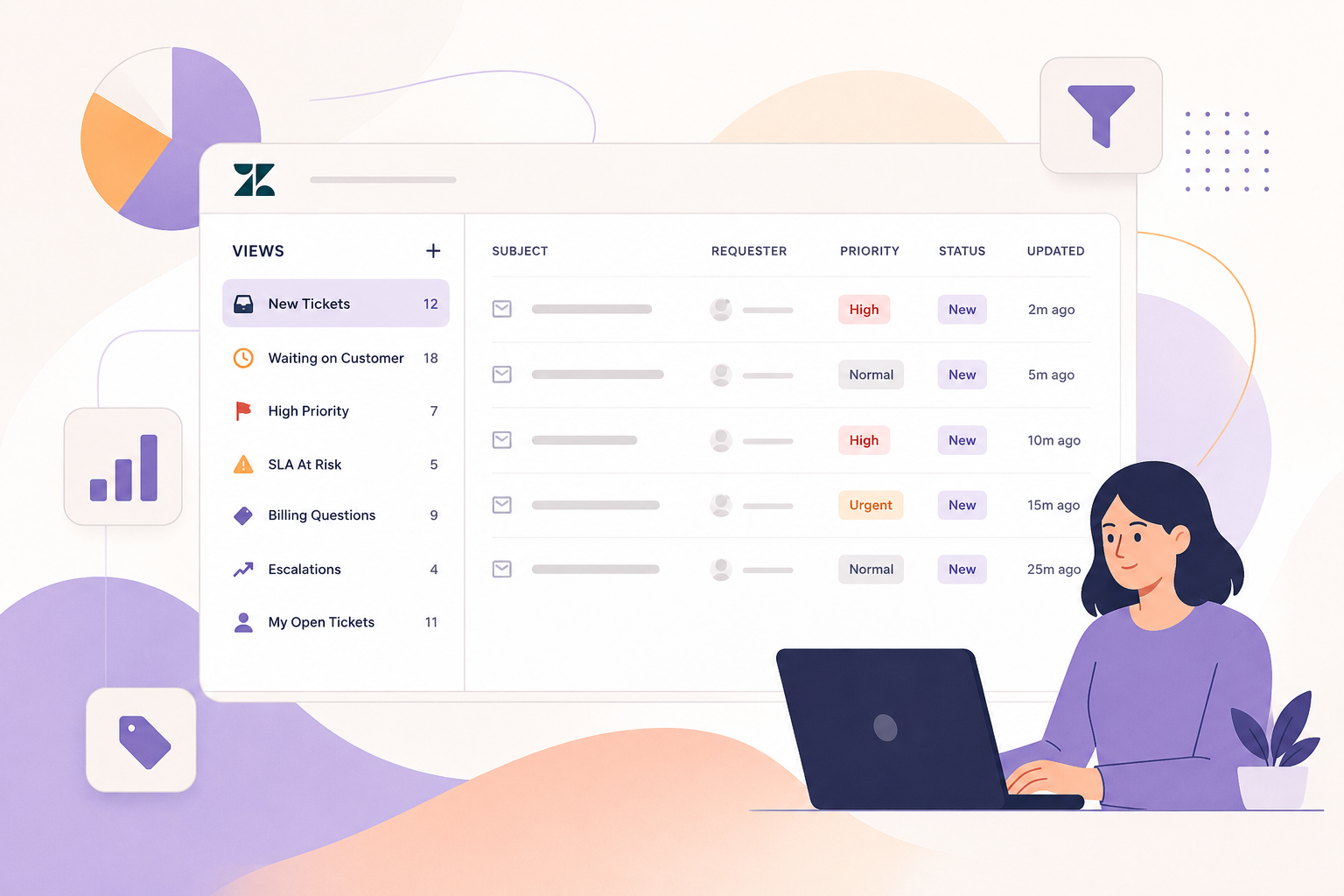
Review how tickets are currently being assigned.
Ask:
- Are tickets being routed based on the right information?
- Are specialized questions reaching specialized agents?
- Are certain teams receiving tickets they shouldn't?
- Are agents spending time figuring out who owns a ticket?
- Are tickets sitting unassigned?
- Are high-priority tickets being identified quickly?
Try this
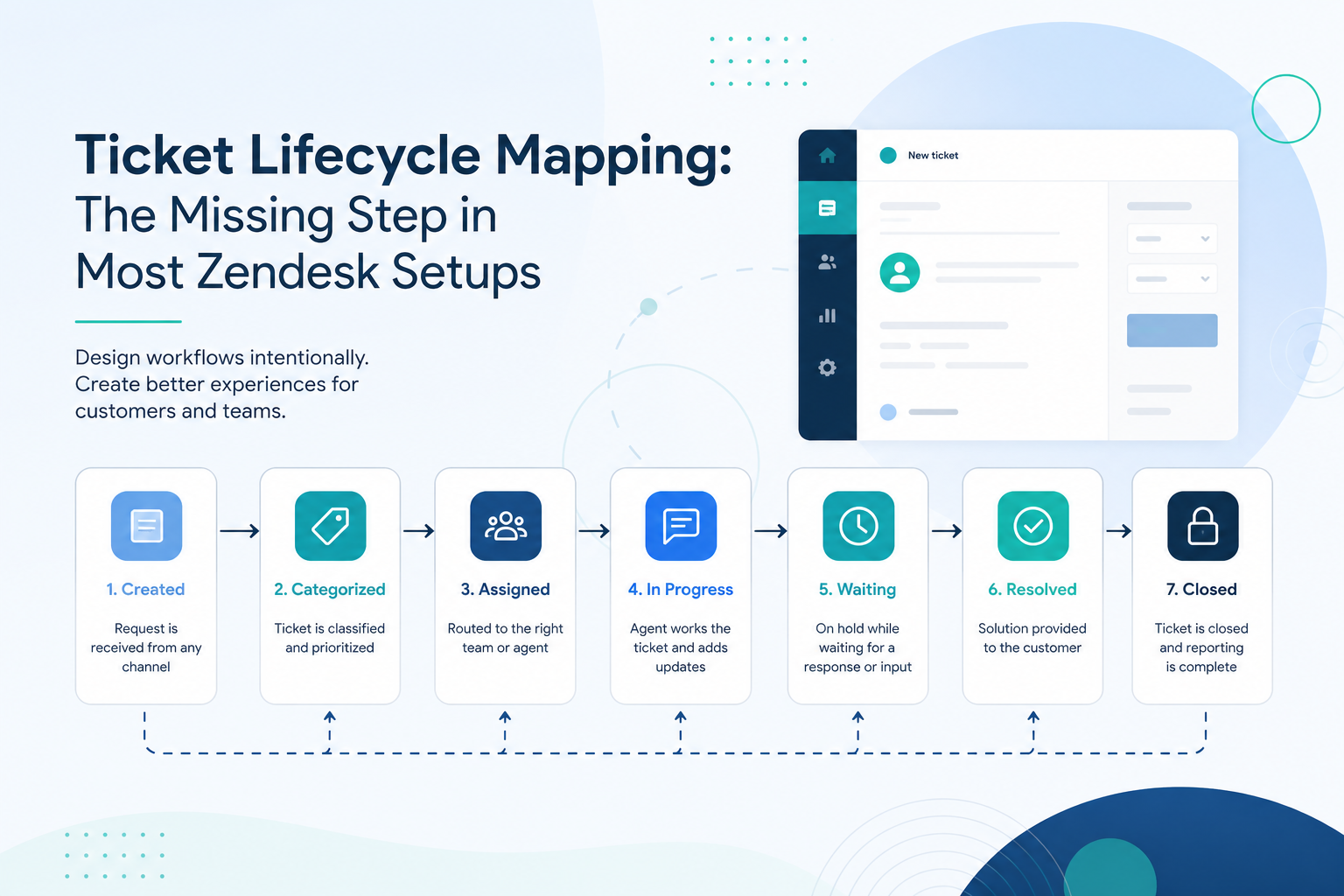
Take your five most common ticket types and map out where each one goes.
Write it down:
Ticket type → Conditions → Group → Agent → Escalation
If you can't clearly explain the path, your routing may need some work.
Better routing doesn't necessarily reduce the number of tickets.
It reduces the amount of time your team spends figuring out what to do with them.
6. Let Customers Help Themselves
The most efficient ticket is often the one that never gets created.
Before Q4, look at the questions customers ask repeatedly.
Then ask:
“Could the customer find this answer without contacting us?”
If the answer is yes, improve the self-service experience.
This could mean:
- Updating help center articles
- Creating new articles
- Improving article titles
- Adding better search terms
- Linking related articles
- Improving ticket forms
- Adding relevant help content before a customer submits a ticket
Try this
Pull a list of your most common ticket reasons from the last few months.
For each one, ask:
Could this be answered clearly in a help center article?
If yes, create or improve the article.
The goal isn't to prevent customers from contacting support.
It's to give customers another option when they have a simple question, and give your agents more time for the issues that actually need them.
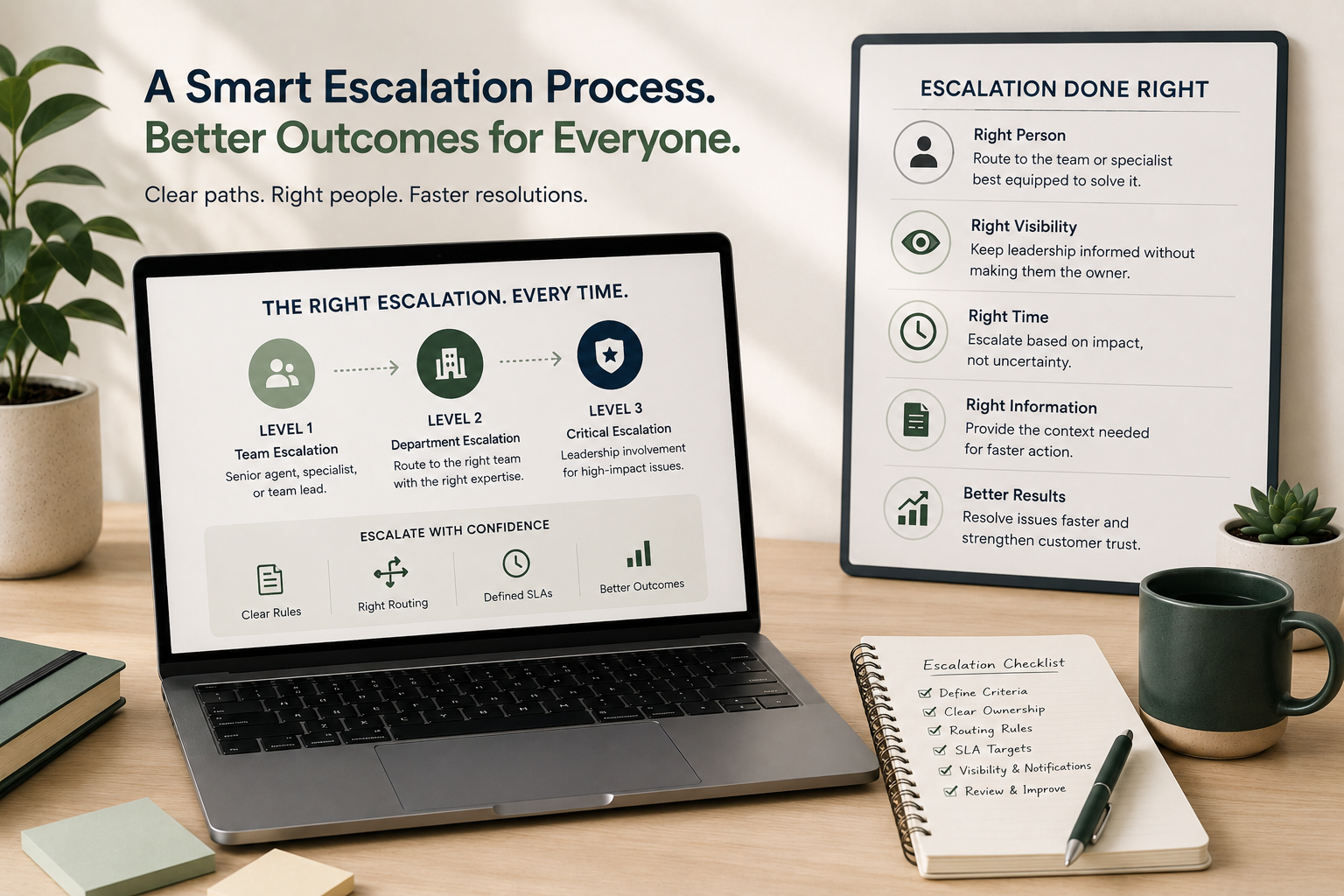
7. Build Escalation Paths That Don't Depend on One Person
Your support team shouldn't need to ask:
“Who do I message about this?”
Especially during Q4. If escalations depend on a manager being online, an executive responding to Slack, or one person knowing exactly what to do, your support operation has a bottleneck.
Create clear escalation paths for common scenarios.
Define:
- What qualifies as an escalation
- Who owns it
- Where it goes
- What information must be included
- How quickly it needs a response
- What happens if the first escalation point doesn't respond
Try this
Choose your three most common escalation scenarios and document the process for each.
For example:
Technical issue
→ Agent gathers required information
→ Ticket routed to technical team
→ Technical team investigates
→ Agent communicates resolution to customer
High-value customer issue
→ Agent identifies account
→ Ticket receives appropriate priority
→ Designated escalation group is notified
→ Owner is assigned
Potential cancellation
→ Agent follows retention process
→ Appropriate team is notified
→ Escalation is tracked in Zendesk
The exact process will vary by company.
The important part is that the process is clear, repeatable, and doesn't depend on someone remembering what to do.
Put It All Together: Remove Friction Before Adding Headcount
If you're expecting a significant increase in support volume this Q4, don't only look at your staffing numbers.
Look at the work your agents are actually doing.
How much time are they spending:
- Searching for answers?
- Writing repetitive responses?
- Manually routing tickets?
- Updating fields?
- Figuring out who owns an escalation?
- Answering questions customers could solve themselves?
- Asking other people for help?
Those are opportunities.
Before deciding that you need more agents, see how much friction you can remove from the agents you already have.
Your Pre-Q4 Efficiency Test
Take one hour with your support leadership team and walk through these seven questions:
- Are agents properly trained on our highest-volume and highest-complexity issues?
- Can agents quickly find the information they need?
- Do our macros cover our most repetitive responses?
- Are we automating repetitive administrative work?
- Are tickets reaching the right team quickly?
- Can customers answer common questions without creating a ticket?
- Does every common escalation have a clear owner and process?
For every “no,” ask:
“Could fixing this help our existing team handle more volume?”
You may be surprised by how much capacity is already sitting inside your current operation.
More Agents Aren't Always the First Answer
Hiring can absolutely be the right solution when your support volume has outgrown your team's capacity.
But headcount shouldn't be the automatic response to every increase in tickets.
If your agents are working around inefficient processes, adding more agents simply means more people working around those same problems. Before Q4, give your existing team the tools, information, automation, and processes they need to do their jobs well. Then you'll have a much clearer picture of whether you actually need more people.
And if you do?
At least you'll be adding headcount to a support operation that is already working efficiently.
Need Help Getting Your Zendesk Q4-Ready?
Sometimes it's difficult to identify your own bottlenecks because you're too close to the day-to-day operation.
A Zendesk health check can help uncover the workflow issues, automation opportunities, routing problems, and process gaps that are slowing your team down.
Before you hire more agents, make sure the ones you already have aren't being held back by your Zendesk.
That's exactly the kind of work SupportPie can help with.
Get a Zendesk Health Check →